


Smart Wall Designer Pro
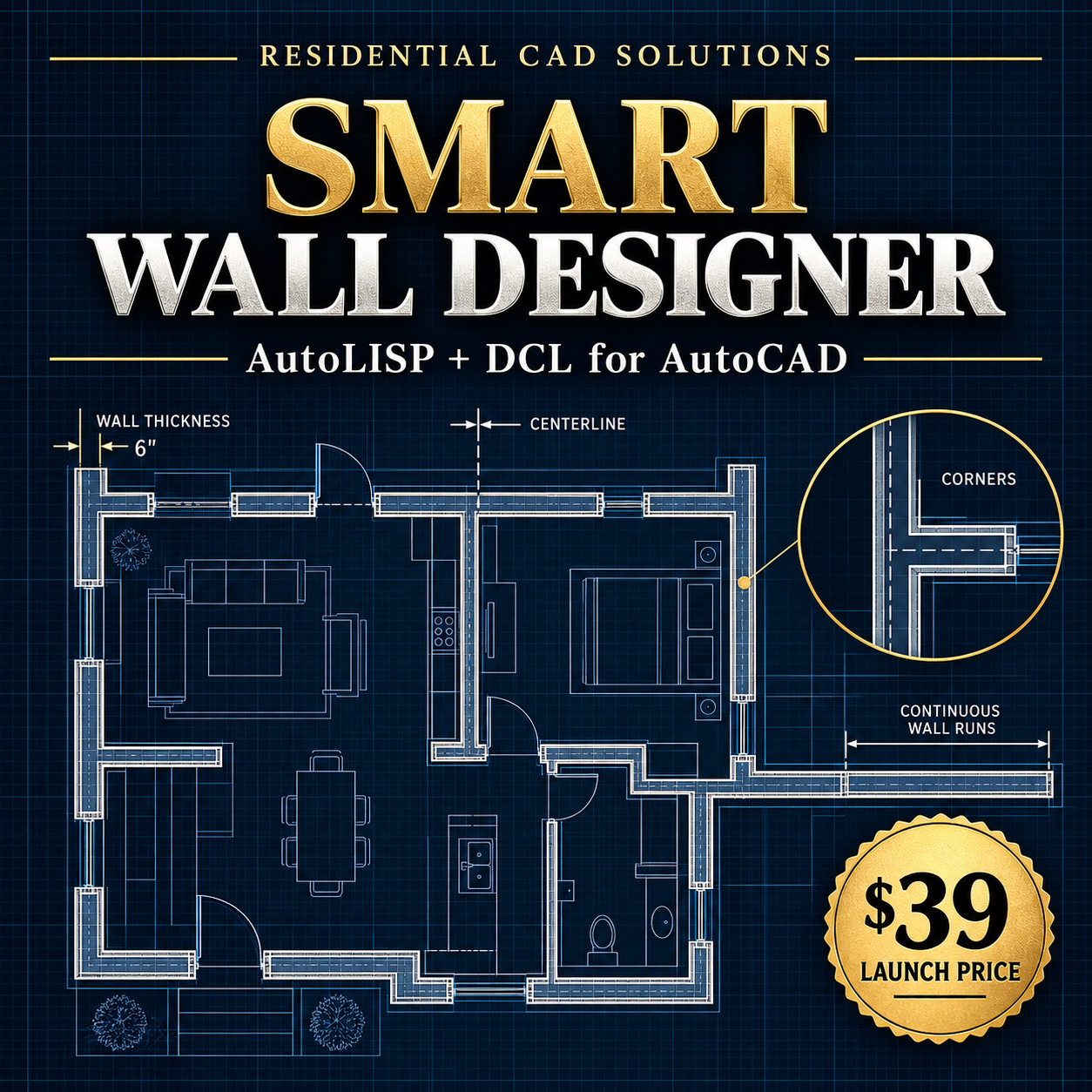
Design residential walls faster and more accurately with Smart Wall Designer Pro—an AutoLISP and DCL automation tool created for AutoCAD 2002 and compatible AutoCAD versions that support AutoLISP.
Instead of manually offsetting every wall line, Smart Wall Designer Pro helps you create clean, parallel 2D wall faces using common residential wall thicknesses.
FEATURES
• Draw straight or continuous multi-segment walls
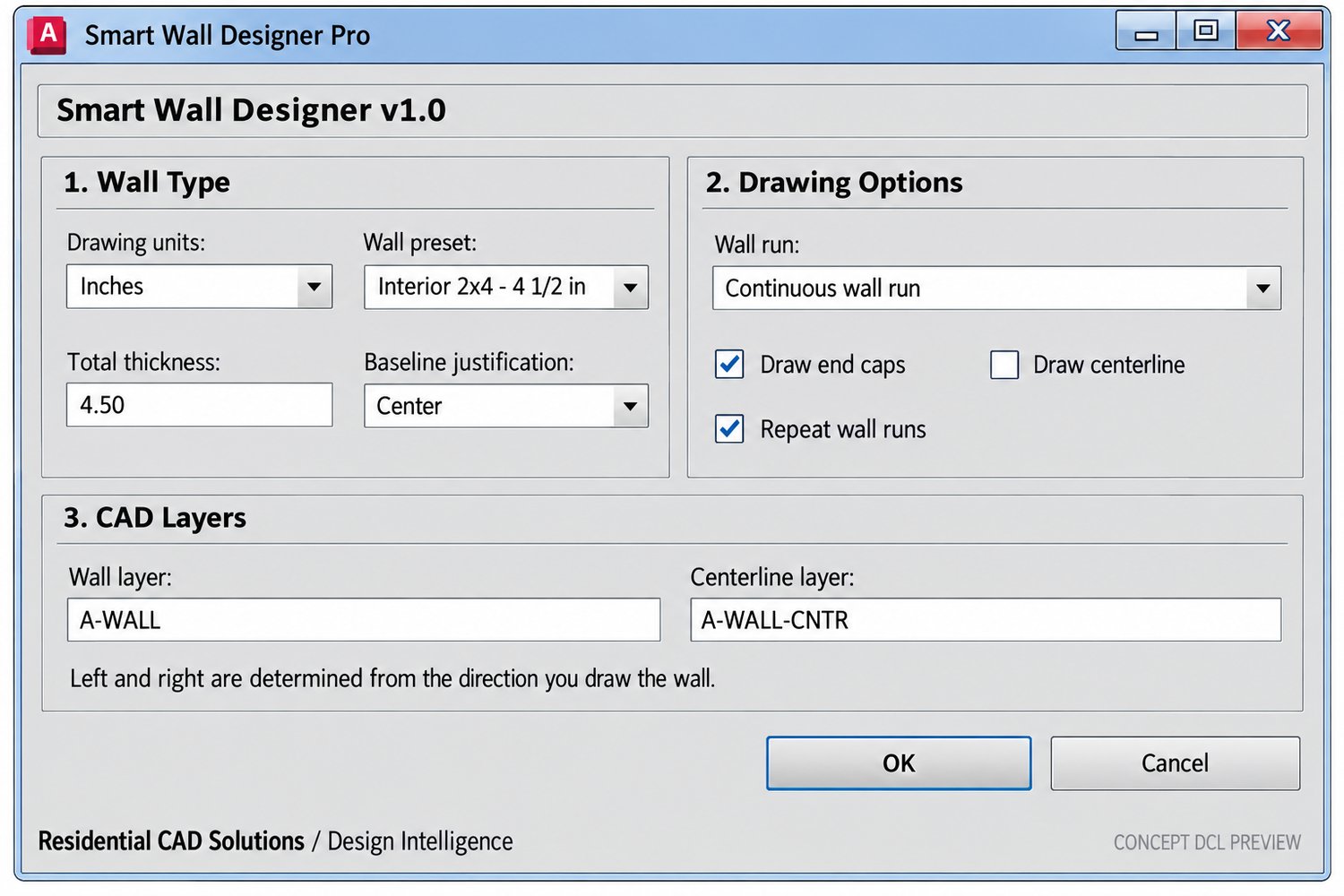
• Choose center, left, or right baseline justification
• Select inches or millimeters
• Automatically organize wall geometry on layers
• Add optional wall end caps and centerlines
• Use repeat mode for faster drafting
• Create custom wall thicknesses
• Use the WALLCAP command to close open wall ends
WALL PRESETS
• Interior 2×4 wall — 4.5 inches
• Interior 2×6 wall — 6.5 inches
• Exterior 2×4 wall — 5.5 inches
• Exterior 2×6 wall — 7.5 inches
• Plumbing wall — 8 inches
• Masonry wall — 8 or 12 inches
• Custom wall thickness
COMMANDS
SMARTWALL — Opens the Smart Wall Designer dialog
SWALL — Quick command for Smart Wall Designer
WALLCAP — Closes selected open wall ends
YOUR DOWNLOAD INCLUDES
• SmartWallDesigner.lsp
• SmartWallDesigner.dcl
• Installation instructions
• Command reference
• Compatibility guide
• Single-user commercial license
• Support information
• Disclaimer and changelog
COMPATIBILITY
Built from an AutoCAD 2002-compatible foundation. Because AutoCAD configurations can vary, buyers should confirm AutoLISP and DCL support in their specific AutoCAD version before purchasing.
IMPORTANT LIMITATIONS
Smart Wall Designer Pro creates 2D parallel wall faces using AutoCAD offset geometry. It does not automatically clean up every T-intersection, X-intersection, opening, door, window, curved wall, or self-crossing wall condition. Some tight corners may require manual cleanup.
This software is a drafting productivity tool. It does not provide architectural, structural, engineering, building-code, or permit approval.
Commercial Edition Launch Price: $39
Save drafting time, maintain consistent wall thicknesses, and give your residential floor-plan workflow a professional boost with Smart Wall Designer Pro.