
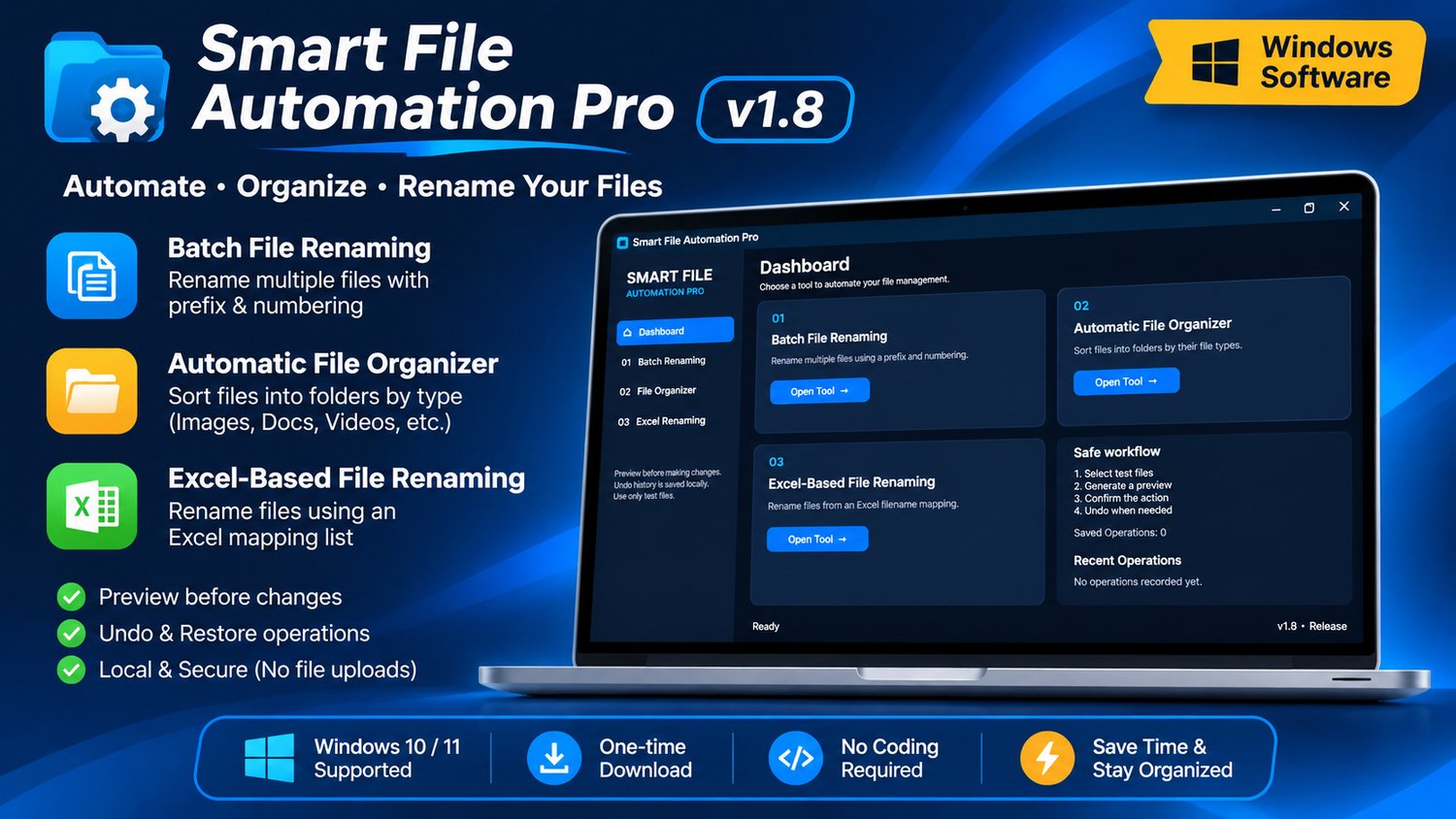
Smart File Automation Pro v1.8 – Windows File Organizer & Batch Renamer
Smart File Automation Pro v1.8
Organize, Rename & Manage Your Files in Minutes!
Tired of manually renaming hundreds of files or organizing messy folders?
Smart File Automation Pro is a Windows desktop application designed to simplify everyday file management with three powerful automation tools.
🚀 Key Features
1. Batch File Renaming
- Rename multiple files in a single operation.
- Create consistent filenames using custom prefixes and automatic numbering.
- Preview changes before applying them.
2. Automatic File Organizer
- Organize files into folders based on their file types.
- Reduce clutter and keep your files organized.
- Save time on repetitive file management tasks.
3. Excel-Based File Renaming
- Rename files using filename mappings from an Excel spreadsheet.
- Ideal for managing large collections of documents and other files.
- Simplify repetitive renaming workflows.
🔒 Built-in Undo Protection
- Preview file changes before confirming.
- Undo supported file operations when needed.
- Persistent undo history allows you to restore previous operations even after restarting the application.
💻 Who Is This Software For?
- Students and professionals
- Office administrators
- Freelancers
- Small businesses
- Anyone managing large numbers of files
📦 What You'll Receive
- Smart File Automation Pro v1.8 for Windows
- Downloadable ZIP package containing the application and its required files
- No Python installation required
⚙️ System Requirements
Operating System: Windows 10 or Windows 11
Installation: Extract the ZIP package and launch the application.
Important: Always preview changes and test the software with sample files before using it on important documents.
🎉 Special Launch Offer
📥 How to Download and Run the Software
Step 1: After completing your purchase, download the Smart File Automation Pro v1.8 ZIP file.
Step 2: Right-click the downloaded ZIP file and select Extract All.
Step 3: Open the extracted folder.
Step 4: Double-click SmartFileAutomationPro_v1_8.exe to launch the application.
Step 5: Keep the application executable and the _internal folder together. Do not move or delete the _internal folder.
🛡️ Windows Security Notice
Smart File Automation Pro v1.8 is currently distributed without a digital code-signing certificate.
Windows SmartScreen may display an Unknown Publisher warning when you first launch the application.
If this happens, verify that you downloaded the software from the official product purchase page and that the filename matches the instructions above. If Windows displays a warning, do not bypass it unless you have independently verified and trust the software.
⚠️ Important Usage Guidelines
- Always preview file changes before applying them.
- Test the application using sample files before processing important documents.
- Keep backups of important files.
- Do not delete or move files involved in an operation before using Undo.
- The software is designed for Windows 10 and Windows 11.
💬 Customer Support
If you experience installation problems or application errors, contact the seller through the support information provided with your purchase.
Customer Support Email: smartfileautomationpro.support@gmail.com
Get Smart File Automation Pro v1.8 for just $4.99 USD!