
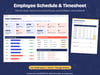
Employee Schedule & Timesheet Spreadsheet for Small Teams | Excel & Google Sheets
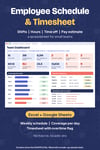
Plan who works when, see if each day is covered, and keep clock-in times, breaks and time off in one tidy workbook.
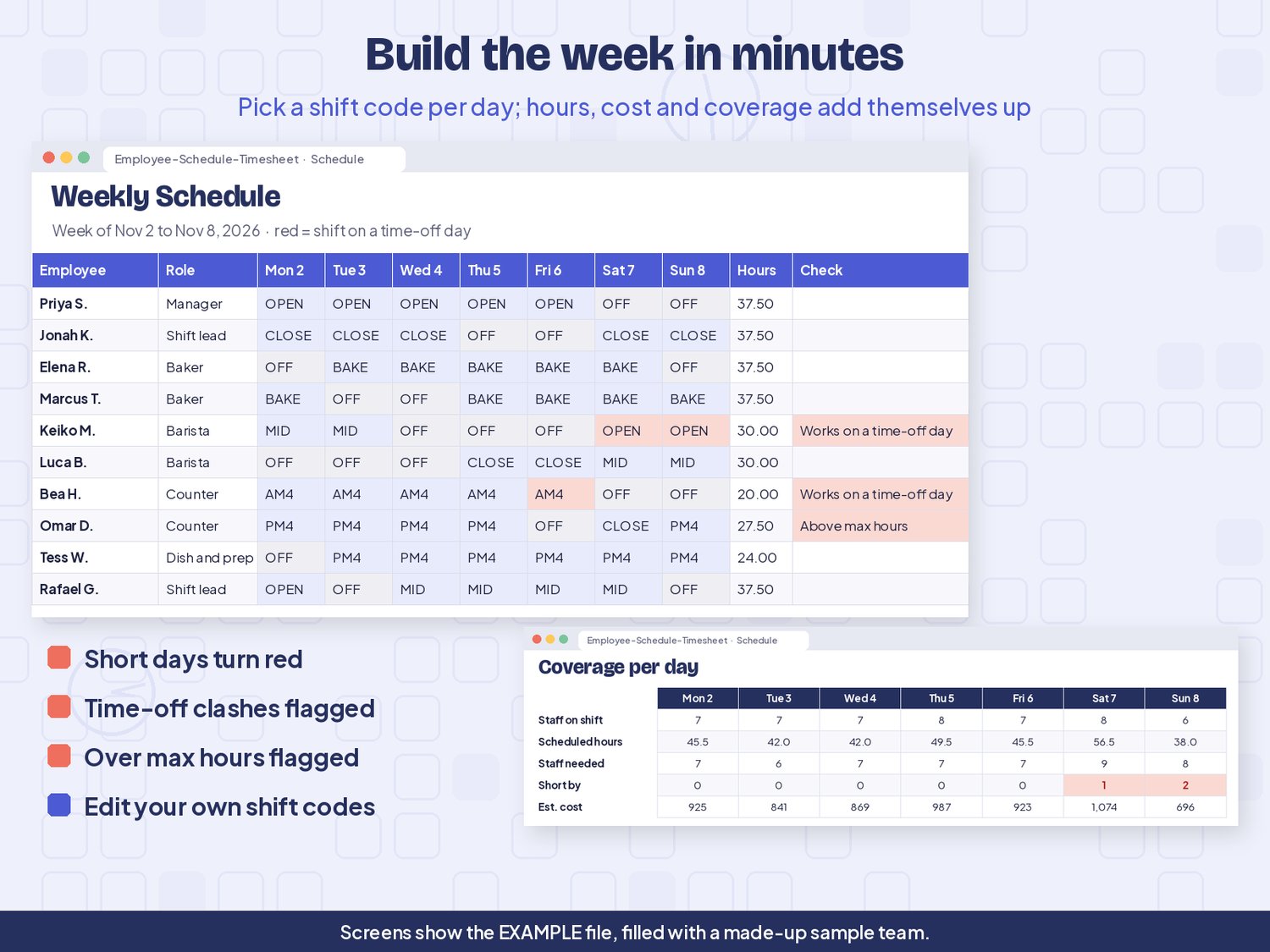
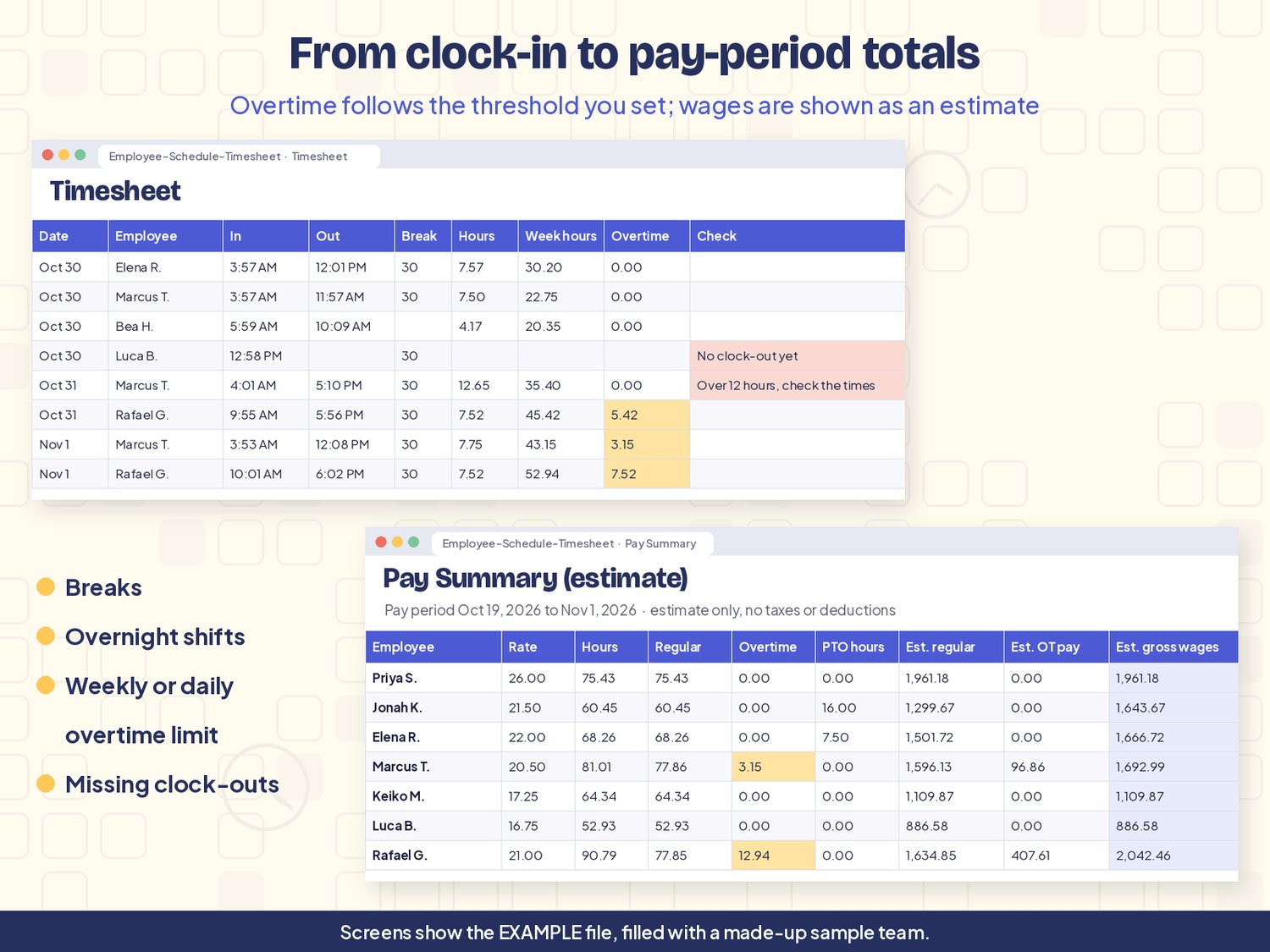
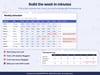
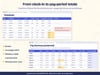
Pick a shift code for each person and day, and the schedule adds up hours, estimated cost and how many people are on shift. The timesheet works out hours from clock-in, clock-out and breaks, keeps a weekly running total and marks overtime hours using the threshold you set. At the end of a pay period, the Pay Summary shows each person's hours and an estimate of gross wages (hours x rate).
It suits small teams such as cafes, bakeries, shops, salons, studios and small offices that have outgrown a paper rota.
What it does
- A staff list for up to 100 people with role, team or location, hourly rate and max hours per week
- A weekly schedule grid with your own shift codes and times, hours and estimated cost per person
- Coverage per day: staff on shift, scheduled hours, staff needed and how many you are short
- A timesheet for clock-in, clock-out and unpaid breaks, including shifts past midnight
- An overtime flag based on a weekly threshold you choose, with an optional daily threshold
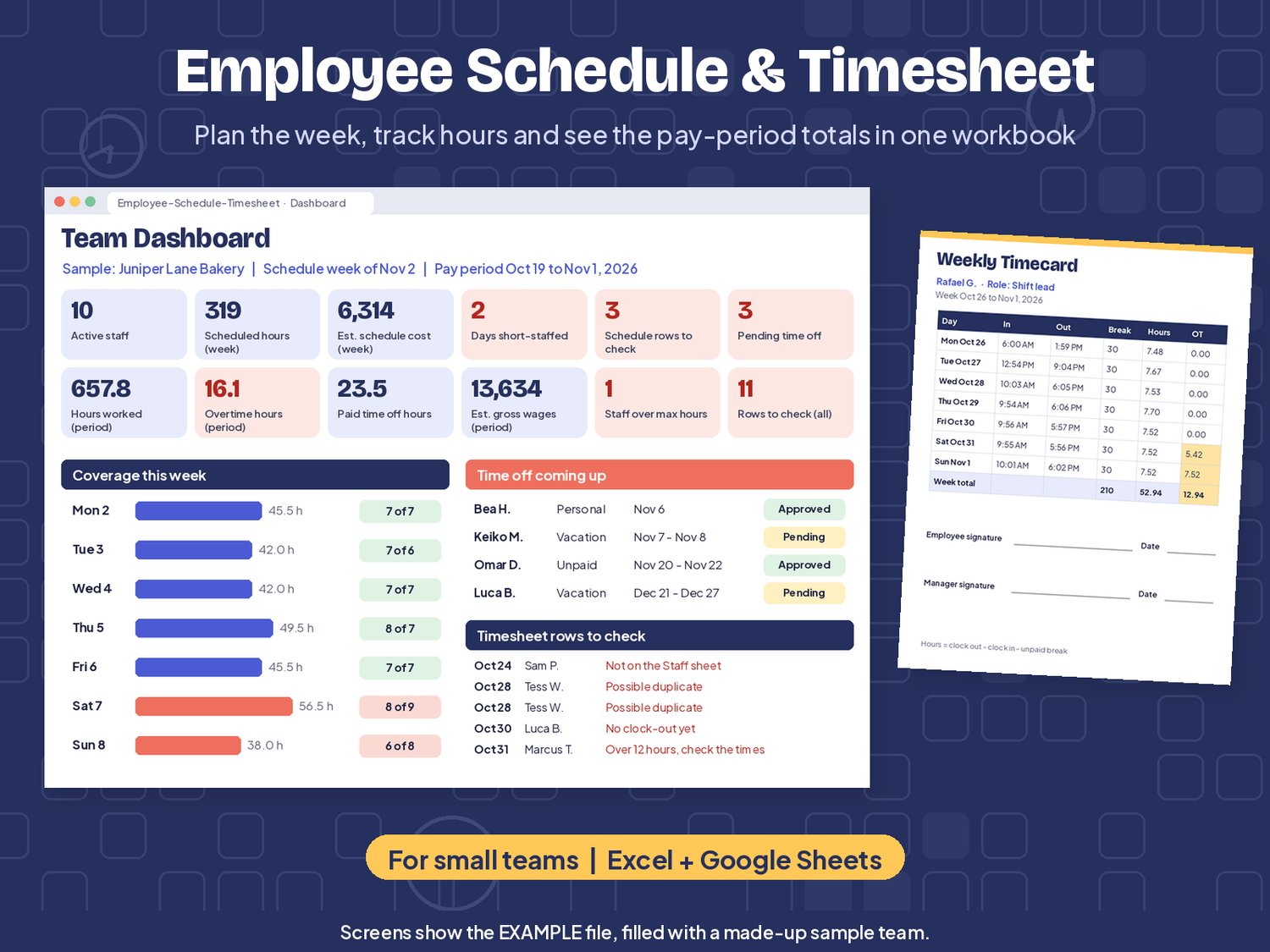
- Time-off requests with Pending, Approved or Denied, and a red warning if a shift lands on someone's time off
- A Pay Summary per person: hours, regular and overtime hours, paid time off and an estimate of gross wages
- A printable Weekly Timecard with signature lines
- Checks for missing clock-outs, possible duplicates, unknown names, very long shifts and people scheduled over their max hours
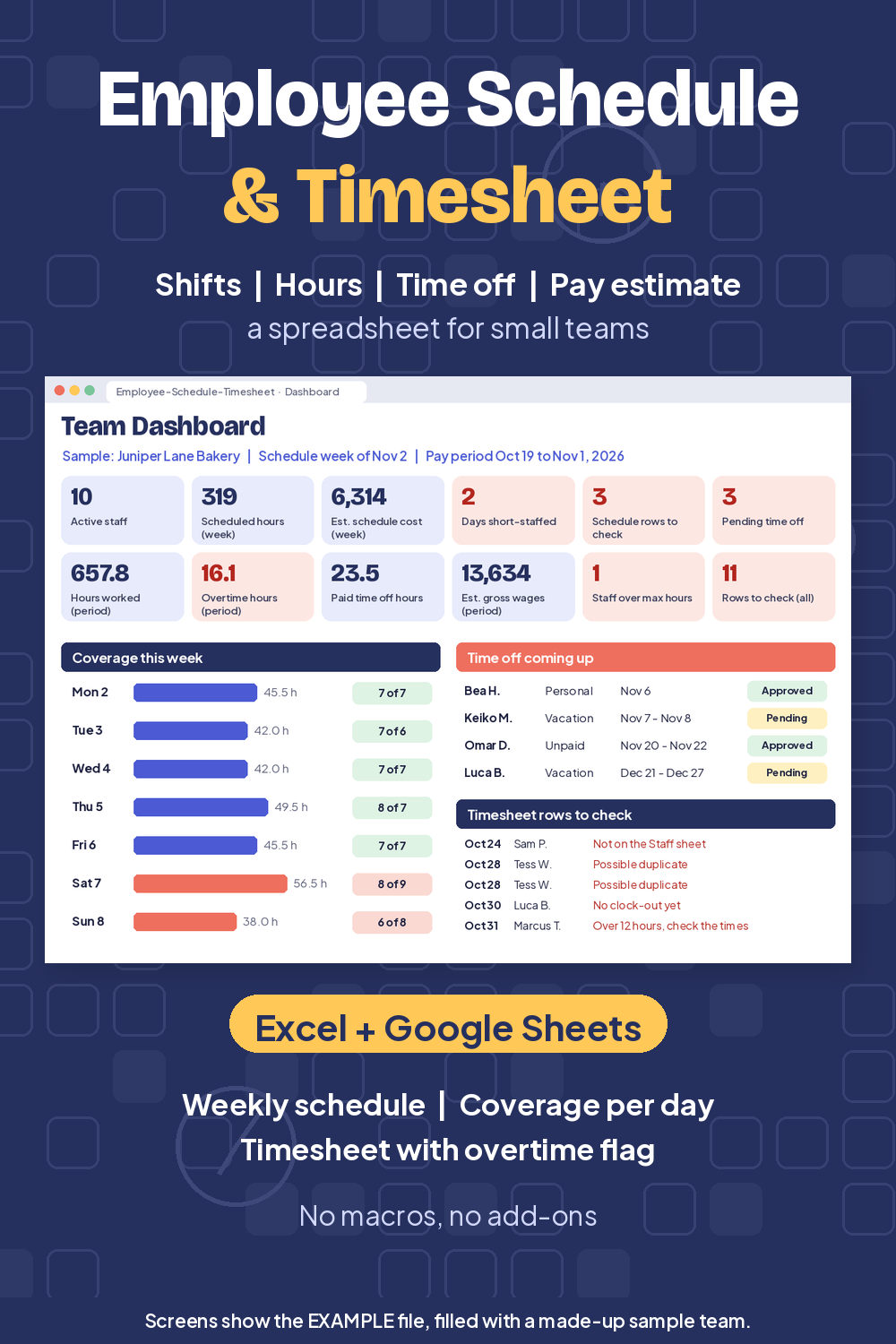
- A dashboard with 12 live totals, daily coverage, time off coming up and rows to check
What's included
- Employee-Schedule-Timesheet.xlsx: the blank workbook, ready for your team
- Employee-Schedule-Timesheet-EXAMPLE.xlsx: the same workbook filled with a made-up bakery team so you can see every sheet working
- README.txt: quick start and tips
- licenses folder: font and content notes
Works with
Microsoft Excel 2010 or newer (Windows and Mac), Google Sheets (upload, then File > Save as Google Sheets) and LibreOffice Calc. No macros, scripts or add-ons. Not tested in Apple Numbers.
Good to know
- This is a digital download. Nothing will be mailed.
- Organization tool only, not payroll, tax or legal advice.
- Wage figures are estimates: hours x the rates you type. Taxes, withholding, tips and deductions are not included.
- Overtime follows only the thresholds you set. The workbook does not know the rules that apply where you are, so set it to match your own policy.
- Numbers carry no currency symbol, so any currency works.
- It is a spreadsheet, not a time clock app. Times are typed in or pasted; nothing connects to a clock-in device.
License
For use in your own business or team. You can change the workbook as much as you like. Please don't resell, share or give away the file or a changed version of it, on its own or as part of another product.
Refunds
Because this is an instant digital download, all sales are final. If something doesn't open or work as described, message me and I'll help you sort it out.