


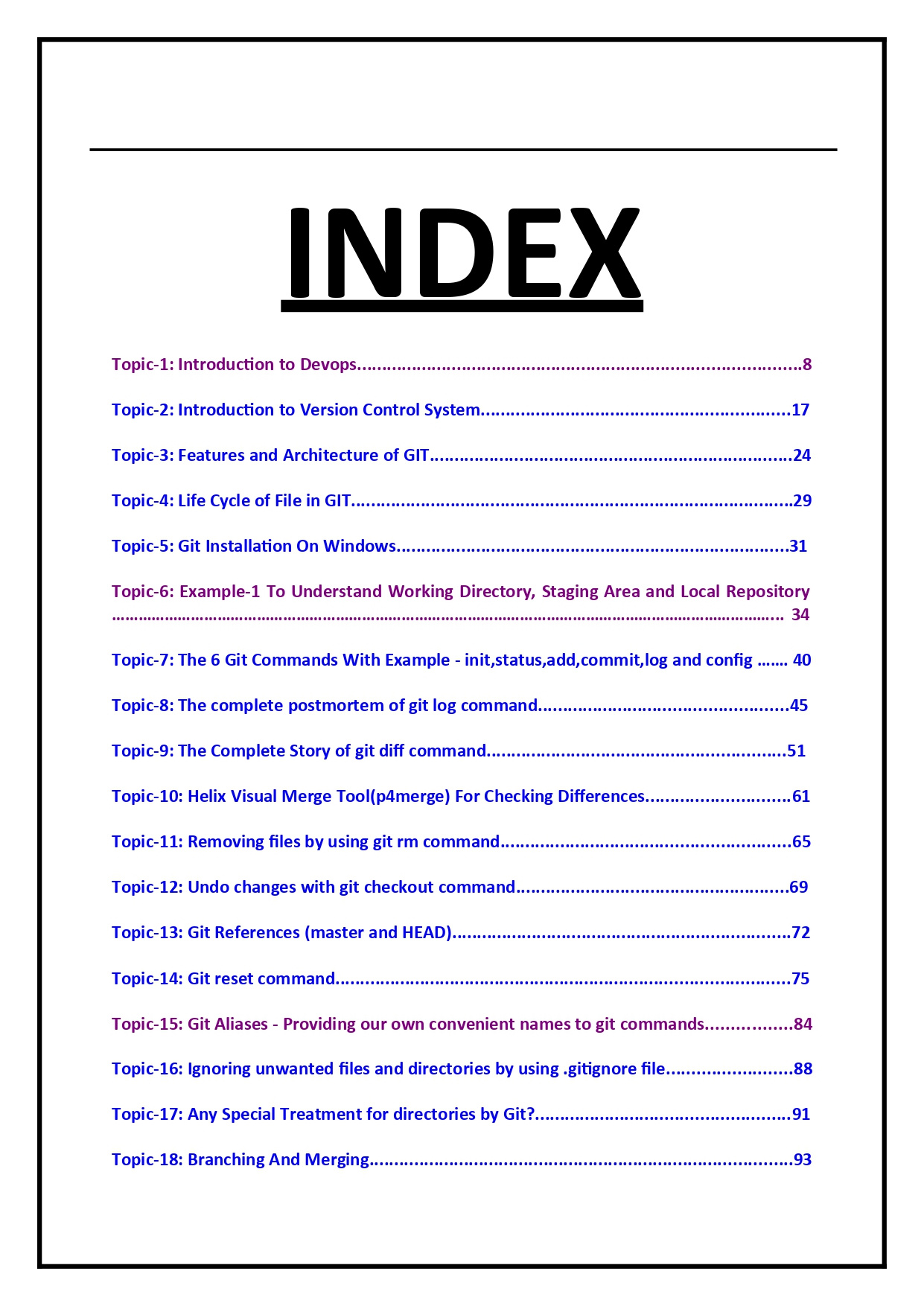



Git for DevOps – Complete Study Material
📘 Git for DevOps – Complete Study Material
1️⃣ Git Basics (Must-Know)
These are non-negotiable for DevOps roles.
bash
Copy code
git --version git config --global user.name "Your Name" git config --global user.email "you@email.com"
Core concepts
- Repository
- Working Directory
- Staging Area
- Commit
- Branch
- HEAD
Daily commands
bash
Copy code
git init git status git add . git commit -m "initial commit" git log --oneline git diff
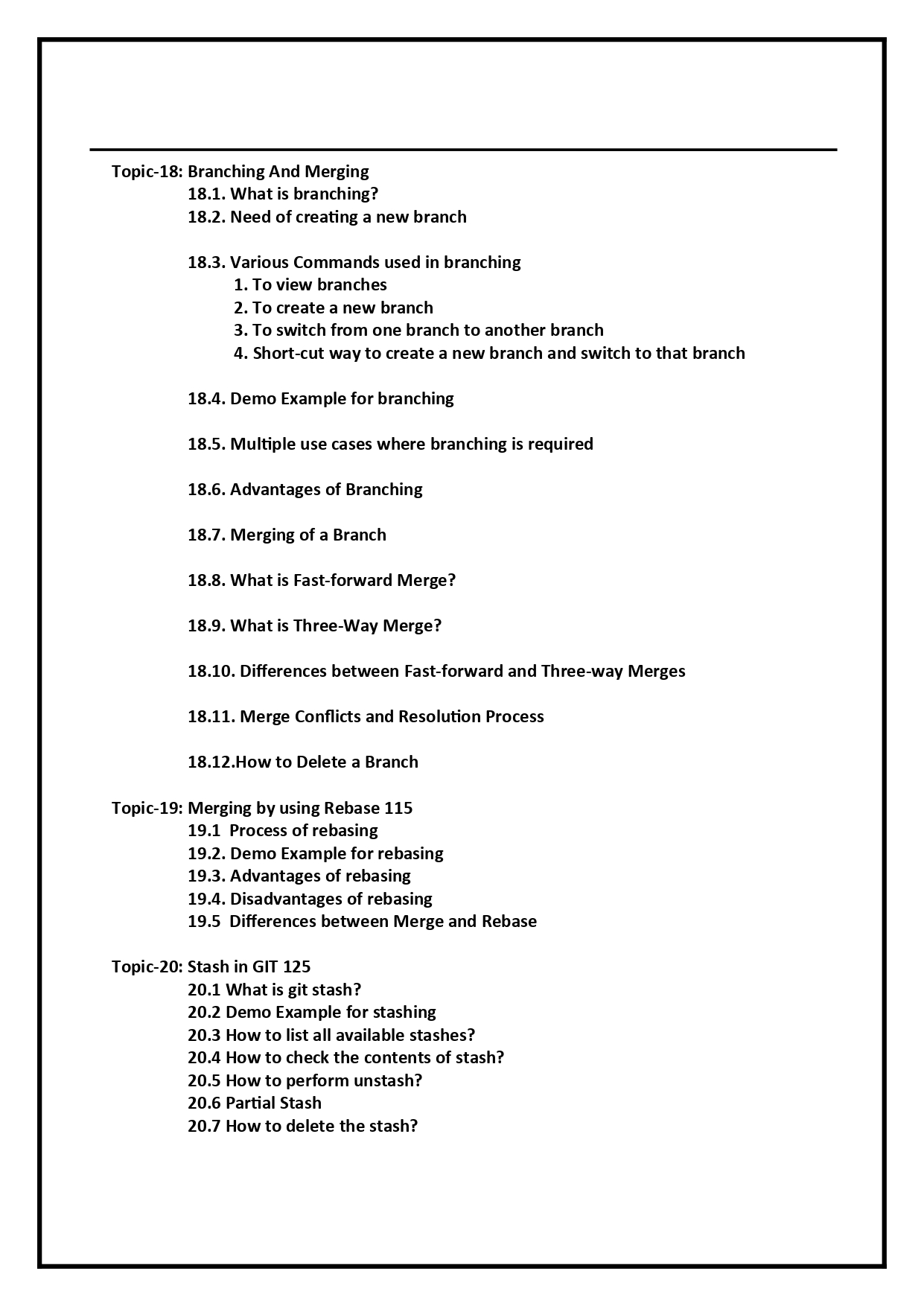
2️⃣ Branching & Merging (Real DevOps Usage)
bash
Copy code
git branch git branch feature-login git checkout feature-login git checkout -b hotfix-prod
Merge
bash
Copy code
git checkout main git merge feature-login
Rebase (clean history)
bash
Copy code
git rebase main
👉 DevOps teams prefer rebase for feature branches, merge for main
3️⃣ Git Workflow for DevOps Teams
🔹 GitFlow
- main → production
- develop → integration
- feature/* → new work
- hotfix/* → production fixes
🔹 Trunk-Based Development (popular in CI/CD)
- Short-lived branches
- Frequent commits
- Heavy automation
4️⃣ Remote Repositories (GitHub / GitLab / Bitbucket)
bash
Copy code
git remote add origin https://github.com/org/repo.git git push -u origin main git pull git fetch
Fork + PR workflow
- Fork repo
- Create feature branch
- Push changes
- Open Pull Request
- CI runs automatically
5️⃣ Git in CI/CD Pipelines (Very Important)
Examples:
- GitHub Actions
- GitLab CI
- Jenkins
Triggers
- Push
- Pull Request
- Tag creation
yaml
Copy code
# GitHub Actions example on: push: branches: [ "main" ]
👉 Every Git commit = pipeline execution
6️⃣ Handling Merge Conflicts (Production Skill)
bash
Copy code
git pull # conflict happens git status # edit files git add . git commit
Abort merge
bash
Copy code
git merge --abort
7️⃣ Rollbacks & Recovery (Critical for DevOps)
bash
Copy code
git reset --soft HEAD~1 git reset --hard HEAD~1 git revert <commit-id>
👉 Production rule
- Use revert for shared branches
- Use reset for local work
8️⃣ Tags & Releases (DevOps Release Management)
bash
Copy code
git tag v1.0 git tag -a v1.1 -m "Release v1.1" git push origin --tags
Used for:
- Production releases
- CI/CD versioning
- Rollbacks
9️⃣ Git Hooks (Automation Power)
bash
Copy code
.git/hooks/pre-commit
Use cases:
- Code linting
- Secret scanning
- Prevent bad commits
🔟 Git Security Best Practices
- Never commit secrets
- Use .gitignore
- Scan with tools:
- truffleHog
- git-secrets
- gitleaks