



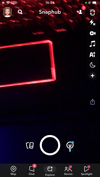
Snaphub IPA "One-Time Purchase"
Snaphub for iOS | Lifetime Access [One-Time Purchase]
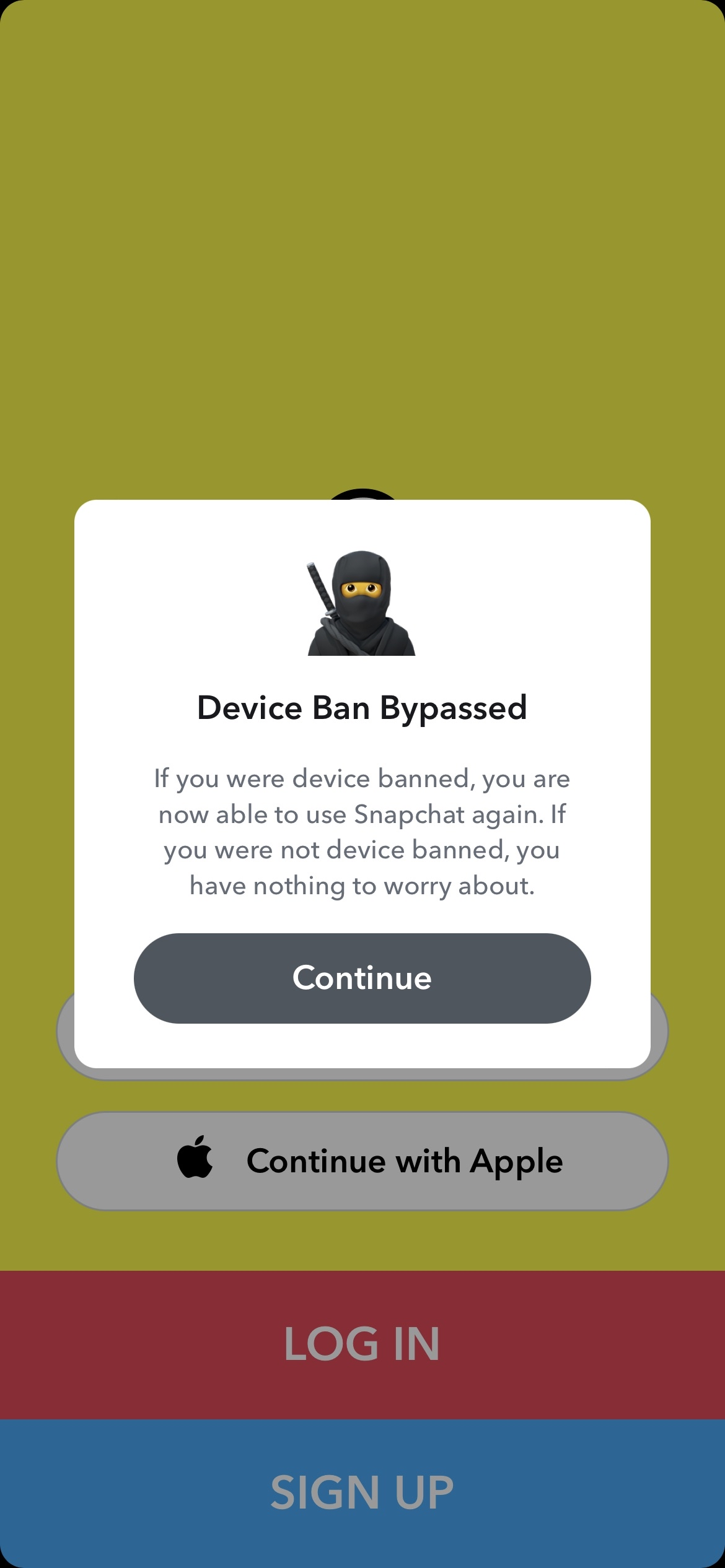
Bypass ss06 device ban and take complete control over your iOS device experience. Snaphub for iOS 14 - iOS 27 is a premium, rock-solid, and completely optimized application tweak built specifically for stability, performance, and advanced customization.
Tired of monthly subscriptions and hidden fees just to unlock full app capabilities? Snaphub eliminates the noise. Buy it once, own it forever.
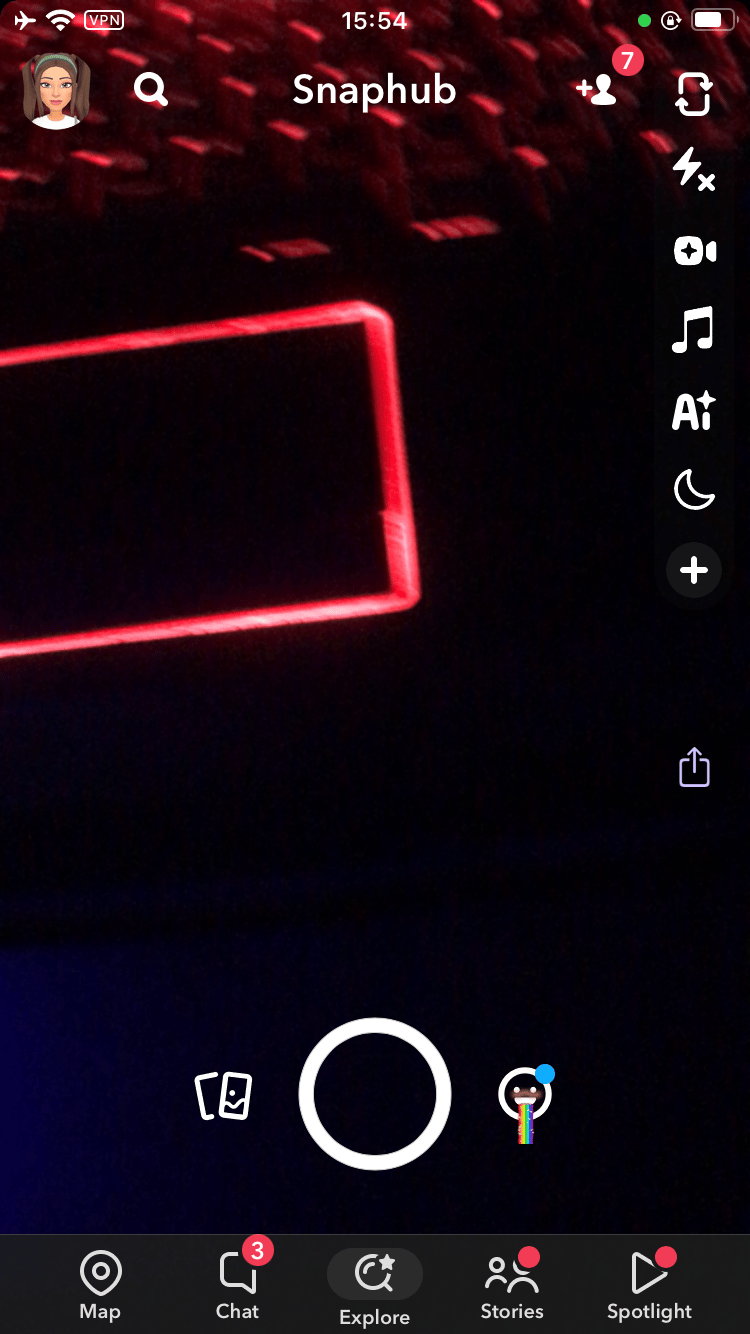
Core Features That Set SnapHub Apart
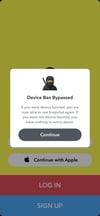
. device ban bypass - no more SS06
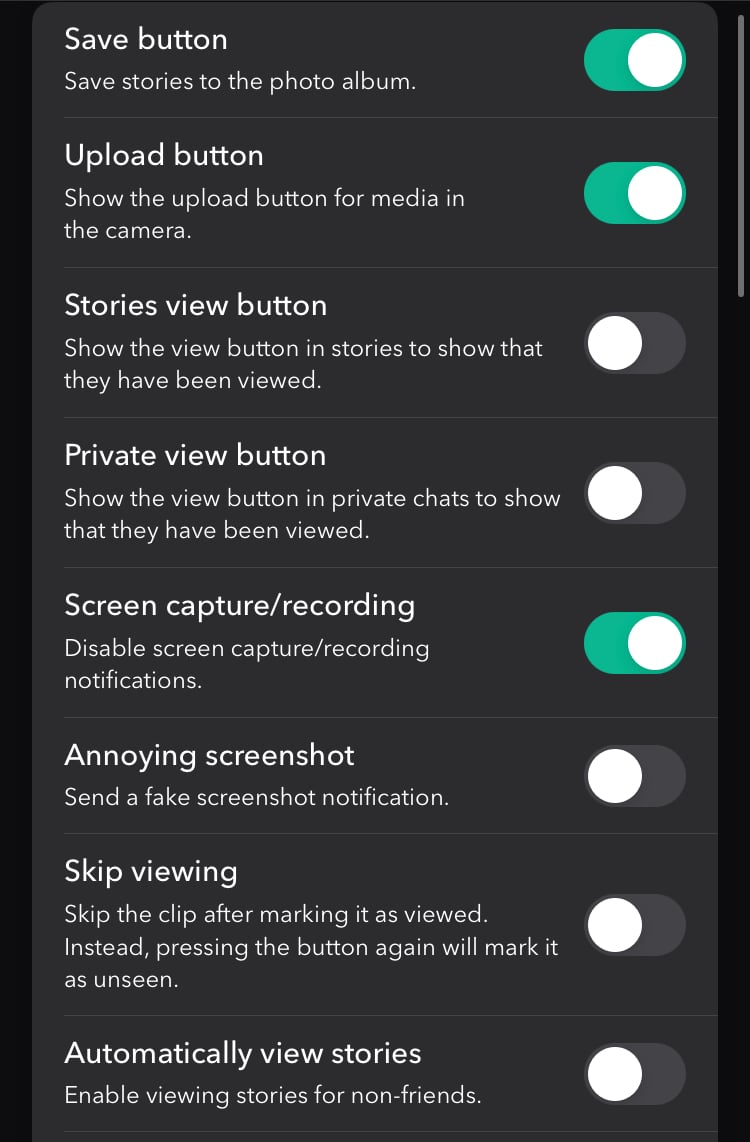
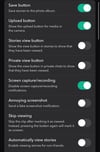
• Silent Saving — Grab snaps, stories, videos, and chats straight to your Camera Roll. Zero notifications sent to the sender — your secrets stay yours.
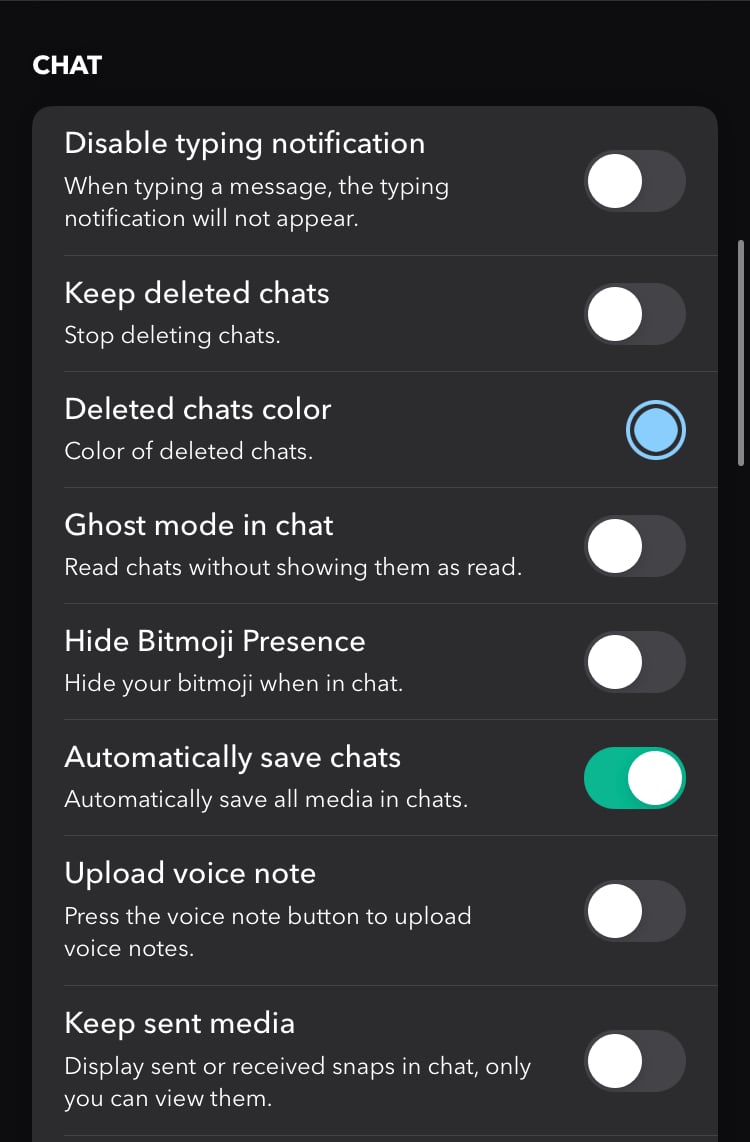
• Stealth Viewing — Open snaps, stories, and messages without marking them as “seen.” Re-watch unlimited times anonymously. Perfect for lurking.
• Screenshot & Screen Record Bypass — Capture anything (screenshots, recordings) with no alert ever triggered. True privacy unlocked.
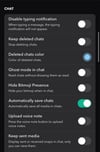
• Ghost Mode Privacy — Hide typing indicators, online status, Bitmoji reactions, call buttons, auto-seen on stories/chats — disappear like a pro.
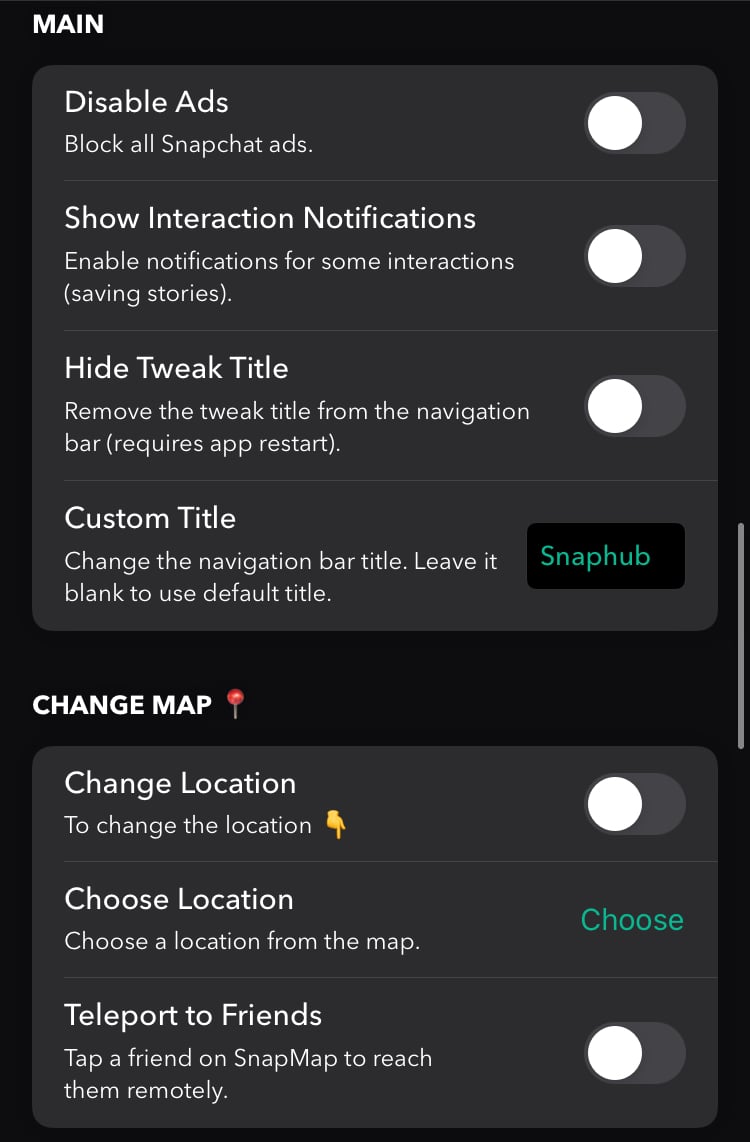
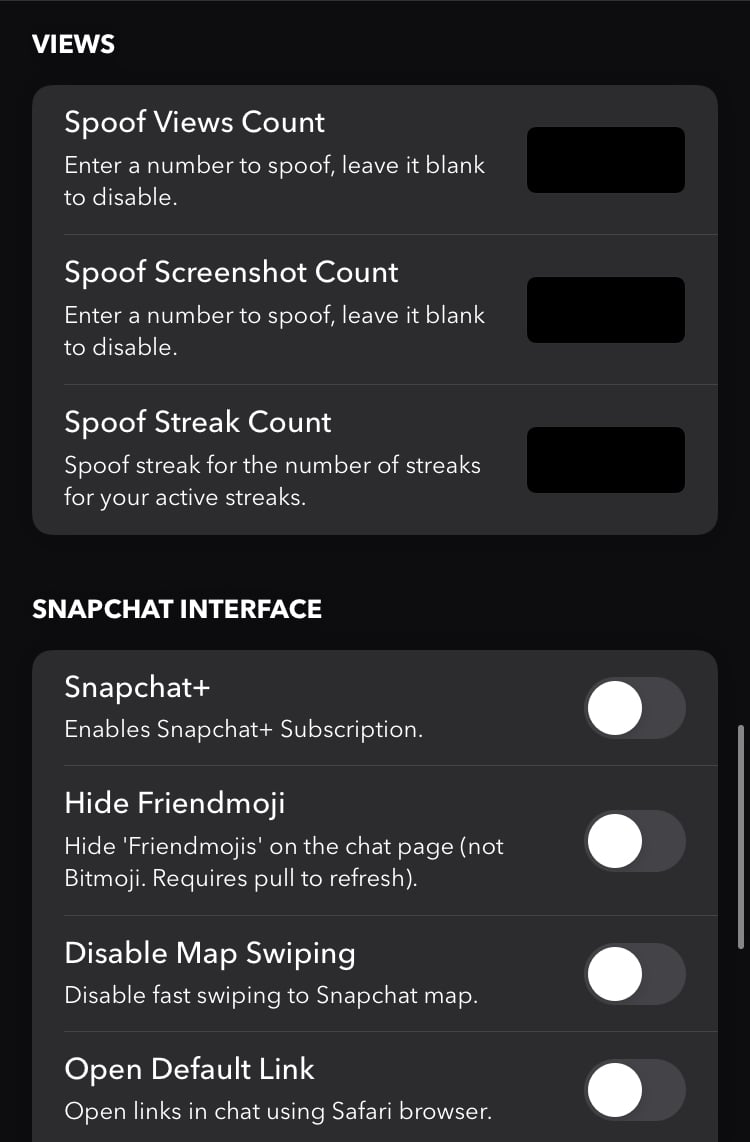
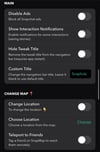
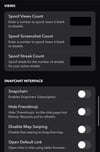
• Premium Extras — Auto-loop videos, force ultra-HD downloads, enhanced dark mode tweaks, reduced ads, streamlined UI for smoother performance.
Why SnapHub Stands Out in 2026
• Compatibility — Confirmed working flawlessly on iOS 14 all the way through iOS 27 and future versions.
• Anti-Detection Focus — Engineered to minimize flags (safer than many public tweaks), but Snapchat evolves fast — no tweak is 100% ban-proof forever.
• One-Time Buy — Pay once, get lifetime access + free updates pushed via Payhip/email when Snapchat breaks things.
Made with love❤️
🚀 SnapHub .ipa Setup & Installation Guide
⚠️ CRITICAL FIRST STEP:
Before installing, you must completely uninstall the official Snapchat app from your phone. Leaving the original app installed will cause an immediate signing conflict, installation failure, or instant crashes on launch.
Find your current iOS version below and follow the corresponding setup path:
🛠️ Option 1: TrollStore (Recommended — No Expirations)
Best for: Supported firmware versions across iOS 14.0 up to early iOS 17 variants.
Why use it: The app stays signed permanently. No 7-day revokes or computer refreshes required.
1. Download the SnapHub.ipa file directly onto your iPhone.
2. Open the native iOS Files app and locate the downloaded file.
3. Long-press on SnapHub.ipa, tap Share, and select TrollStore from your app sharing menu.
4. TrollStore will automatically open and read the package configuration. Tap Install.
5. Once complete, launch SnapHub directly from your Home Screen.
💻 Option 2: Sideloading via Computer (AltStore / Sideloadly)
Best for: All iOS versions (Including iOS 17, iOS 18, up to iOS 26.6. And iOS 27 soon).
Why use it: Works on absolutely any iPhone without requiring a jailbreak or TrollStore.
Note: Free Apple IDs require you to refresh the app every 7 days over your home Wi-Fi network.
1. Download the SnapHub.ipa file to your Mac or Windows computer.
2. Install AltStore or Sideloadly on your PC and connect your iPhone using a USB cable.
3. Open the computer tool and drag/drop the SnapHub.ipa file directly into the interface window.
4. Enter your Apple ID and password when prompted (this is strictly used to communicate with Apple's servers to generate a local signing certificate for your device).
5. Click Start or Install and wait for the file to load onto your device.
6. On your iPhone: Go to Settings ➔ General ➔ VPN & Device Management. Tap your Apple ID developer profile and select Trust.
7. On iOS 16 through iOS 26+: Go to Settings ➔ Privacy & Security, scroll all the way to the bottom to find Developer Mode, turn it ON, and restart your phone when prompted.
🌐 Option 3: Premium On-Device Signing Services
Best for: All iOS versions (Including iOS 26+).
Why use it: Installs directly from your phone's Safari browser without needing a computer, valid for 1 full year without 7-day refreshes.
1. Register your device’s unique identifier (UDID) with an enterprise signing service (such as Signulous, Maplesign, Kodiak, or using your own private P12 certificate).
2. Access the signing dashboard via Safari on your iPhone and upload the SnapHub.ipa file.
3. Click Sign Application (or "Sign App").
4. Wait for the browser process to complete, then tap Install when the native over-the-air installation popup appears on your screen.
🔒 Crucial Rules for Ban Bypass Stability
Do Not Stack Tweaks: Do not use independent location spoofers, global system modifications, or Flex patches at the same time as SnapHub. These will conflict with the built-in hardware spoofing engine and risk account integrity.
Updating the App: When a mandatory update is pushed to match backend server security shifts, download the new .ipa version from your Payhip dashboard and install it directly over the old version to preserve your settings safely.