


Drawing Delivery Checklist Pro
Drawing Delivery Checklist Pro — AutoLISP + DCL
Review your drawings before they leave your office.
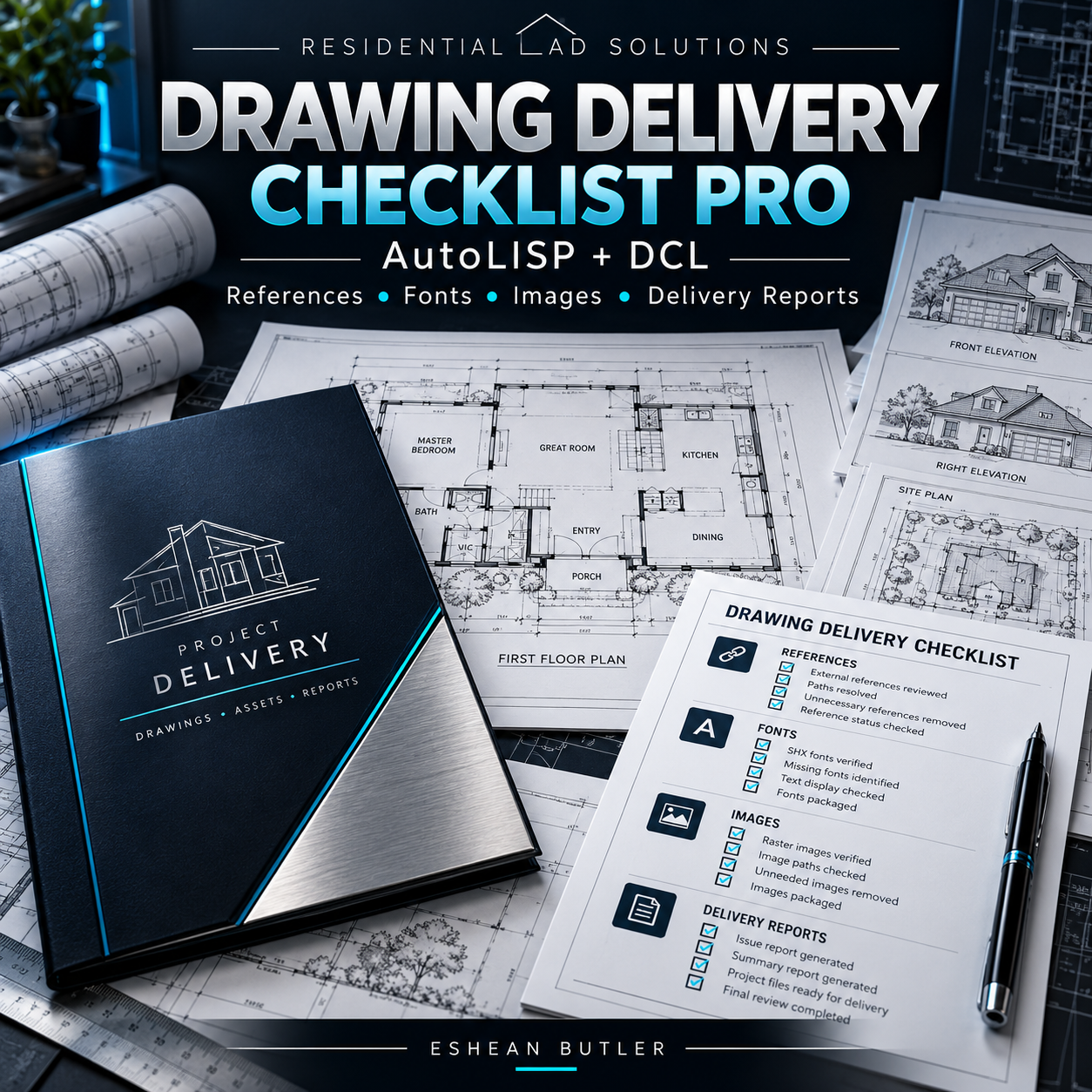
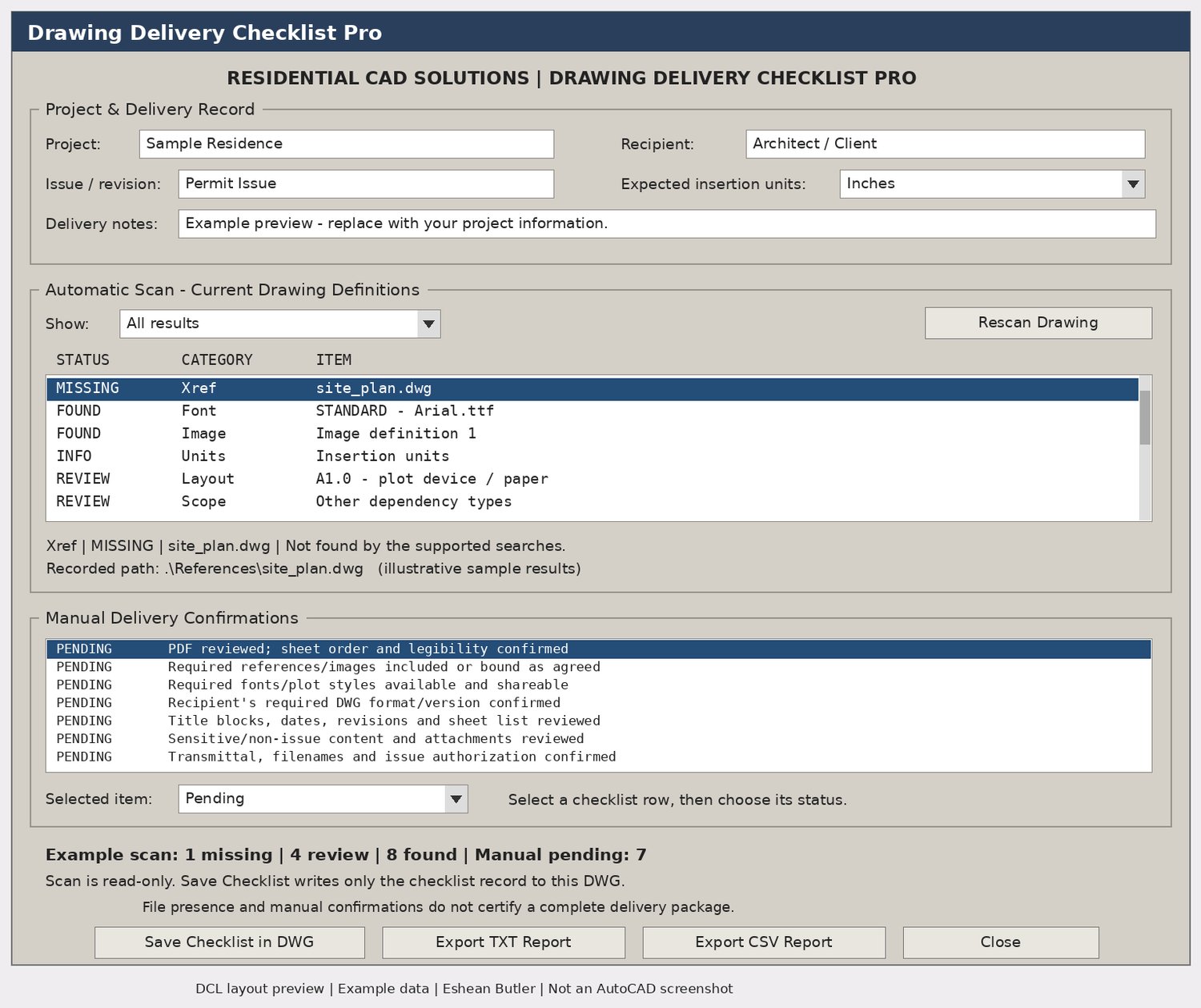
Drawing Delivery Checklist Pro brings drawing checks, file dependency reviews, and manual delivery confirmations into one organized dialog. Built for architectural drafters, designers, and CAD teams, it helps you document what needs attention before issuing a drawing.
Automatic Drawing Checks
- External references: Check recorded xref paths and flag unresolved or unloaded references.
- Raster images: Locate referenced image files and identify items requiring review.
- Fonts: Review text-style font files and recorded bigfonts.
- Drawing units: Compare insertion units with your expected settings.
- Saved state: Identify unnamed drawings and current unsaved changes.
- Layout settings: Inventory plot devices, paper names, and plot-style filenames.
Delivery Checklist & Reports
- Record project name, recipient, revision, and delivery notes.
- Track seven manual confirmations covering PDFs, supporting files, DWG format, revisions, sensitive content, and transmittals.
- Mark each confirmation Pending, Complete, or Not Applicable.
- Filter scan results to focus on missing files or review items.
- Save checklist information inside the DWG.
- Export complete TXT and CSV reports for your project records.
Your Download Includes
AutoLISP routine, matching DCL dialog, installation instructions, user guide, verification checklist, Payhip cover, and gray DCL preview.
Commands: DDCPRO · DDCTXT · DDCCSV
Price: $49.00 — digital download
Compatibility & Scope
Intended for Windows AutoCAD with AutoLISP, DCL, and ActiveX support. Source-level checks passed; runtime compatibility must be verified in your AutoCAD release.
The scanner reviews the current drawing’s supported definitions. It does not automatically package files, inspect every dependency type, or certify a complete delivery. Manual confirmations remain your responsibility.
Residential CAD Solutions | Eshean Butler