
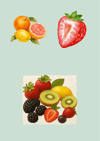
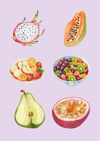
Fruits Aesthetic Digital Sticker Pack (15-Pack) | Happy Pebble Studio
On Sale
A$3.75
A$3.75
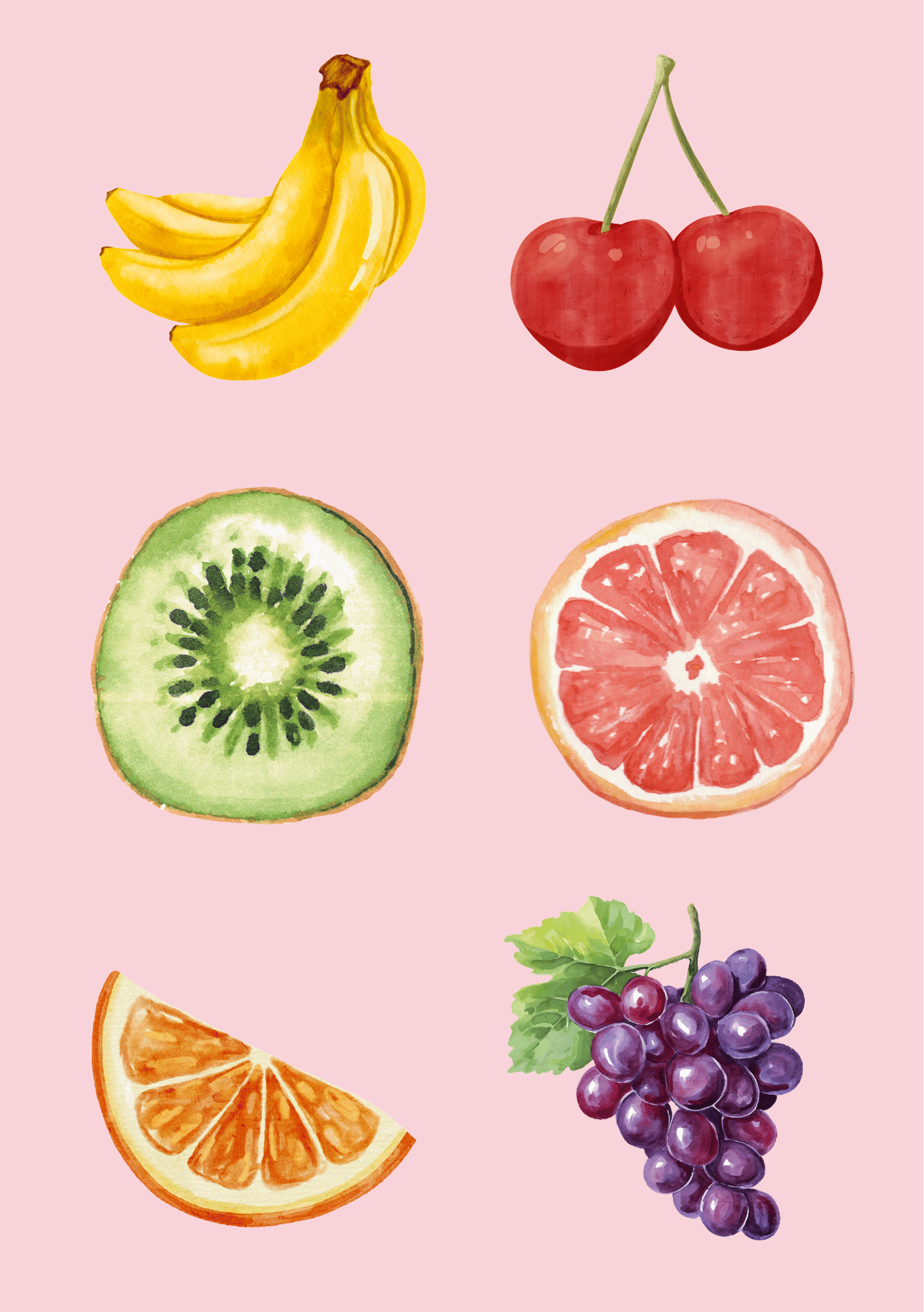
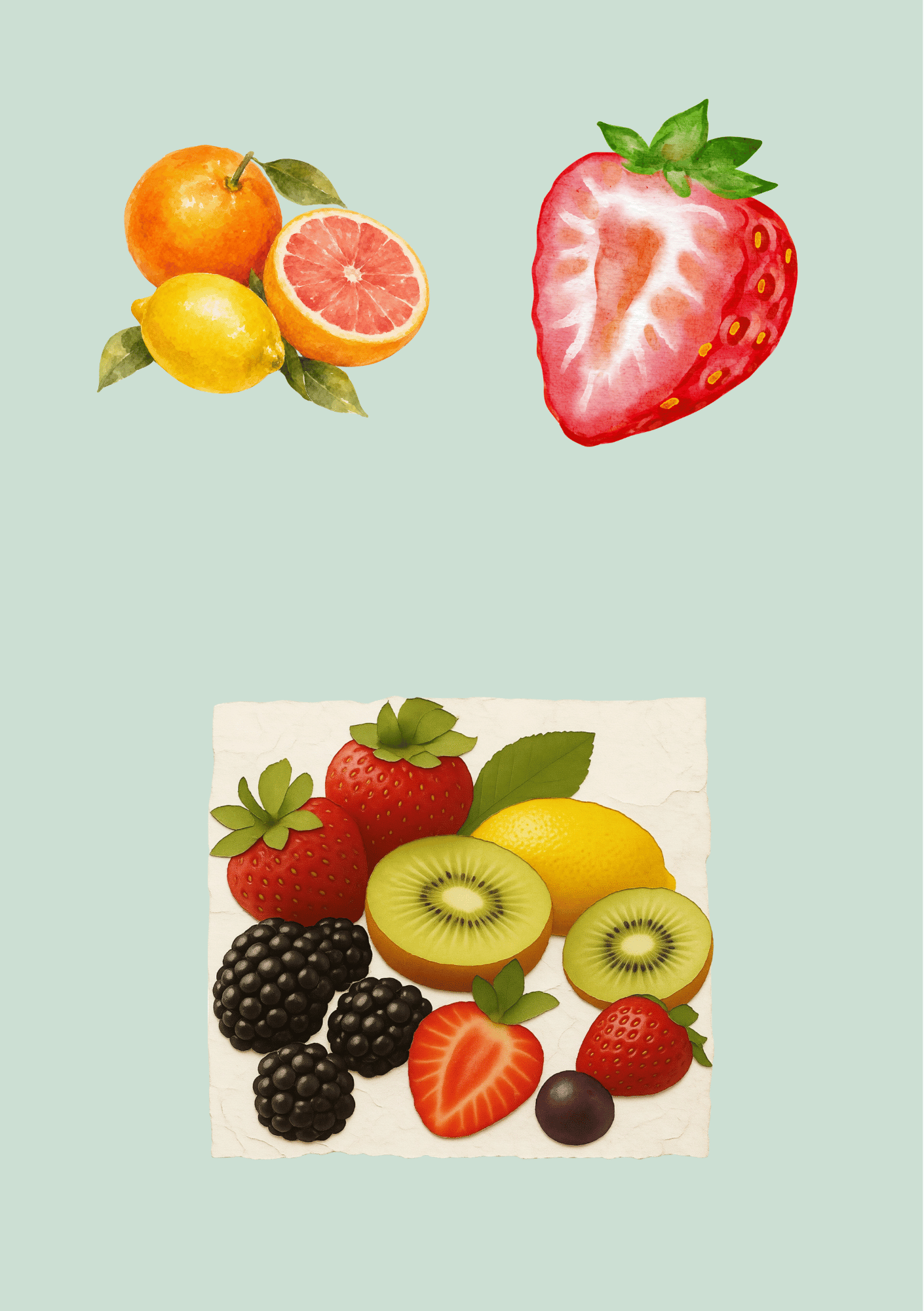
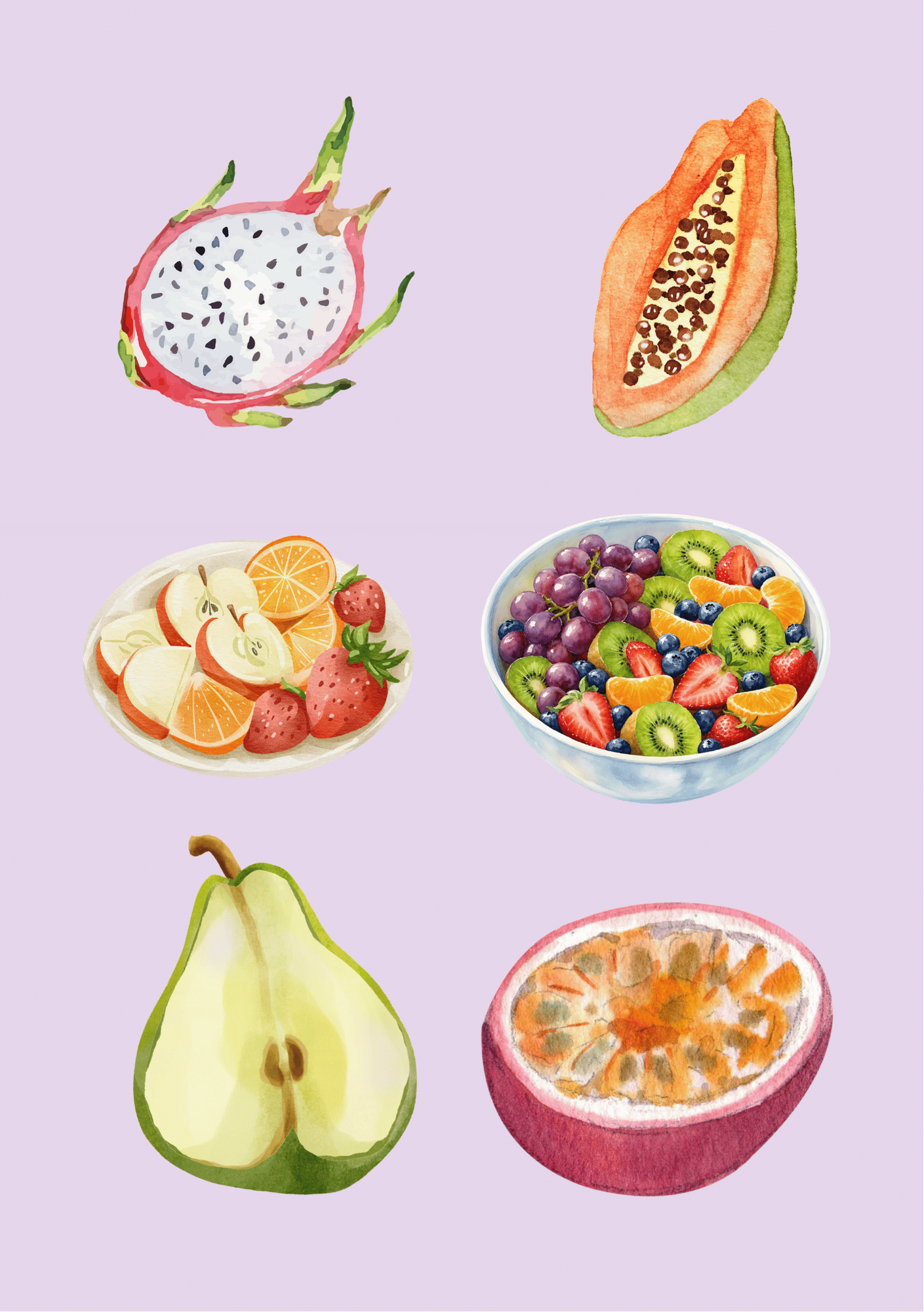
Bring a sweet, fresh touch to your digital planners, notes, and phone screens with our Fruit Basket Digital Sticker Pack!
This mini set features 5 high-resolution transparent PNG stickers inspired by soft watercolor fruit illustrations.
Everything in this pack is crafted to help you organize your daily life, study, or creator journey — calmly, kindly, and one tiny pebble at a time.
What is Included:
- 5 High-Resolution Transparent PNG Digital Stickers
- Instant Digital Download (.ZIP file)
How to Use Your Digital Stickers
1. Quick Download & Setup
- Download: After completing your checkout on Payhip, download the .zip file directly from your receipt page.
- Extract: Tap or double-click the downloaded file on your iPad, phone, or computer to extract your 5 individual high-resolution, transparent PNG fruit stickers.
2. Using in Digital Planners (GoodNotes, Notability, Penly, etc.)
- Open your digital planner or notebook app.
- Select the Image or Sticker tool in the toolbar.
- Import the PNG fruit files directly from your device's Photos or Files app.
- Drag, resize, and place your stickers anywhere on your monthly, weekly, or daily spreads to organize your day.
3. Adding Directly to Your iPhone / iOS Sticker Library (iOS 17+)
- Save the 5 PNG sticker images into your iPhone Photos app.
- Tap on any fruit graphic, then press and hold the center of the fruit until an outline glows around it.
- Select Add Sticker from the pop-up menu.
- Your fruit stickers will now be saved in your system-wide iOS Keyboard Sticker drawer, allowing you to peel and send them across iMessage, Instagram Stories, WhatsApp, and Apple Notes.
4. Adding to Android & Chat Apps (WhatsApp / Telegram)
- Save the PNG graphics to your photo gallery.
- Open WhatsApp (or your preferred chat app) and tap the Stickers icon in the text bar.
- Select Create or the plus icon and select your saved PNG fruit file to convert it into a custom sticker for messaging.