


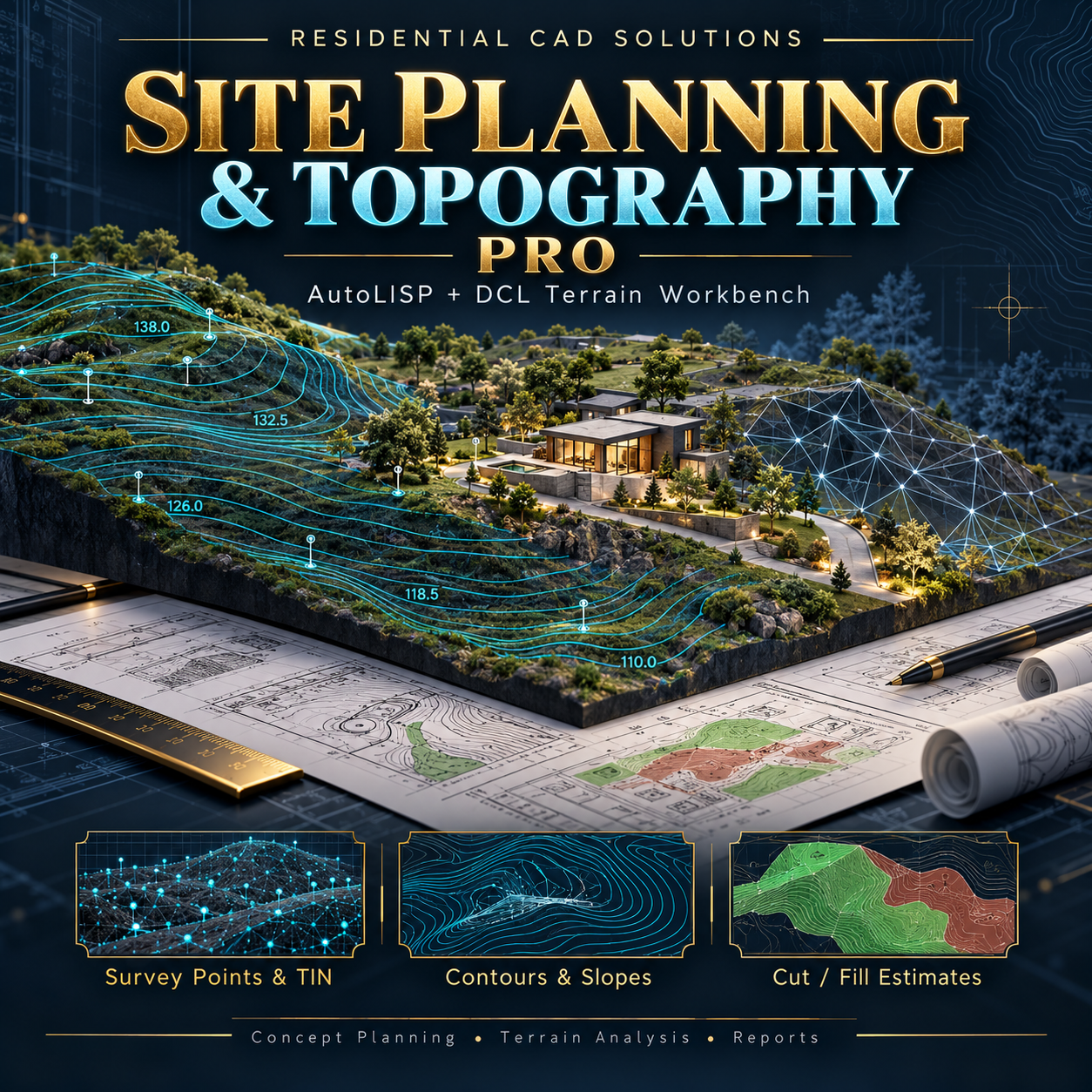

Site Planning & Topography Pro
Site Planning & Topography Pro
Explore terrain, generate contours, and organize preliminary site analysis inside AutoCAD.
Turn spot elevations or existing 3DFACE terrain into a practical planning study with this AutoLISP + DCL workbench from Residential CAD Solutions.
Survey Points & Terrain Surfaces
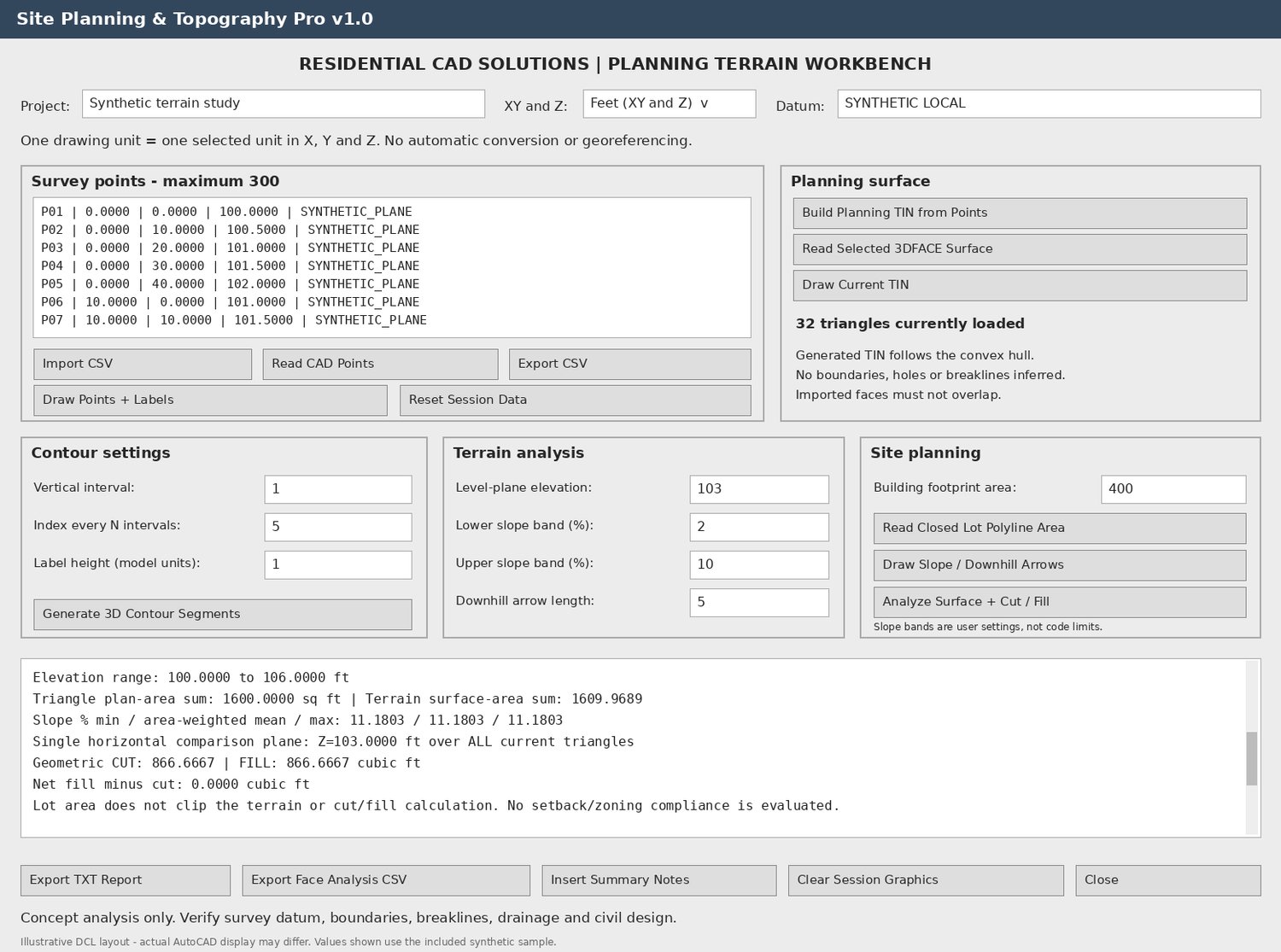
Import survey-point CSV files or select AutoCAD POINT entities. Build a planning triangulated irregular network (TIN), draw its triangular faces, or read an existing 3DFACE surface for analysis.
Supports up to 300 input points or 600 triangular faces.
Contours & Elevation Labels
Generate straight 3D contour segments with a user-selected vertical interval. Organize minor and index contours on separate layers and add elevation labels.
Slope Analysis & Downhill Arrows
Calculate triangular-facet slopes, review user-defined slope bands, and draw local downhill direction arrows. Report minimum, maximum, and area-weighted mean slope.
Preliminary Cut & Fill
Compare the current terrain with one horizontal elevation plane. Calculate geometric cut and fill separately, including triangles containing both conditions.
Site Area & Footprint Studies
Read a closed planar lot polyline’s area and enter a building footprint to calculate its gross footprint ratio and remaining area.
Drawing Notes & Reports
Insert analysis summaries into your drawing, export a text report, and save per-face slope analysis as CSV.
Your Download Includes
- AutoLISP application, DCL dialog, and geometry kernel
- Installation and operating instructions
- Synthetic survey-point CSV and AutoCAD R2000-format sample DXF
- Expected sample results and site-planning review checklist
- Background references and gray DCL preview image
AutoCAD Command: STPTOPO
Requirements: Written for full Windows AutoCAD 2002 and newer with Visual LISP, ActiveX, and DCL support. No Python, Civil 3D, or internet connection is required to run the program. X, Y, and Z must use matching feet or metres.
Important limitations: This is a concept-planning tool. Generated terrain follows the points’ convex hull and does not automatically honor property boundaries, holes, or breaklines. Contours are separate line segments, not joined or smoothed curves. Cut/fill applies across all current triangles; a selected lot boundary does not clip the calculation. Downhill arrows are local slope indicators, not drainage-path modeling.
Geometry checks have passed outside AutoCAD; actual AutoCAD operation still requires verification. Review outputs against the project survey and responsible professionals’ design requirements.