

AI Agent Skill-Export Copilot Chat
Export Copilot Chat
AI Agent Skill for VS Code
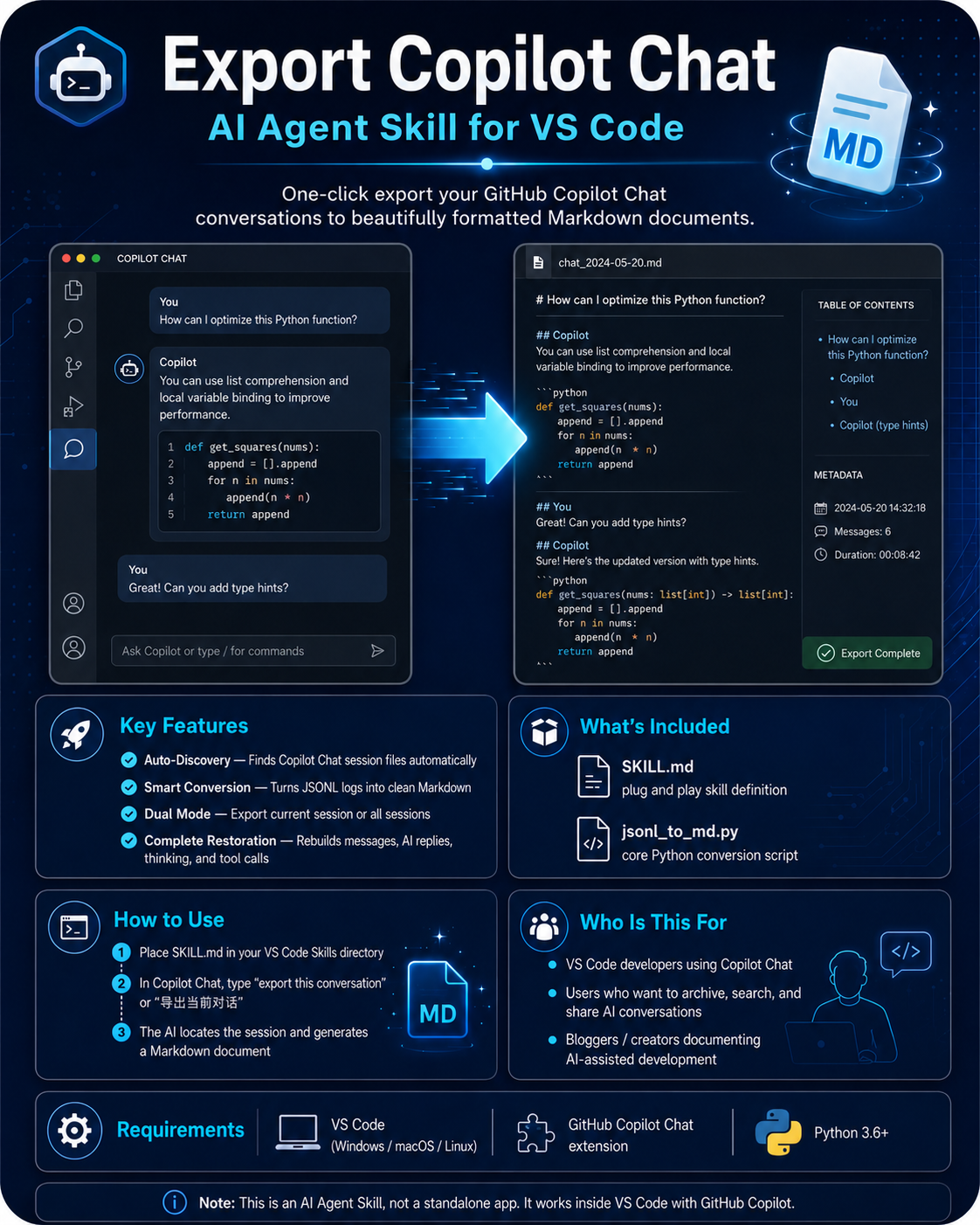
One-click export your GitHub Copilot Chat conversations to beautifully formatted Markdown documents.
Overview
Ever had an important coding conversation in Copilot Chat but couldn't easily save or share it? This AI Agent Skill automatically locates and exports all your VS Code Copilot Chat sessions, converting them into clean, structured Markdown documents. No more manual copy-pasting — just tell the AI to export, and it handles everything.
Features
Auto-Discovery: Intelligently searches for Copilot Chat session files (JSONL format) across your system.
Smart Conversion: Transforms JSONL incremental logs into structured, readable Markdown conversations.
Dual Mode: Export the current session or batch-export all historical sessions.
Complete Restoration: Fully reconstructs user messages, AI responses, thinking processes, and tool calls.
What's Included
SKILL.md — AI Agent skill definition file (plug and play, just drop into your skills folder)
jsonl_to_md.py — Core Python conversion script with full JSONL parsing logic
How to Use
Step 1: Place SKILL.md in your VS Code Skills directory.
Step 2: In Copilot Chat, type "export this conversation" or "导出当前对话".
Step 3: The AI automatically locates the session file and generates a Markdown document.
Who Is This For
• Developers using VS Code with GitHub Copilot Chat.
• Anyone who wants to archive, search, and share their AI coding conversations.
• Bloggers and content creators documenting AI-assisted development workflows.
Requirements
• VS Code editor (Windows / macOS / Linux)
• GitHub Copilot Chat extension
• Python 3.6 or later
Note: This is an AI Agent Skill — a set of instructions and scripts that teach your AI coding assistant how to perform a specific task. It's not a standalone app. It works inside VS Code with GitHub Copilot.