
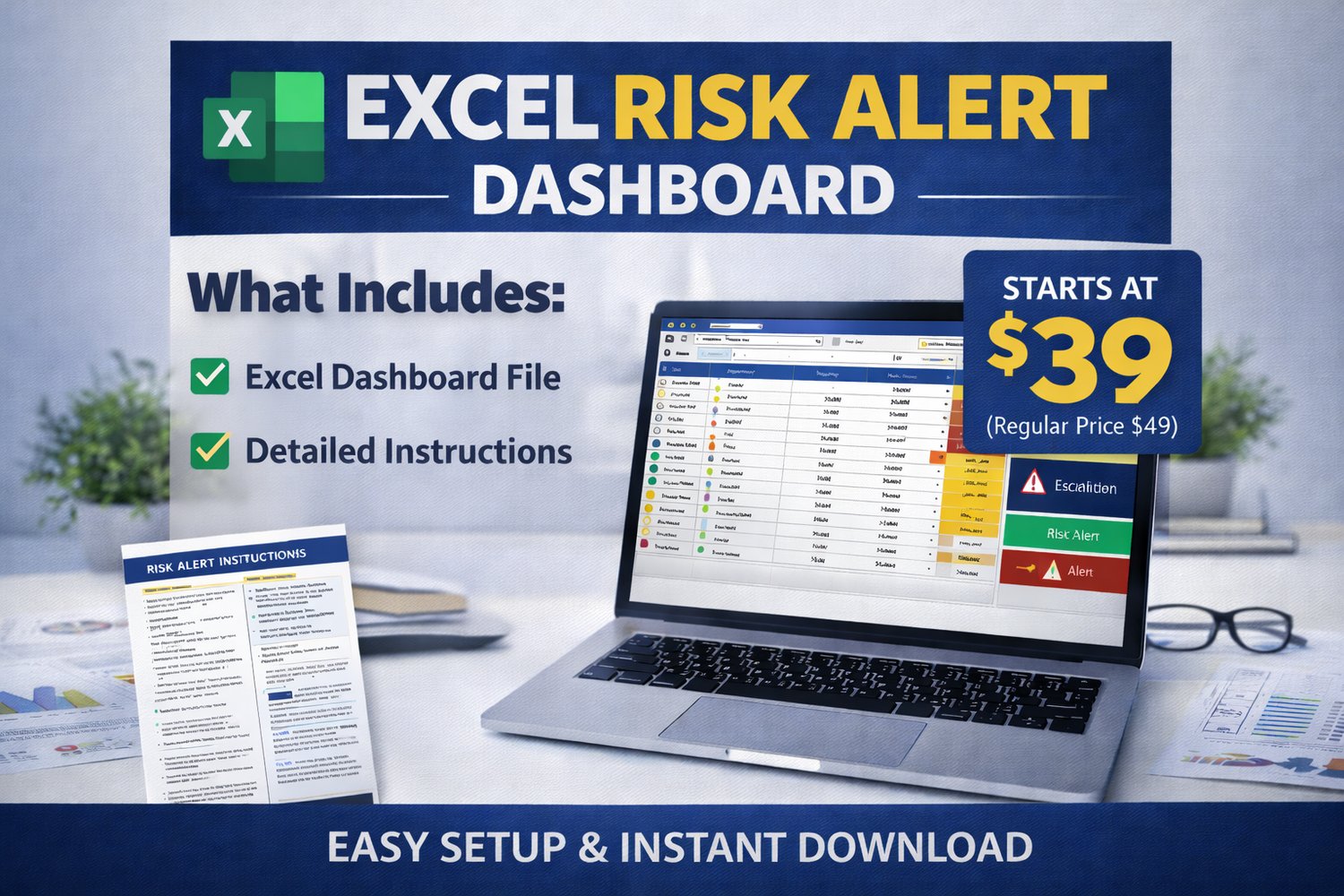
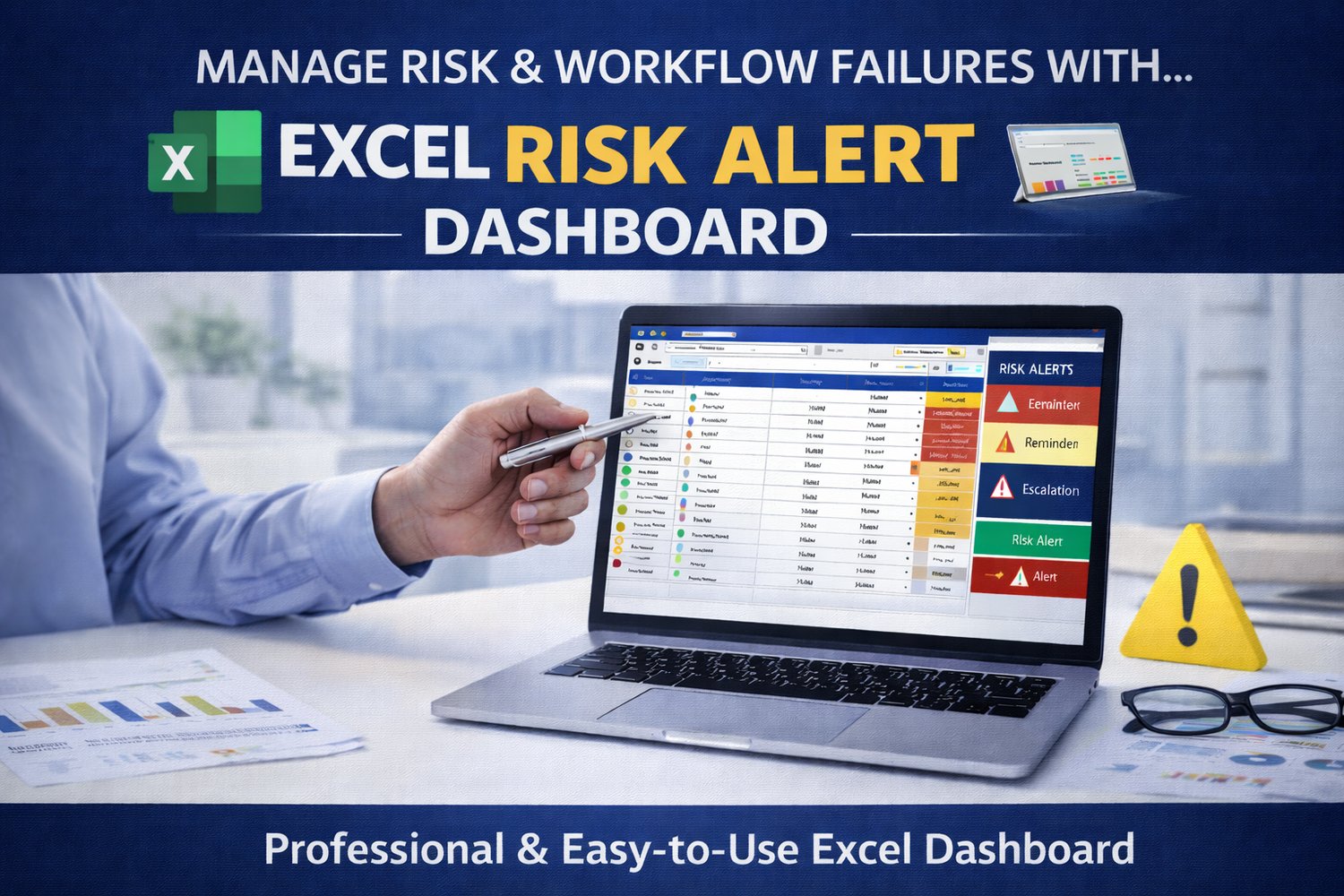
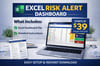


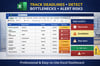
Risk Alert Operations Dashboard (Excel) – Track Bottlenecks, Deadlines & Workflow Risks
Launch Price: Dropped to $29!! (Regular Price $49)
Stop operational problems before they become bottlenecks.
What This Dashboard Does
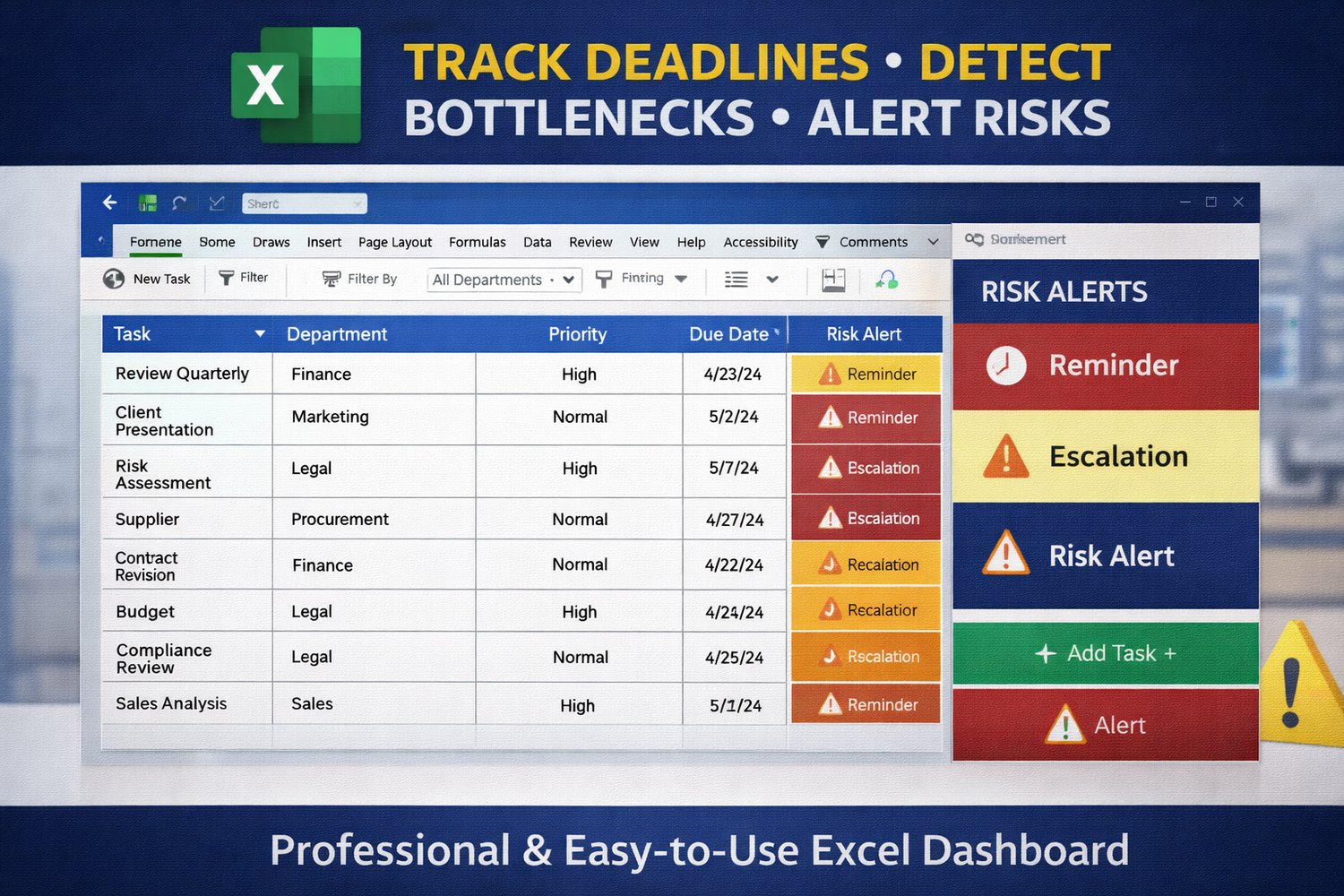
The Risk Alert Operations Dashboard helps professionals track deadlines, identify workflow risks, and detect operational bottlenecks before they escalate.
Instead of digging through spreadsheets or emails, the dashboard quickly shows where attention is needed so you can take action early.
Key Features
• Risk Alert Tracking
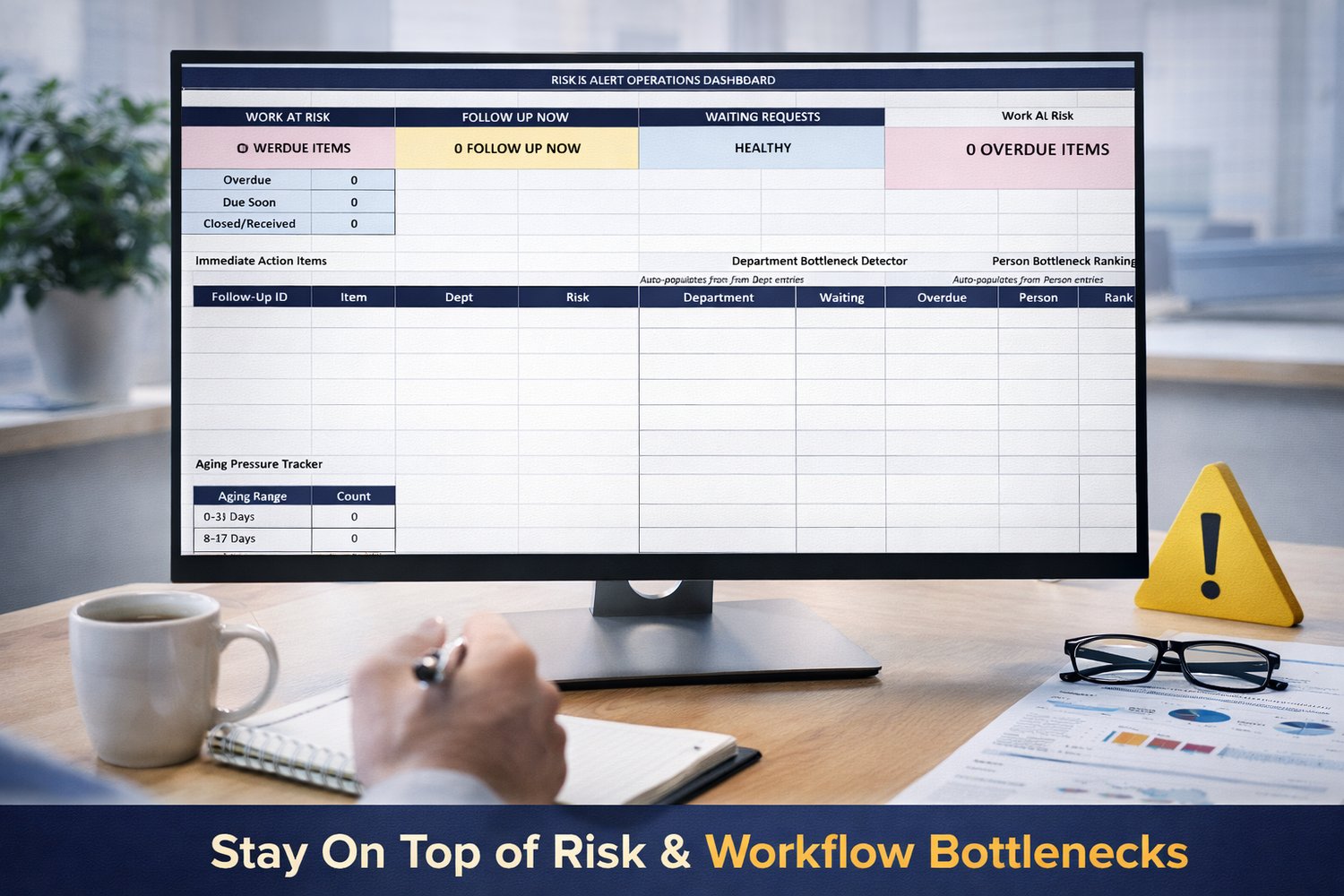
• Department Bottleneck Detector
• Person Bottleneck Ranking
• Aging Pressure Tracker
• Immediate Action Items
• Operations Health Status Dashboard
What You Receive
• Risk Alert Operations Dashboard (Excel File)
• Start Here Setup Guide (PDF)
• Definitions and Alert Guide (PDF)
Who This Is For
This dashboard is useful for professionals who manage tasks, follow-ups, or operational workflows, including:
• Operations managers
• Healthcare administrators
• Project managers
• HR teams
• Business owners
• Office administrators
Compatibility
Works with:
• Microsoft Excel
• Excel 365
• Excel for Mac
Why This Dashboard Works
Many operational problems start small — a missed follow-up, a delayed response, or a task that quietly becomes overdue.
The Risk Alert Operations Dashboard helps prevent those issues by making risks visible early.
Instead of reacting to problems after they happen, the dashboard helps you:
• Identify overdue tasks immediately
• Detect workflow bottlenecks across departments
• Monitor follow-ups that require attention
• Track aging tasks before they escalate
By turning scattered task information into a clear operational view, the dashboard helps teams stay organized and proactive.
Important Notes Before Purchase
• This is a digital product. No physical item will be shipped.
• The download includes an Excel dashboard file and supporting guides in PDF format.
• This dashboard is designed to work in Microsoft Excel (desktop version recommended).
• Basic familiarity with Excel is recommended in order to enter and manage task data.
• The dashboard automatically updates based on the information entered in the Master Follow-Up tab, which serves as the main data entry area.
• Due to the digital nature of this product, all sales are final.
Instant Download
After purchase you will receive immediate access to download the dashboard and guides.
No physical item will be shipped.