
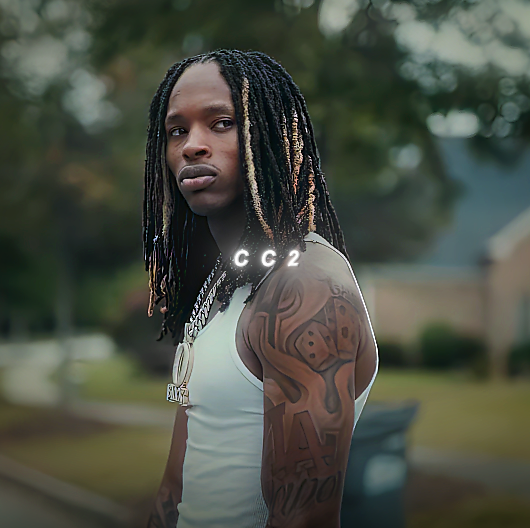
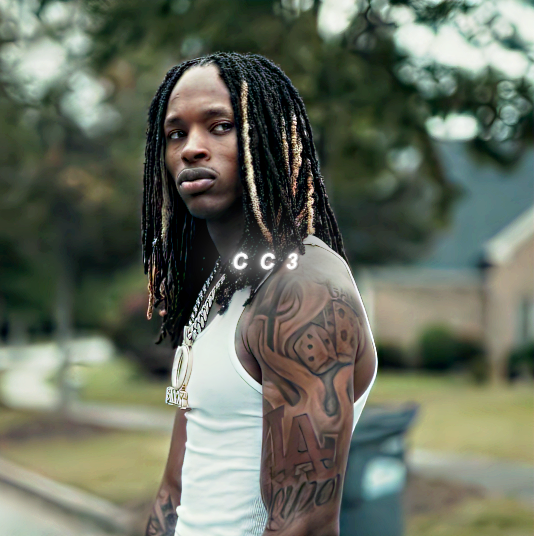
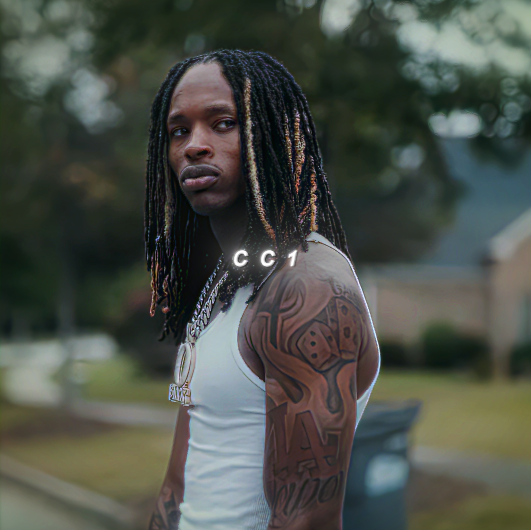



RG EDITZ 4K QUALITY SETTINGS
-Softwares Requierd: After Effects 2024 And TopaZ VideoAI( any version, but i use the 7.00).
-Plugins Requierd: Magic Bullet Looks, Sapphire, BCC.
-How to Use It?
First Of All: Download The Files.
SECOND: EXPORT UR EDIT ADD IT TO TOPAZ AND COPY THE FIRST SETTINGS AND SCALE IT TO 2X
THIRD: OPEN THE UPSCALED FILE IN AFTER EFFECTS AND PRESS: TRANSFORM AND FIT TO THE COMP
FOURTH: EXPORT TO TO AFTER EFFECTS FROM THE FILES ADD TO YOUR TIMELINE AND DELETE THE SOLID LAYER AND CLICK TWICE TO THE PRECOMP AND SAVE THE CC PRESET FROM THE ADJUSTMENT LAYER.
AND COPY THE ADJUSTMENT LAYER TO YOUR MAIN TIMELINE. EXPORT IT AGAIN AND ADD TO THE TOPAZ AND DO THE 2ND SETTINGS
if you have any question dm me, but i think advance ae users will understand it
Export Your Video And You've Made Your First Viral 4k Edit:)
Side Note: If Tik Tok Ruins Your Quality, Send Your Video To Your Phone In Email, As A Drive File And You're Done!