

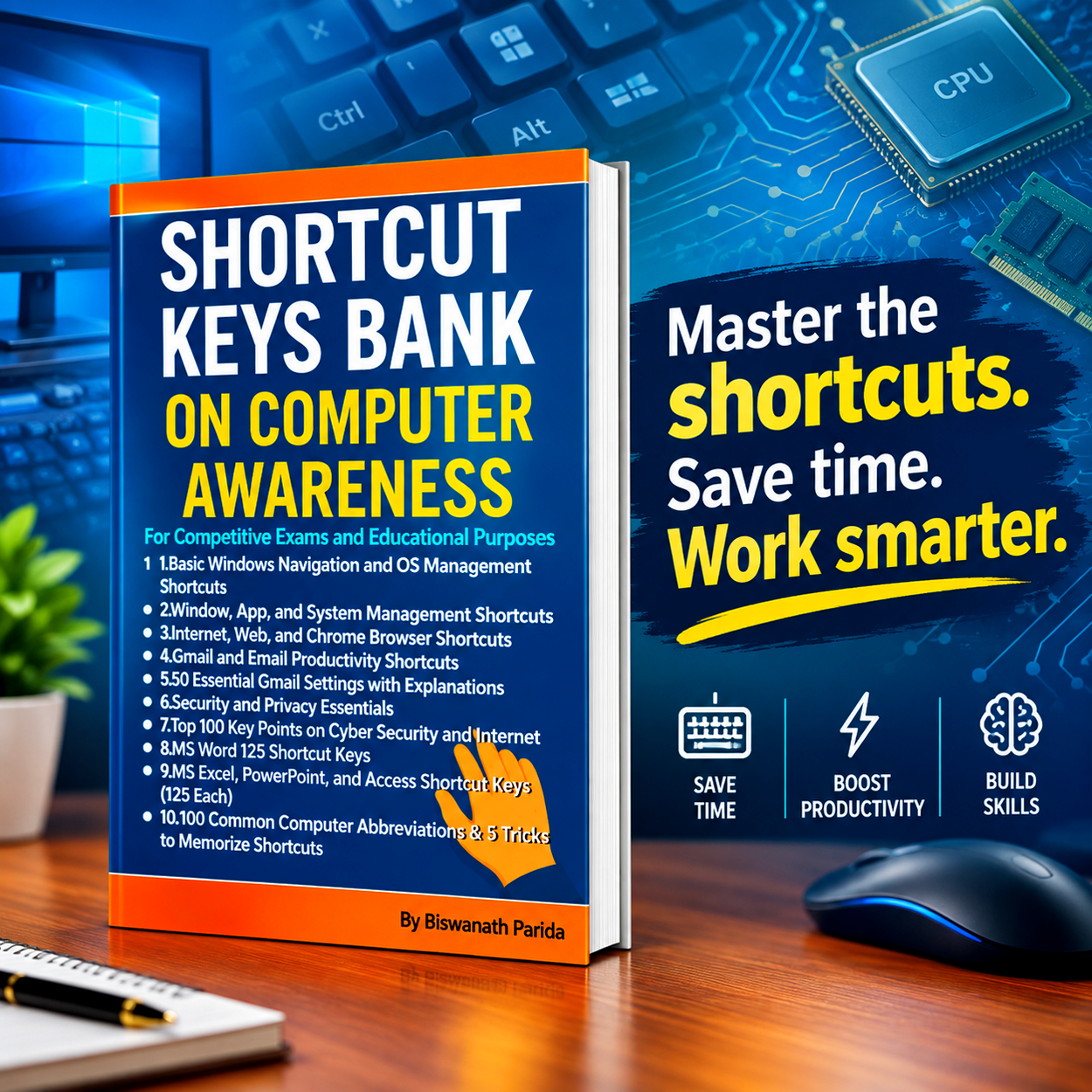
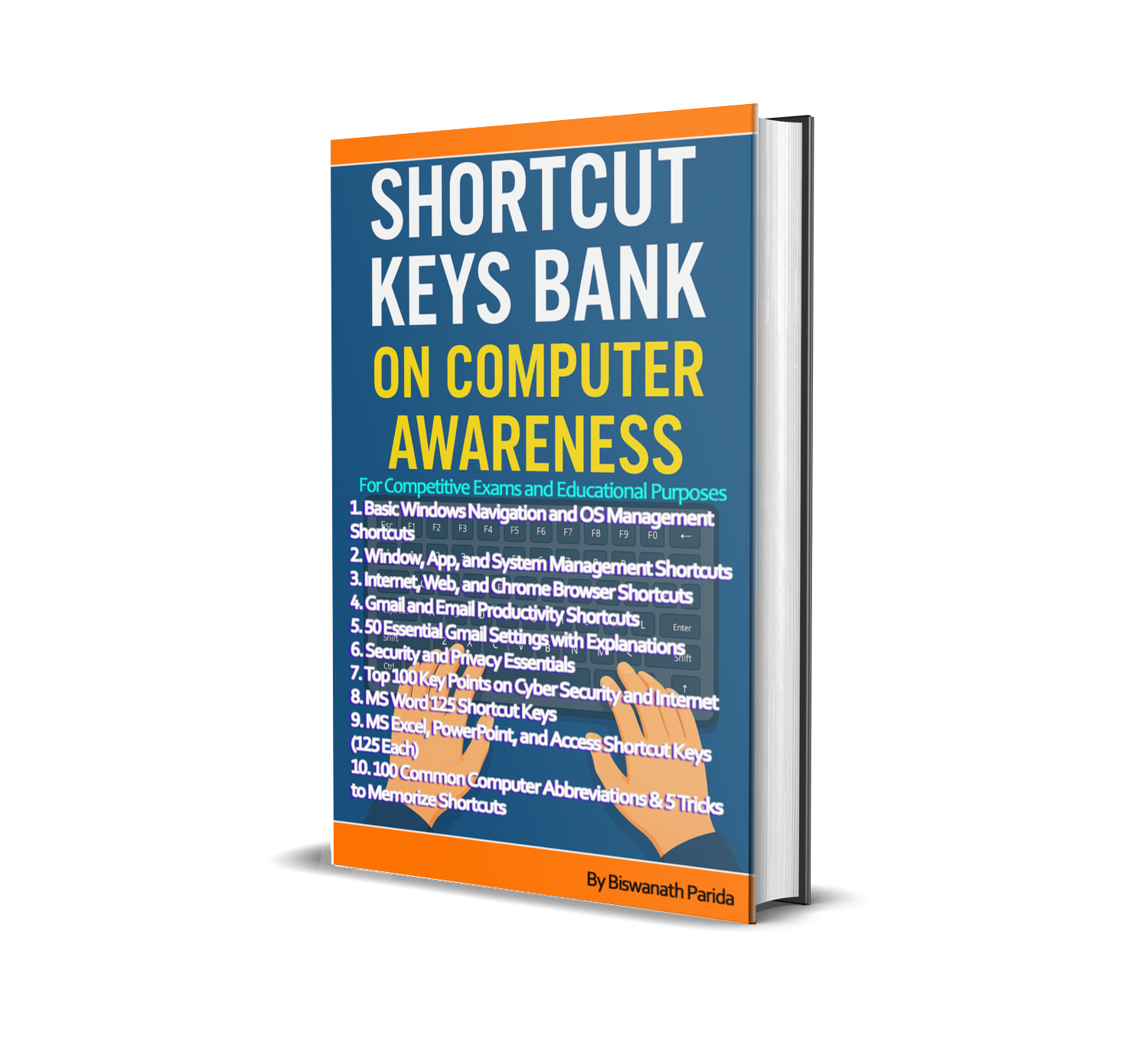
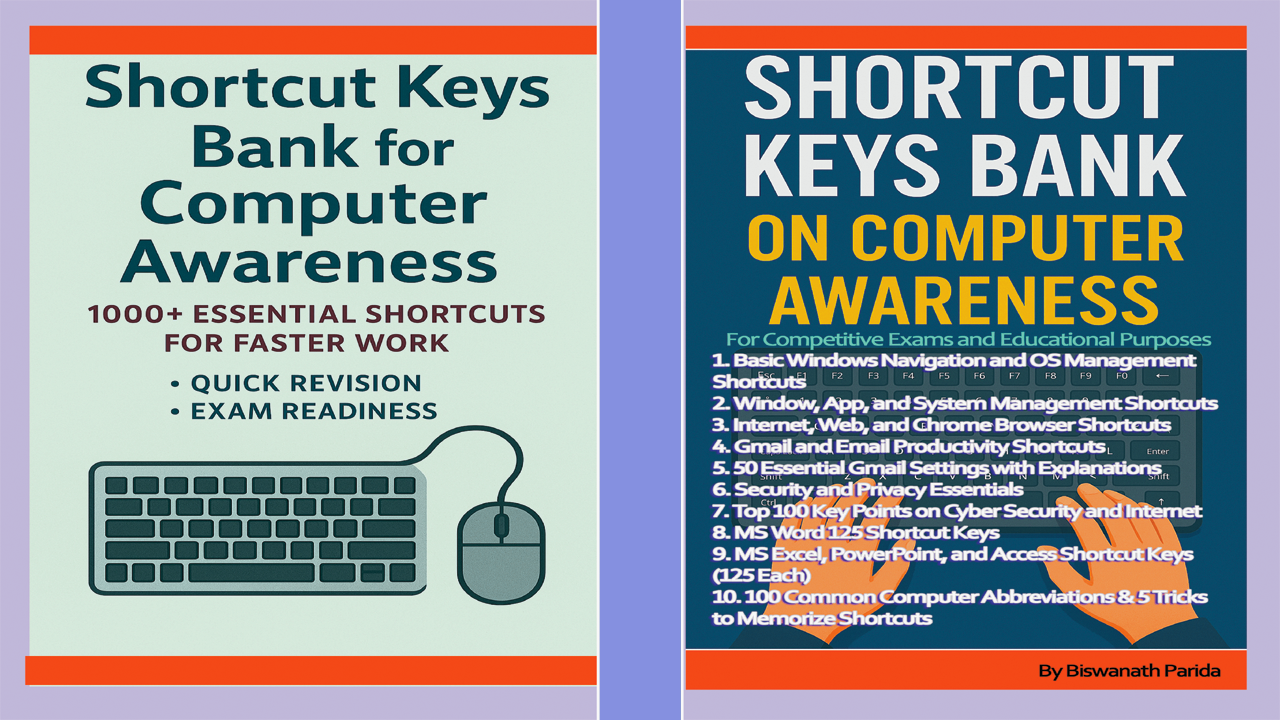
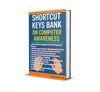
Short-Cut Keys Bank on Computer Awareness-for Competitive Exams and Daily Use: Learn Faster, Work Smarter – The Valuable Computer Shortcut Collection.
Short-Cut Keys Bank on Computer Awareness is a complete guide for students, professionals, and exam aspirants who want to improve computer speed, accuracy, and confidence. This book brings together 1000+ shortcut keys with clear explanations, making it both a practical study tool and a workplace reference.

The book begins with Windows navigation and OS management shortcuts, covering file handling, system utilities, performance, and security. It then introduces Window and App Management techniques for multitasking and efficiency, followed by Internet and Chrome browser shortcuts for faster browsing, tab handling, and online productivity.
For communication, readers will learn Gmail shortcuts and 50 essential Gmail settings, designed to save time and organize accounts. A full section on Security & Privacy Shortcuts and 100 Key Points on Cyber Security and Internet ensures safe digital practices.
A major highlight is the detailed coverage of MS Word, Excel, PowerPoint, and Access—each with 125 categorized shortcuts, plus easy A–Z charts for revision. The book also includes 100 common computer abbreviations and 5 proven tricks to memorize shortcuts, making it exam-ready and practical for daily use.
Whether preparing for competitive exams or aiming to boost workplace efficiency, this book helps you work smarter, not harder. With consistent practice, these shortcuts will become second nature—turning knowledge into true digital power.
My special lines for Competitive Job aspirants that,
Past is waste paper
Present is a newspaper
Future is a question paper
So read & write carefully otherwise your life will be a tissue paper.

This Book Contains as below-
- Basic Windows Navigation and OS Management Shortcuts
- (Windows navigation, OS, user accounts, file operations, utilities, security, multitasking)
- Window, App, and System Management Shortcuts
- (Desktop, taskbar, performance, display, printing, and system settings)
- Internet, Web, and Chrome Browser Shortcuts
- (General browsing, navigation, search, tab management, bookmarks, developer tools)
- Gmail and Email Productivity Shortcuts
- (Composing, sending, inbox management, search, navigation)
- 50 Essential Gmail Settings with Explanations
- (General, labels, organization, privacy, personalization)
- Security and Privacy Essentials
- (System security, browser privacy, Windows security, incognito features)
- Top 100 Key Points on Cyber Security and Internet
- (50 Cyber Security, 50 Internet)
- MS Word 125 Shortcut Keys
- (File, editing, insert, layout, review, navigation, A–Z chart, variations)
- MS Excel, PowerPoint, and Access Shortcut Keys (125 Each)
- (Workbook, formulas, presentations, slides, databases, A–Z charts)
- 100 Common Computer Abbreviations & 5 Tricks to Memorize Shortcuts