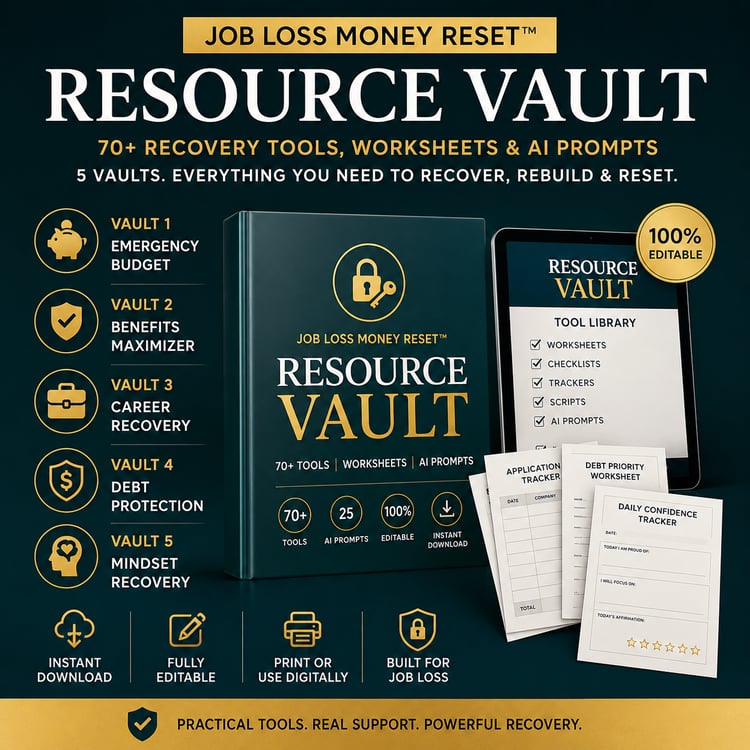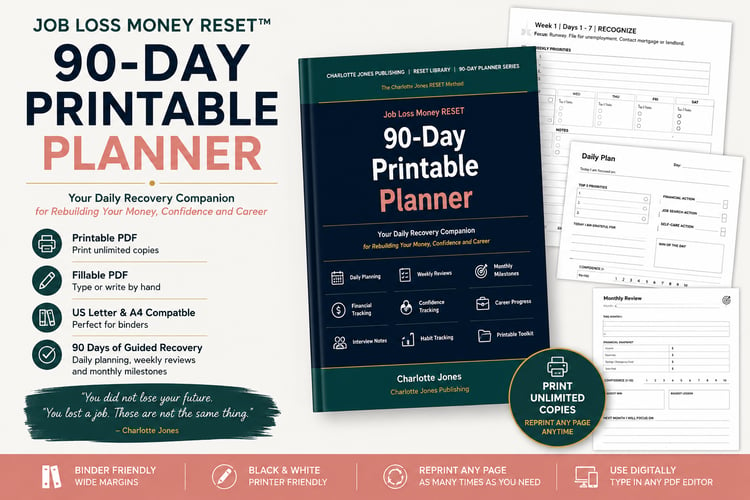

Job Loss Money RESET Excel Financial Command Centre
Short description:
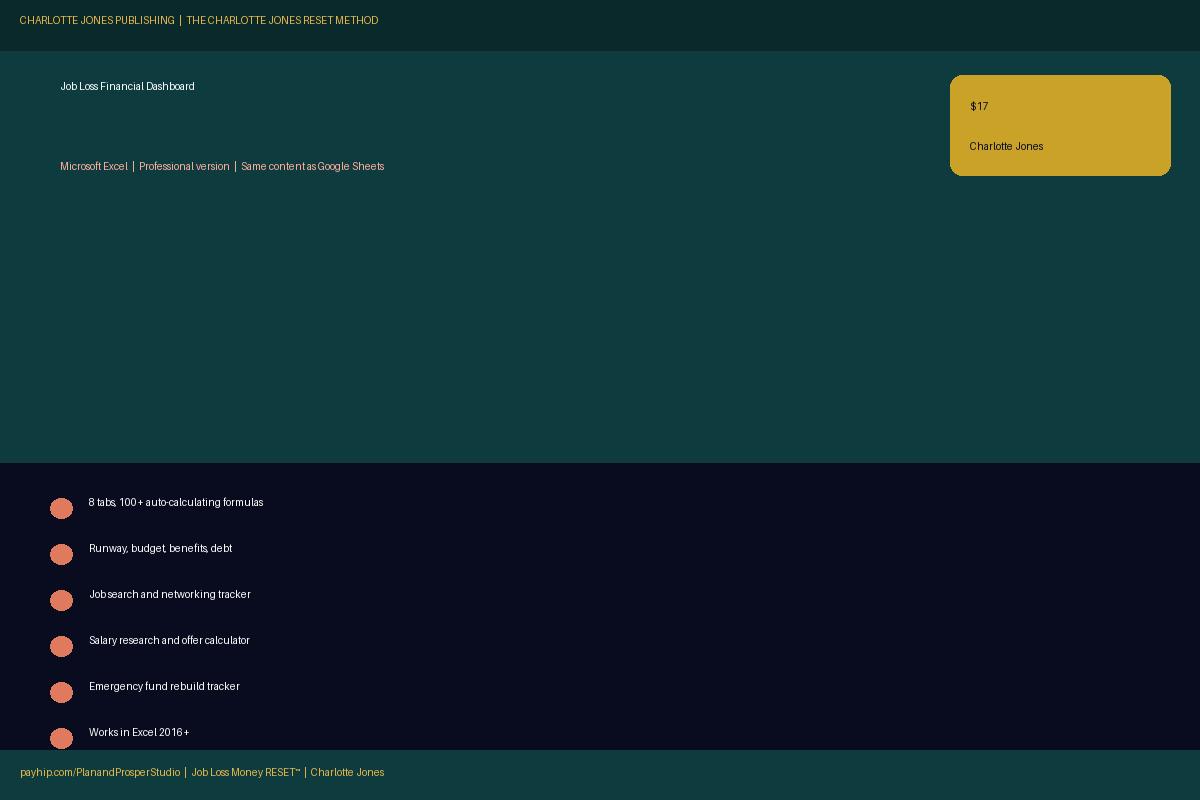
The financial dashboard built specifically for job loss -- Microsoft Excel version. Auto-calculates your runway, survival budget, debt priority, job search conversion rate and emergency fund rebuild. 8 tabs, 100+ formulas, zero spreadsheet skills needed.
Full description:
The professional Microsoft Excel version of the Job Loss Money RESET™ Financial Dashboard. Identical content to the Google Sheets version -- choose whichever tool you already use.
What it calculates for you:
✅ Your runway -- how many months you can survive at survival budget spend
✅ Monthly surplus or deficit -- income vs essential expenses automatically
✅ Savings burn rate -- how fast you are going through your savings
✅ Survival budget totals -- every expense category summed automatically
✅ Benefits income tracker -- all sources with running total
✅ Debt priority order -- color-coded by urgency
✅ Application conversion rate -- auto-calculated from your tracker
✅ Salary minimum -- pulled automatically from your survival budget
✅ Emergency fund countdown -- months to target
✅ Financial Health Score -- 0 to 100, auto-updates each Sunday
Your 8 tabs:
🏠 Start Here -- instructions and colour-coded legend
📊 Dashboard -- Financial Health Score, key numbers, job search summary
⏱️ Runway & Budget -- income, savings, expenses, runway calculator, burn rate
🛡️ Benefits Tracker -- 14 benefits with status, dates and DWP obligations
💳 Debt & Creditors -- priority order, creditor scripts, 12-creditor tracker
🔍 Job Search -- 30-row application tracker, 20-row networking log, weekly targets
💰 Salary Research -- market research, salary targets, negotiation scripts, offer calculator
🏦 Emergency Fund -- target calculator, monthly progress tracker
Works with:
Microsoft Excel 2016 and later. Microsoft 365. Excel on Mac. Does not require any add-ins or macros.
Why Excel and Google Sheets are sold separately:
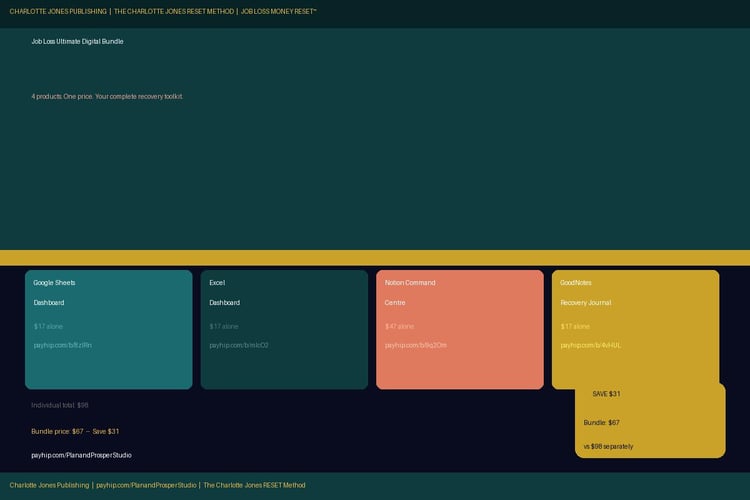
Some women prefer Google Sheets (works on any device, auto-saves, free). Others prefer Excel (professional format, works offline, organisation standard). Both files contain identical content. Buy the one that fits how you work, or buy both as part of the Ultimate Digital Bundle.
How to use:
- Purchase and download the .xlsx file
- Open in Microsoft Excel
- Enable editing if prompted
- Start with the yellow cells in Tab 3 (Runway & Budget)
- Everything else calculates automatically