
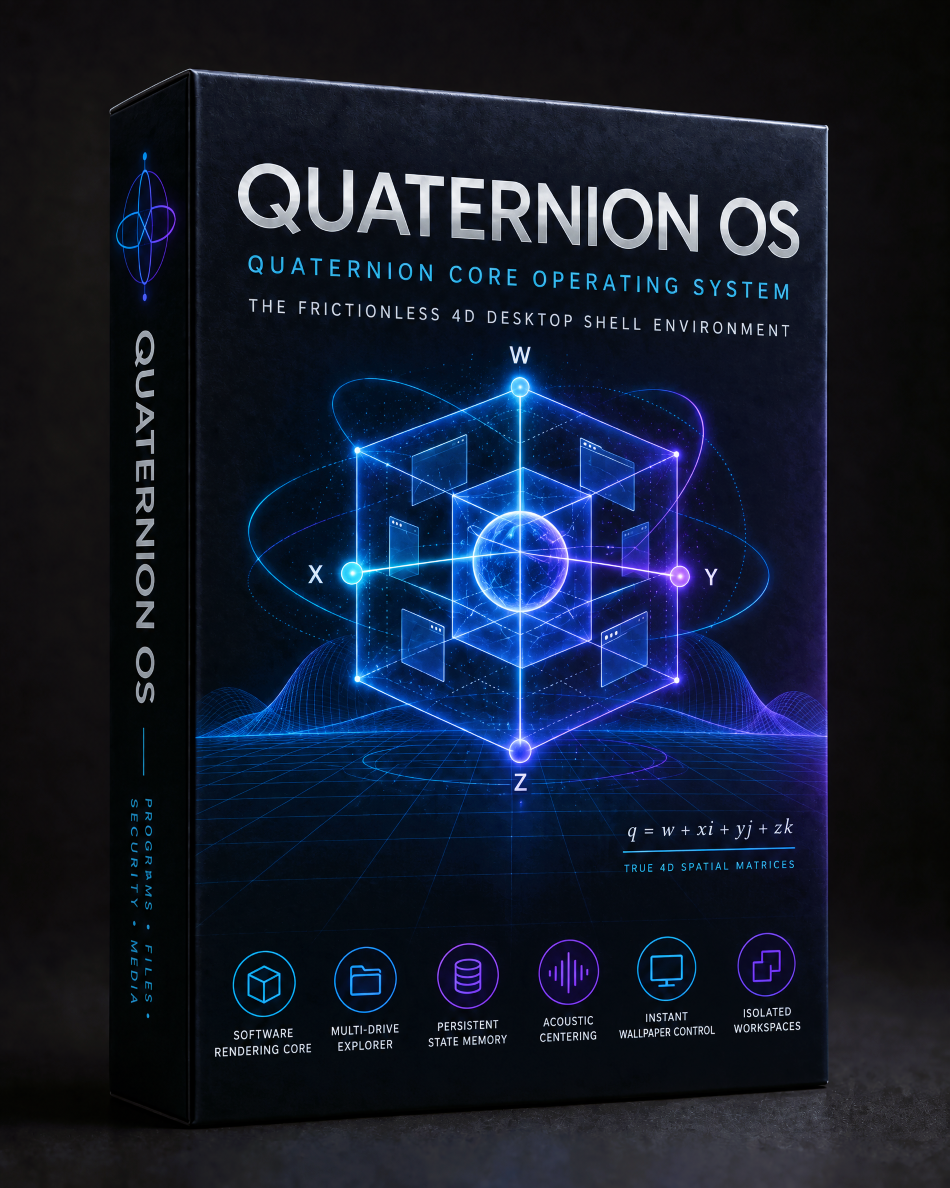
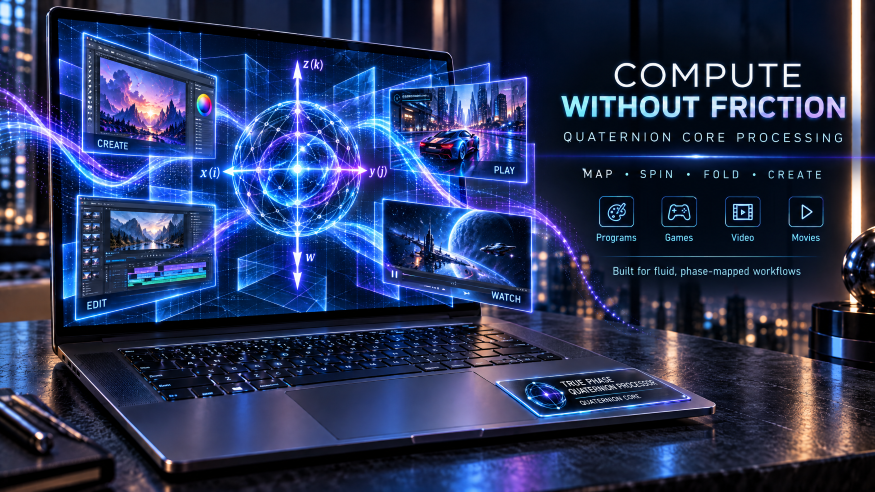
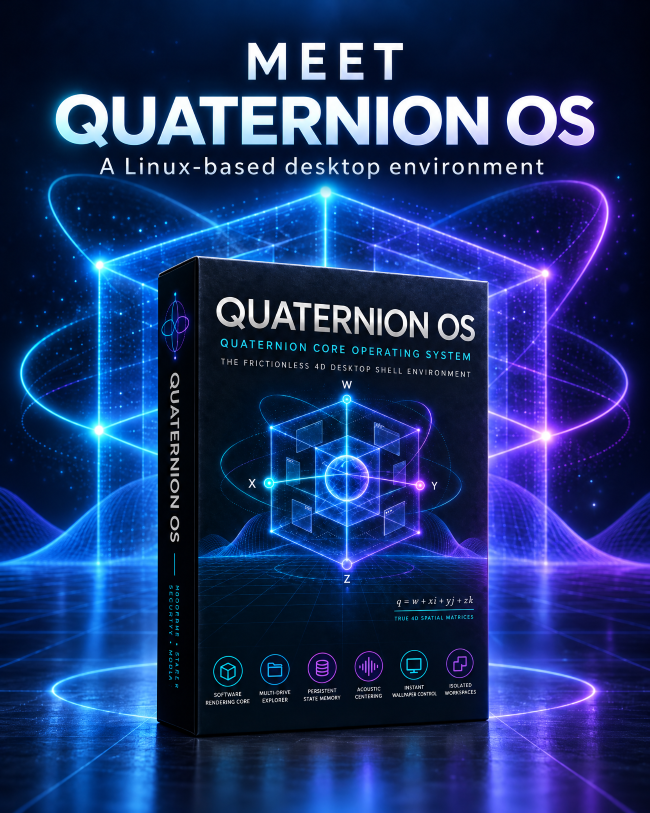



Quaternion OS (Version 3.0)
Quaternion OS v3.1
A Faster, More Flexible 4D Desktop Built Around You
Welcome to Quaternion OS v3.1—a modern, business-ready operating environment built to make everyday computing, creative work, gaming, audio production, video conferencing, messaging, and productivity effortless. Whether you are installing onto an existing Windows 10/11 PC, setting up a Linux machine, upgrading an older Windows 7/legacy computer, or booting from a USB drive or VM onto a machine with no existing operating system, Quaternion OS v3.1 gets you up and running in minutes with clean, self-contained release packages. [1]
Launch Special: All-Editions Release Bundle — $49.99 (Regular $79.98)
Get Quaternion OS v3.1 — Portable Edition, Lite Edition, Complete Release Edition, and Universal Release Edition together for $49.99 (a one-time purchase with no additional costs for v3.x verified updates included). Install in minutes on any Windows 10/11 PC with the standalone .exe setup wizard, deploy natively on Linux via .deb or .tar.gz, or keep the Universal Bootable Installer (.iso) and offline packages ready for PCs with no operating system, older Windows 7/legacy machines, and virtual machines. [1]
Available Release Editions
1. Quaternion OS v3.1 — Portable Edition (QuaternionOS_v3.1_Portable_Edition.zip + .sha)
- What's Included: The ultra-compact standalone Windows setup wizard (QuaternionOS_v3.1_Setup.exe), official high-resolution icon (quaternion_os.ico), End User License Agreement (EULA.txt), and user guide (README_v3.1.md)—packaged under 14 MB for instant downloads, USB flash drive portability, and effortless sharing. [1]
- How It Works: Built for Windows 10 & Windows 11 (64-bit) PCs. Extract the .zip archive anywhere (including directly from a USB stick), double-click QuaternionOS_v3.1_Setup.exe, accept the EULA, and click Install Quaternion OS v3.1. The setup wizard automatically detects and configures WSL, deploys the embedded Quaternion OS v3.1 runtime and dependencies, places the native Quaternion OS v3.1 icon (quaternion_os.ico) onto your Windows Desktop, and optionally sets Quaternion OS to launch at computer startup. [1]
2. Quaternion OS v3.1 — Lite Edition (QuaternionOS_v3.1_Lite_Edition.zip + .sha)
- What's Included: The standalone Windows setup wizard (QuaternionOS_v3.1_Setup.exe), official icon (quaternion_os.ico), End User License Agreement (EULA.txt), and user guide (README_v3.1.md)—streamlined specifically for Windows workstations without the large Linux .deb or multi-OS .iso archives. [1]
- How It Works: Designed for everyday Windows 10 & Windows 11 (64-bit) users who want a clean, dedicated Windows setup experience with automatic WSL configuration, native Desktop and Startup shortcuts, and one-click launch from the installer or Desktop. [1]
3. Quaternion OS v3.1 — Complete Release Edition (QuaternionOS_v3.1_Complete_Release.zip + .sha)
- What's Included: The full cross-platform distribution containing the Windows setup wizard (QuaternionOS_v3.1_Setup.exe), standard bootable installer image (QuaternionOS_v3.1_Installer.iso), native Linux .deb package (quaternion-os_3.1.0_amd64.deb), portable .tar.gz runtime archive (quaternion_os_v3.1_linux_x86_64.tar.gz), Linux desktop launcher (quaternion-os.desktop), quaternion_universal_installer.py, official icon (quaternion_os.ico), EULA.txt, and README_v3.1.md. [1]
- How It Works: Ideal for users and developers who want every standard Windows, Linux, and virtual machine installer file in one verified archive—allowing one-click setup on Windows 10/11 via WSL, native .deb or .tar.gz installation on existing Ubuntu/Debian workstations, and quick virtual machine or USB booting via the standard .iso. [1]
4. Quaternion OS v3.1 — Universal Release Edition (QuaternionOS_v3.1_Universal_Release.zip + .sha)
- What's Included: Everything in the Complete Release plus the Universal Bootable Installer (QuaternionOS_v3.1_Universal_Installer.iso) and bundled offline installer packages (offline_wheels/). [1]
- How It Works: Engineered for PCs with no operating system, older Windows 7 / Vista / XP legacy machines (which do not support WSL), Linux workstations, and virtual machines (VirtualBox, VMware, QEMU, Hyper-V):
- Hardware-Compatible Boot Core: Built on a stable x86_64 Debian base so both modern and older hardware boot reliably from a USB flash drive or CD/DVD.
- Zero-Internet Automated Deployment: Pre-configured to format drives, install Quaternion OS offline, migrate existing user files (Documents, Desktop, Downloads, Pictures, Music, Videos → W:\ & Y:\) and legacy programs (.exe, .msi, .apk, .AppImage, .deb, .app → Z:\ & Programs), and configure automatic boot on every startup.
- Download Verification: Every edition includes a matching .sha (SHA-256) checksum file so users can verify download integrity. [1]
Core Capabilities
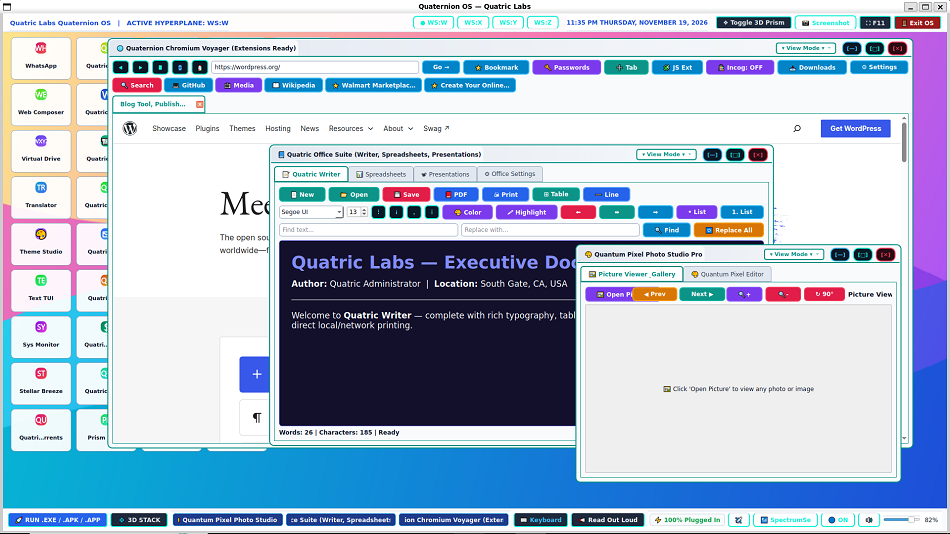
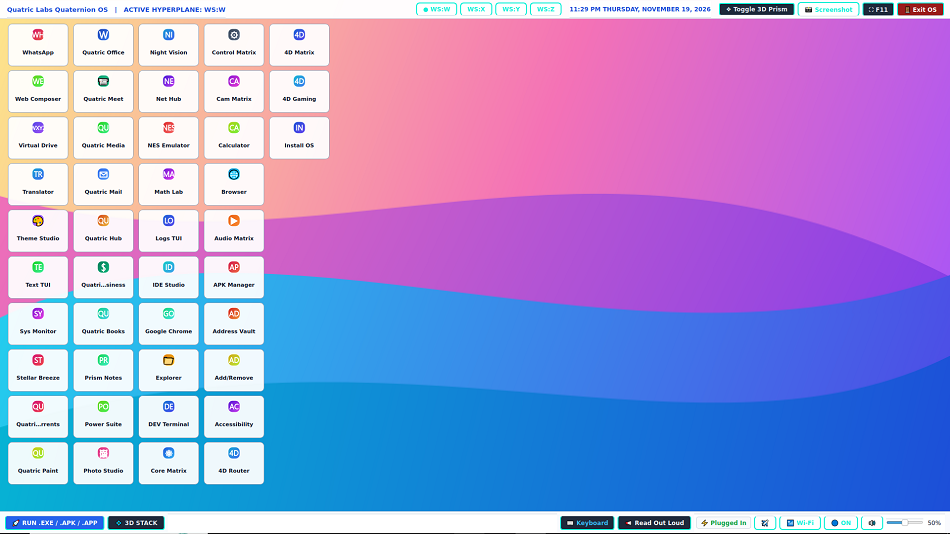
Four Isolated Workspaces (WS:W, WS:X, WS:Y, WS:Z), Core Matrix & System Monitor
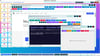
- Per-Workstation 4D Theme Studio & Boot Persistence: Customize each workstation (WS:W, WS:X, WS:Y, WS:Z) independently in 4D Theme Studio and Control Matrix. Every workstation saves and restores its active workspace, Theme Studio palette, Light/Dark polarity, wallpaper, custom desktop icons, window button styles (Vibrant Color Dots, Pill Badges [Min] [Max] [Close], Clean Monochrome, Neon Framed), Left/Right button alignment, volume/mute state, and desktop HUD widgets automatically on startup.
- Core Matrix & System Monitor: Track real-time 4D WXYZ quaternion engine metrics in Core Matrix and monitor active system processes, memory, and event traces in System Monitor.
- Isolated Browser Profiles Per Workspace: Both Google Chrome and Voyager Browser automatically maintain separate per-workspace profiles (WS:W, WS:X, WS:Y, WS:Z) so your sessions, cookies, bookmarks, and browser themes stay cleanly separated for every workspace.
- Move Views Across Workstations & Over Your Network: Transfer any open program view seamlessly across workstations (WS:W → WS:X → WS:Y → WS:Z → WS:W) or send views across your local network (LAN) via LAN Net Hub to another Quaternion OS workstation and back around to your starting workstation.
- All-Drives File Explorer + Full Desktop & Icon Right-Click Menus: Browse all mounted drives (C:\, D:\, E:\, Linux /, Home, and dedicated W:\ Documents, X:\ Pictures, Y:\ Media, and Z:\ Programs drives) with clean metadata inspection, cross-directory Copy / Cut / Paste, Delete key support, one-click .zip compression and extraction, animated spinning loading feedback when opening programs, and right-click menus across both icons and the desktop workspace (Sort Icons By Name/Category/Core, Align Icons Left/Right/Top/Snap-to-Grid, Re-Arrange Icons Order, New File / Folder, 3D Stack Open Windows, Toggle 3D Prism Workspace, Capture Workspace Screenshot, and Send To WS:W/X/Y/Z). [1]
Multi-Format Quatric Office & Quatric Notepad
- Quatric Office (Documents, Spreadsheets & Presentations): Create, edit, print, and export files across all major office formats with unified New, Open, Folder, Save, Save As, Zip, Print, Edit, and Options toolbars:
- Documents: Export and save directly to .docx, .odt, .pdf, .rtf, .html, .md, and .txt.
- Spreadsheets: Calculate live formulas and export to .xlsx, .ods, .csv, .tsv, and .json.
- Presentations: Build multi-slide decks and export to .pptx, .odp, .pdf, and .html.
- Quatric Notepad: Light-mode plain-text and code editor featuring full File (New, Open, Save, Save As, Print), Edit (Undo, Redo, Cut, Copy, Paste, Delete, Find & Replace, Select All, Time/Date), Options (Word Wrap, Font chooser, Light/Dark theme toggle, Status Bar), and View (Zoom In/Out/Reset) menus.
Built-In Google Chrome With Fullscreen Video, Custom Themes & Extensions
- Inline Google Chrome + ⋮ Settings Suite: Launch Google Chrome directly inside Quaternion OS with smooth full-screen web video playback (Esc to exit), buffered audio output, and a full ⋮ Settings manager featuring:
- Browser Themes & Customizations: Live-synced themes (Default Daylight Chrome, Midnight Obsidian Dark, Oceanic Cobalt Blue, Emerald Matrix, Royal Amethyst, Sunset Rose) that skin both the browser and settings window and persist per workspace, alongside customizable Home Page URL and Default Search Engine choices.
- Browser Extensions Manager: Install .crx, .zip, or .js extensions, toggle them ON/OFF, or remove them cleanly.
- Privacy, Security, Cookies & Cache Controls: Persistent/Session/Block cookie policies, JavaScript & Do-Not-Track toggles, and one-click HTTP cache & cookie clearing. [1]
- Upgraded Voyager Browser & Built-In WhatsApp Messenger: Browse with 10 built-in Voyager themes, Light/Dark website modes, Miniplayer, Theater Mode, and Fullscreen, or stay connected in WhatsApp with QR/phone login and persistent local session storage. [1]
Stellar Breeze Audio Player, 4D Media Studio & Audio Matrix
- Stellar Breeze Audio Player: Load entire music folders or individual audio files (.mp3, .flac, .wav, .ogg, .aac, .m4a, .opus), stream Internet Radio URLs, view real-time Spectrograph Equalizer Coupling Matrix visuals, track exact elapsed & total duration (MM:SS / MM:SS), clear the file registry in one click, switch between Cyber Lux, Retro Brass Ambient, and Neon Tokyo Grid chassis presets, toggle clean workspace fullscreen, and adjust 100Hz Bass, 4kHz Treble, and zero-crackling real-time Master Volume. [1]
- 4D Media Studio & Audio Matrix: Play audio and video with a live 3D wireframe sphere visualizer, 10-band LED meters, 6 Neon Matrix theme orbs, and an 11-channel spatial mixer (Sterlite, Quadraphonic, and Quaternion 461.8 µs phase lock modes, 2.0 / 4.1 / 10.1 outputs, WAV recording, and batch dubbing). [1]
Quatric Meet Video Conferencing & Creative/Developer Suite
- Quatric Meet: Automatically detects connected cameras, microphones, and speakers in the background with zero UI freeze, displays a live microphone VU input level meter with mute/gain controls, supports screen sharing, and auto-grants camera/microphone permissions for Jitsi, Zoom, and GoToMeeting. [1]
- Built-In Creative, Business & Developer Tools: Includes Quatric Paint, Photo Studio, Calc Pro, Math Lab, Accounting, Prism Notes, Quatric Mail, Web Composer, Code Studio, Camera Matrix, Torrents, NES Emulator, and 4D Gaming.
1-Click Screenshot Capture & Side-by-Side .EXE / .APK / .APP Support
- Top-Bar Screenshot & PrintScreen: Capture your full Quaternion OS workspace with a single click—automatically saving a timestamped .png directly to X:\ Pictures.
- Run Windows (.exe), Android (.apk) & Portable/Linux (.app, .AppImage, .deb) Apps Side-by-Side: Install .apk, .exe, .msi, .deb, .app, or .AppImage files via APK Manager or Programs, automatically extract app icons onto your desktop workspace, launch them immediately, and uninstall them cleanly. [1]
Realtime Hardware Taskbar & Exclusive Quick Updates by Quatric Labs
- Realtime Taskbar Telemetry: Live battery percentage & charging status, Wi-Fi scanner & saved passkey vault, Bluetooth Realtime Manager, Airplane Mode, CoreAudio Master Volume & Instant Mute, On-Screen Keyboard (with ⌦ Delete), Read Out Loud, and a clean top-bar clock (HH:MM AM/PM).
- Exclusive Quick Updates: Powered by Quatric Labs with verified checksums and automatic rollback backups—preserving every user's workspace settings (WS:W, WS:X, WS:Y, WS:Z) and browser profiles. [1]
Key Specifications
- Standalone Windows Setup (QuaternionOS_v3.1_Setup.exe): Packages the official quaternion_os.ico icon, native desktop launcher, EULA, User Guide, and embedded runtime archive inside a single .exe with automated WSL setup, optional startup boot configuration, and native Desktop shortcut creation.
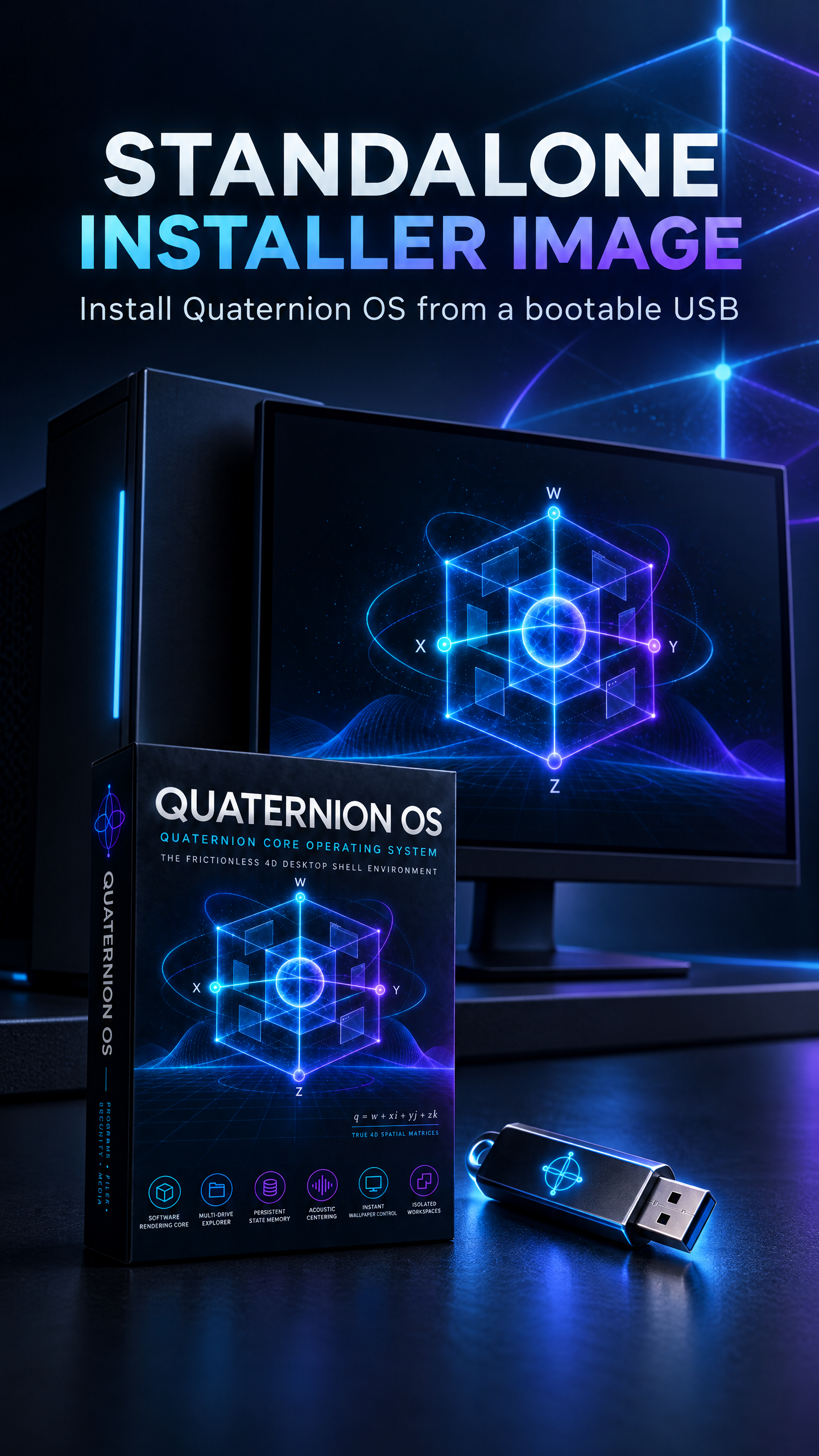
- Universal Bootable Installer (QuaternionOS_v3.1_Universal_Installer.iso + quaternion_universal_installer.py): Combines a Debian x86_64 system with bundled offline installer packages (offline_wheels/) so any 64-bit computer—including Windows 7/legacy PCs, Linux workstations, virtual machines, and machines with no operating system or internet connection—installs and boots straight into Quaternion OS v3.1.
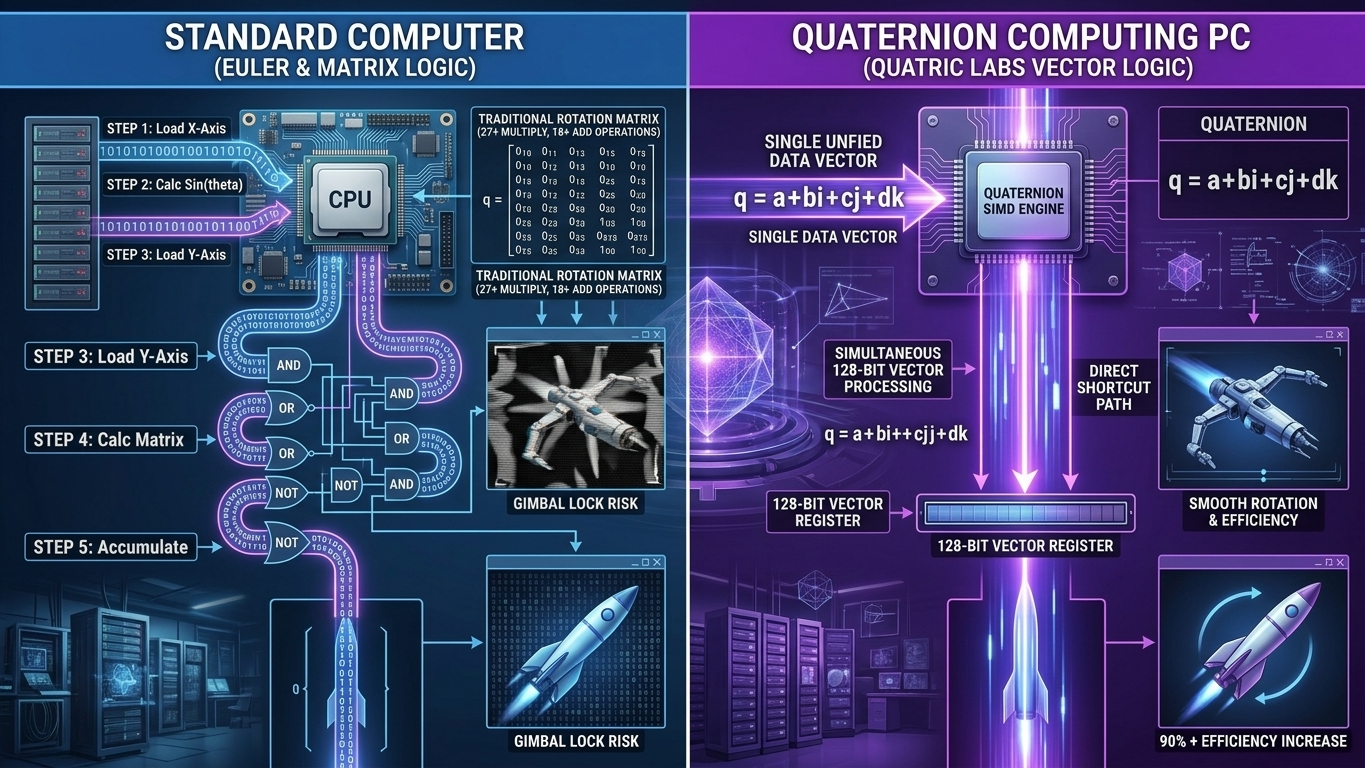
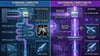
- Smooth 4D Workspace Engine: Uses unit-normalized quaternions and Spherical Linear Interpolation (SLERP) for responsive, hardware-accelerated 4D workspace transitions. [1]