


Landlord Maintenance Log and Property Inventory Template UK
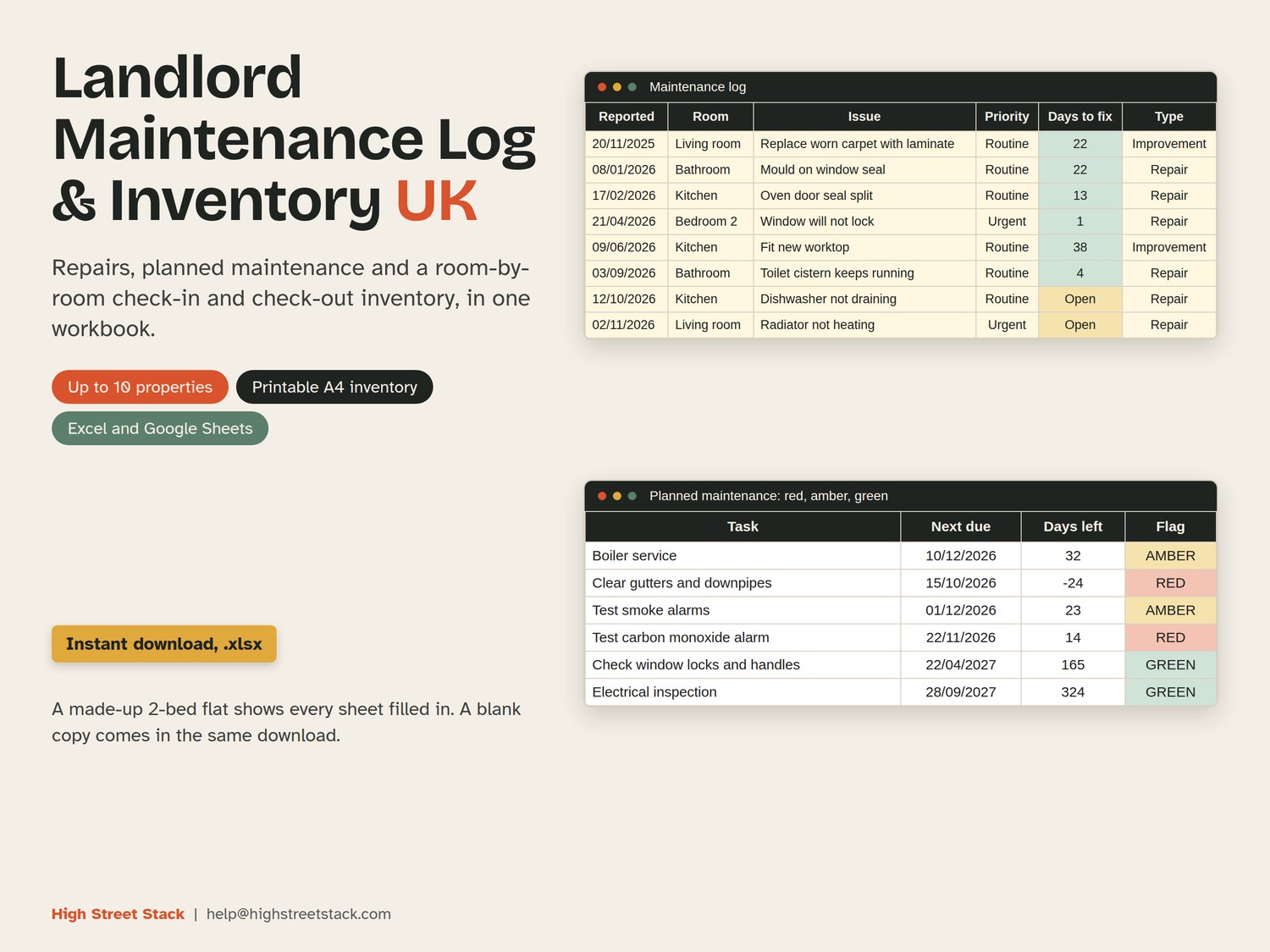
Landlord Maintenance Log and Property Inventory Template UK: repairs, planned maintenance, contractors and a room-by-room check-in and check-out inventory for up to 10 rental properties, in Excel and Google Sheets.
Most landlords keep this in emails, texts and a folder of photos. This workbook puts it in one place, in pounds, with dates that count themselves.
WHAT IT KEEPS TRACK OF
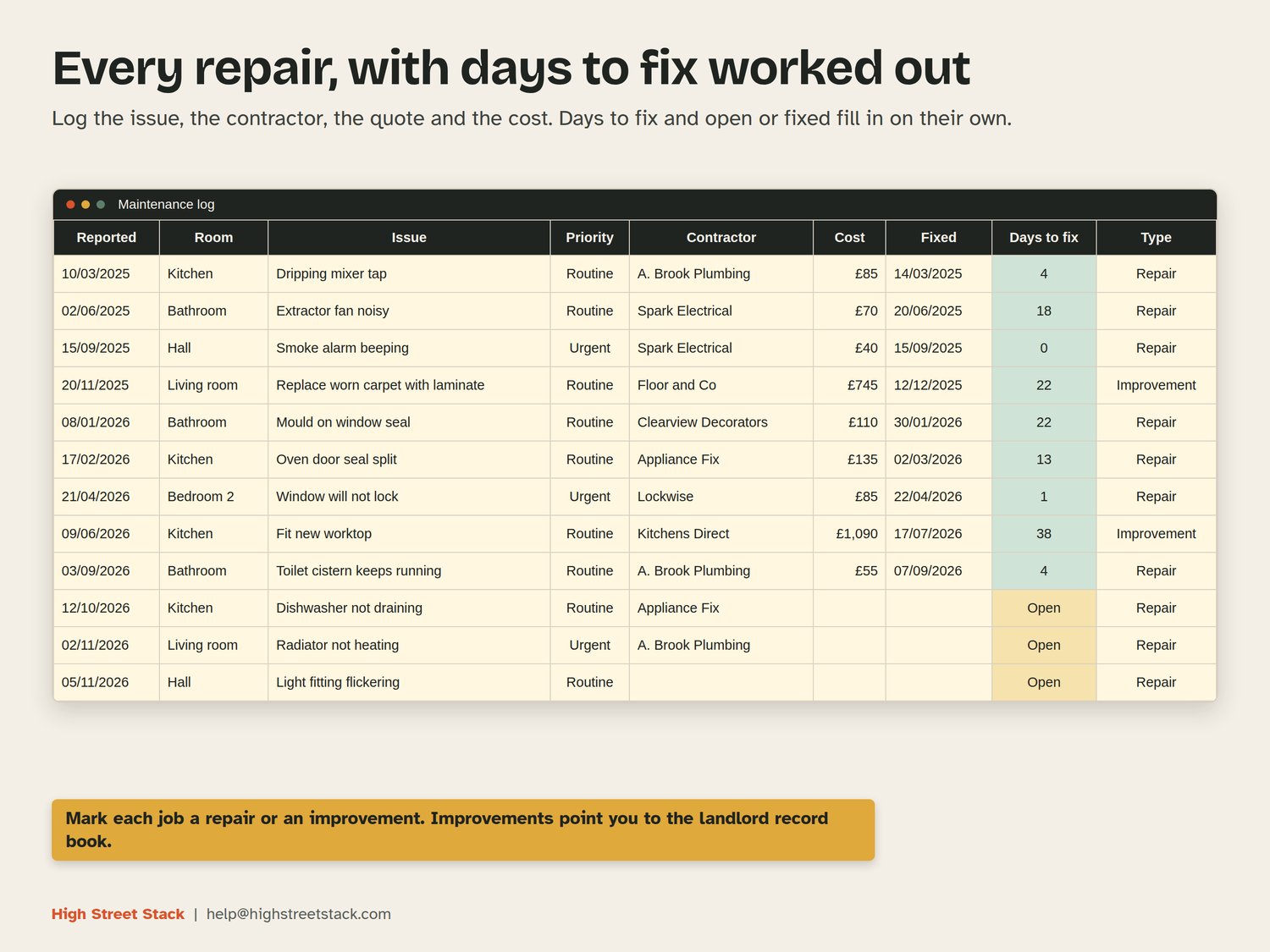
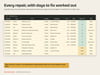
- Maintenance log: date reported, property, room, issue, who reported it, urgent or routine, contractor, quote, cost, date fixed. Days to fix is worked out for you, and each job shows as open or fixed.
- Repair or improvement: mark each job as one or the other. Improvements carry a note pointing to the Landlord MTD Record Book. The workbook gives no tax view.
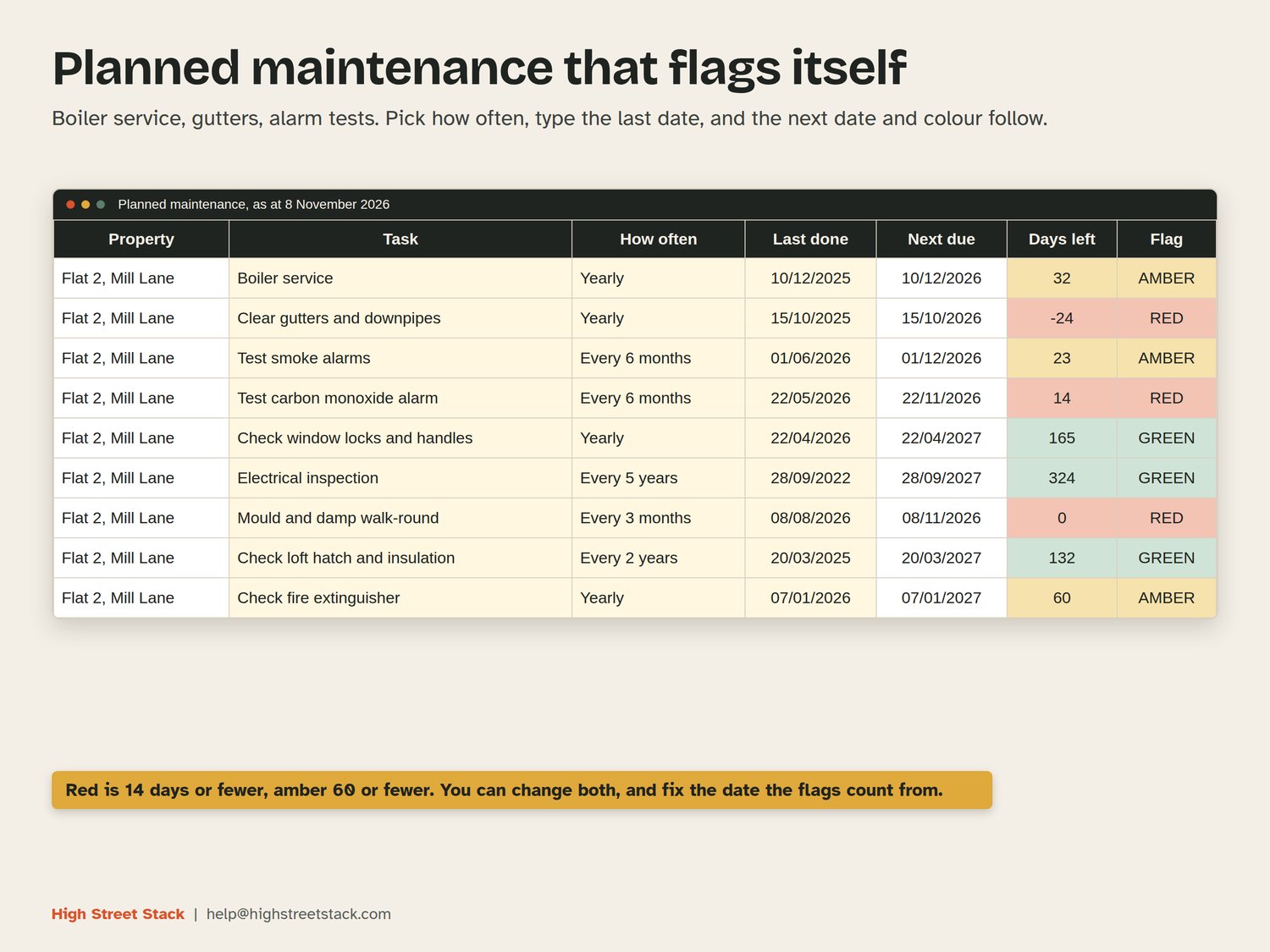
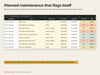
- Planned maintenance: boiler service, gutters, alarm tests and more. Pick how often, type the last date, and the next due date and a red, amber or green flag fill in.
- Contractors: jobs, open jobs, average days to fix and spend for each.
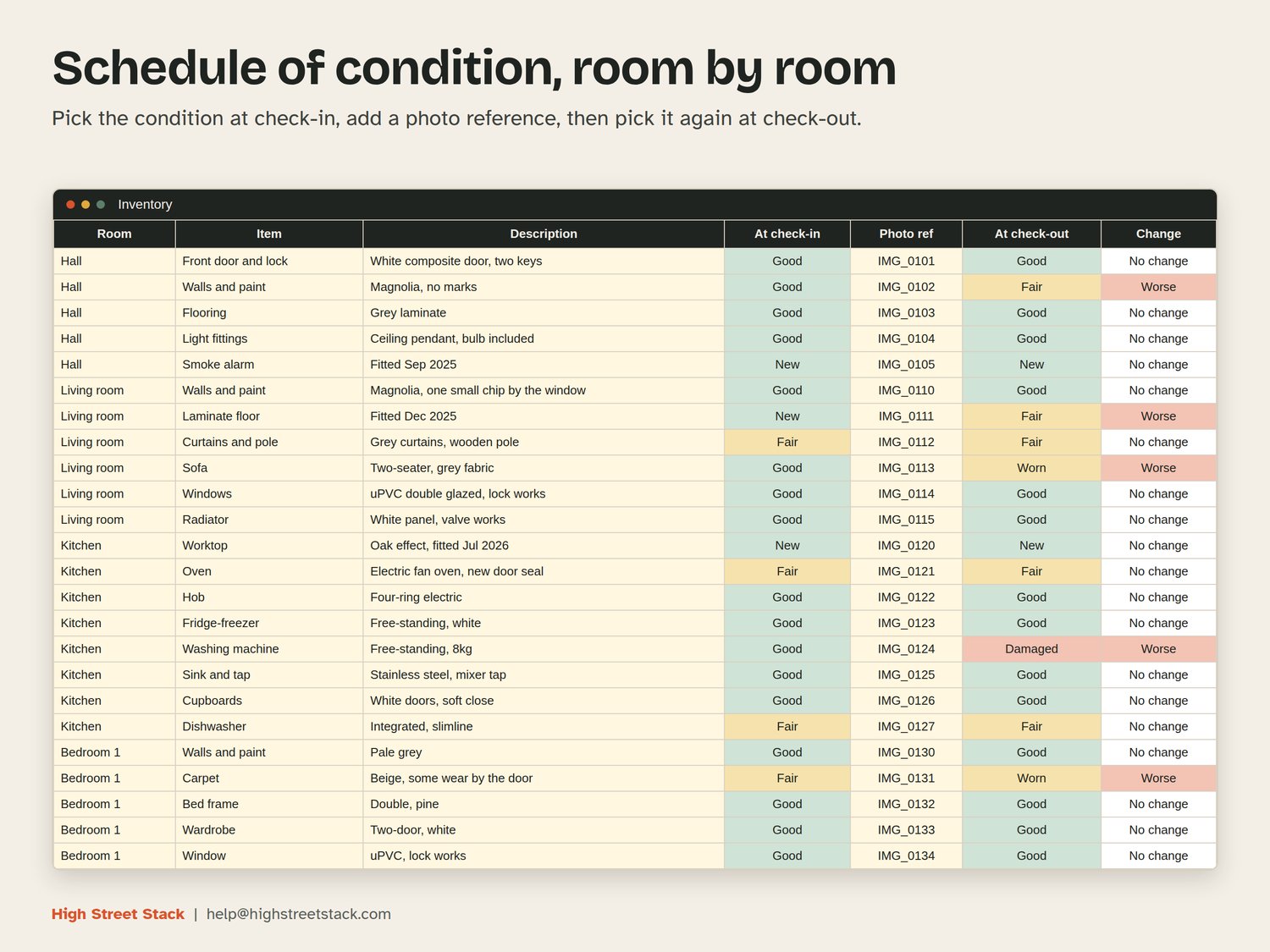
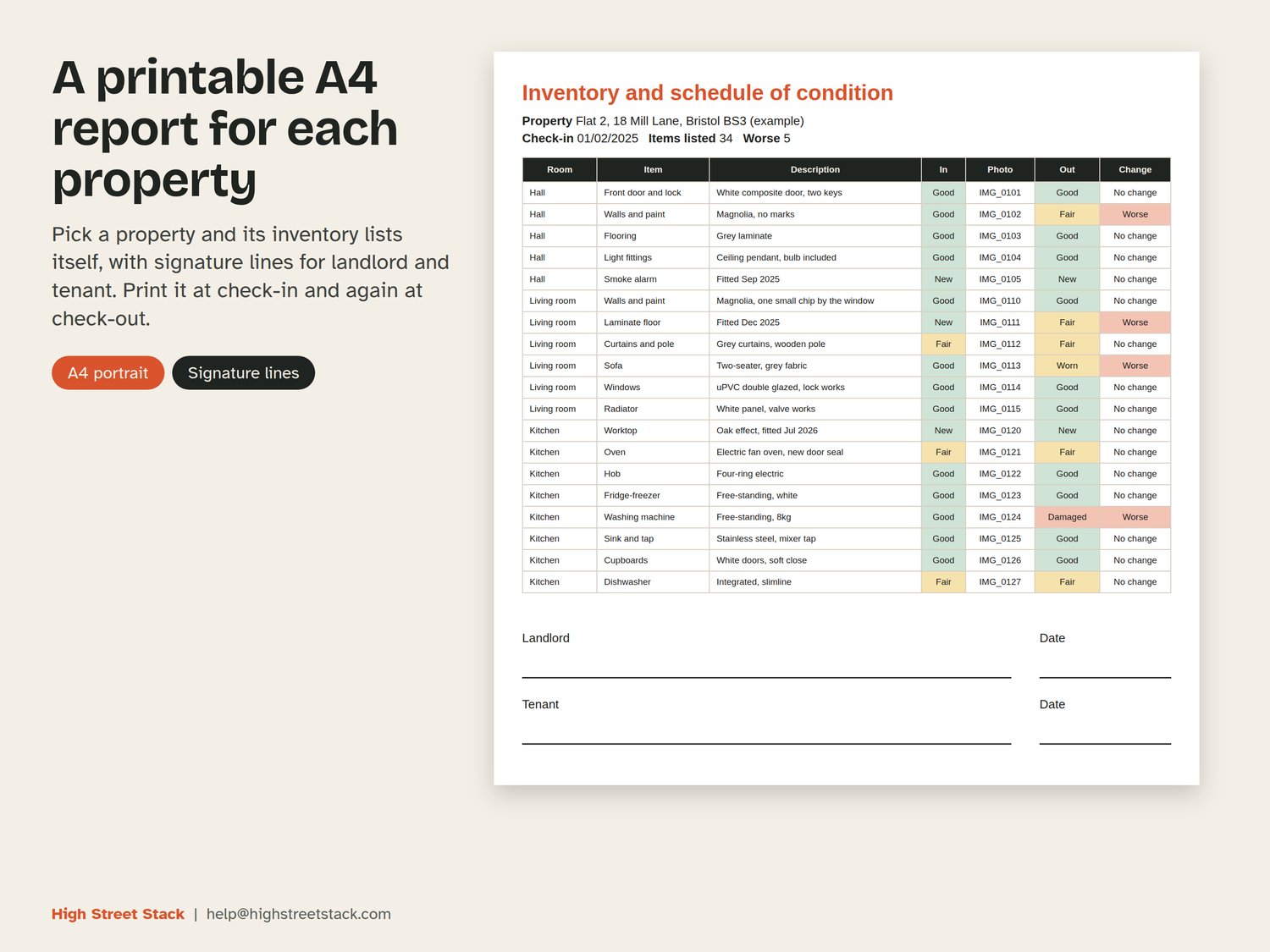
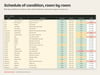
- Inventory and schedule of condition: room by room, up to 15 rooms, with condition at check-in from a drop-down, a photo reference, condition at check-out and a change flag.
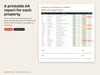
- Printable A4 inventory report for each property, with signature lines for landlord and tenant.
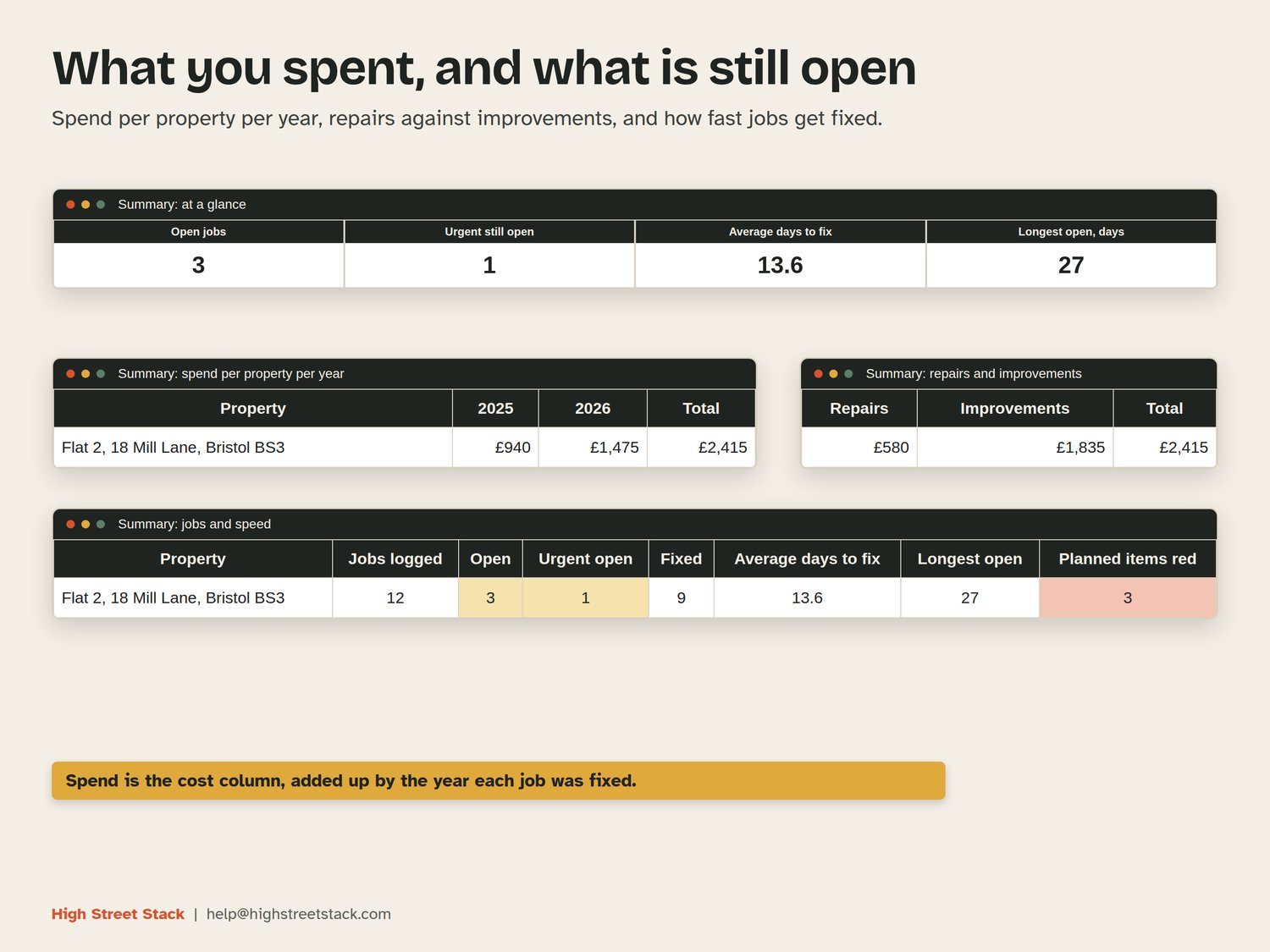
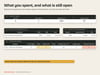
- Summary: spend per property per year, repairs against improvements, open jobs, urgent jobs and average days to fix.
HOW THE FLAGS WORK
Planned maintenance counts days from a date you can fix on the Settings sheet (or leave empty for today's date). Red is 14 days or fewer, or already past. Amber is 60 days or fewer. Both numbers can be changed. The inventory change flag compares the two conditions you typed and nothing else. Keep dated evidence such as photos, quotes and invoices.
WHAT YOU GET
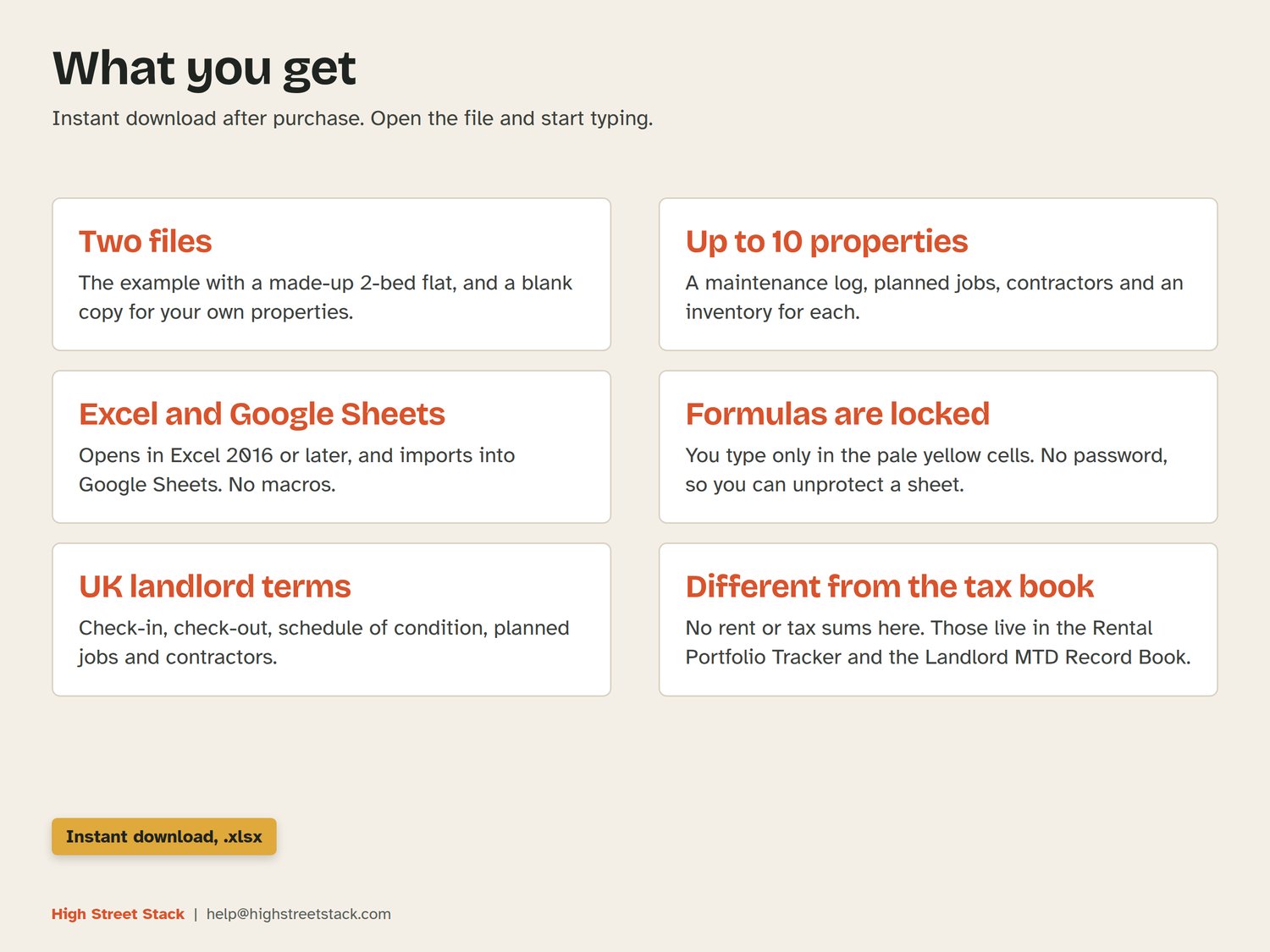
Two .xlsx files, ready to download straight after purchase: an example copy with one made-up 2-bed flat, and a blank copy for your own properties. Excel 2016 or later, or Google Sheets (File, Import, Replace spreadsheet). No macros. You type only in the pale yellow cells; formulas are locked with no password.
WHAT IT DOES NOT DO
It does not track rent, yields or arrears (see the Rental Portfolio Tracker) and it does not work out tax (see the Landlord MTD Record Book). It does not give legal advice.
Questions: help@highstreetstack.com