



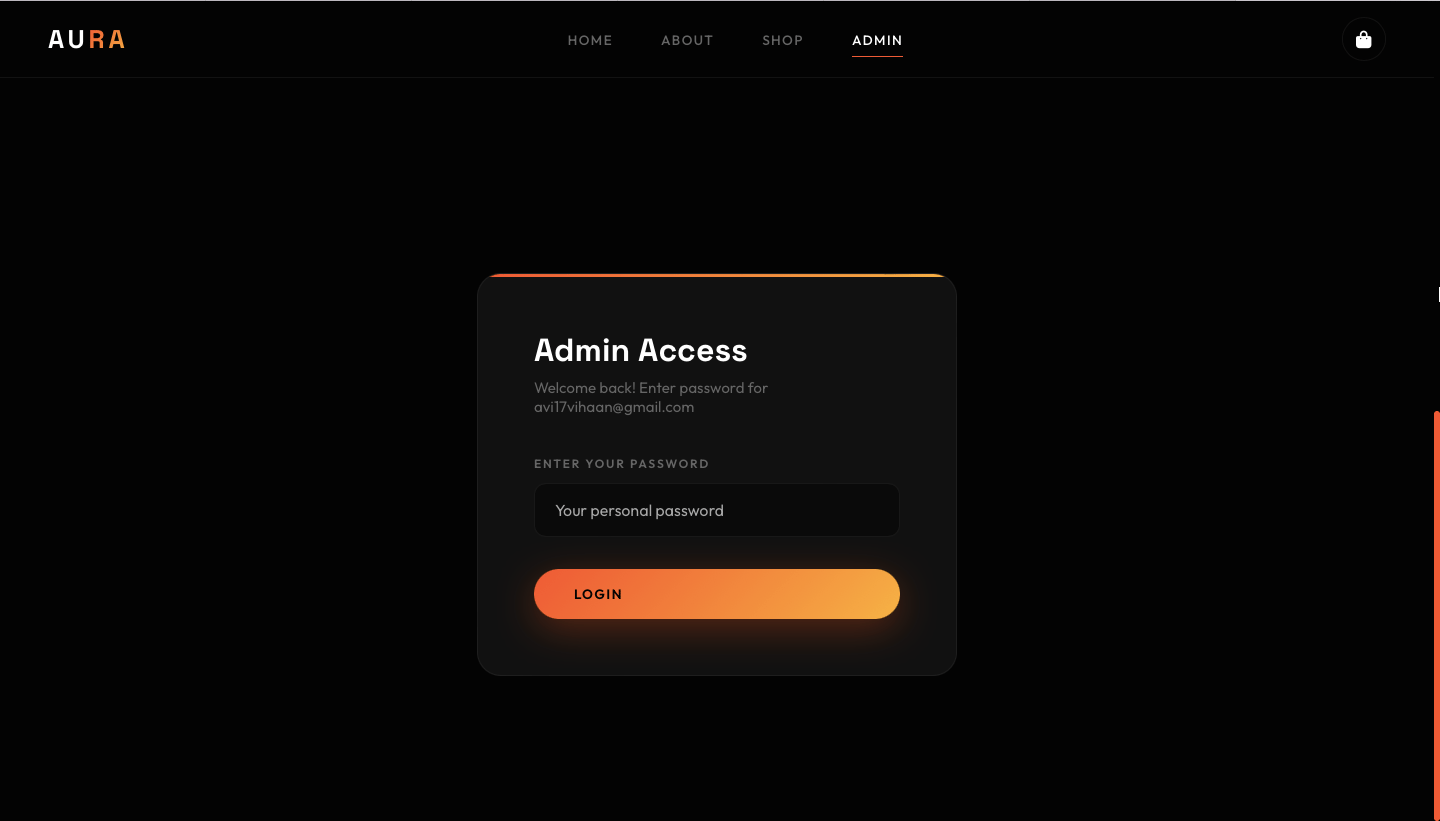
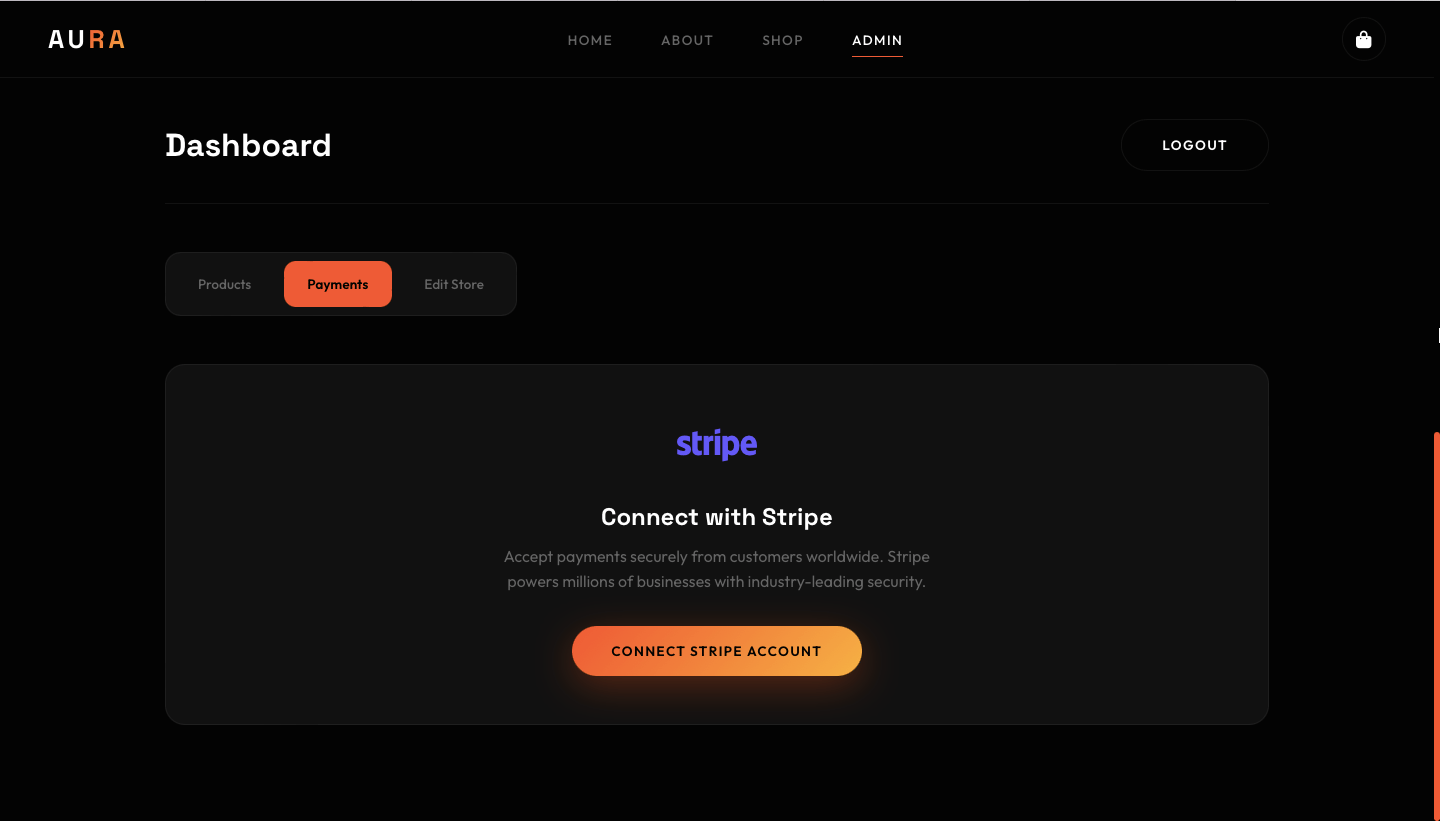



3D Sneaker Store From Bytee's Verse Series
BrightBytee Studios Presents
From Bytee's Verse Series
👟 Elevating Sneaker Retail — Premium 3D Experience
Step into a new era of digital commerce with our 3D Sneaker Store Website Template, meticulously crafted to embody sophistication and innovation. Designed for discerning sneaker brands and luxury retailers, this template transforms online shopping into an immersive showcase of craftsmanship and style.
✨ Professional Features:
- Immersive 3D Displays — Present sneakers with 360° rotation and hyper‑realistic detailing.
- Elegant Interface — A minimalist, premium layout that balances sleek visuals with intuitive navigation.
- Seamless Checkout — Integrated, secure transactions for a frictionless customer journey.
- Brand Storytelling — Dedicated sections to highlight heritage, exclusivity, and design philosophy.
- Scalable Architecture — Optimized for performance, ensuring reliability across devices.
🚀 Developed by BrightBytee Studios, this template is more than a storefront — it’s a digital flagship, redefining how premium sneaker culture is experienced online.
-Please Note For Buyer
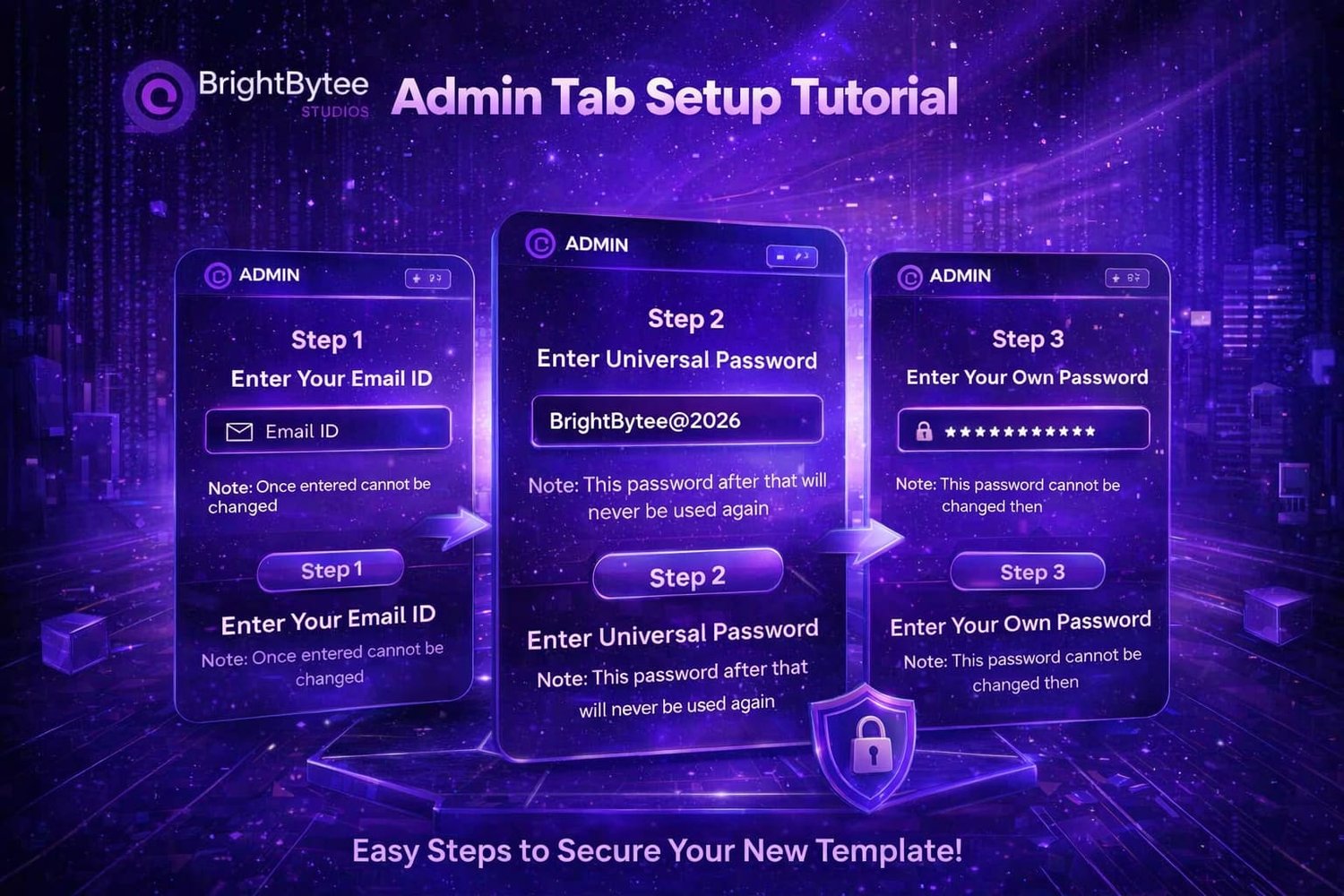
Here’s the written version of the tutorial you shared, formatted cleanly for text use:
Admin Tab Setup Tutorial
Step 1:
Enter Your Email ID
- Once entered, it cannot be changed.
- Button: Step 1
Step 2:
Enter Universal Password
- Use: BrightBytee@2026
- This password will never be used again afterward.
- Button: Step 2
Step 3:
Enter Your Own Password
- Once set, this password cannot be changed.
- Button: Step 3
✨ Easy Steps to Secure Your New Template!
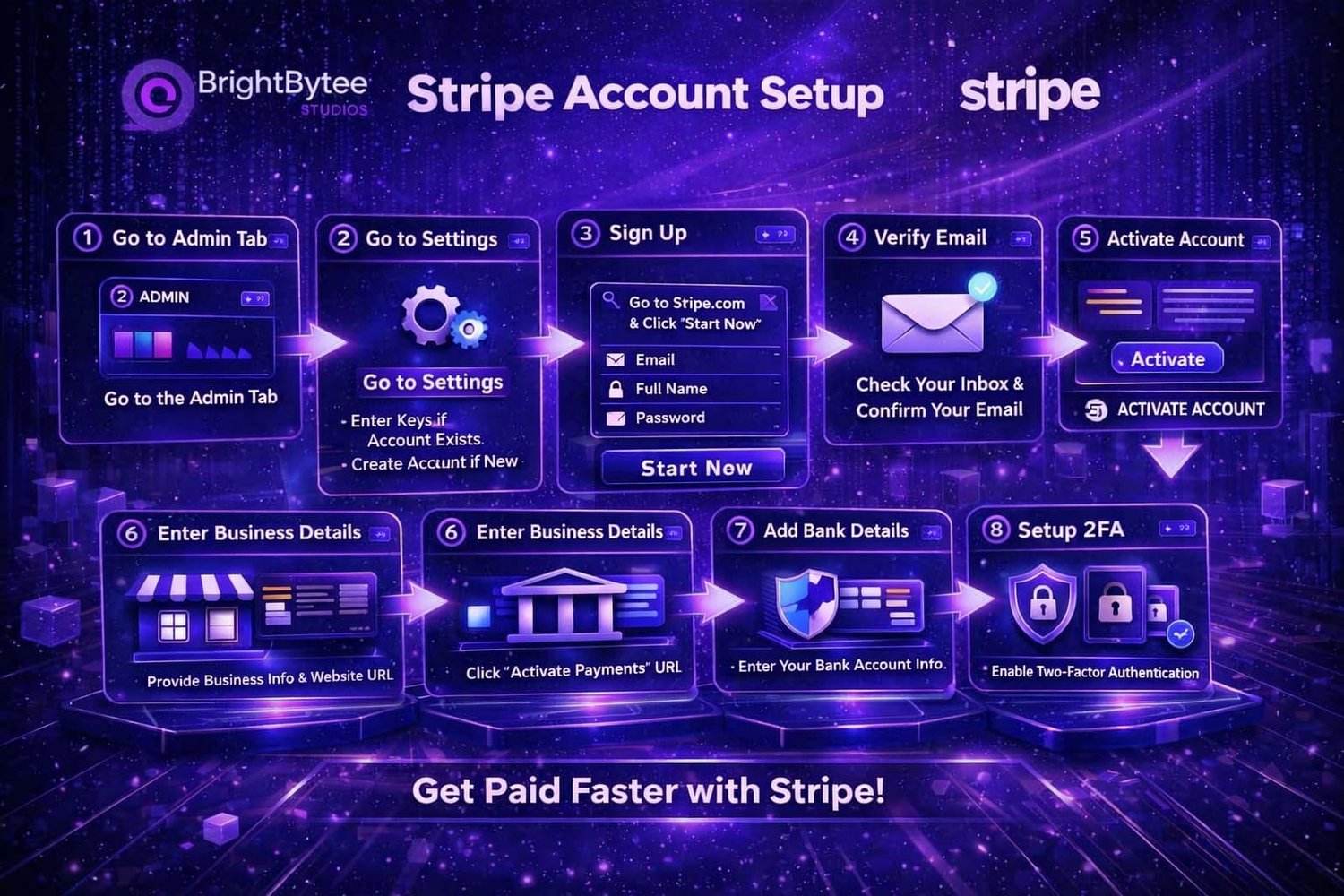
💼 Stripe Account Setup — BrightBytee Studios
1. Go to Admin Tab
Open the Admin tab in your dashboard.
2. Go to Settings
Navigate to Settings.
- If your account already exists, enter the required keys.
- If not, create a new account.
3. Sign Up
Visit Stripe.com and click Start Now.
Fill in your Email, Full Name, and Password, then click Start New.
4. Verify Email
Check your inbox and confirm your email address.
5. Activate Account
Click Activate Account to enable your Stripe profile.
6. Enter Business Details
Provide your business information and website URL.
Then click Activate Payments.
7. Add Bank Details
Enter your bank account information for payouts.
8. Setup 2FA (Two-Factor Authentication)
Enable 2FA to secure your account.
✅ Get Paid Faster with Stripe!
Disclaimer
-Please Note For Buyer
- Our team shall not be held responsible for any issues, errors, or complications that may arise after the download or purchase of our products.
- The items offered are basic templates intended for online business use.
- We do not provide editing services, customization, or design support to adapt these templates to your specific business requirements.
By purchasing or downloading from our store, you acknowledge and agree to these terms.
-Team BrightBytee Studios
You will get a HTML (101KB) file