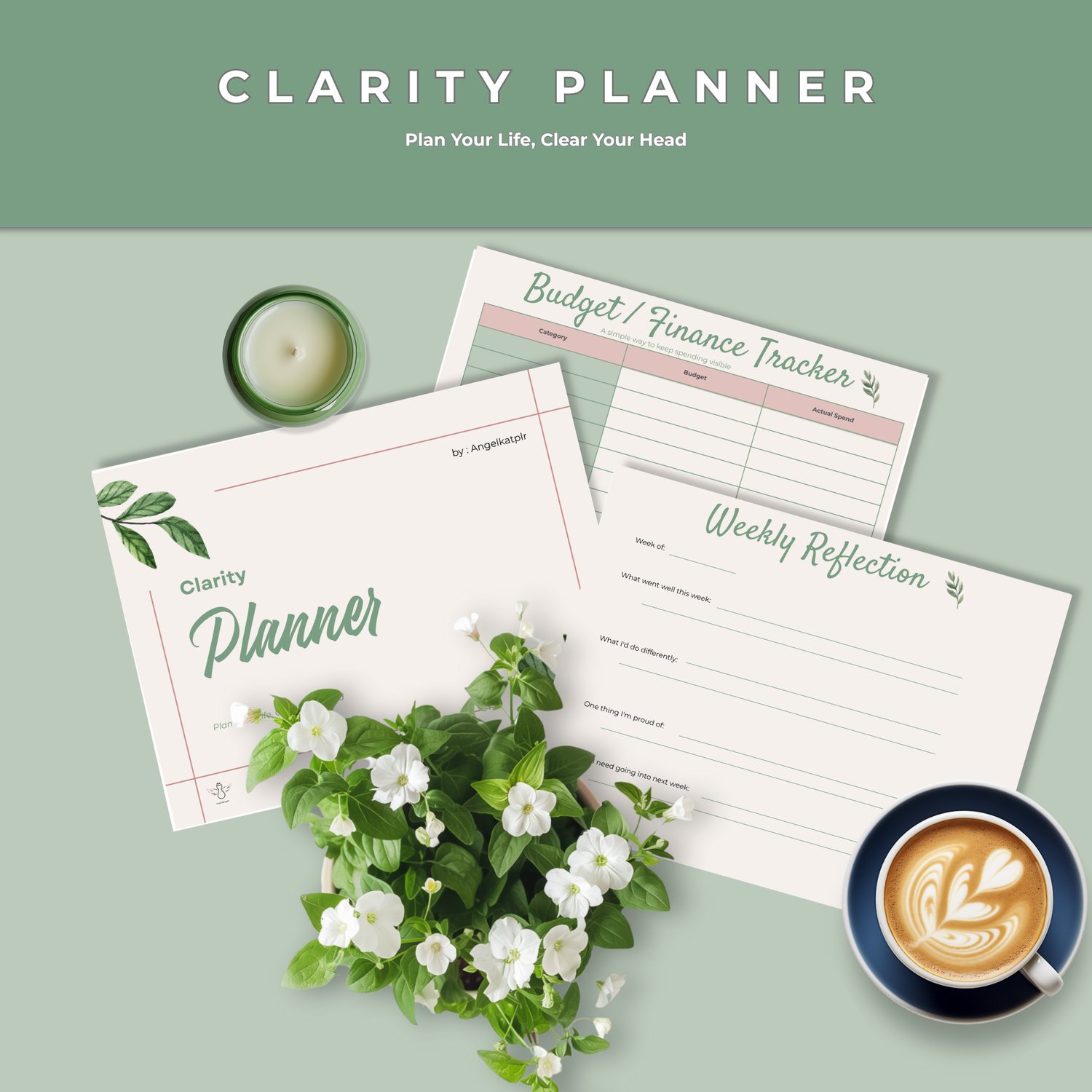



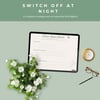
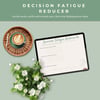

The Clarity Planner: Plan Your Life, Clear Your Head (Digital Planner)
Does your head feel like a browser with 47 tabs open?
The school forms. The birthday present you still haven't bought. The thing you promised yourself you'd start "next week" three weeks ago. It all lives in your head, and it's exhausting.
The Clarity Planner gives all of it a home.
It's a full, reusable digital planner with something most planners don't have: a gentle "clear your head" layer built right in. So you're not just organising your days, you're making space to actually breathe in them.
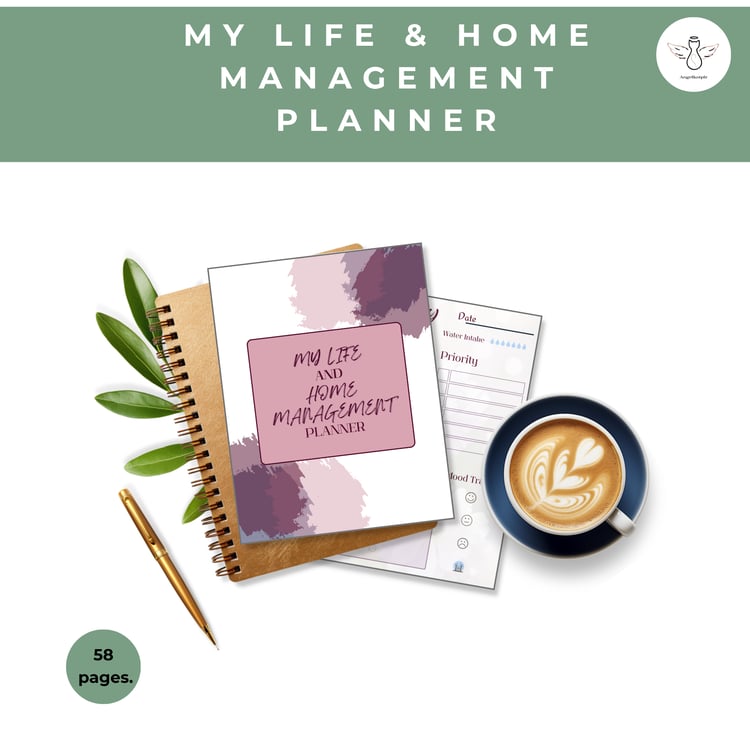
💜 What's inside (26 pages)
Get Clarity
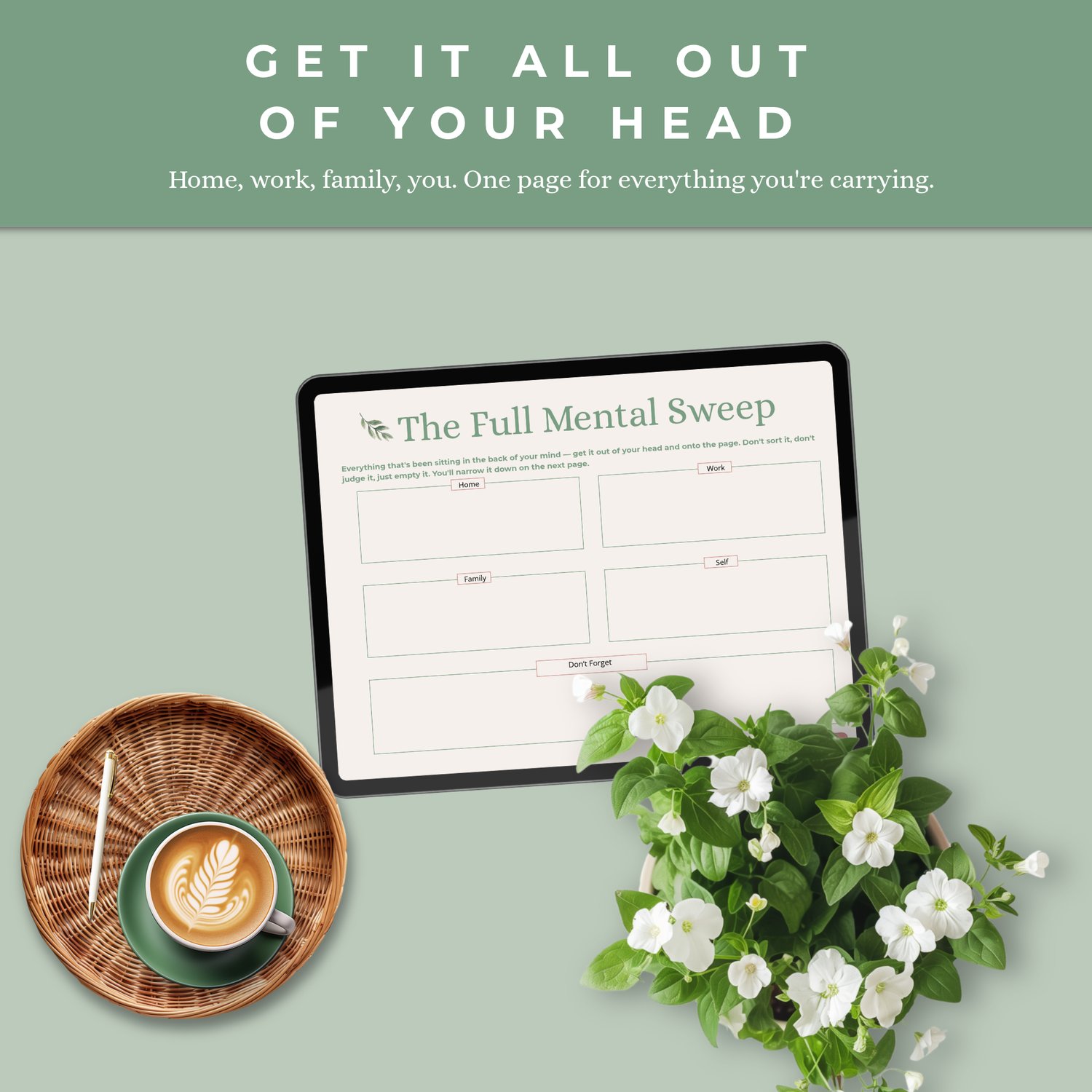
- The Full Mental Sweep: a brain dump across Home, Work, Family, Self and Don't Forget
- Your Non-Negotiables :narrow it down to what truly matters
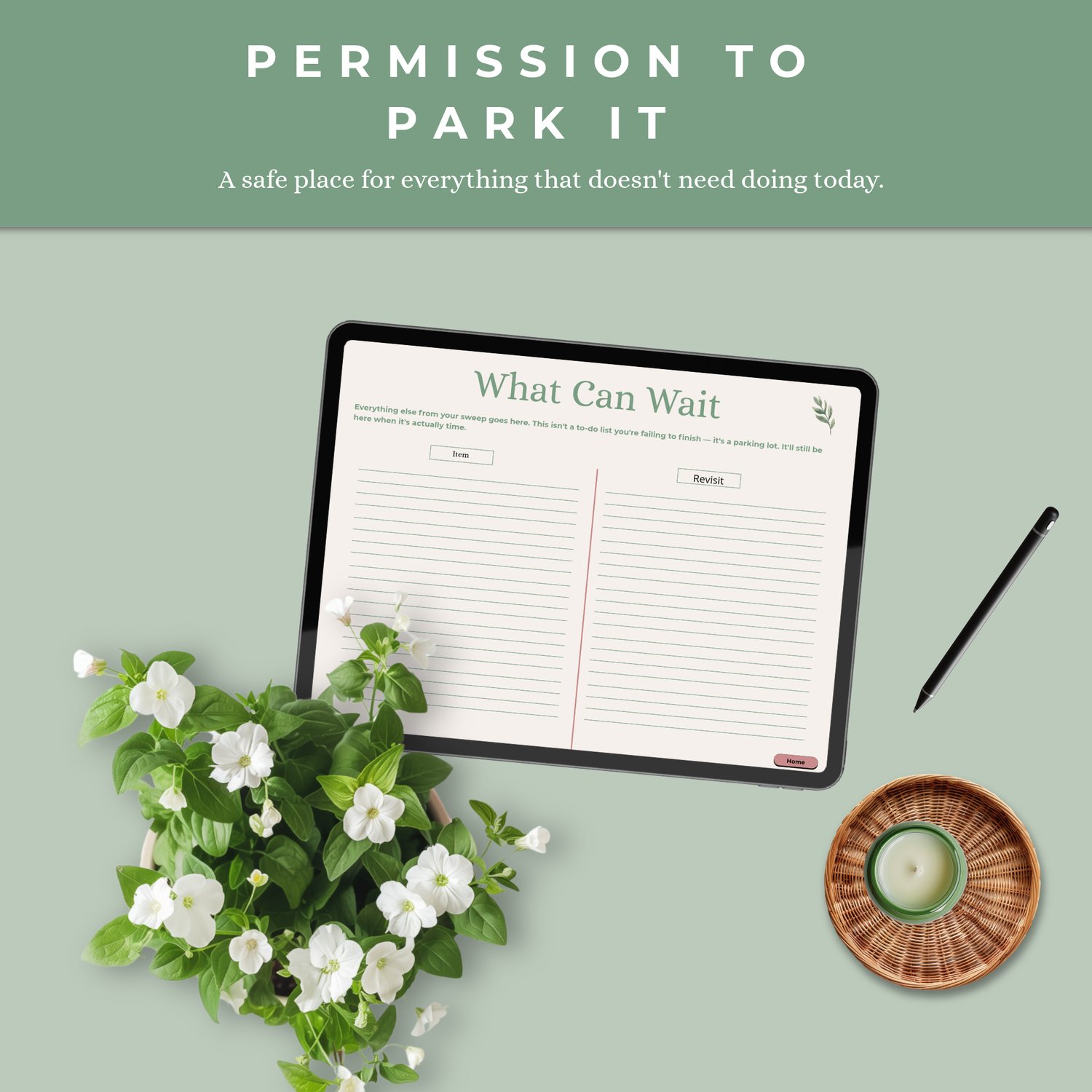
- What Can Wait: a parking spot for everything that isn't urgent (permission to let it go for now)
📅 Plan Your Life
- Year at a glance and monthly overview
- Give Your Week a Shape: a weekly theme page
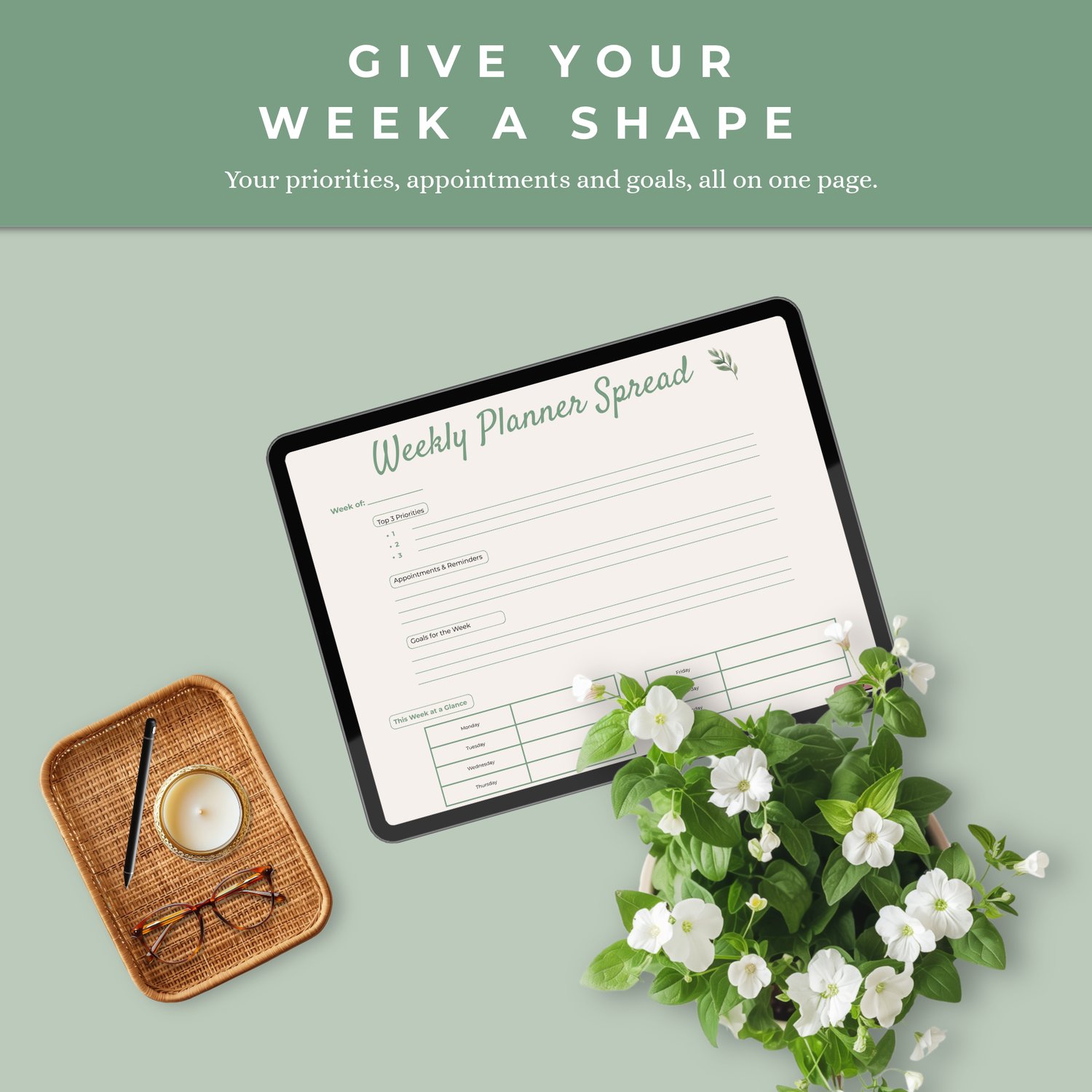
- Weekly planner spread and daily planner
- Habit tracker and goal-setting worksheet
- Budget tracker, meal plan + grocery list, and cleaning schedule
🧠 Clear Your Head
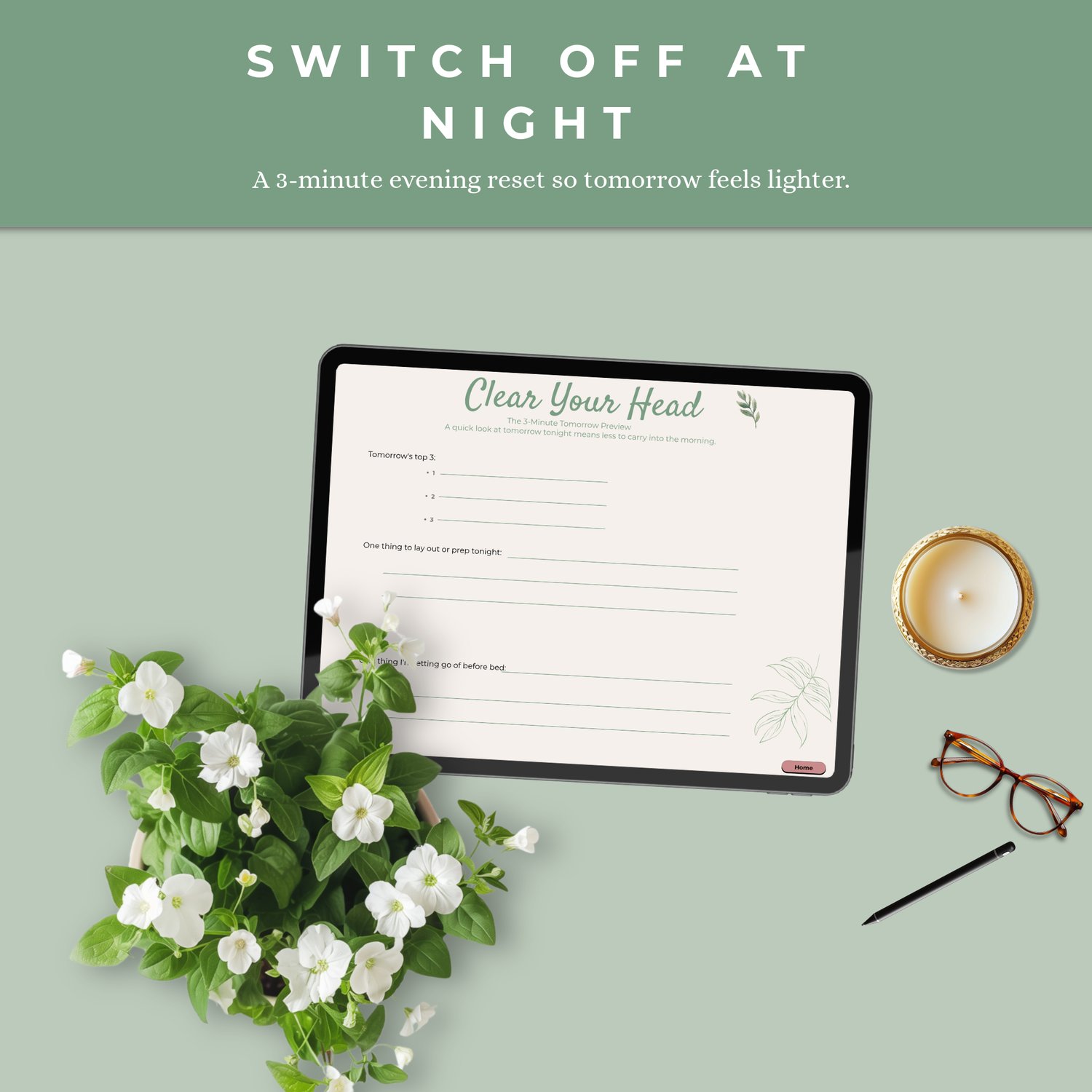
- The 3-Minute Tomorrow Preview: a quick evening reset so mornings feel calmer
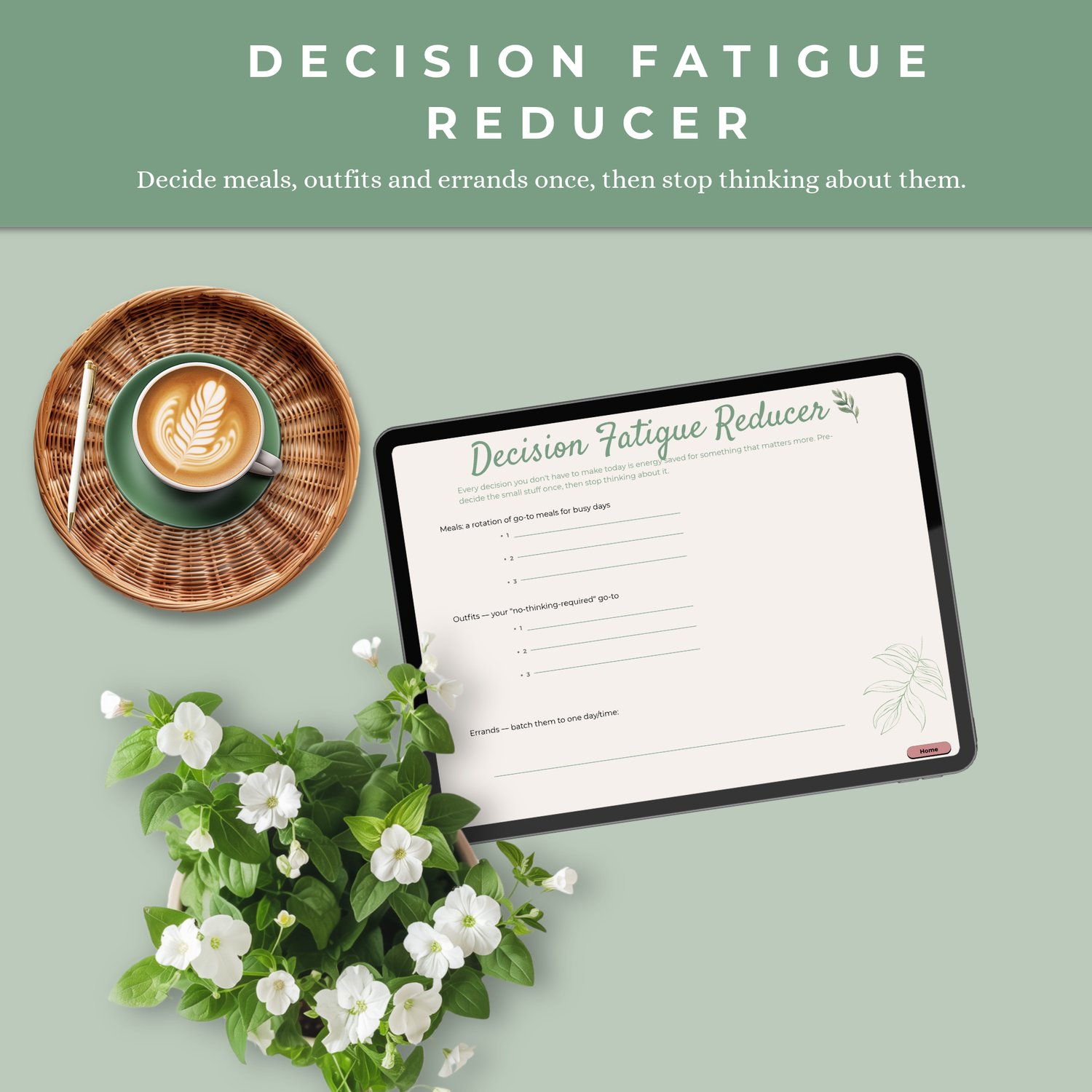
- Decision Fatigue Reducer : decide the everyday things once (meals, outfits, errands) and stop deciding them every day
- Emotional Check-In: including "one thing I'm carrying that isn't mine"
- Permission Slip: a kind, closing reset page
🔄 Reflect & Reset
- Weekly and monthly reflection pages
- Blank notes pages
✨ Why you'll love it
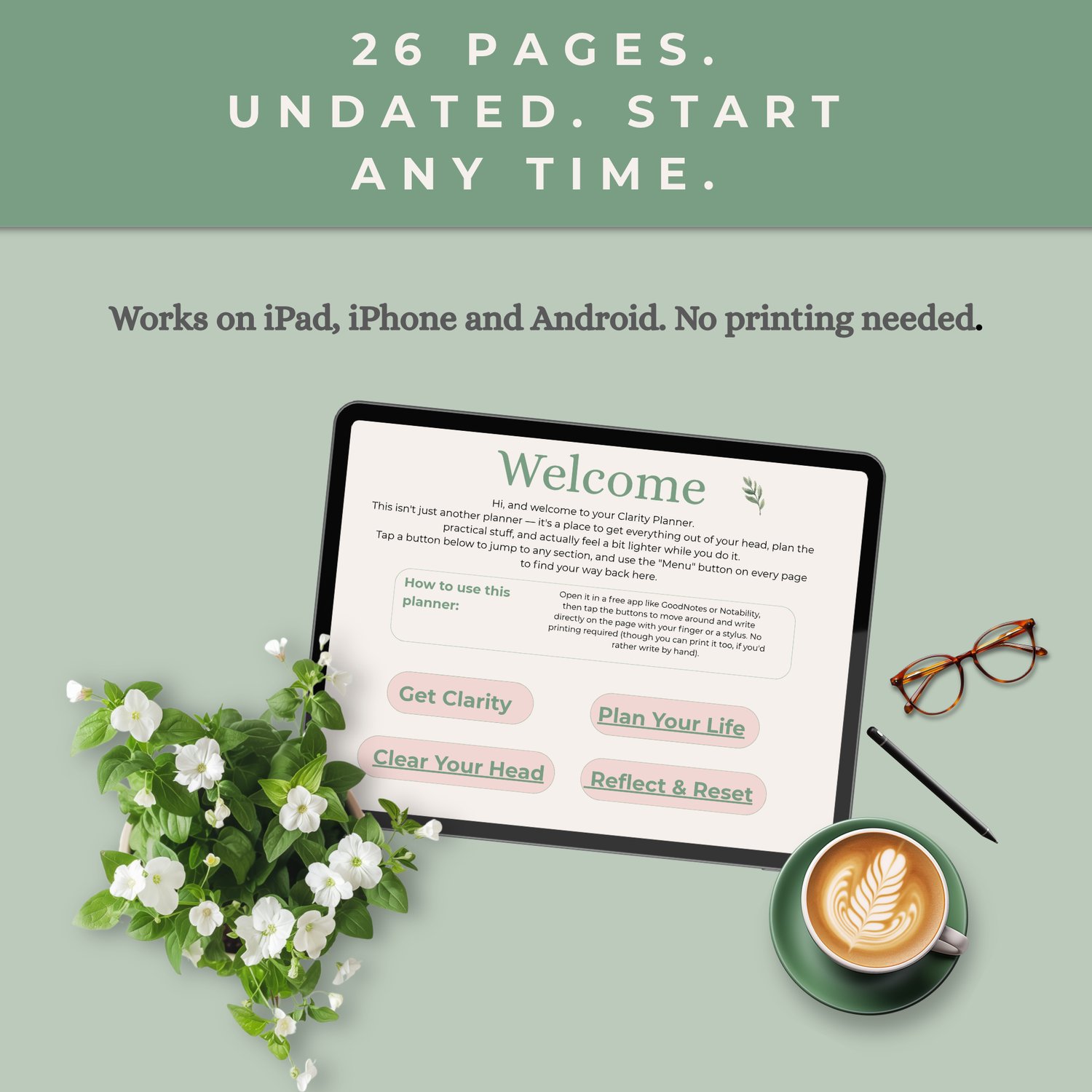
- Undated: start any day of the year and reuse it again and again
- Clickable menu: tap a tab to jump straight to any section, and tap "back to menu" from any page
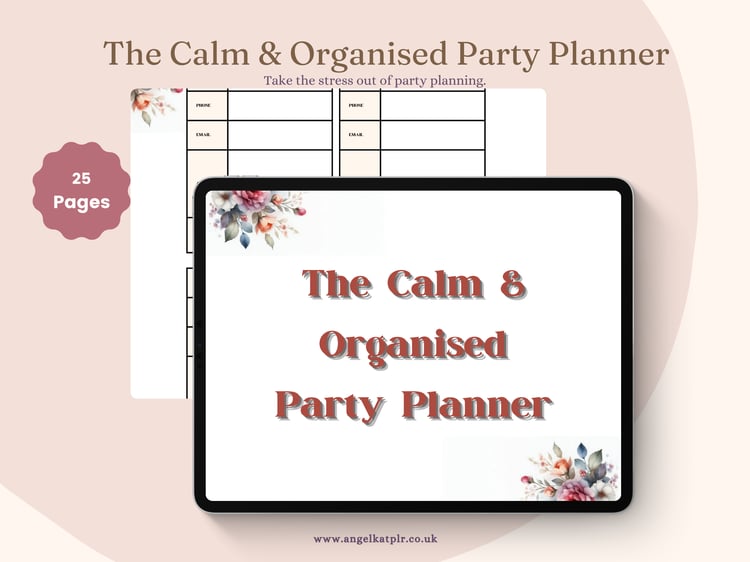
- Nothing to print: write on it with your finger or a stylus on your phone or tablet
- Made by a real person who uses these systems to run her own home and business
📱 How to use it
1. Download your planner (a PDF file)
2. Open it in a free note-taking app:
- iPhone, iPad or Mac: GoodNotes or Notability
- Android: Xodo PDF Reader & Editor (by Apryse Software)
3. Tap the menu buttons to move around, and write straight onto the pages
Simple step-by-step instructions are included with your download.
💬 Good to know
- This is a **digital download**. Nothing will be posted to you.
- For personal use only.
- Android tip: search for "Xodo PDF Reader & Editor" by name, as some lookalike apps are full of ads. If the pages ever look plain and the colours disappear, switch the View back to "Page" mode.
You don't need more willpower. You just need a place to put it all down. 💜