
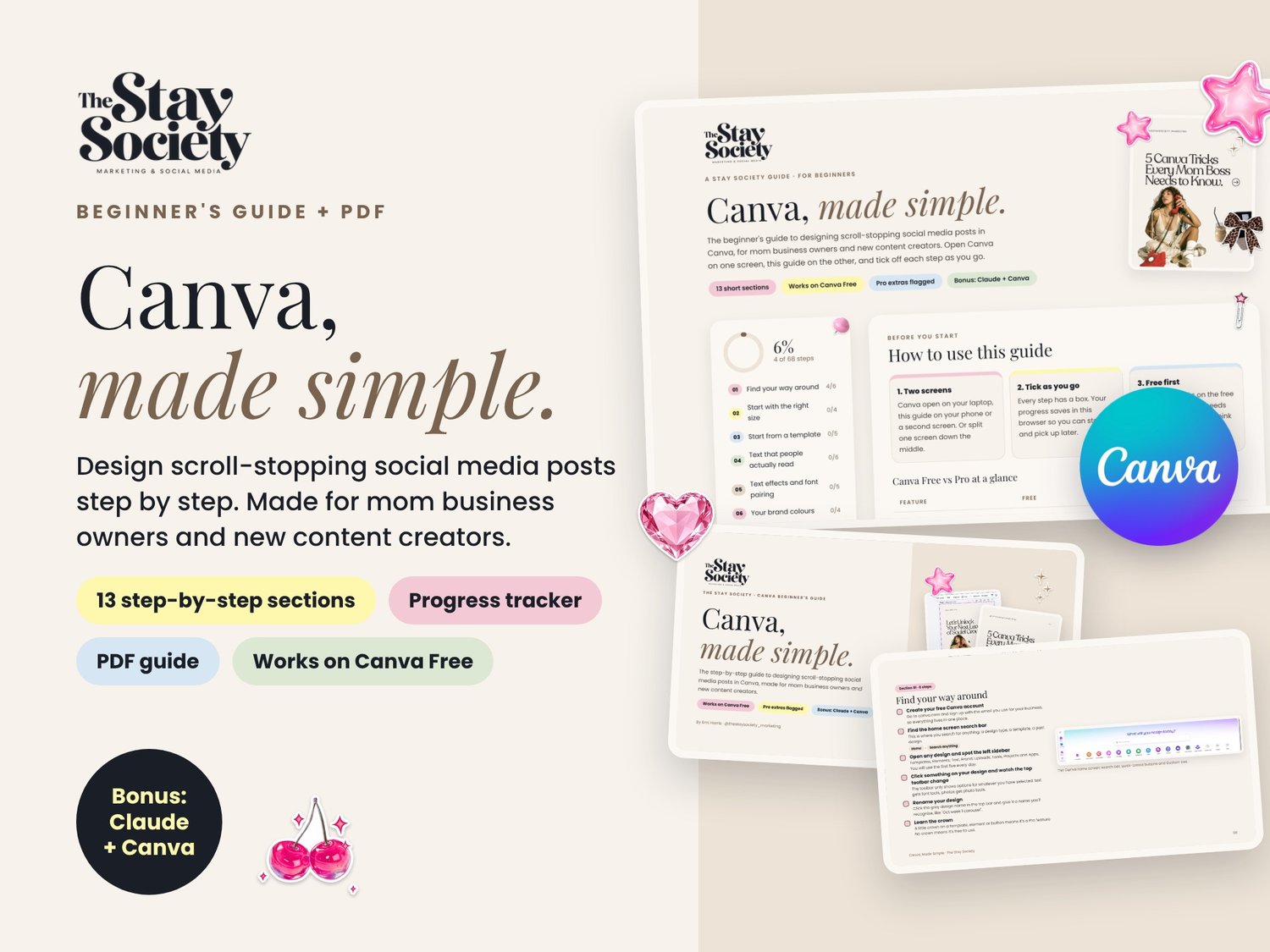
The Stay Society Canva Basics Guide
Canva, made simple.
Design scroll-stopping social media posts in Canva, step by step. No design experience needed.
This is the beginner's Canva guide I wish every mom running a business had. Open Canva on one screen and this guide on the other, then work through one short section at a time. Every step has a box to tick, so you always know where you stopped.
What you'll learn
- Find your way around Canva, so it stops feeling overwhelming
- The right sizes for posts, carousels, Stories and Reels (cheat sheet included)
- How to pick a template and make it look like yours
- Text people actually read, plus easy font pairing
- Setting up your brand colours so every post matches
- Elements, frames and grids that make posts look designed
- Editing your own photos for a consistent feed
- Layers and alignment, the secret to a professional look
- Carousels that get saved and shared
- Simple animation and video for Reels
- Canva apps and Canva AI
- Downloading the right file and posting
What's included
- An interactive guide that opens in your browser, with a progress tracker that saves your ticks
- A 42-page PDF version
- Real Canva screenshots for every section
- Stay Society design tips throughout
- Clear notes on what's free and what needs Canva Pro
Bonus: Claude + Canva
See how Claude can create, rewrite and resize your Canva designs for you, with ready-to-copy prompts.
Who it's for
Mom business owners, small business owners and new content creators who do their own marketing and want their posts to look professional without hiring a designer.
What you need
A free Canva account. Everything in the guide works on Canva Free, and the Pro extras are clearly marked.
0Digital download for personal use. The Stay Society is not affiliated with or endorsed by Canva.