
Storage Unit Inventory + QR Labels
On Sale
$7.00
$7.00
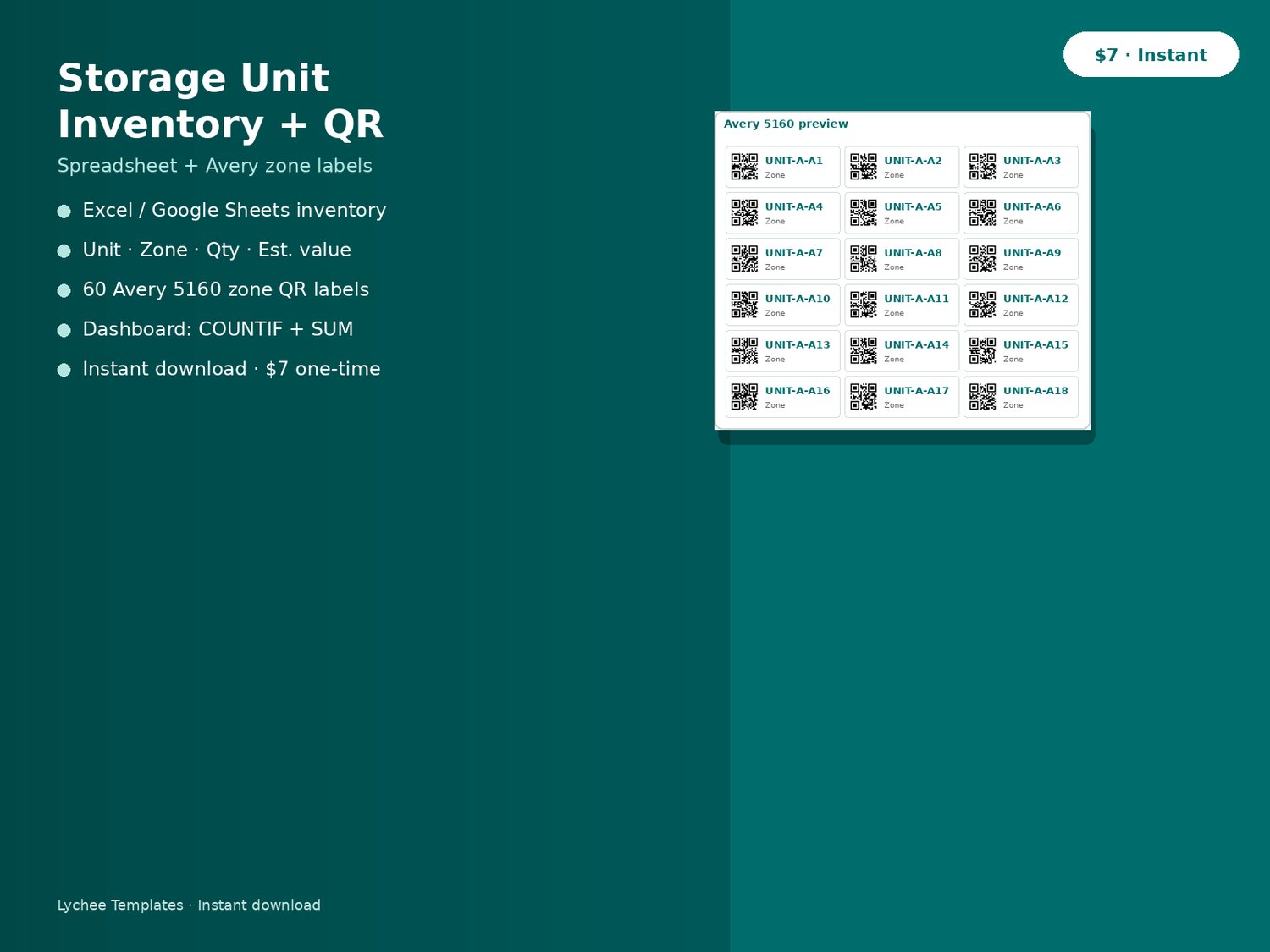
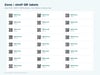
Excel / Google Sheets storage inventory (unit, zone, value, status) plus 60 printable Avery 5160 zone QR labels linked via bulk-qr.vercel.app.
Know what's in the unit — and which shelf — without opening every tote.
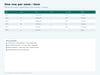
Inventory spreadsheet (Google Sheets, Excel, Numbers, LibreOffice — no macros)
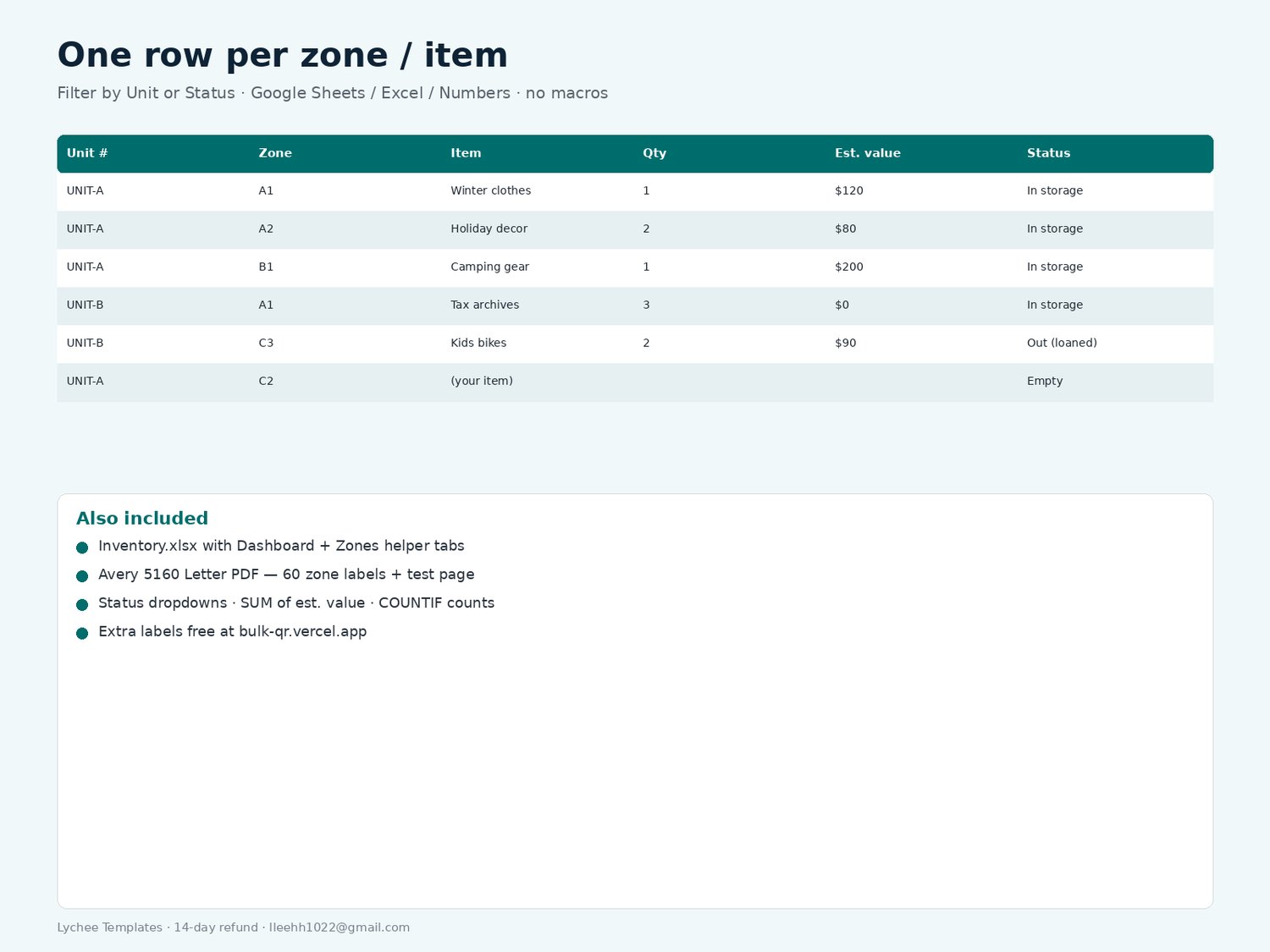
- Columns: Unit #, Zone / Shelf, Item, Qty, Photo note, Date in, Est. value (USD), QR code URL, Status, Notes
- Status dropdown: Empty · In storage · Out (loaned) · Out (sold) · Disposed
- Dashboard tab: COUNTIF counts + SUM of estimated value
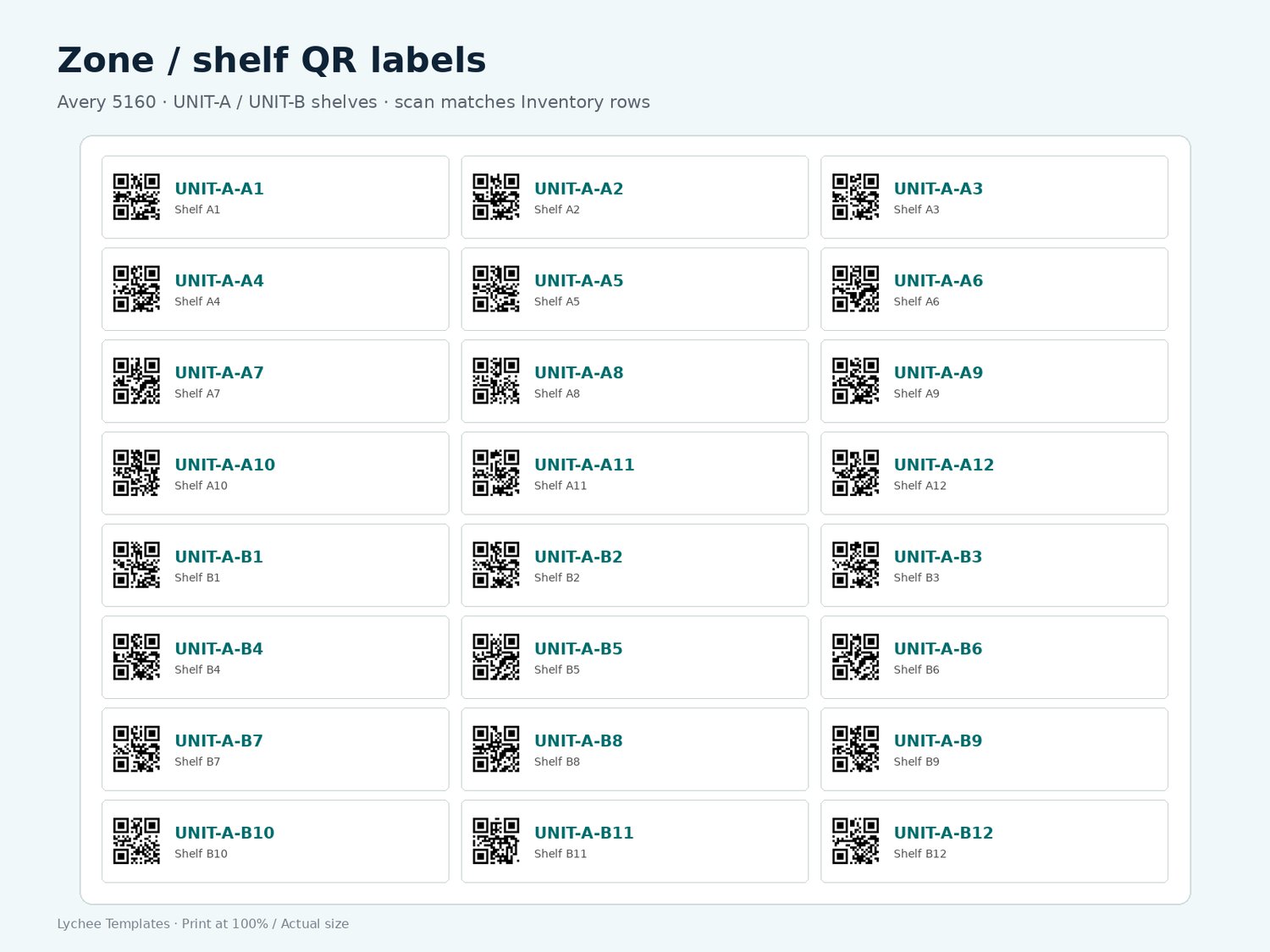
- Zones helper tab with UNIT-A / UNIT-B shelf codes matching the label sheets
- 5 grey EXAMPLE rows (delete when you start) + 60 yellow ready rows
Print-ready zone QR labels
- Avery 5160 / 8160 (Letter, 30 per sheet): 60 labels (UNIT-A + UNIT-B zones) + alignment test page
- Phone camera reads UNIT-A-A1 etc. — no app required
- Print at 100% / Actual size (turn off Fit to page)
How-to PDF: print labels, fill the sheet, keep QR code URL column in sync (or generate https:// links free at bulk-qr.vercel.app).
Delivery: instant download (ZIP). Support: lleehh1022@gmail.com.
License: for your own storage unit / household. Please don't resell or share the files.
Refund: 14-day no-questions — lleehh1022@gmail.com.