


Residential Design Options Manager
Residential Design Options Manager
Keep your design alternatives organized and ready for review.
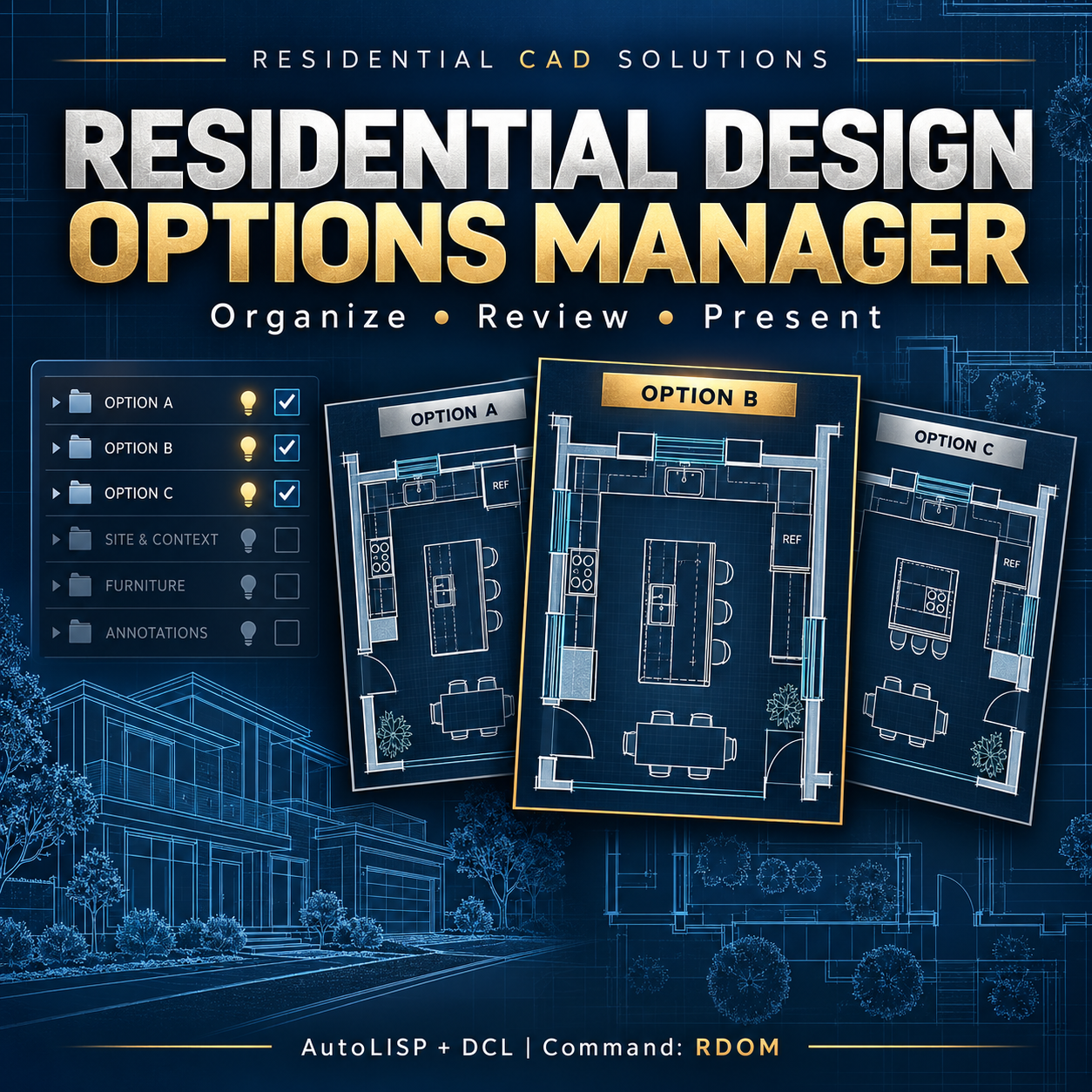
Residential Design Options Manager helps you manage layer-based design alternatives inside your AutoCAD drawing. Organize kitchen layouts, room arrangements, garage concepts, and other options without manually resetting layer visibility for every presentation.
Features include:
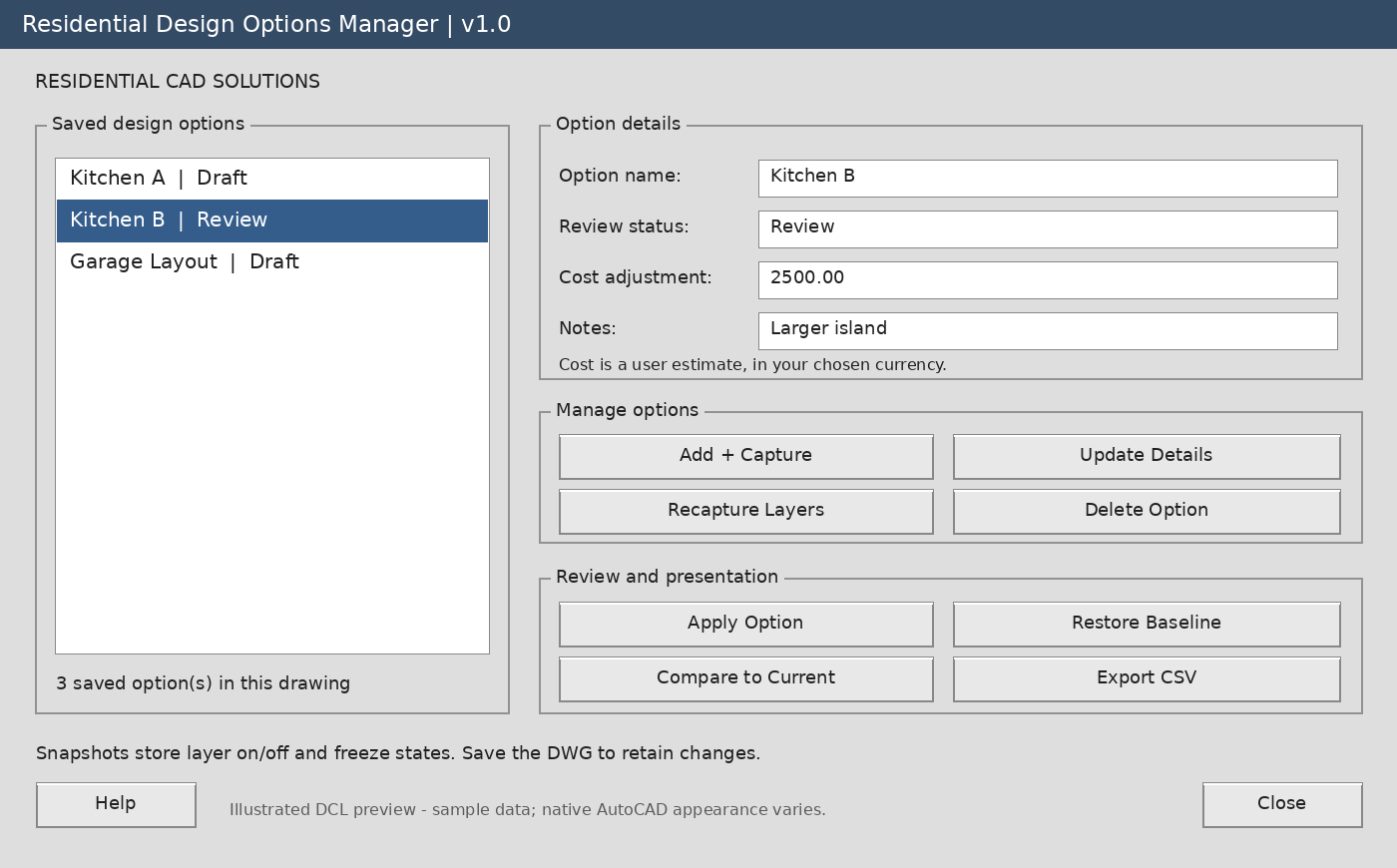
- Named design options: Give each alternative a clear name and project notes.
- Layer visibility snapshots: Capture and apply layer on/off and global frozen/thawed states.
- Review tracking: Mark options as Draft, Review, Approved, or Rejected.
- Estimated cost adjustments: Record estimated additional costs or savings for each option.
- Baseline restore: Return to the layer visibility recorded before your first option application.
- Visibility comparison: Identify differences between a saved snapshot and current layer visibility.
- CSV export: Export option details and captured layer states for project records.
- DWG storage: Keep option records inside the drawing when you save it.
Your download includes:
AutoLISP source file, DCL dialog file, installation instructions, example workflow, and a matching dialog preview.
Command: RDOM
Designed for Windows AutoCAD with AutoLISP and DCL support, targeting AutoCAD 2002 and later. Runtime compatibility has not yet been verified.
Please note: Alternatives must be organized on separate layers. This tool manages option records and layer visibility; it does not generate or duplicate designs, compare drawing geometry, or calculate construction costs. Cost adjustments are entered manually.
A practical way to organize alternatives and make design reviews easier to follow.