

PDF Toolkit Pro - Complete PDF Solution for Windows
PDF Toolkit Pro – Complete PDF Solution for Windows
Manage, organize, secure, and optimize your PDF documents with ease!
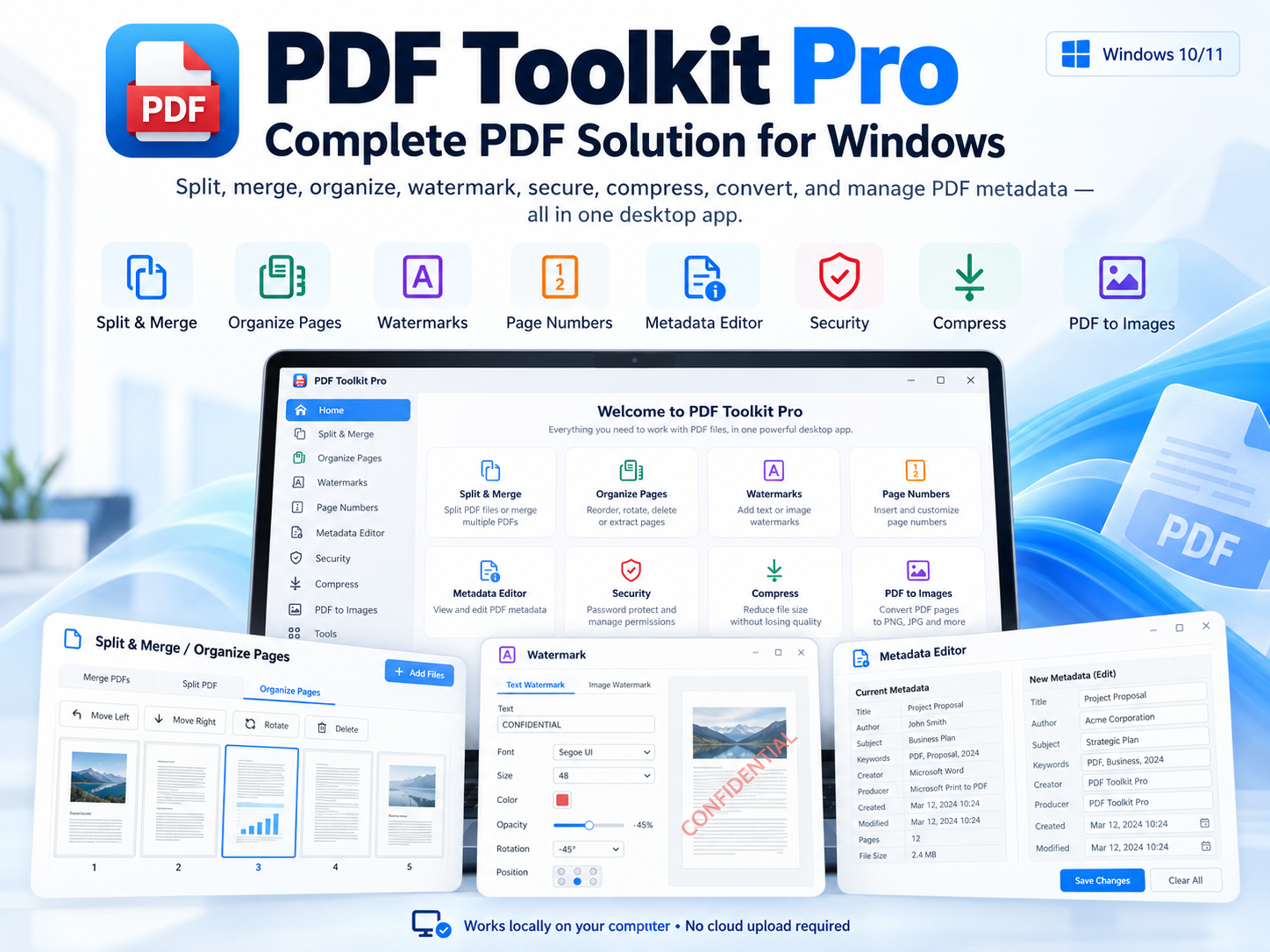
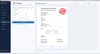
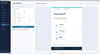
PDF Toolkit Pro is a powerful, all-in-one Windows desktop application designed to simplify everyday PDF tasks. Split, merge, reorganize, compress, protect, watermark, convert, and manage PDF metadata — all from one intuitive interface.
No subscriptions. No cloud uploads. Your files stay on your computer.
✨ KEY FEATURES
📄 SPLIT & MERGE PDF
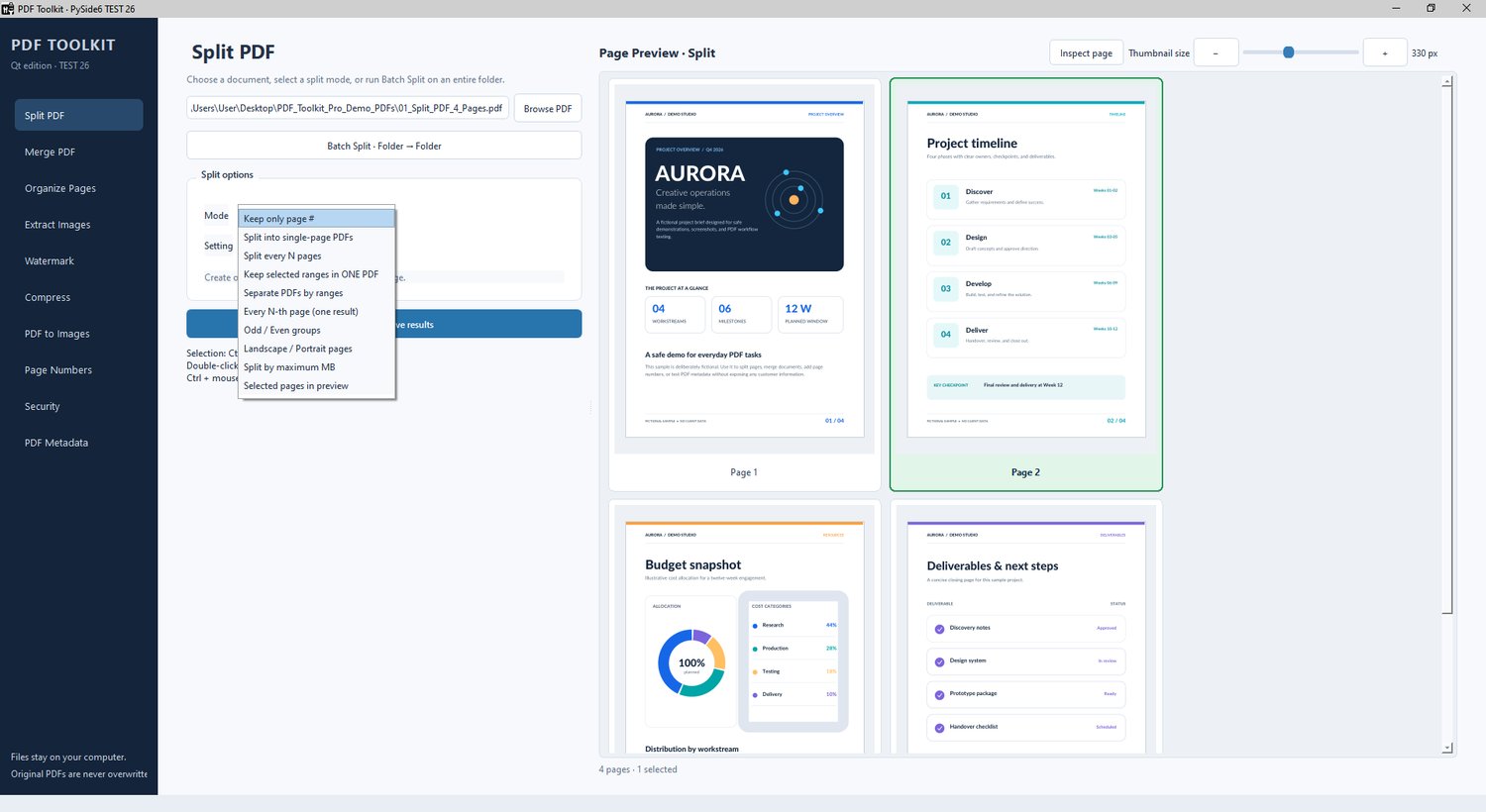
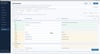
- Split PDFs by page count, file size, custom ranges, or individual pages.
- Extract odd or even pages and select every Nth page.
- Process multiple PDF documents in batches.
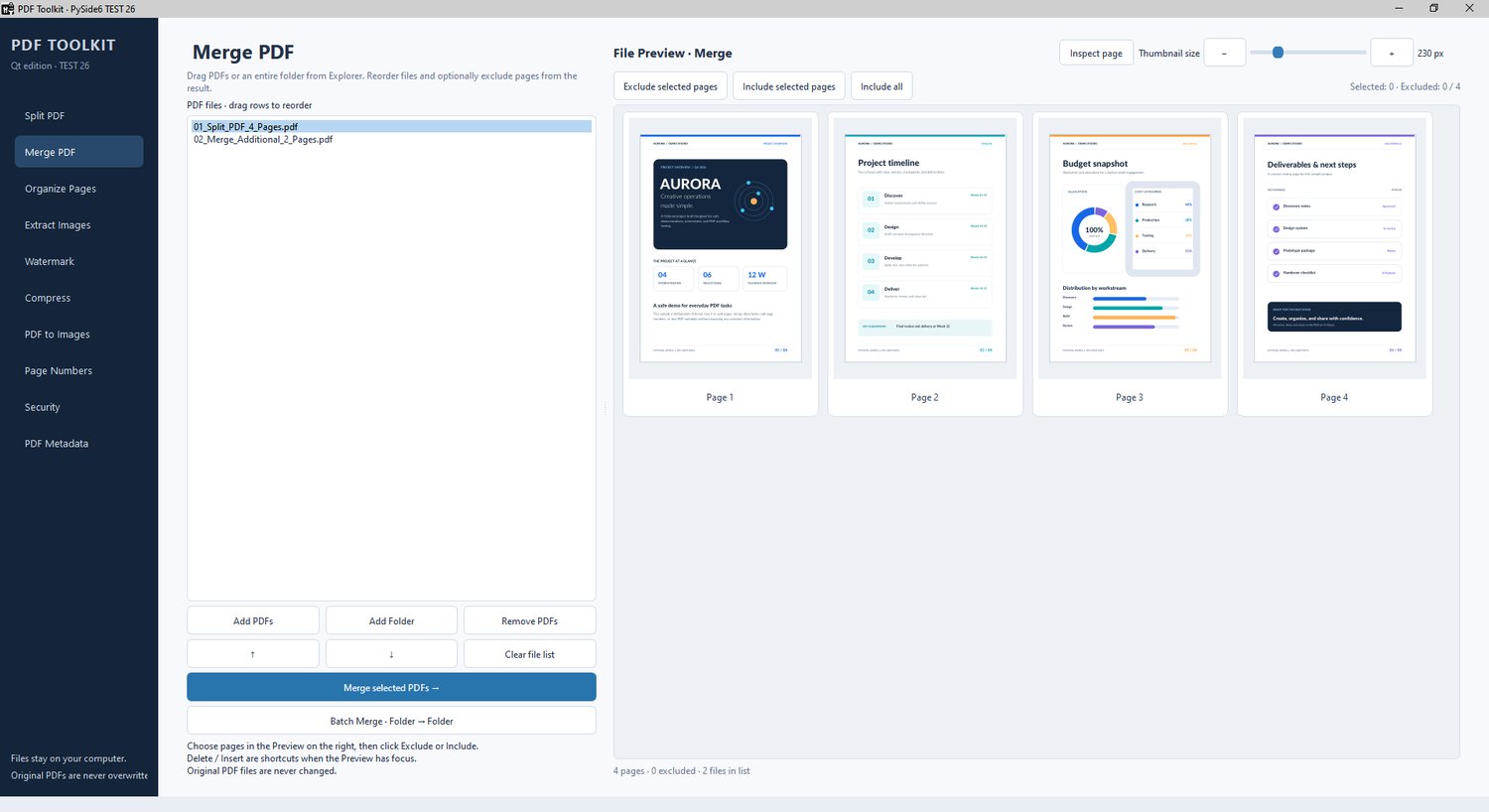
- Merge multiple PDFs with drag-and-drop file ordering.
- Preview pages and exclude or include selected pages before merging.
- Convenient thumbnail navigation and document management.
🎨 ORGANIZE PAGES
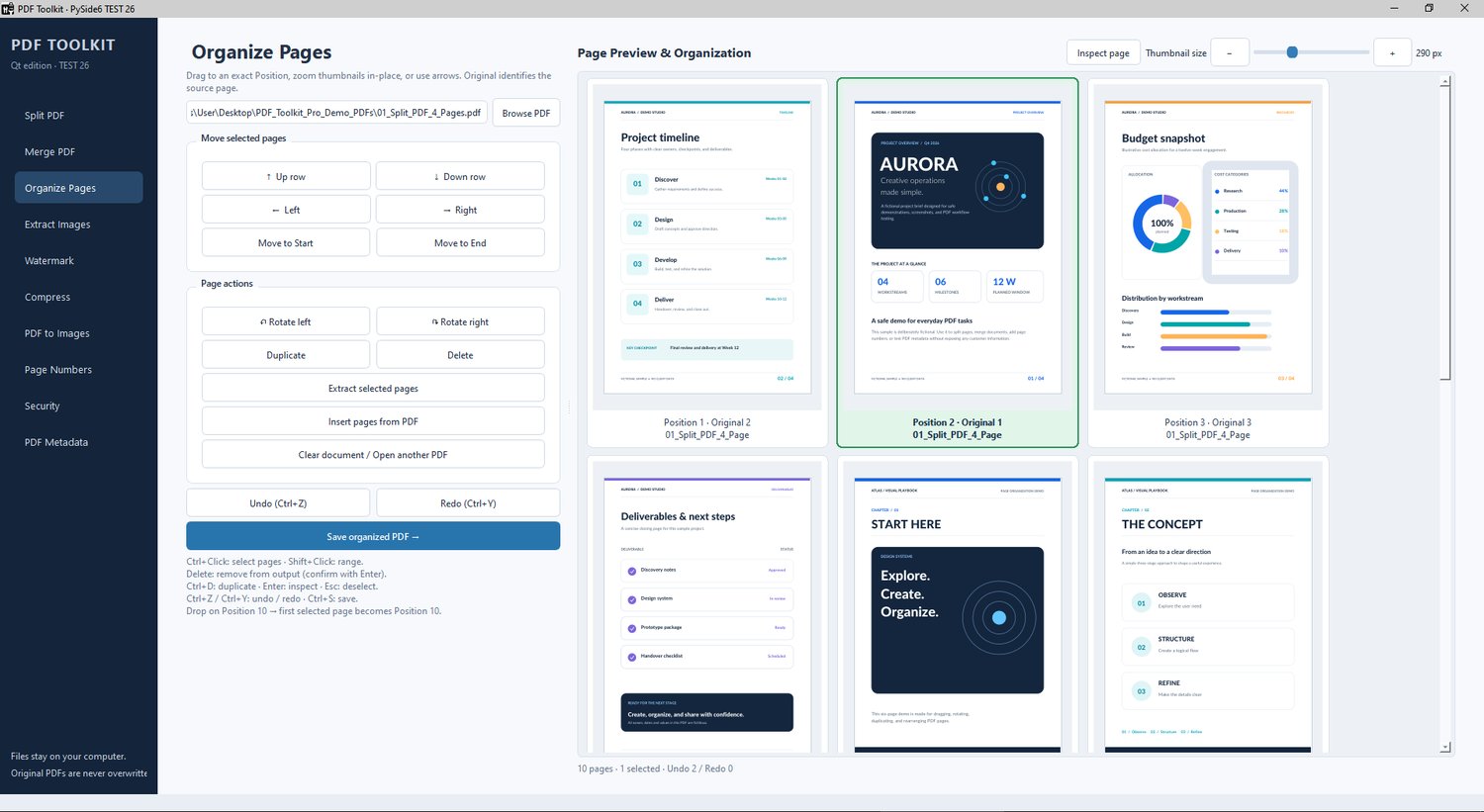
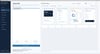
- Reorder PDF pages using drag-and-drop.
- Rotate pages by 90°, 180°, or 270°.
- Delete, duplicate, and rearrange individual or multiple pages.
- Insert pages from other PDF documents.
- Move selected pages to precise positions.
- Undo and redo changes.
- Zoomable page thumbnails, keyboard shortcuts, and context menus.
🔐 WATERMARK & STAMP
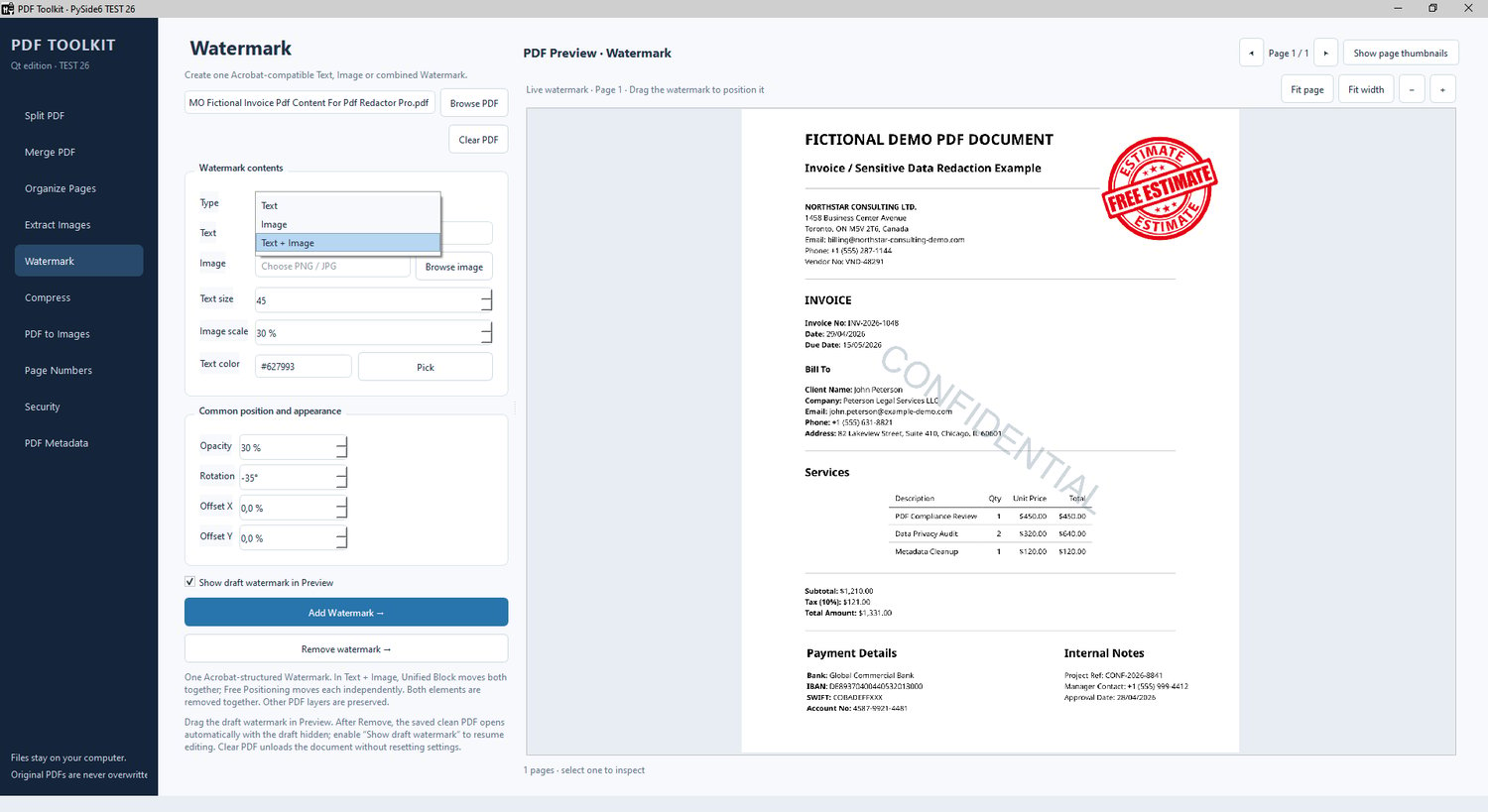
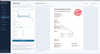
- Add text, image, or combined Text + Image watermarks.
- Create Adobe Acrobat-compatible watermarks.
- Choose Unified Block or Free Positioning for combined watermarks.
- Independently adjust text and image placement.
- Customize fonts, colors, opacity, rotation, and scaling.
- Interactive live preview with drag-and-drop positioning.
- Remove supported Adobe Acrobat and PDF Toolkit watermarks.
- Preserve original PDF content when removing recognized watermarks.
🔢 PAGE NUMBERS
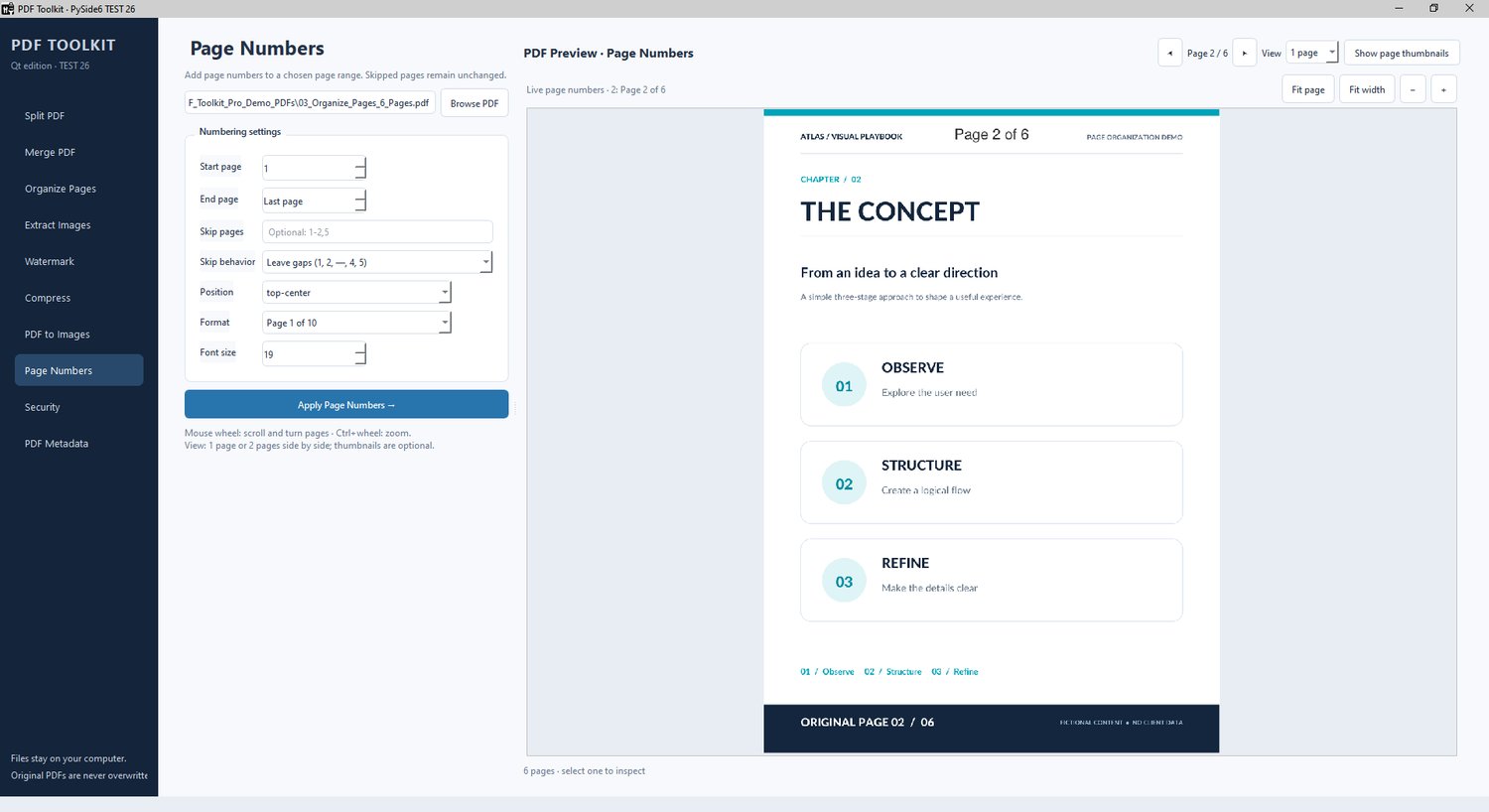
- Add professional page numbering to PDF documents.
- Choose different numbering styles, positions, fonts, and colors.
- Exclude selected pages, such as covers and title pages.
- Maintain original numbering or renumber after skipped pages.
- Define custom page ranges.
- Preview numbering before saving.
🖼️ PDF & IMAGE TOOLS
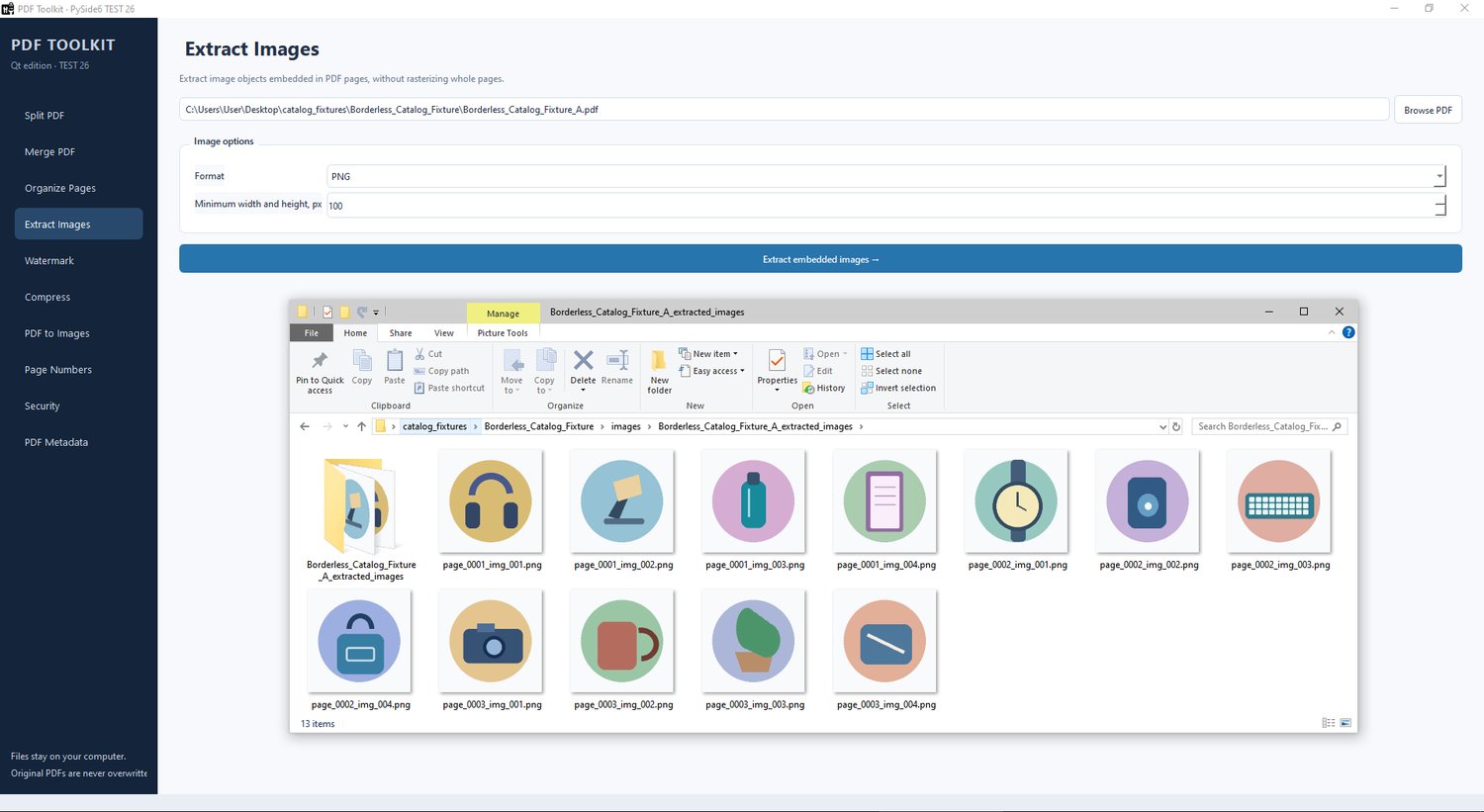
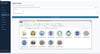
- Extract embedded images from PDF documents.
- Save extracted images in common formats.
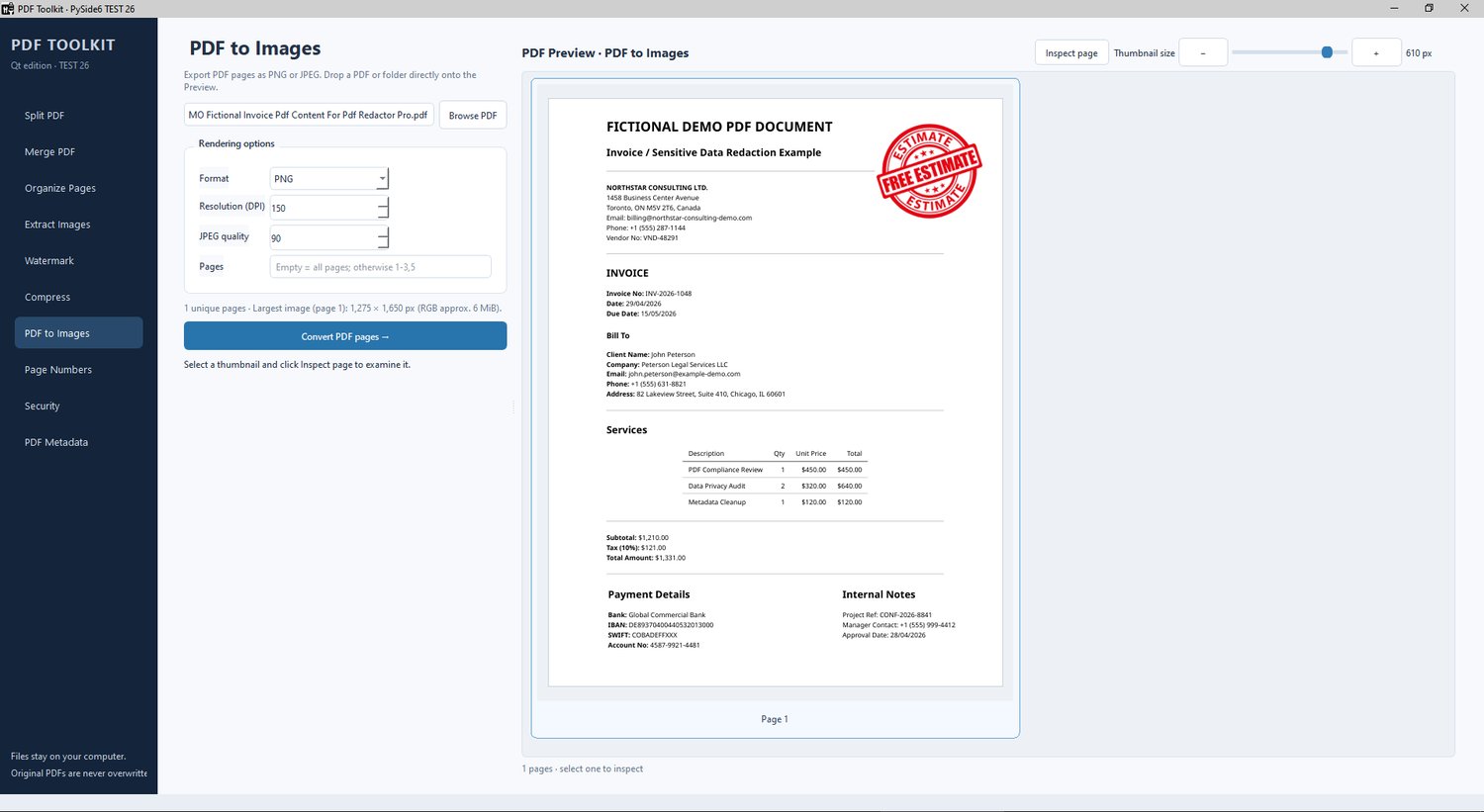
- Convert PDF pages to PNG or JPEG images.
- Choose custom output resolution (DPI).
- Preserve DPI information in exported images.
- Adjust JPEG quality.
- Export selected pages or entire documents.
- Process page ranges and multiple PDF files.
🔒 PDF SECURITY & PASSWORD PROTECTION
- Protect PDF documents using AES-256 encryption.
- Set passwords for opening and managing PDFs.
- Configure printing, copying, editing, and other permissions.
- Control high-quality printing, comments, form filling, and document changes.
- Remove password protection from documents when authorized credentials are available.
- Receive warnings about security limitations and potential digital signature changes.
📦 PDF COMPRESSION & OPTIMIZATION
- Reduce PDF file sizes for email, storage, and sharing.
- Choose between Lossless Optimization and Image Recompression.
- Adjust JPEG image quality independently.
- Select target image resolution (DPI).
- Keep original image resolution when needed.
- View file size comparisons before and after optimization.
- Preserve document readability and layout.
🏷️ PDF METADATA EDITOR
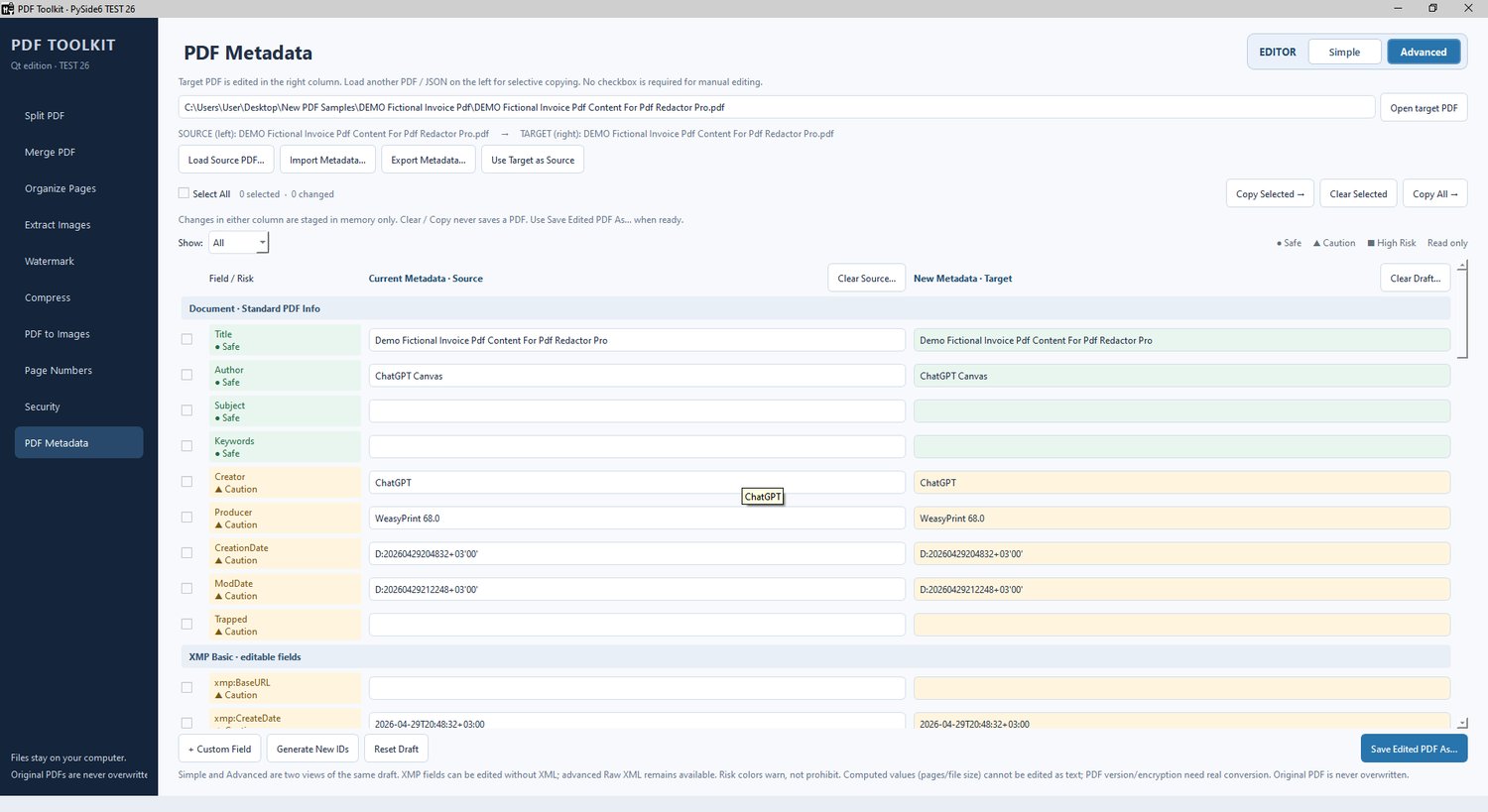
- View and edit standard PDF metadata.
- Modify Title, Author, Subject, Keywords, Creator, Producer, and dates.
- Work with XMP and custom metadata.
- Use Simple or Advanced editing modes.
- Compare original and modified metadata side by side.
- Copy selected metadata between PDF documents.
- Import and export supported metadata formats.
- Clear selected metadata or entire supported metadata categories.
- Edit supported advanced properties, including document identifiers.
- Review Safe, Caution, and High Risk indicators before applying changes.
💼 PROFESSIONAL FEATURES
✓ Modern, intuitive Windows interface
✓ Fast local PDF processing
✓ Batch operations for supported tasks
✓ Interactive PDF previews
✓ Drag-and-drop functionality
✓ Keyboard shortcuts and context menus
✓ High-quality document output
✓ No internet connection required for PDF processing
✓ No cloud uploads — documents remain on your computer
✓ Portable Windows application — no Python installation required
🎯 PERFECT FOR
- Business professionals and office teams
- Students, teachers, and researchers
- Legal and administrative professionals
- Real estate professionals
- Designers and content creators
- Freelancers and document-processing specialists
- Anyone who works regularly with PDF documents.
⚡ SYSTEM REQUIREMENTS
- Windows 10 or Windows 11 (64-bit)
- 4 GB RAM minimum; 8 GB recommended
- Sufficient free disk space for the complete extracted application and PDF processing
- No Python installation required
- Internet connection not required for normal document processing
Portable installation: Download the ZIP archive, extract the complete PDF Toolkit folder, and run PDF Toolkit.exe. Keep the _internal folder and PDFToolkitWorker.exe together with the main executable.
🛡️ WINDOWS SECURITY NOTICE
The current Windows build is not yet digitally code-signed. Because of this, Windows SmartScreen may display a warning when the application is launched for the first time.
Some systems using Windows Smart App Control or restrictive corporate security policies may prevent unsigned applications from running.
Digital code signing is planned for a future release.
PDF Toolkit Pro — Your PDFs. Your Computer. Your Control.