
Text File Content Extractor To Clipboard
On Sale
$6.00
(50% off)
$3.00
File Content Extractor
Instantly Access Text from Multiple Files
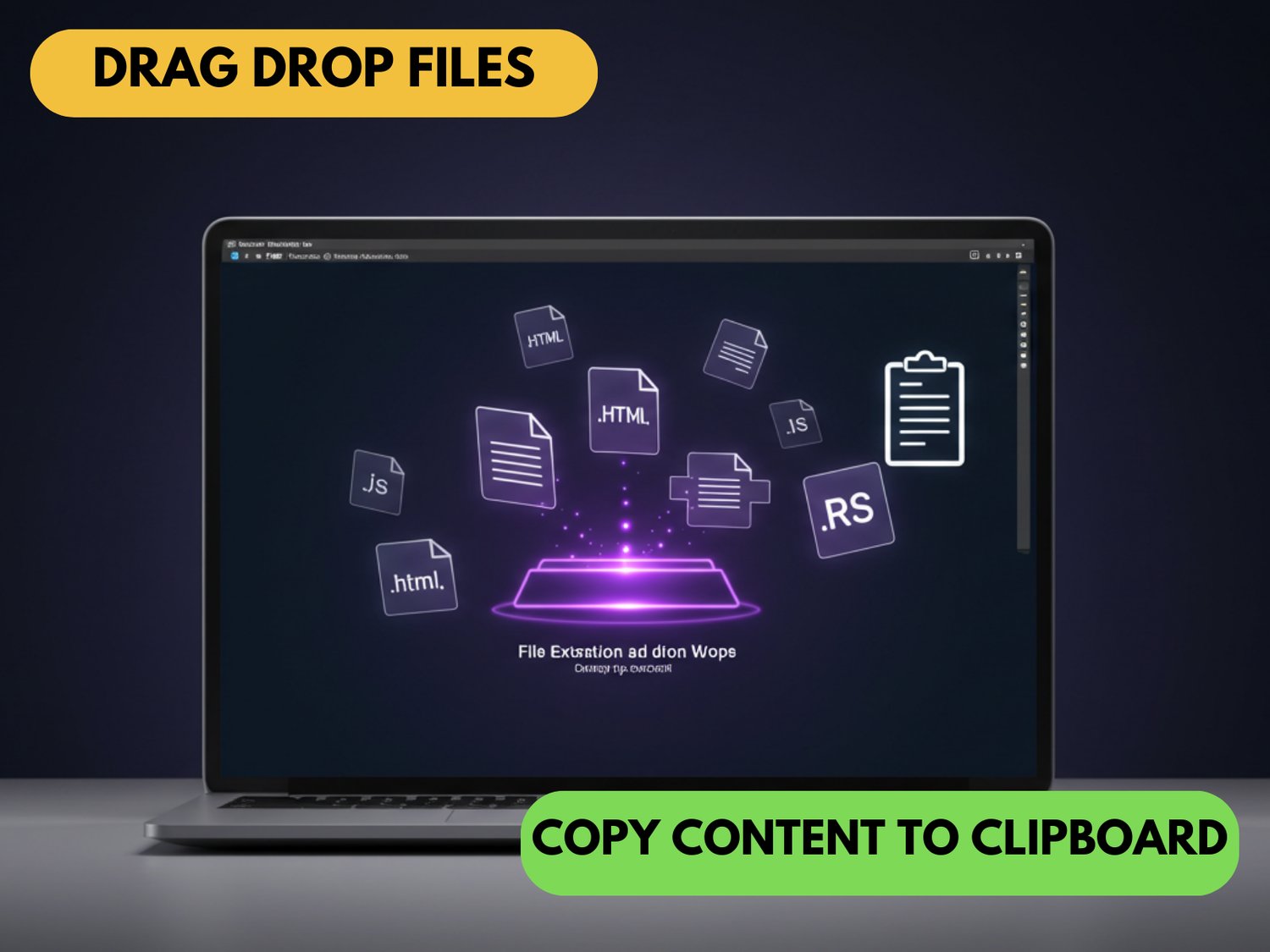
File Content Extractor is a lightweight browser-based tool that lets you extract and combine text from multiple files with just a few clicks. No installation required—simply drag and drop your files and copy all content to your clipboard, with each file clearly separated by filename.
Key Features
- Simple Drag & Drop Interface: Add files effortlessly with a modern, intuitive interface
- Multiple File Support: Process numerous files simultaneously in seconds
- Automatic File Organization: Each file's content is neatly separated by filename
- One-Click Clipboard Copy: Get all text instantly with a single button click
- Local Processing: Files never leave your computer, ensuring complete privacy
- Wide Format Support: Works with HTML, JavaScript, text files, Rust, TypeScript, and many more
Perfect For
- Developers needing to quickly combine code snippets from multiple files
- Technical writers gathering content from various sources
- Anyone who regularly works with multiple text-based files
- Teams looking to streamline document compilation processes
How It Works
- Open the HTML file in any modern browser
- Drag your files onto the drop zone or browse to select them
- Preview the combined content with filename separators
- Click to copy everything to clipboard
- Paste wherever you need it
Save valuable time by eliminating the tedious process of opening and closing multiple files when you just need their text content.
Technical Details
- Runs in any modern browser (Chrome, Firefox, Safari, Edge)
- No installation or internet connection required
- Lightweight (single HTML file)
- Completely free to use
© 2025 banxengineering.com