


Residential Plan Keynote System
Residential Plan Keynote System
Residential CAD Solutions
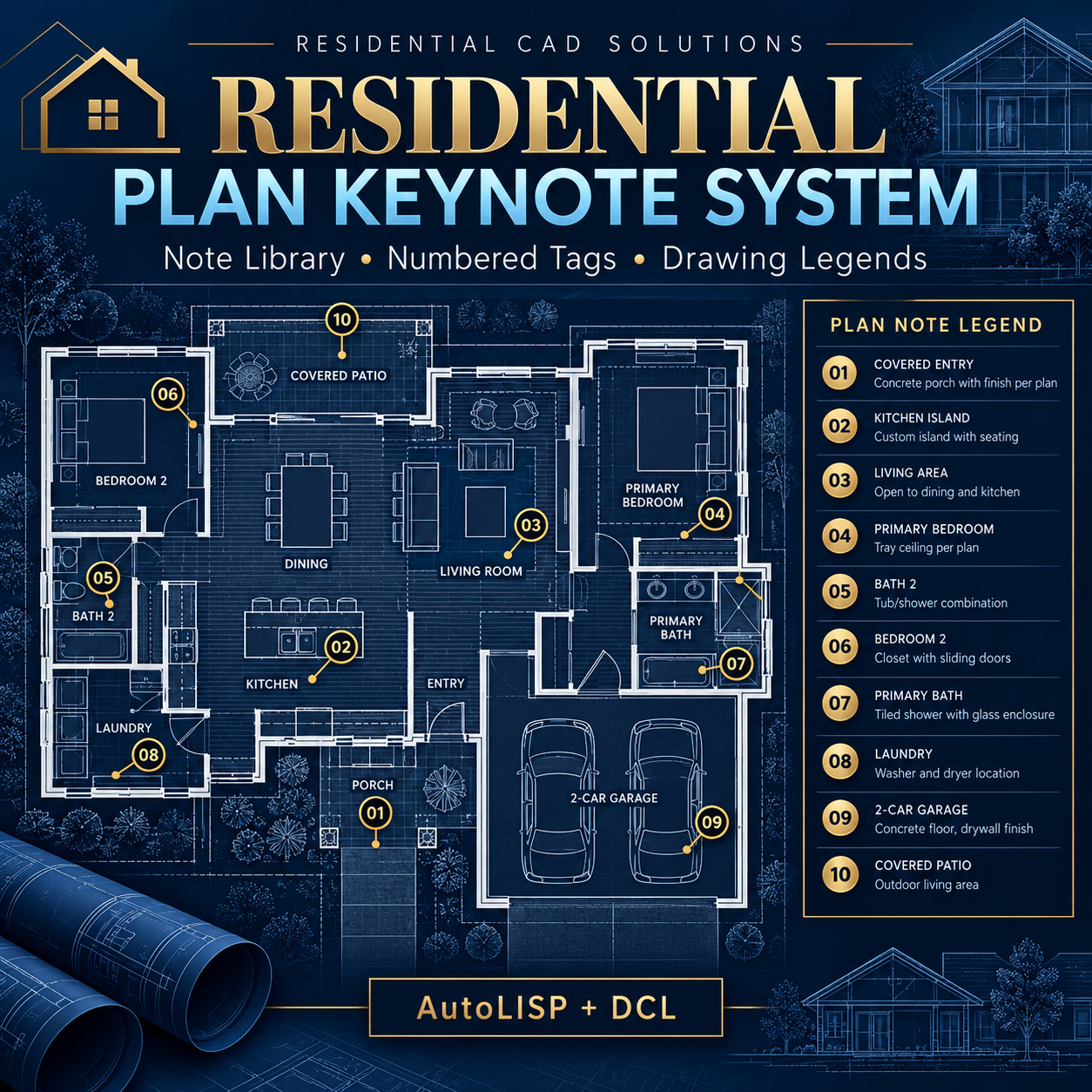
Organize your plan notes, place numbered tags, and build drawing legends from one control panel.
Residential Plan Keynote System is an AutoLISP + DCL drafting tool for managing project keynotes inside AutoCAD. Create a reusable note library, place consistent symbols, and check whether your managed tags match the current note descriptions.
Features
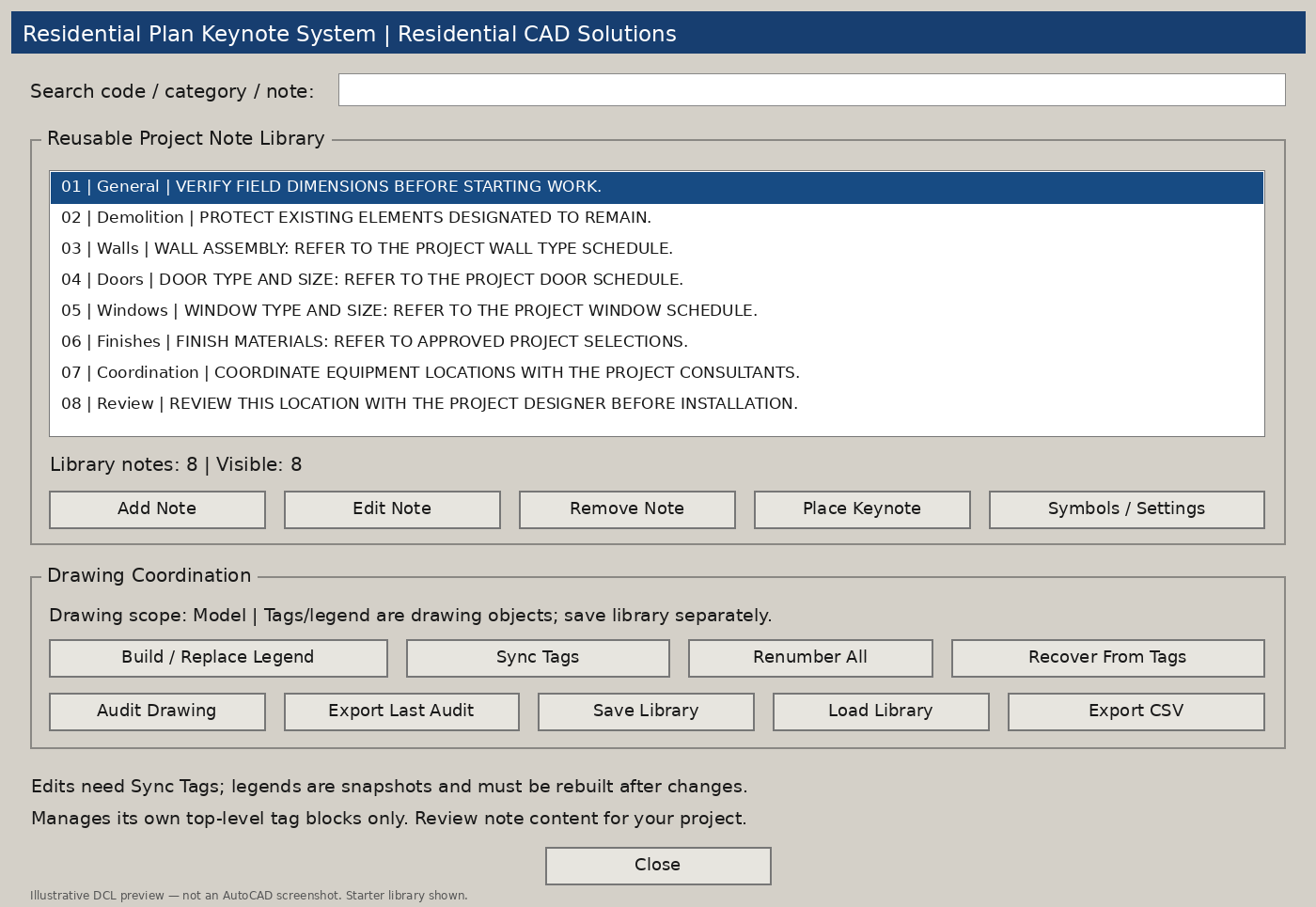
- Searchable note library: Find notes by code, category, or description.
- Custom project notes: Add, edit, and organize your own construction and coordination language.
- Four symbol styles: Place circle, square, diamond, or hexagon keynote tags.
- Selectable tag blocks: Each tag includes an editable number attribute and a stored note snapshot.
- Drawing legends: Generate a legend of used keynote codes with wrapped descriptions.
- Tag synchronization: Update managed tag numbers and stored descriptions from the active library.
- Sequential renumbering: Apply a starting number and optional prefix to library notes and matching managed tags across all drawing layouts.
- Drawing audits: Identify missing library notes, conflicting stored descriptions, and missing or manually changed number attributes.
- Note recovery: Recover missing library entries from managed tags stored in the drawing.
- Reusable files: Save and load note libraries, export CSV lists, and save audit reports.
Repeated uses of the same keynote number are treated as normal. Choose the current model/layout space or all drawing layouts for audits, synchronization, recovery, and legend source selection.
Your Download Includes
- AutoLISP program (.LSP)
- DCL dialog file (.DCL)
- Eight-note editable starter library
- Installation and operating instructions
- Gray DCL panel previews
- Validation notes and an AutoCAD testing checklist
Command: RKEYNOTE
Requirements & Important Details
Developed to target full Windows AutoCAD 2002 and later. Source and data checks have passed; native AutoCAD compatibility testing is still required.
The system manages its own top-level keynote blocks. Ordinary text, exploded tags, nested blocks, and xrefs are outside its audit scope. Legends are static snapshots and must be rebuilt after changes. Save the reusable note library separately from the drawing.
Starter notes are editable examples. Review all note content for your project; the program does not certify construction specifications or code compliance.
Keep your keynote library organized and your drawing references easier to review.