









MarkDown import to InDesign and Illustrator
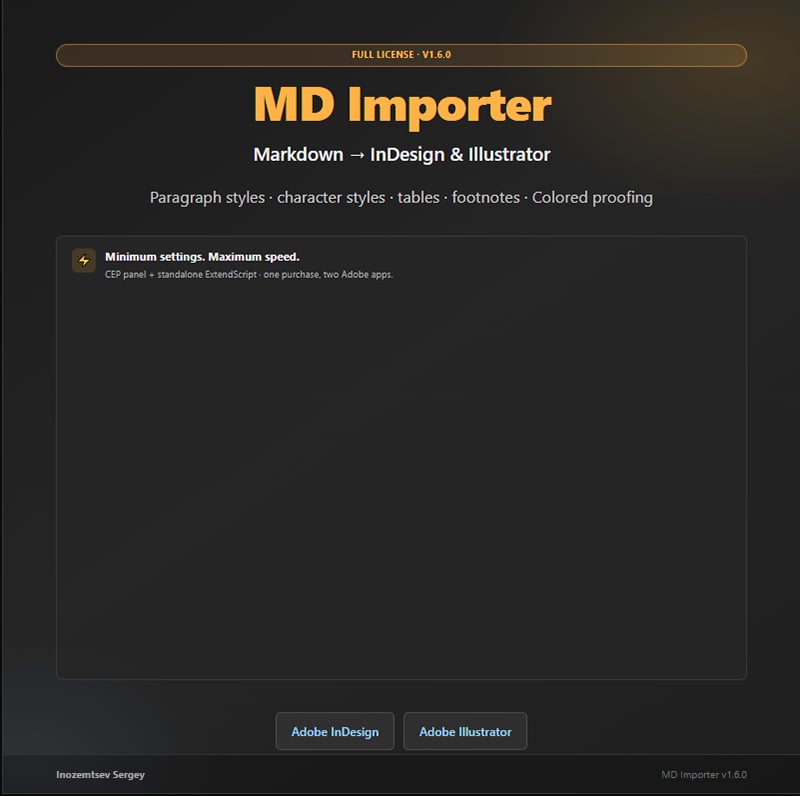
MD Importer — Markdown Importer for Adobe InDesign and Adobe Illustrator
Minimum settings. Maximum speed.
Turn your Markdown files into styled Adobe documents in seconds. MD Importer reads .md, .markdown, and .txt files and places structured text into InDesign or Illustrator with paragraph and character styles — headings, body text, lists, emphasis, code, tables, links, and more.
No copy-paste marathon. No manual style tagging line by line. Choose a file, click Import, and start editing in Adobe with real document styles.
TRY BEFORE YOU BUY — FREE DEMO
Download the free standalone demo and test MD Importer in InDesign or Illustrator before purchasing:
Download demo (ZIP): https://sergeynt2006.github.io/md-importer-for-adobe/demo/MD-Importer-Demo.zip
Demo page and instructions: https://sergeynt2006.github.io/md-importer-for-adobe/#demo
View on GitHub: https://github.com/SergeyNT2006/md-importer-for-adobe/tree/main/demo
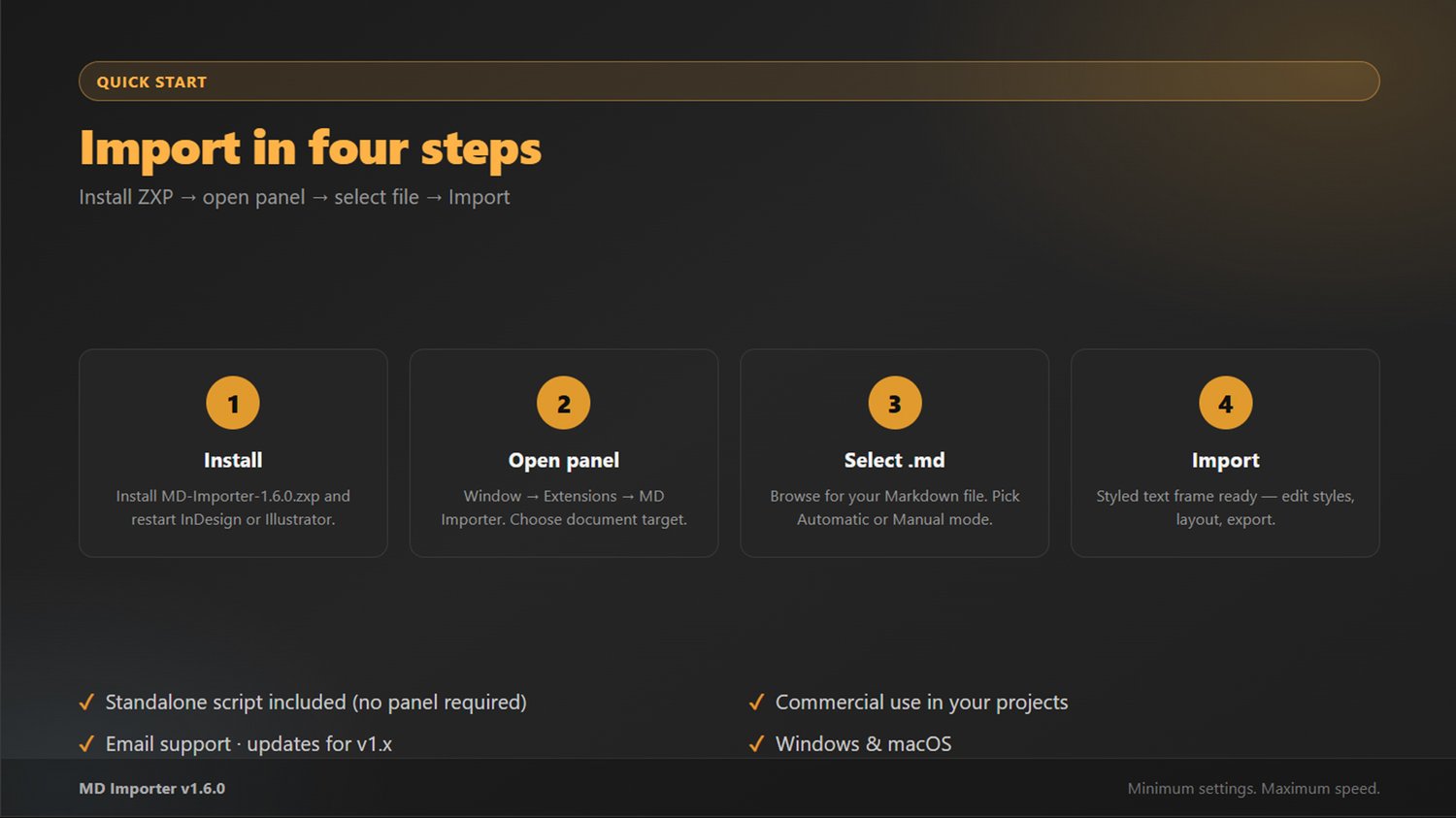
How to run the demo:
- Extract MD-Importer-Demo.jsx from the ZIP.
- Open Adobe InDesign or Illustrator (with a document open).
- File → Scripts → Other Script… → select the demo script.
- Choose a Markdown file → Import.
Demo limit: imports only the first 80 lines of each file. The full version removes this limit and includes the CEP panel with Automatic/Manual modes, style prefix, fonts, and Colored mode (InDesign).
Sample Markdown for testing: https://github.com/SergeyNT2006/md-importer-for-adobe/blob/main/samples/demo.md
WHAT YOU GET (FULL VERSION)
After purchase you receive a download archive with:
- MD-Importer-1.6.0.zxp — CEP panel (recommended workflow)
- MD-Importer.jsx — standalone ExtendScript script (works without the panel)
- manual.md — full user guide
- samples/demo.md — sample file for testing
KEY FEATURES
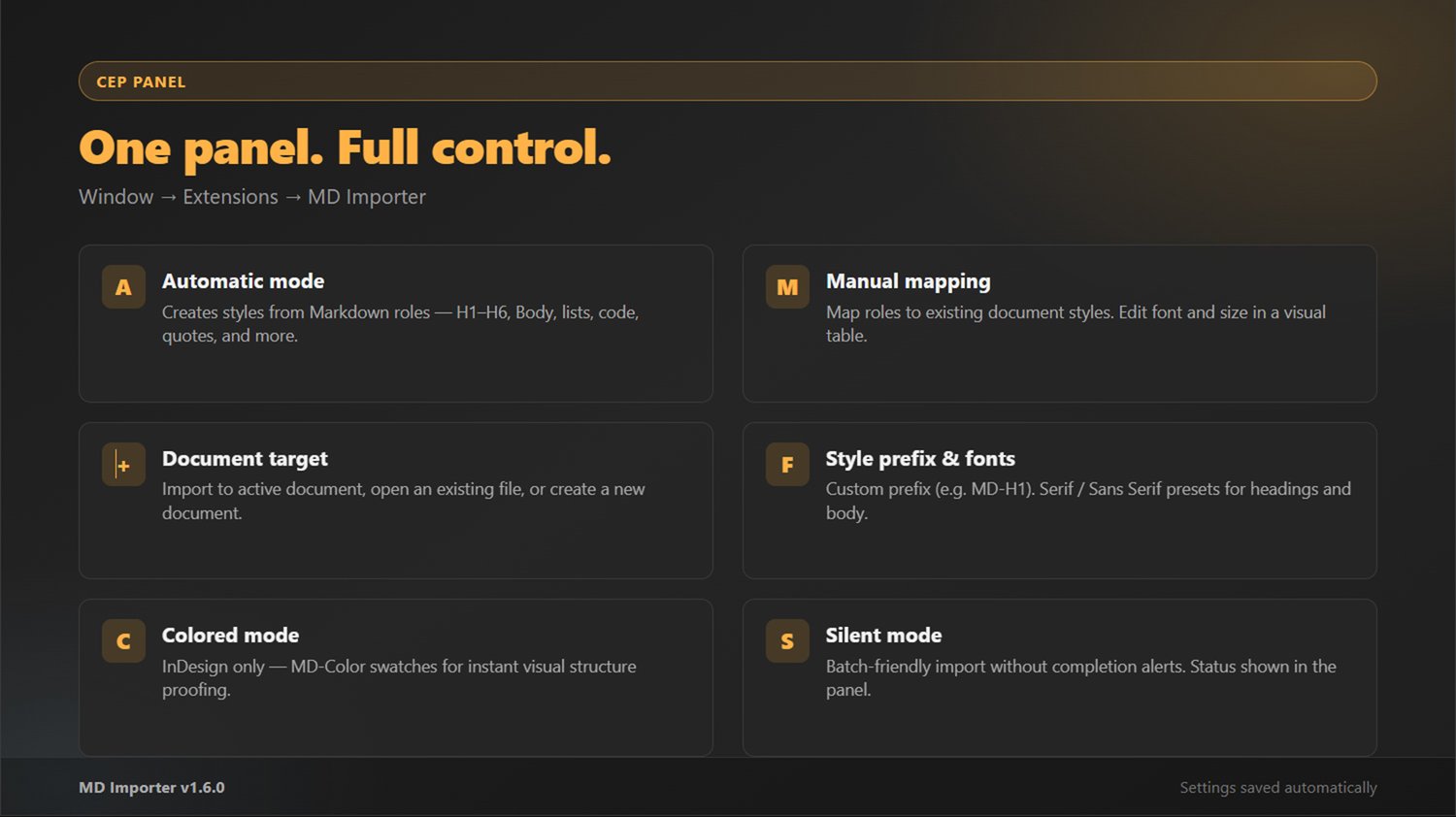
CEP panel (Window → Extensions → MD Importer)
- Automatic mode — creates and applies styles from Markdown roles (H1–H6, Body, lists, code, blockquotes, and more)
- Manual mode — map Markdown roles to your existing document styles via an editable table
- Document target — import to the active document, open an existing file, or create a new document
- Style prefix — custom prefix for generated styles (default MD, e.g. MD-H1, MD-Body)
- Serif / Sans Serif presets — base fonts for headings and body text
- Silent mode — import without completion alerts (ideal for batch work)
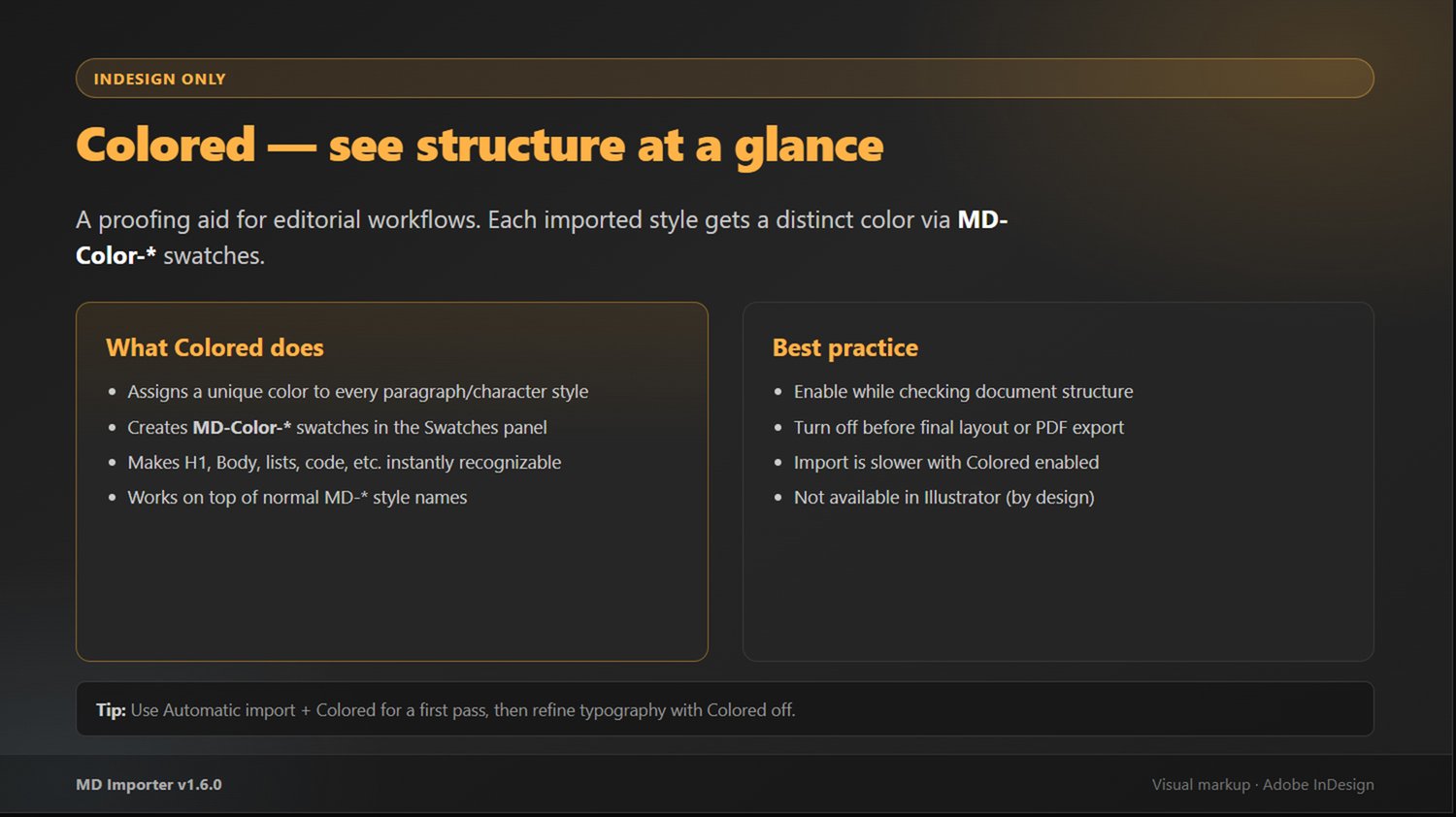
- Colored mode (InDesign only) — assigns distinct MD-Color-* swatches so you can see document structure at a glance before final typography
Supported Markdown
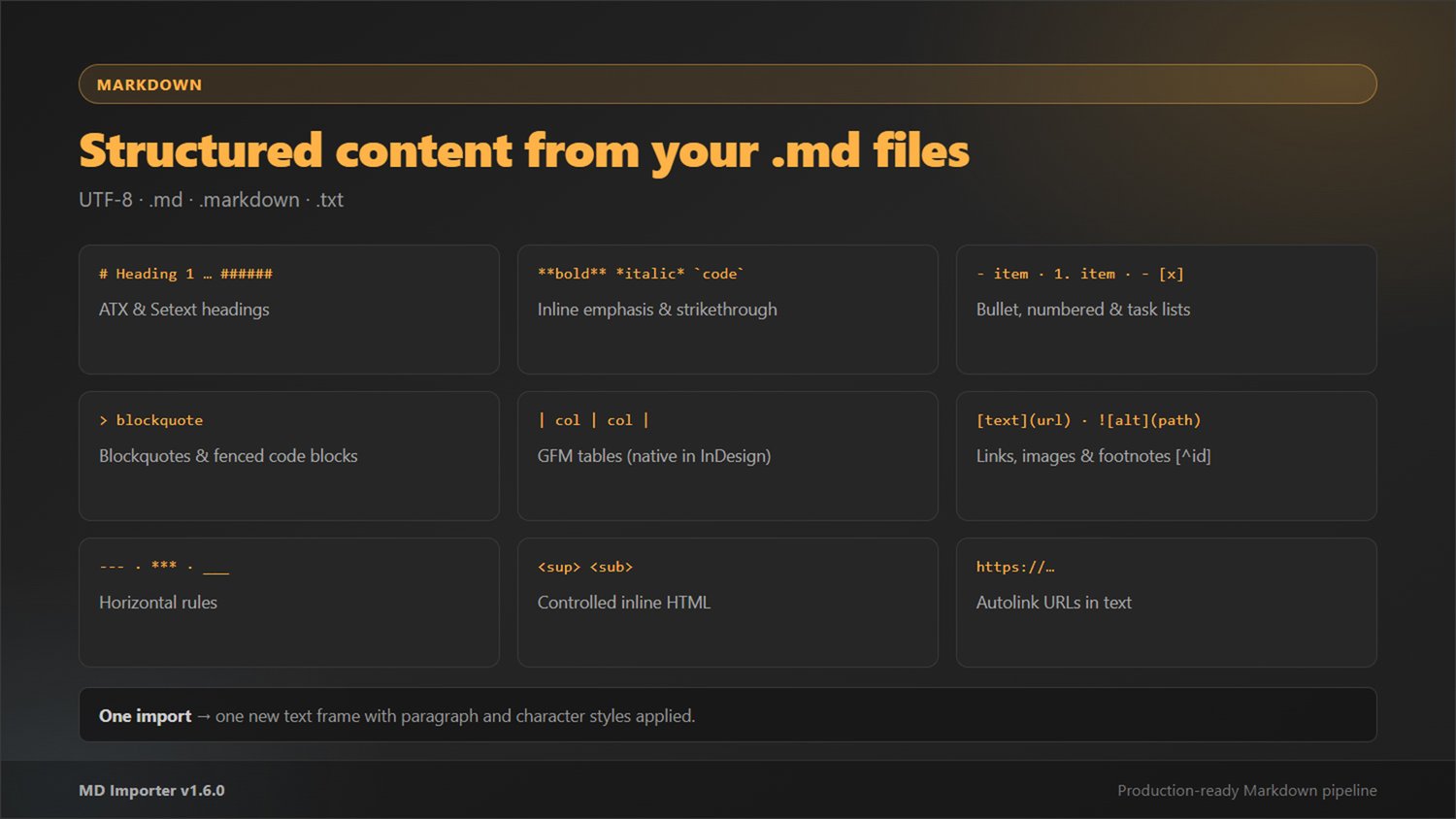
Headings, bold/italic/code/strikethrough, bullet and numbered lists, task lists, blockquotes, fenced code blocks, horizontal rules, GFM tables, links, images, footnotes, and controlled inline HTML (sup, sub).
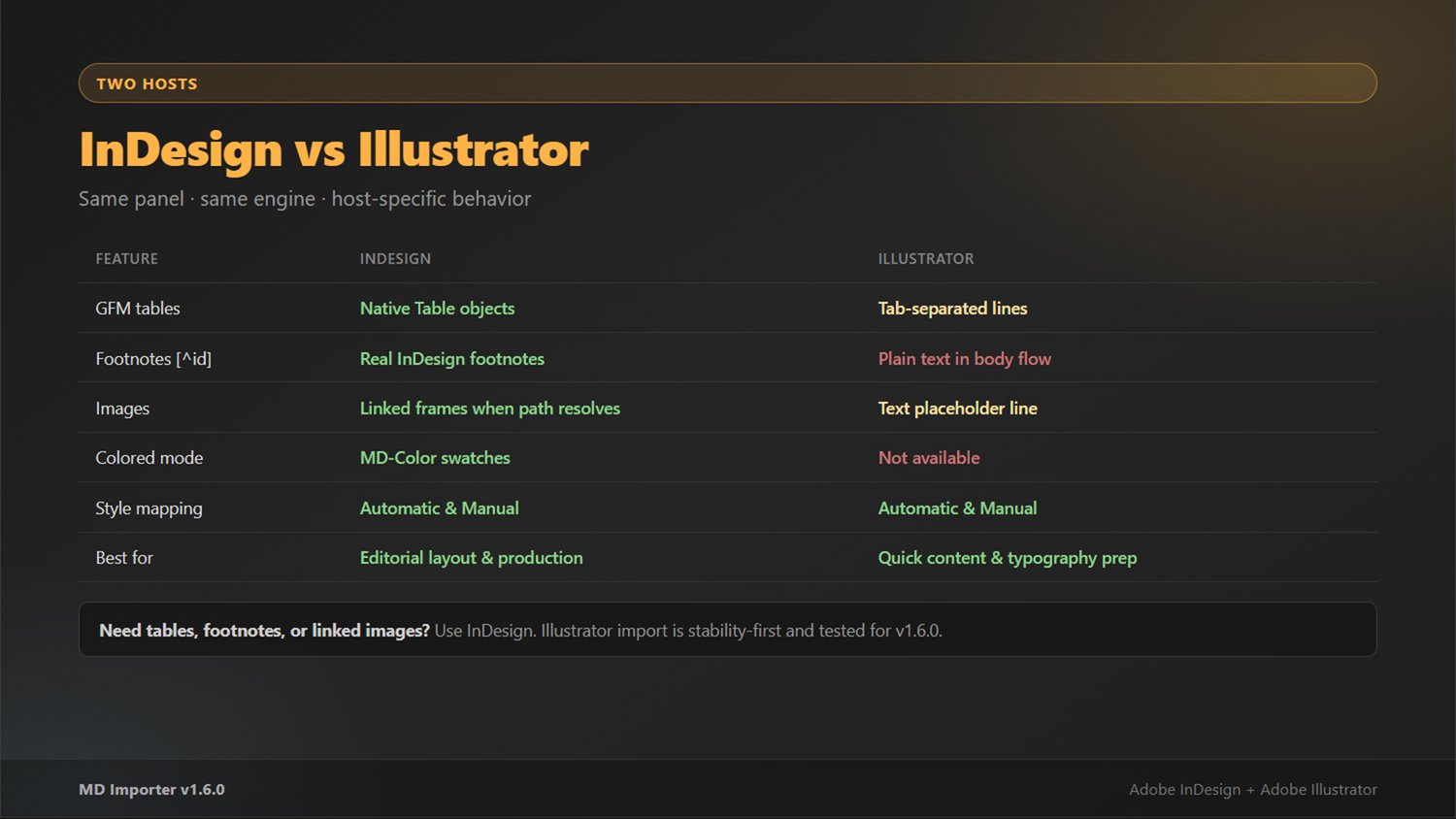
INDESIGN VS ILLUSTRATOR
Adobe InDesign is the primary target for production work:
- Native Table objects from GFM tables
- Real footnotes from Markdown [^id] syntax
- Linked images when the file path resolves
- Colored proofing mode with MD-Color swatches
Adobe Illustrator is supported with a stability-first import path — great for quick styled text placement and typography prep. Tables, footnotes, and images behave differently than in InDesign; see the included manual for details.
REQUIREMENTS
- Adobe InDesign or Illustrator (CC recommended)
- Windows or macOS
- UTF-8 Markdown files
- ZXP installer for the panel (e.g. Anastasiy Extension Manager)
LICENSE
Single-user license. Commercial use in your own projects is allowed. Do not redistribute the archive or ZXP to third parties.
Updates included for the current major version (1.x).
SUPPORT
Questions or issues? Email: ryzl@hotmail.com
Include your host app (InDesign / Illustrator), version, OS, and MD Importer version (1.6.0).
Author: Inozemtsev Sergey Version: 1.6.0 Product page: https://sergeynt2006.github.io/md-importer-for-adobe/