

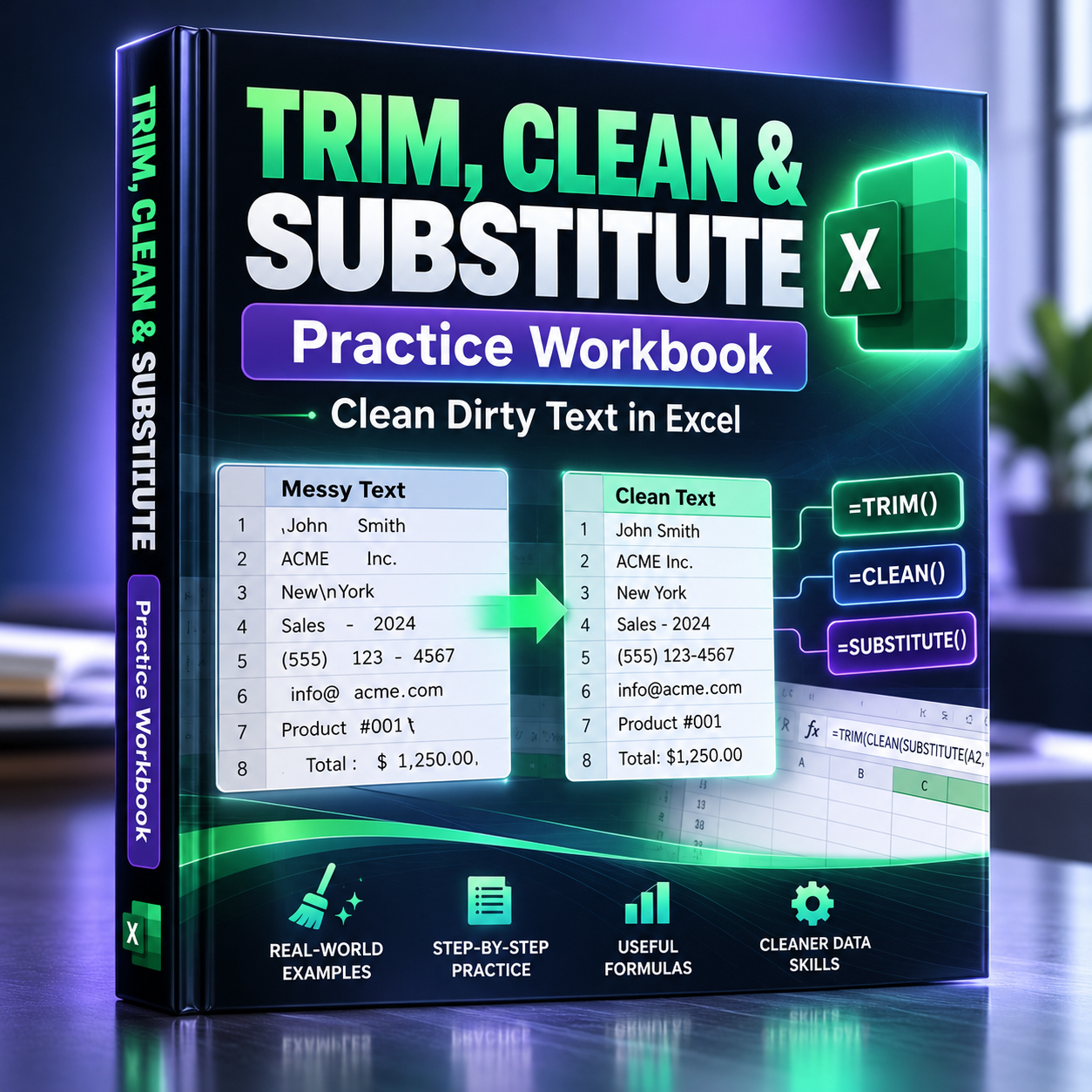
Excel TRIM, CLEAN & SUBSTITUTE — Text Cleaning Practice Workbook
On Sale
$1.99
$1.99
Fix Messy Text in Excel with Real-World Examples
Learn how to remove extra spaces, fix hidden characters, replace inconsistent text, and prepare cleaner datasets using three essential Excel functions: TRIM, CLEAN, and SUBSTITUTE.
This hands-on practice workbook is designed to help you understand text-cleaning formulas through realistic business examples and independent exercises.
What's Included
- 12 realistic business records containing messy text
- Dedicated formula practice worksheet
- Completed examples with working Excel formulas
- Customer name, region, invoice, and notes cleaning examples
- 8 independent practice challenges
- Answer key for checking your formulas
- Structured learning material you can revisit anytime
What You'll Learn
- Remove unwanted spaces using TRIM
- Remove non-printing characters using CLEAN
- Replace specific characters with SUBSTITUTE
- Fix non-breaking spaces using CHAR(160)
- Combine multiple Excel functions into reusable formulas
- Standardize imported customer names and invoice codes
- Avoid common text-cleaning mistakes
Perfect For
Excel beginners, students, business analysts, data-entry professionals, and anyone working with imported CSV, CRM, or spreadsheet data.
Compatibility: Excel 2016, 2019, 2021, and Microsoft 365.
File Format: Editable Excel workbook (.xlsx)