
Beauty Brand First-Sale System
You worked to get their attention. Give them a reason to buy.
Someone discovers your beauty brand, likes what they see and joins your email list. Then what?
If the follow-up is a discount code and a few random product emails, you're asking them to figure out the rest: what to buy, why it fits their needs and whether they can trust your brand.
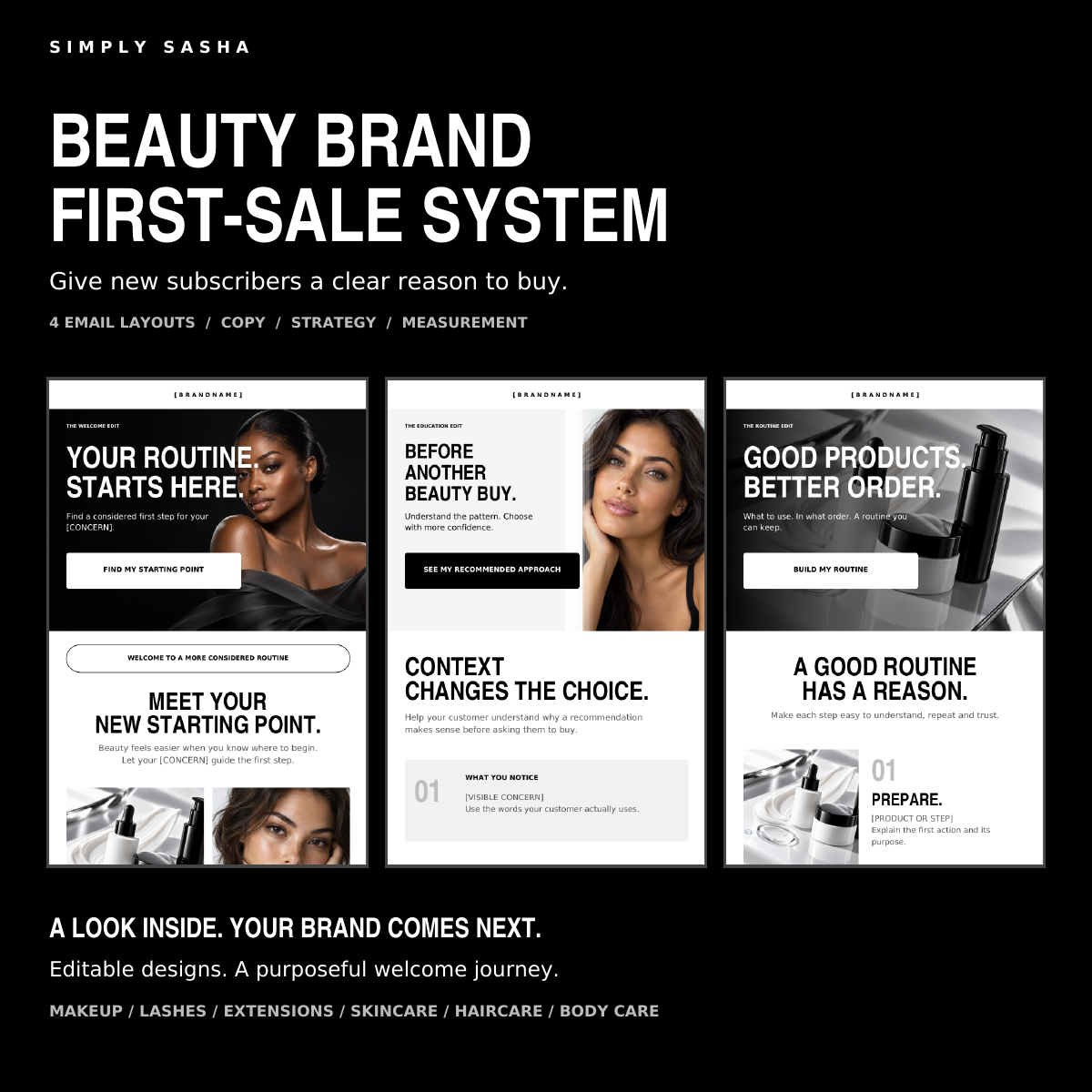
The Beauty Brand First-Sale System helps emerging beauty brands turn new subscribers into more confident first-time shoppers—with a welcome journey that explains what to buy, why it fits and how to get started.
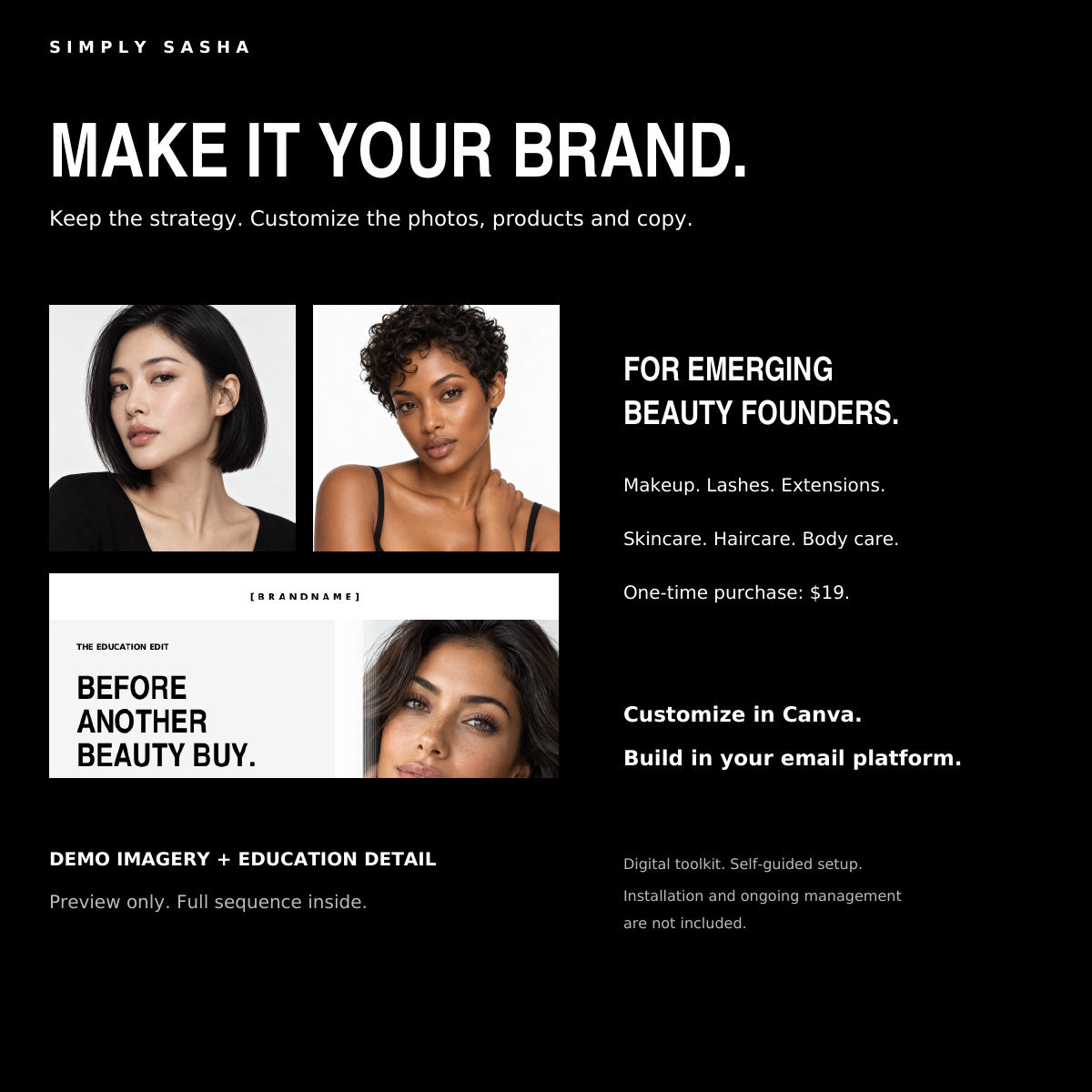
Made for makeup, lashes, hair extensions, skincare, haircare, body care and other beauty product brands. Customize the product examples, photos and language around your customers and what you sell.
Get four editorial email layouts, ready-to-customize copy and the strategy behind each message—so you can follow up with a clear next step instead of starting from a blank screen.
Four emails. Four decisions made easier.
Welcome: deliver your signup promise and help a subscriber find their starting point.
Education: explain their concern and why your approach makes sense.
Routine: show what to use, in what order and how it fits into their day.
First purchase: use approved proof, answer real objections and invite them to buy.
The suggested sequence runs during the subscriber's first week, with checks to stop first-purchase reminders once they buy.
What's inside
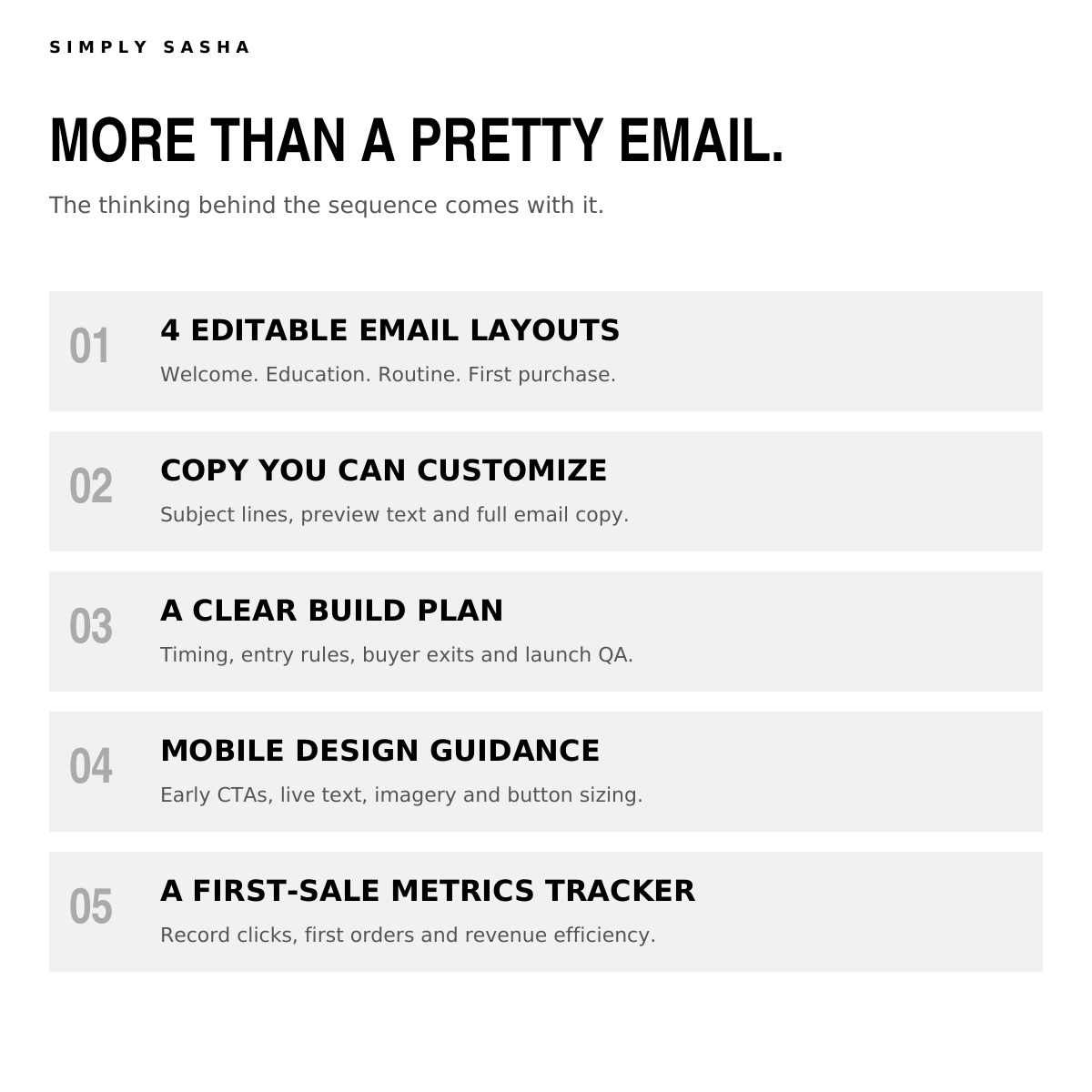
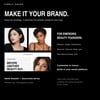
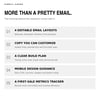
4 editable Canva email layouts: oversized typography, image overlays, gradients, product panels and prominent calls to action.
Email copy file: full copy, subject-line options, preview text and prompts for making it sound like your brand.
Strategy and implementation guide: positioning, signup promise, email timing, buyer exits, QA and contractor handoff.
Mobile build guide: how to keep the first action high, use live text and buttons, and translate the visual design into your email platform.
Formula-based metrics workbook: track clicks, first orders, revenue efficiency and your starting baseline.
Optional HTML starters - setup required: a separate folder for buyers or contractors comfortable editing email code. These are not one-click imports or ready-to-send emails.
Built for the beauty founder doing more with a small team
This is for you if your products are ready to sell, you're building an email list and you need a thoughtful first-purchase sequence without commissioning a full custom program.
Use it yourself or give the toolkit to the freelancer or team member building your emails. Everyone starts with the same message goals, structure and review checklist.
How you'll use it
Open the Start Here PDF and make your own copy of the Canva layouts.
Replace the demo photos, products, offers and bracketed copy with your brand's information.
Build the sequence in your email platform, test the customer journey and record your baseline.
The simplest route: customize the Canva designs, then recreate them in your email provider's visual builder using live text, images and buttons. These are design templates and a setup guide, not preinstalled email flows.
Optional HTML is a separate technical route. It requires hosted images, updated copy and links, provider-specific footer setup and inbox testing. Importing HTML does not install the automation. Follow the checklist in Start Here before using these files.
The guide also includes examples for adapting the journey to makeup, lashes, hair extensions, skincare, haircare and body care.
Why this system?
Created by Sasha Ramsey, a growth and lifecycle strategist with hands-on beauty ecommerce experience, this toolkit connects the design to the job each email needs to do. It gives you a foundation you can understand, review with a contractor and improve over time.
Questions before you start
Do I need an email marketing specialist?
You can use the guides to build it yourself, or hand the materials to a contractor. Setup is self-guided; installation and ongoing account management are not included.
Is this only for Klaviyo?
The sequence, copy and design references can be adapted to your email platform. Some implementation examples reference Klaviyo. Triggers, tags, footer requirements and reporting must be configured for the platform you use.
Can I send the whole Canva design as one image?
Use the Canva artwork as a design reference and source of graphics. Keep important copy and buttons as live blocks in your email platform so the message remains readable and clickable when images are off.
Do I have to offer a discount?
No. Customize the signup promise and offer to suit your business. The sequence also builds confidence through education, routine guidance and proof.
Does this include post-purchase or winback emails?
This product focuses on new-subscriber-to-first-purchase welcome emails. Those later lifecycle programs are outside this toolkit.
Will it guarantee sales?
No. Results depend on your audience, product, offer, traffic, implementation and testing. The system gives you a structured starting point and a way to measure what happens.
Can my contractor work with these files?
Yes, for the one business covered by your purchase. Reselling or redistributing the original materials is not permitted.
Build your first-sale welcome journey for $19.
One payment. Instant digital download. Customize it for your brand and put your first welcome journey in place.
Includes PDF guides, an XLSX workbook, optional HTML starters, demo images and access to the Canva layouts. An email platform and a Canva account are needed to customize and implement the materials. No physical product is shipped.