
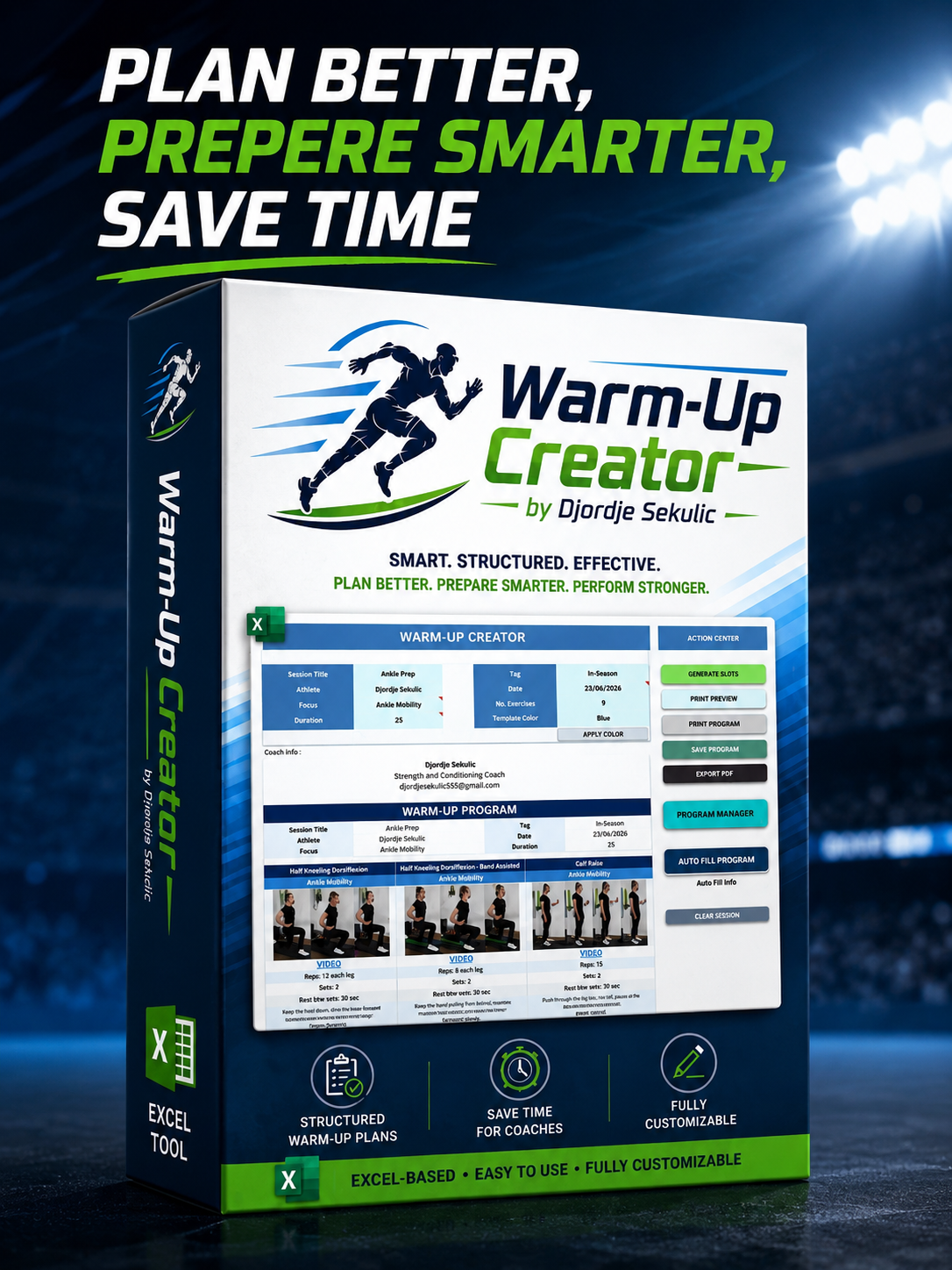
Warm Up Creator v1.0
IMPORTANT — PLEASE READ BEFORE PURCHASING
Warm Up Creator is an Excel-based coaching system designed to help coaches create, organize, save, load, print and export structured warm-up, movement preparation, activation and individual training programs.
Before purchasing, please carefully review the compatibility requirements below and watch the available product videos showing how the program is opened, activated and used.
WINDOWS ONLY
The currently available protected version of Warm Up Creator works only on Windows.
The Windows requirement is related to the protection and activation system used to prevent unauthorized sharing of the product.
Supported operating system
- Microsoft Windows
- Microsoft Excel Desktop for Windows
Not currently supported
- macOS
- Excel for Mac
- Google Sheets
- Excel Online
- Mobile or tablet versions of Excel
- LibreOffice, OpenOffice or similar spreadsheet applications
Mac users
Please do not purchase the product before contacting me if you use a Mac.
You can contact me at:
Mac compatibility or alternative access options must be discussed individually before purchase. Compatibility on Mac is not guaranteed.
EXCEL VERSION REQUIREMENTS
Warm Up Creator requires a recent desktop version of Microsoft Excel.
Minimum required version
- Microsoft Excel 2024 for Windows
- or
- Microsoft 365 Excel for Windows
Recommended version
- Microsoft 365 Excel Desktop for Windows, fully updated
The product may not work correctly in:
- Excel 2016
- Older versions of Microsoft Excel
- Excel Online
- Google Sheets
- LibreOffice or OpenOffice
Warm Up Creator uses VBA macros, automated functions and newer Excel features that are not available in all Excel versions.
MOST IMPORTANT REQUIREMENT — PICTURES IN CELLS
Warm Up Creator is built around Microsoft Excel’s modern Pictures in Cells feature.
This is one of the most important compatibility requirements for the entire product.
Exercise images are not inserted as ordinary floating pictures. They are placed directly inside Excel cells and connected to the structure of the Exercise Library and generated training programs.
Your version of Excel must support pictures placed directly inside cells.
If your Excel version does not support the Pictures in Cells feature:
- exercise images may not appear correctly;
- images may not remain inside their assigned cells;
- generated program slots may not display exercise pictures properly;
- the Exercise Library may not function as intended;
- printed or exported programs may be incomplete;
- some of the product’s main visual features will not work correctly.
The product may still open in an unsupported Excel version, but that does not mean that all functions, images and automated features will work correctly.
Before purchasing, please confirm that your Excel installation supports inserting and displaying pictures directly inside cells.
In Microsoft Excel, this feature may appear under options such as:
Insert → Pictures → Place in Cell
If this option is not available in your Excel installation, do not purchase the product before contacting me.
MACROS AND SECURITY SETTINGS
Warm Up Creator uses VBA macros for its main functions, including:
- generating program slots;
- automatically filling programs;
- loading exercise information;
- displaying exercise images;
- saving and loading programs;
- managing exercise selections;
- applying training prescriptions;
- Printing and exporting completed programs.
Macros must be enabled for the product to work.
Depending on your Windows and Microsoft Excel security settings, you may need to:
- unblock the downloaded file in Windows;
- allow the file to open;
- enable editing;
- enable macros or content;
- complete the product activation process.
Detailed video instructions are provided to show how to open and start the program correctly.
WATCH THE PRODUCT VIDEOS BEFORE PURCHASING
Please watch all available videos before completing your purchase.
The videos show:
- how the protected product is opened;
- how the activation process works (code activation);
- what the Excel file looks like;
- how Warm Up Creator functions;
- how the Exercise Library is organized;
- how pictures appear inside cells;
- how programs are generated and edited;
- what the final printable program looks like.
These videos are provided so that you can clearly understand the product before purchasing it.
Do not purchase based only on screenshots or the product title. Please review the videos and confirm that the program, workflow and compatibility requirements meet your expectations.
WHAT WARM UP CREATOR INCLUDES
Warm Up Creator provides an organized Excel workflow for creating training preparation programs.
The system includes:
- a structured Exercise Library;
- exercise names and categories;
- exercise images placed inside Excel cells;
- video links;
- coaching cues and notes;
- primary and secondary exercise focus;
- position and equipment filters;
- session focus options;
- automatic program slot generation;
- an advanced Auto Fill system;
- editable sets, repetitions, duration, tempo and rest prescriptions;
- program saving and loading;
- printable program templates;
- PDF export options;
- the ability to add, replace and edit your own exercises.
The Auto Fill feature creates a structured first draft based on the selected session information, exercise number, focus and filtering options. The coach remains responsible for reviewing and adjusting the final program.
EDITABLE EXERCISE LIBRARY
The Exercise Library can be edited and expanded.
You can:
- add your own exercises;
- replace existing exercise images;
- update exercise names;
- change categories;
- add video links;
- edit coaching cues;
- adjust focus fields;
- add equipment and position information;
- build a personalized exercise database.
However, new images must also be inserted using Excel’s Pictures in Cells system to work correctly with the product structure.
Exercise Library Disclaimer
The included exercise categories, primary focus and secondary focus fields represent one practical way of organizing the library. Coaches may classify certain exercises differently depending on their methodology, sport, terminology or training goals.
All exercise names, categories, focus fields, coaching cues, images and other exercise data can be edited. You are encouraged to adjust the library and replace or expand it with your own exercises.
The goal of Warm Up Creator was not to provide a complete database of every possible exercise, but to provide a flexible system that coaches can use to build and manage their own exercise library.
Although the product is called Warm Up Creator, it can also be used as a broader Program Creator for movement preparation, activation, mobility, individual work, rehabilitation support, technical preparation and other structured training programs.
DIGITAL PRODUCT AND REFUND NOTICE
Warm Up Creator is a downloadable digital product.
Because the product is delivered digitally and uses a protection and activation system, the refund and access-removal process can be technically complicated after the file has been downloaded or activated.
For this reason, please carefully verify all requirements before purchasing.
Before completing your purchase, confirm that:
- You are using a Windows computer;
- You keep exe file in WUC folder all the time
- You have Microsoft Excel Desktop for Windows;
- Your Excel version supports Pictures in Cells;
- You can enable VBA macros;
- You have watched the available product videos;
- You understand how the product is activated and used;
- The product functions shown in the videos meet your expectations.
Purchasing the product without checking these requirements does not guarantee that it will work on an unsupported operating system, unsupported Excel version, or unsupported spreadsheet application.
Compatibility-related refund requests may be difficult to process after the product has been downloaded or activated. Please contact me before purchasing if you are uncertain about your computer, Excel version or compatibility.
BEFORE YOU PURCHASE
Please complete the following checks:
- Confirm that you are using Windows.
- Open Microsoft Excel Desktop.
- Confirm that Excel contains the Place in Cell or Pictures in Cells option.
- Confirm that you are allowed to enable VBA macros.
- Watch the product demonstration and activation videos.
- Contact me before purchasing if anything is unclear.
SUPPORT AND COMPATIBILITY QUESTIONS
For questions about Windows compatibility, Excel versions, Pictures in Cells, activation, or Mac usage, contact:
Đorđe Sekulić
When contacting me about compatibility, please include:
- Your operating system;
- Your Microsoft Excel version;
- whether you use Excel Desktop or Excel Online;
- a screenshot of your Excel account or version information;
- Whether the Pictures in Cells option is available.
Please check compatibility before purchasing rather than after downloading or activating the product.