
Prompt Card App — Digital Resource for Classroom Writing & Discussion Prompts
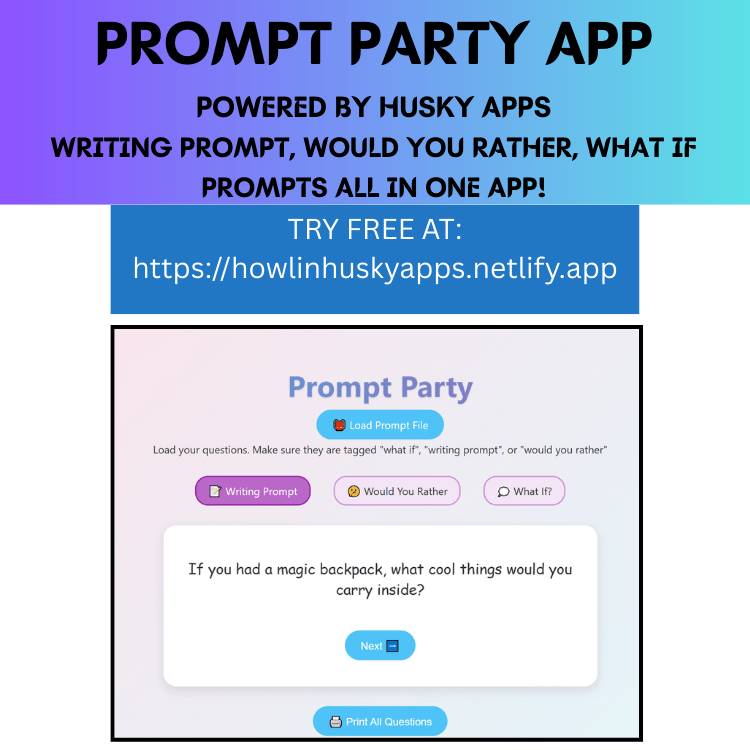
The Prompt Card App is a simple, clean digital resource for displaying, sharing, and printing open-ended prompts in your classroom. Ideal for writing warm-ups, discussion starters, journal entries, exit tickets, and creativity boosters.
How It Works:
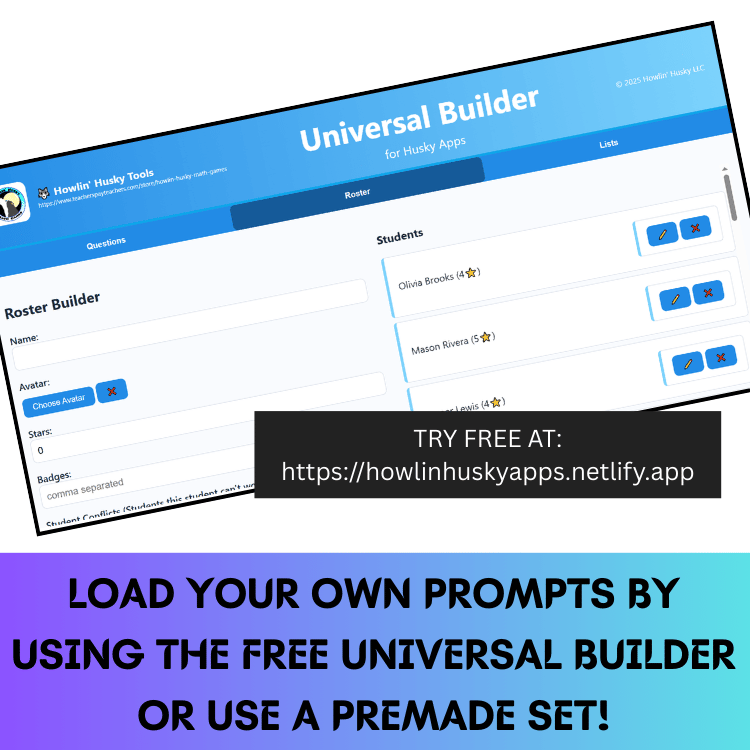
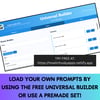
Load a .husky File
Click “Load File” to import a .husky file containing tagged prompts (e.g., “what if,” “would you
rather,” “writing prompt”).
Choose a Mode
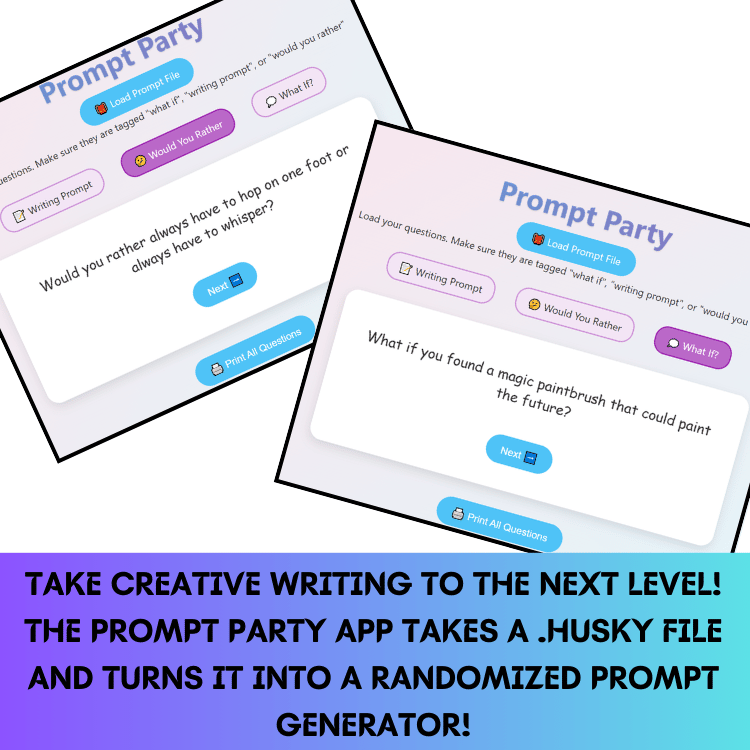
Select a category—What If, Writing Prompt, or Would You Rather—to view one prompt at a time.
Click “Next” to show a new prompt.
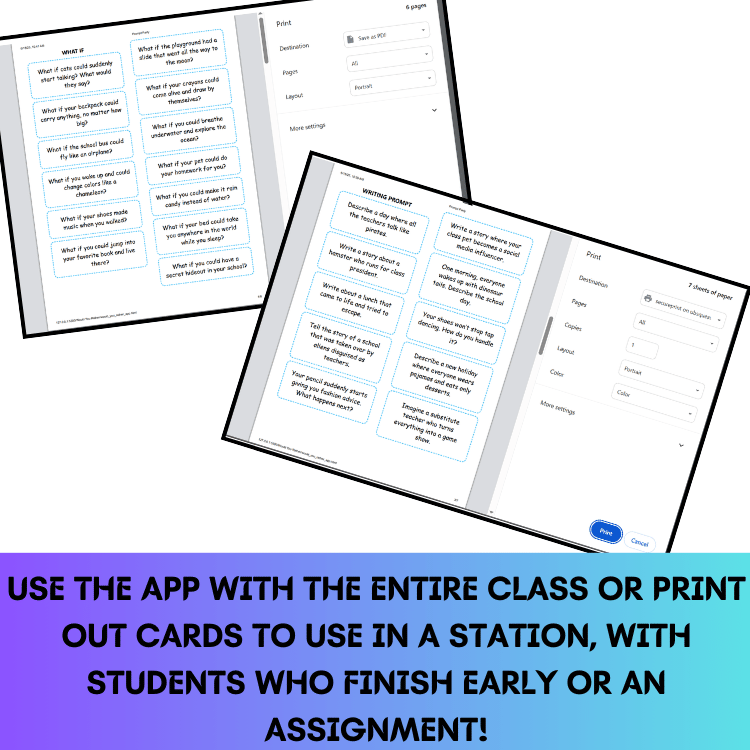
Printable View
Switch to printable mode to view all prompts grouped by category, then click Print for formatted
prompt cards—neat and ready for classroom use.
Included Features:
- Fully online—no installation, login, no ads
- Clean layout tailored for students
- Support for custom prompt sets in .husky format
- Auto-separated categories for printable output
IMPORTANT: What You’re Buying:
When you purchase, you receive a PDF containing:
- A password unlock code to access the full app at howlinhuskyapps.netlify.app
- Step-by-step setup and usage instructions
- A link to try all Husky Apps free via the demo dashboard
TRY IT FREE: Visit howlinhuskyapps.netlify.app and click Dashboard to explore this and other Husky teacher tools.
Suggested Uses:
- Morning journaling or journal prompts
- Writing stations and independent work
- Discussion starters for class dialogue
- Quick exit tickets
- Brain break activities
Why You'll Love It:
- Quick, intuitive tool to spark student thinking
- Great flexibility with reusable, printable prompts
- Clean, focused design made for classroom usability