

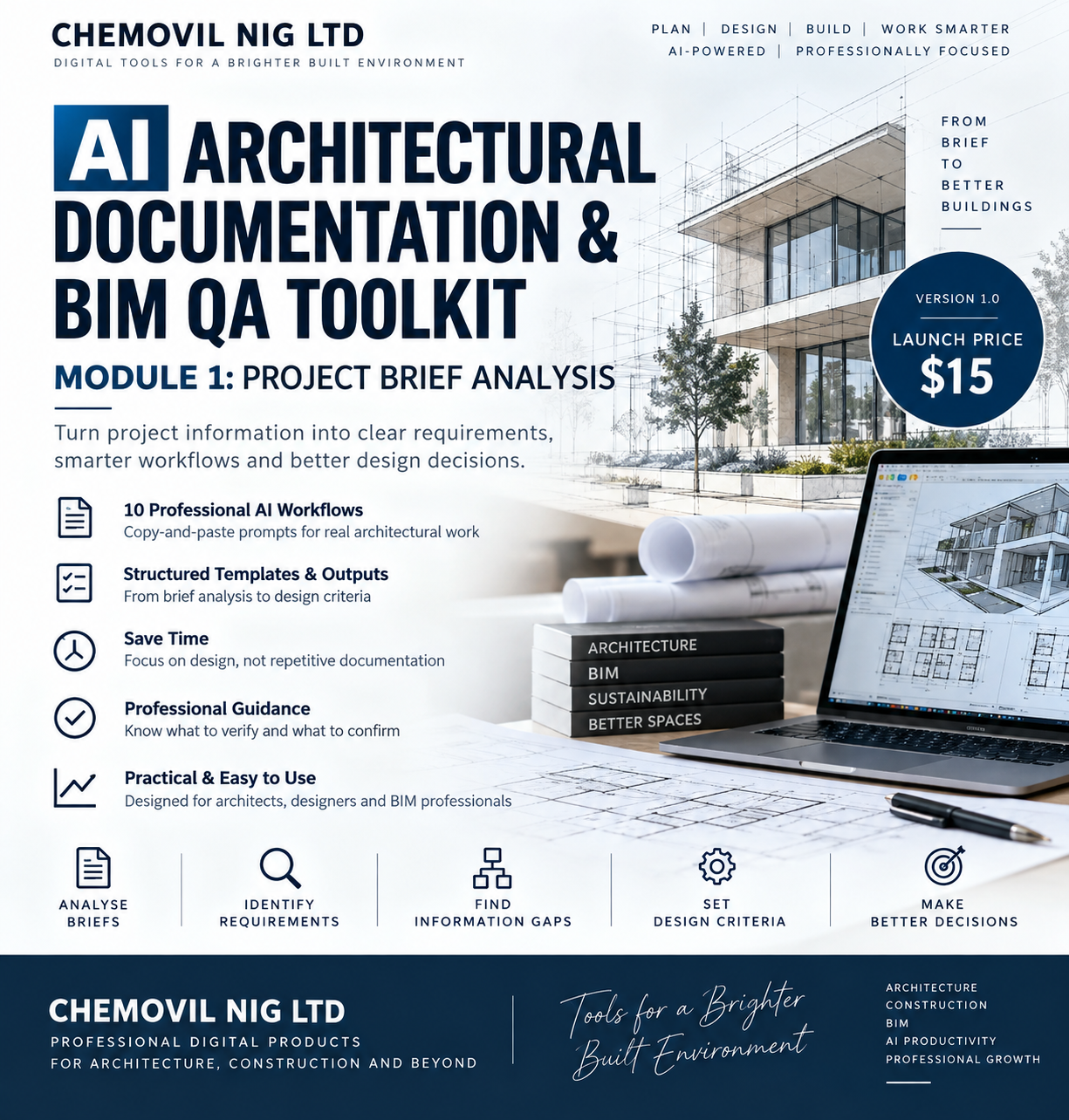
AI Architectural Documentation & BIM QA Toolkit — Module 1: Project Brief Analysis
From Project Brief to Clear Design Criteria
Architectural projects often begin with information scattered across briefs, emails, meeting notes, site information and client instructions.
This toolkit helps you use AI to organize, analyse and structure that information before design development begins.
What you can do with this module
Use the included AI workflows to:
✓ Analyse a project brief
✓ Extract client requirements
✓ Generate an initial accommodation schedule
✓ Identify missing and contradictory information
✓ Analyse project constraints
✓ Organize site information
✓ Analyse functional relationships and adjacencies
✓ Review accessibility considerations
✓ Extract sustainability requirements
✓ Generate preliminary project design criteria
WHAT'S INCLUDED
📘 Quick-Start Guide
Learn how to use the toolkit effectively, prepare your project information and review AI-generated results.
🤖 10 Professional AI Workflows
Each workflow includes:
• Purpose
• Information to provide
• Copy-and-paste AI prompt
• Expected output
• Professional verification guidance
📋 Project Brief Analysis Workflows
01 — Project Brief Analyzer
Structure an unorganized project brief into clear architectural requirements.
02 — Client Requirement Extractor
Extract client requirements from briefs, meeting notes, emails and project communications.
03 — Accommodation Schedule Generator
Transform stated space requirements into a structured preliminary accommodation schedule.
04 — Missing Information Detector
Identify missing, incomplete, ambiguous or contradictory project information.
05 — Project Constraints Analyzer
Identify site, client, budget, programme, functional and other stated project constraints.
06 — Site Information Analyzer
Organize available site information and separate confirmed information from items requiring verification.
07 — Functional Relationship & Adjacency Analyzer
Analyse relationships between spaces and identify essential, preferred and separation requirements.
08 — Accessibility Requirement Checker
Identify accessibility considerations requiring review during project planning.
09 — Environmental & Sustainability Requirement Extractor
Extract sustainability requirements and identify potential opportunities requiring further investigation.
10 — Project Design Criteria Generator
Convert verified project information into a structured preliminary design-criteria document.
WHO IS THIS FOR?
Designed for:
🏛️ Architects
📐 Architectural Designers
💻 BIM / Revit Professionals
🏢 Small Architectural Practices
🎓 Architecture Students & Early-Career Professionals
🏗️ Professionals involved in architectural project documentation
WHY USE THIS TOOLKIT?
Instead of starting every project from a blank page, use structured AI workflows to help you:
Analyse → Extract → Organize → Identify Gaps → Review → Establish Design Criteria
This can help reduce repetitive information-processing work and create a more consistent project-starting workflow.
IMPORTANT PROFESSIONAL NOTE
This is an AI-assisted architectural workflow toolkit.
It does not replace professional architectural judgment, site surveys, building regulations, planning requirements, engineering advice, consultant coordination or approval by the relevant authorities.
AI-generated information should always be reviewed and independently verified before being used for professional design, construction or regulatory decisions.
FILE FORMAT
PDF — Digital Download
Use the prompts directly with your preferred AI assistant and adapt them to your own project workflow.
VERSION
Version 1.0 — Module 1: Project Brief Analysis
CHEMOVIL NIG LTD
Digital Tools for Architecture, Construction & Professional Workflows