





Editing and Revising Studio | Interactive Grammar and Writing Activities | Grades 5-9
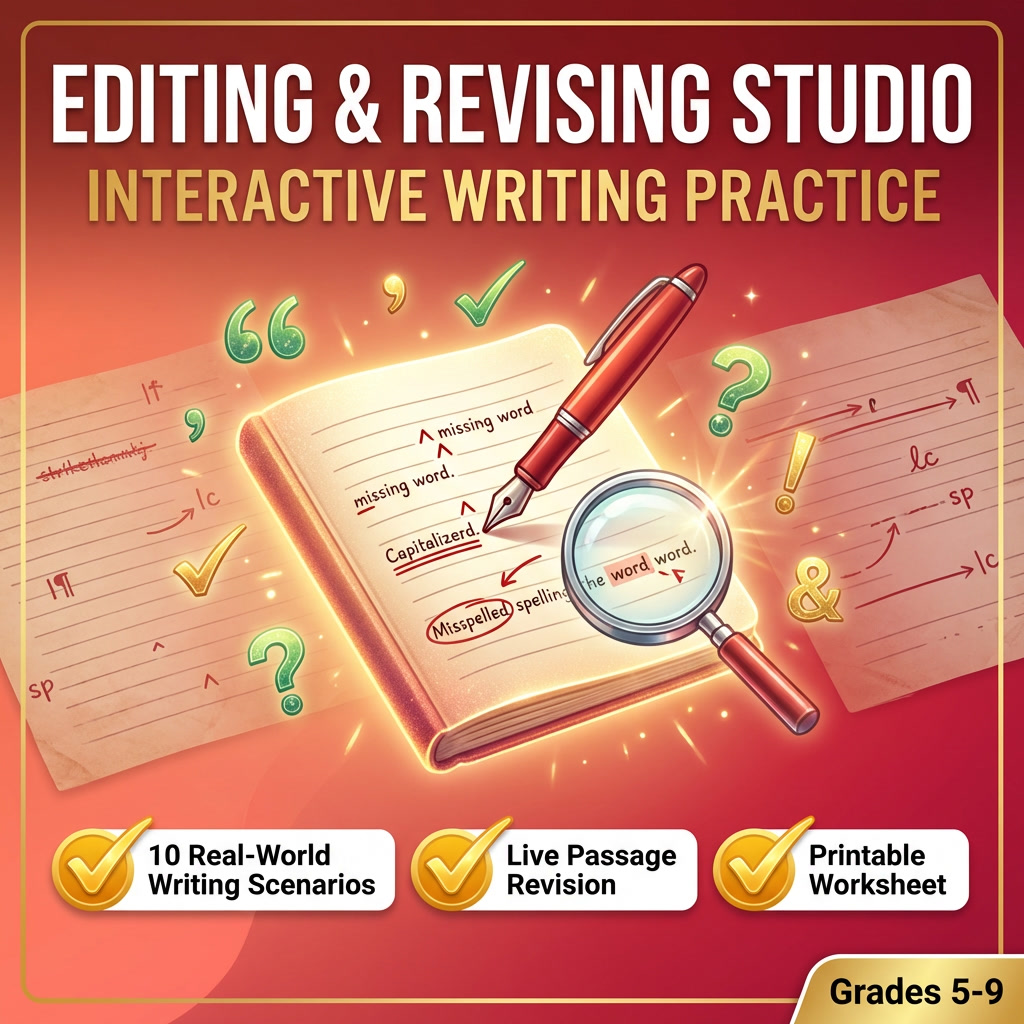
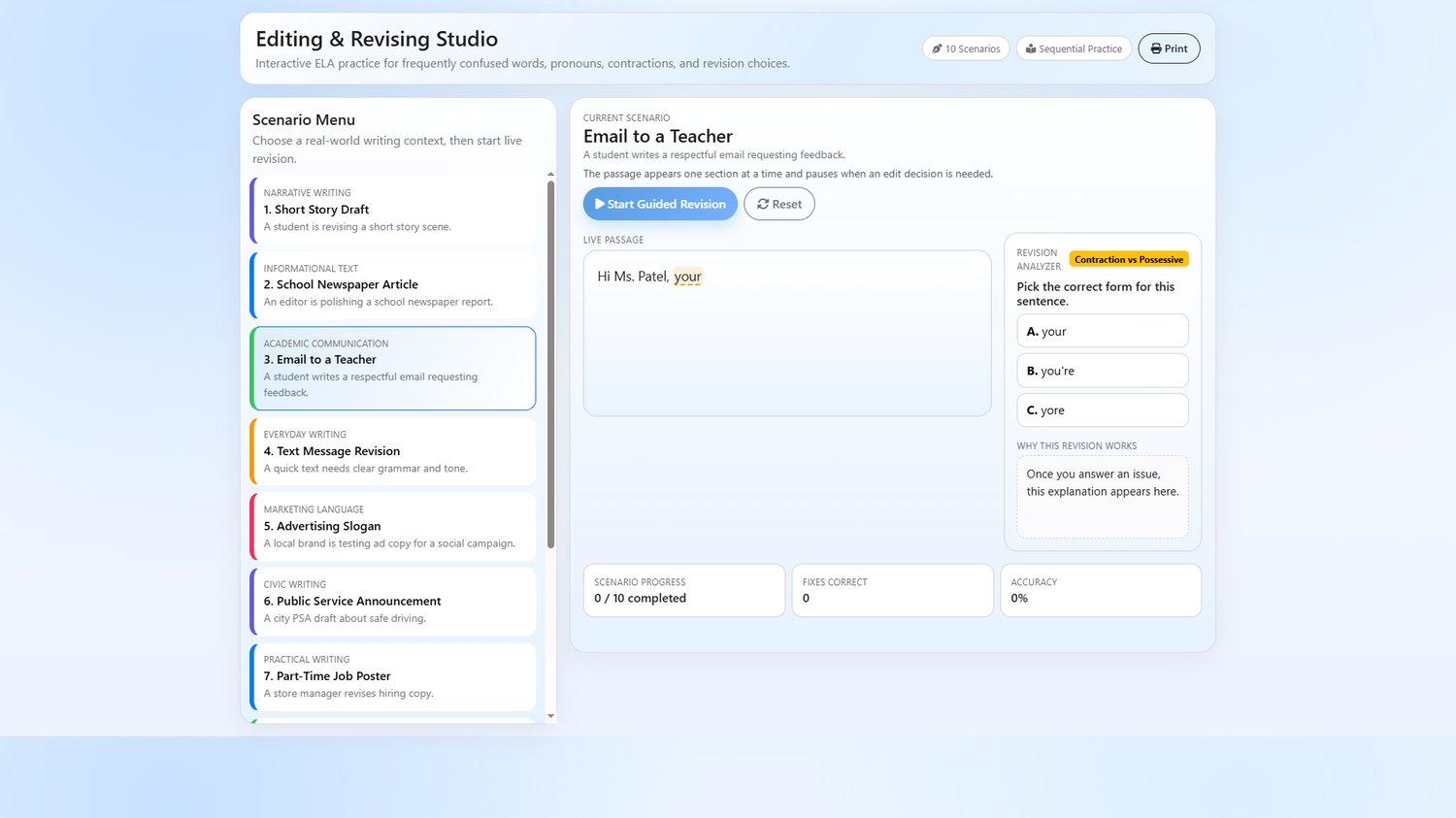
Transform grammar practice into real-world writing revision! This Interactive Editing and Revising Studio puts students in 10 authentic writing scenarios where they catch and fix common grammar mistakes as passages type out live on screen.
Students don't just circle errors on a worksheet - they watch text appear in real time, spot the issue, choose the correct fix, and read an instant explanation of why the revision works. It's proofreading practice that feels like a game!
This single HTML file runs instantly in any browser - no apps, no logins, no setup required. Just download, open, and go!
Real world writing scenarios
- Each scenario presents a different writing context students actually encounter:
- Short Story Draft (Narrative Writing)
- School Newspaper Article (Informational Text)
- Email to a Teacher (Academic Communication)
- Text Message Revision (Everyday Writing)
- Advertising Slogan (Marketing Language)
- Public Service Announcement (Civic Writing)
- Part-Time Job Poster (Practical Writing)
- Debate Transcript (Argument Writing)
- Product Review Post (Digital Writing)
- Community Newsletter (Formal Revision)
Live typing passages
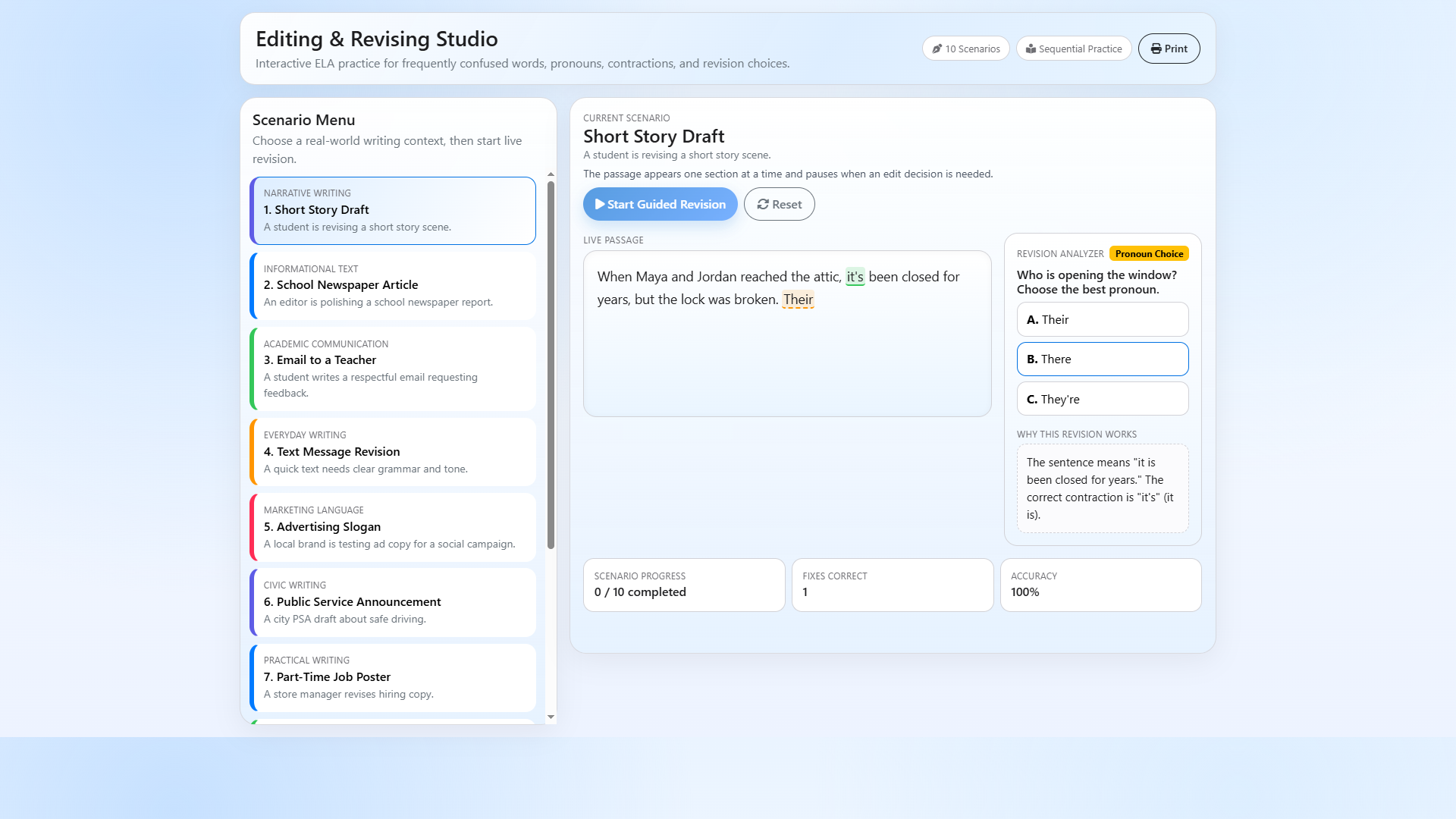
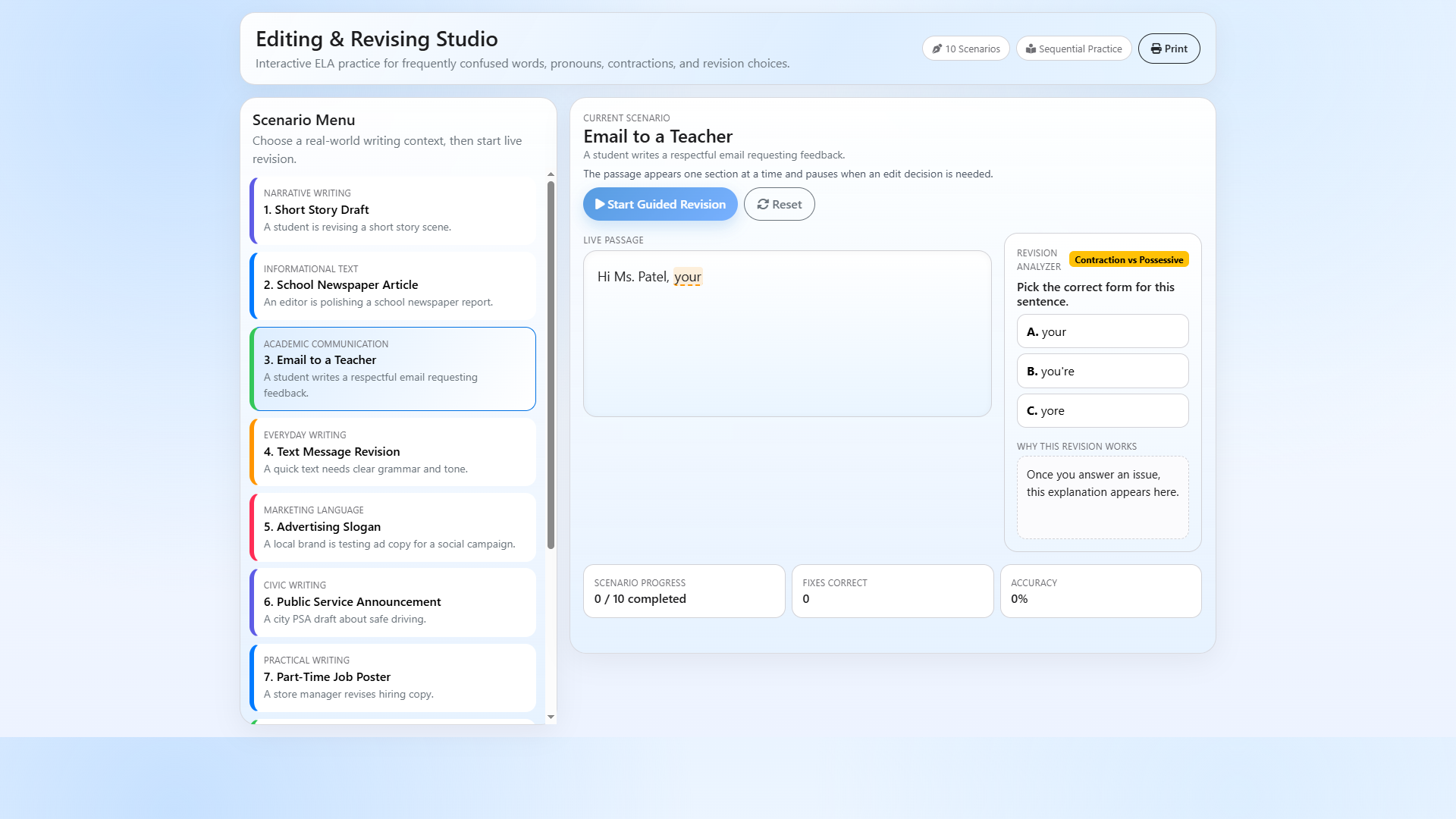
Text appears on screen one character at a time, simulating real writing. When an error appears, the passage pauses and students must identify the correct fix before the text continues.
Revision analyzer
After each answer, students see a detailed explanation of why the correction works, building real grammar understanding - not just memorization.
Skills covered
- Contractions vs possessives (it's/its, you're/your)
- Pronoun and adverb confusion (there/their/they're)
- Frequently confused words (we're/were/where)
- Proofreading and editing in context
- Real-world writing conventions
Progress dashboard
Tracks scenarios completed, fixes correct, and overall accuracy in real time.
Perfect for
- ELA and Language Arts classes (Grades 5-9)
- Grammar and editing mini-lessons
- Writing workshop revision stations
- Substitute teacher plans (zero prep needed!)
- Homework or independent practice
- Test review for state ELA assessments
- Commonly confused words units
Why teachers love it
- Works on Chromebooks, laptops, tablets, and desktops
- Single HTML file - nothing to manage
- Self-grading exercises save you time
- Real-time progress tracking dashboard
- Teaches proofreading in authentic writing contexts
How to use
Just download the file and open it in any web browser like Chrome, Edge, Firefox, etc. This file can be shared with students easily across any LMS like Google Classroom.
What you download
One file, Editing and Revising Studio. Open it in Chrome, Edge, Firefox or Safari on any computer, Chromebook or tablet. Parts of the page load from the internet, so keep the computer online while it runs.
Grade level: Grades 5-9 | $4.99 | one file that opens in any browser