
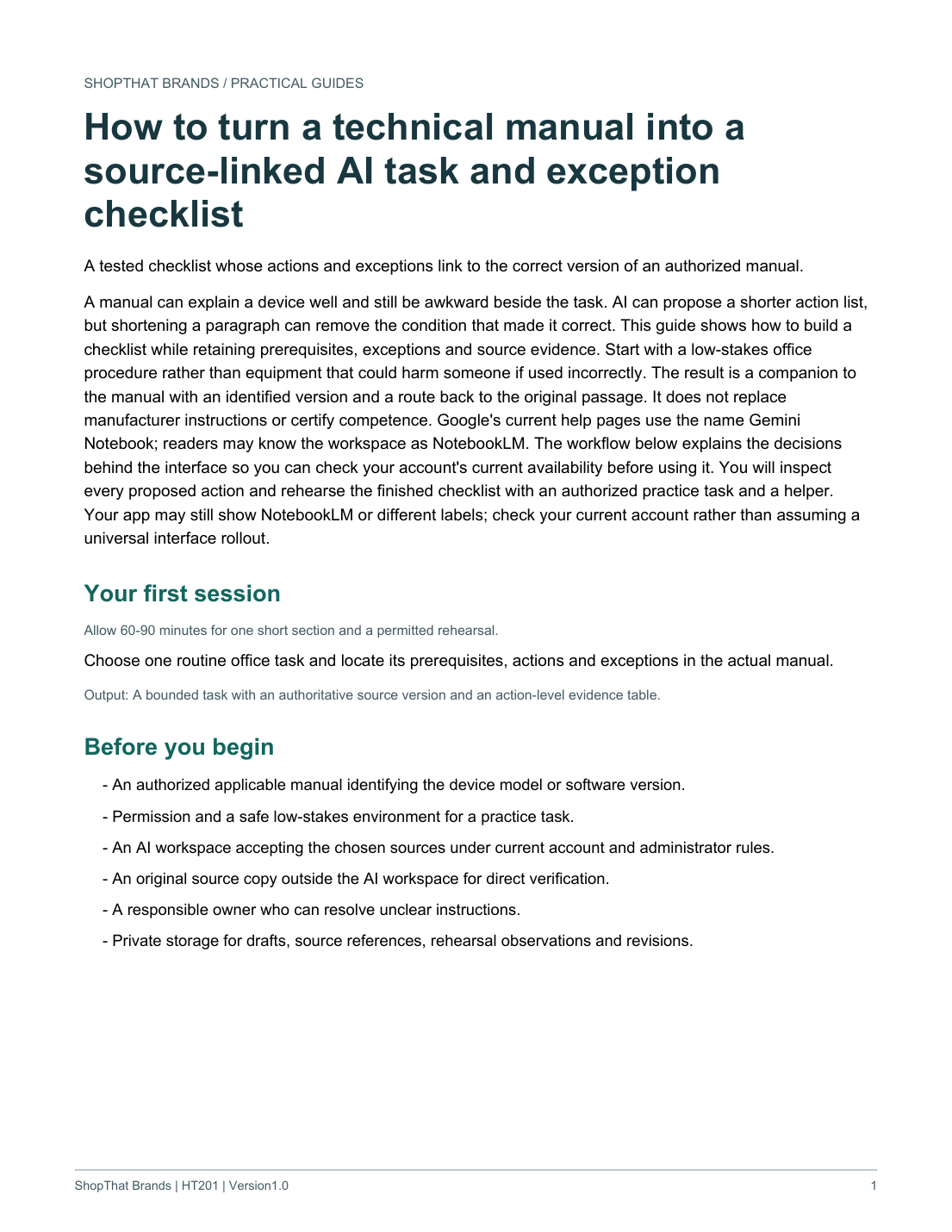
How to turn a technical manual into a source-linked AI task and exception checklist
Need a usable checklist beside a long manual? This guide helps office helpers and small-business owners use AI without losing the conditions that make an instruction correct.
Follow eight steps to identify the exact task and source version, inspect imported content, separate actions from prerequisites and exceptions, verify citations, write a compact companion, assign unresolved questions, rehearse with a helper and release a controlled version. An original fictional label-printer example shows why 'normal stock' and unlimited retries can be misleading shortcuts.
Six distinct tools support the process: task/manual boundary card, source-completeness check, action evidence table, exception queue, uncoached rehearsal record and release/refresh card. Each provides specific field help and completed fictional records. Troubleshooting covers irrelevant citations, missing diagrams, coached rehearsals, conflicting manuals and changed instructions.
The package includes a PDF guide, offline HTML reading copy and six tools in HTML and editable TXT formats. Decisions are manual and offline forms do not autosave. AI access and device software are separate. Current Google help calls its reading workspace Gemini Notebook, known to many readers as NotebookLM; availability depends on your account.
Built for noncritical office tasks. The companion keeps original references and does not replace manufacturer instructions, qualified supervision or safety-critical procedures.
Included files: PDF guide, offline HTML guide, 6 distinct editable tools in HTML and TXT. Extract the ZIP before use. No paid software is required to read this guide or edit its supplied tools. Services discussed may require an eligible account or subscription and their features vary. No XLSX, Canva, Notion or video files are included.
Text and template wording were generated with AI and reviewed for clarity and consistency.
License: Personal or internal business use only. You may edit the templates for that use; do not redistribute or resell the supplied files or templates.
HTML tools do not autosave. Use Save filled copy before closing to download and keep your completed entries.
Independent educational publication; no endorsement or affiliation with the services named.