
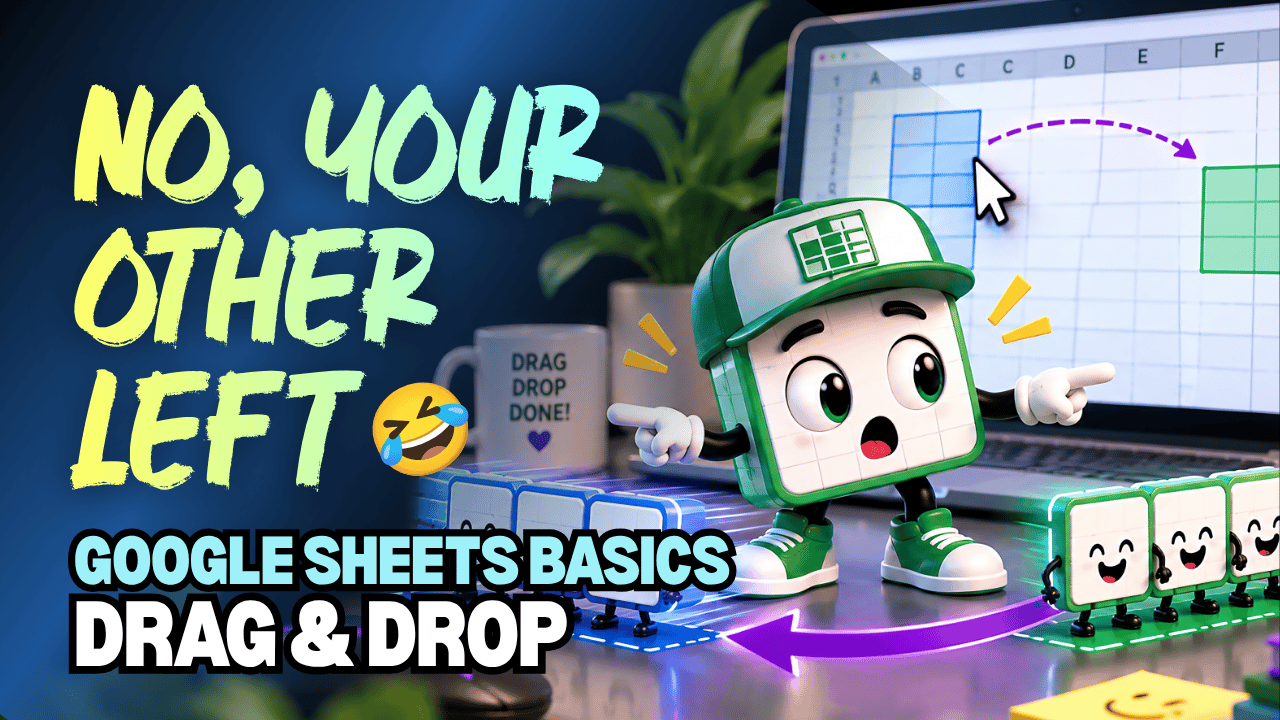
Google Sheets Drag & Drop Practice Workbook | Beginner Practice
Learn how to drag and drop cells in Google Sheets with this beginner-friendly practice workbook from Easy Mode Excel Tutorials!
Want to rearrange information in your spreadsheet without cutting and pasting? Drag & Drop lets you move cells and ranges to a different location using your mouse!
This hands-on workbook accompanies our free Google Sheets Drag & Drop video lesson, giving you the opportunity to practice moving spreadsheet information quickly and confidently.
What You'll Practice
✓ Select cells and ranges you want to move
✓ Drag and drop cells to a new location
✓ Move information using your mouse
✓ Understand how dragging cells changes their location
✓ Rearrange spreadsheet data without using Cut & Paste
✓ Build confidence organizing your spreadsheets
What's Included
✓ One ready-to-use Google Sheets practice workbook
✓ Beginner-friendly exercises to reinforce the lesson
✓ Your own editable copy of the workbook
✓ Hands-on practice you can complete at your own pace
Perfect for Google Sheets beginners! Learn how to move information around your spreadsheets using simple mouse movements.
Price: $2.49 USD — one-time purchase.
After purchasing, you'll receive a link to create your own editable copy of the Google Sheets practice workbook.
This purchase includes the practice workbook only.
Watch the FREE Video Lesson
🎥 Google Sheets Drag & Drop: