

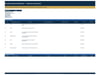
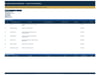
Exception Report Dashboard
Exception Report Dashboard
What to do when the project breaks its tolerances — recorded, costed and put in front of the person who can decide.
An exception report is the document a project manager raises when time, cost, scope or quality goes beyond what was agreed. It is not a status report and it is not an apology. It sets out what happened, what the options are, what each one costs, and what you recommend — so the board can decide rather than discuss.
What's inside
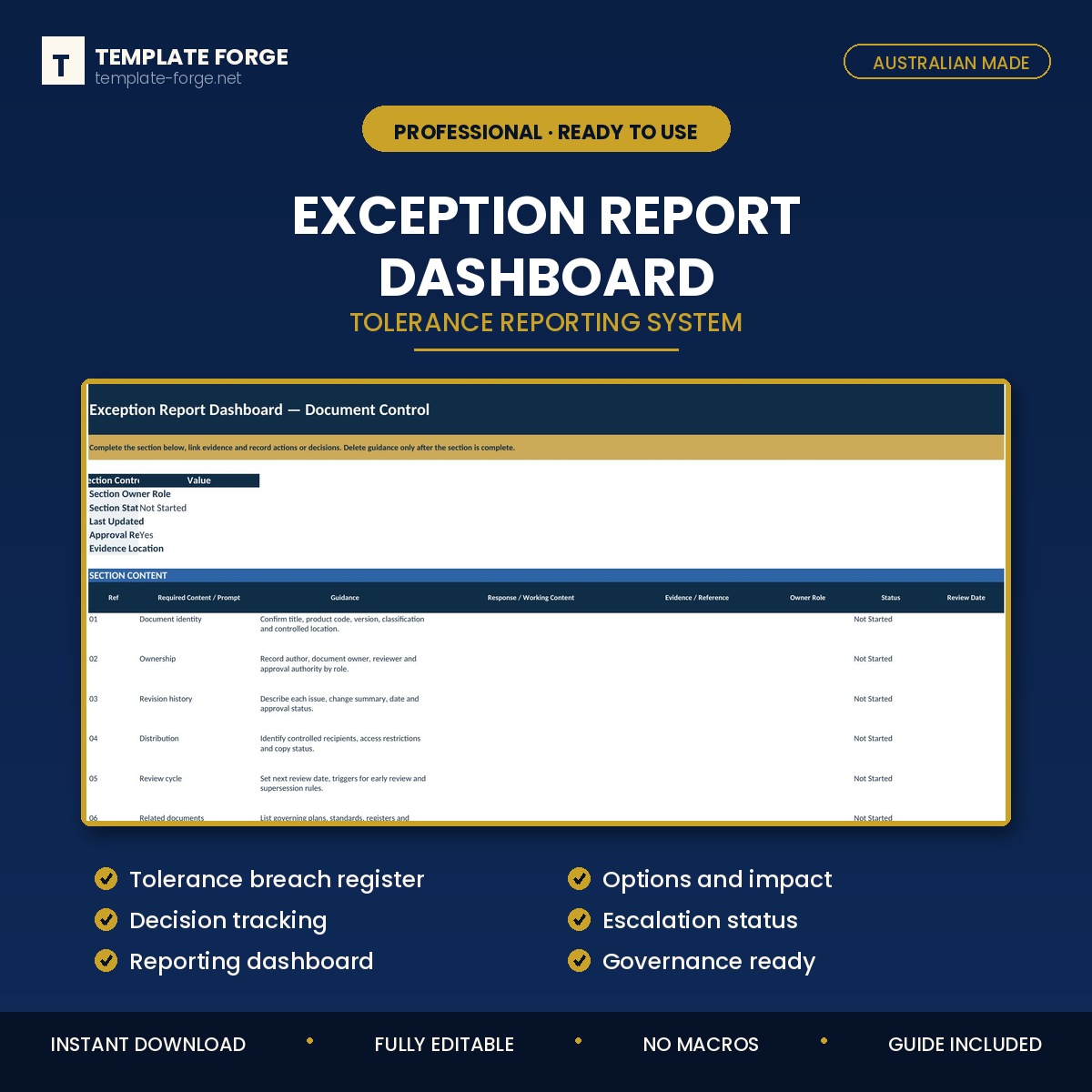
- Exception register — every tolerance breach, with the tolerance that was set and the actual position
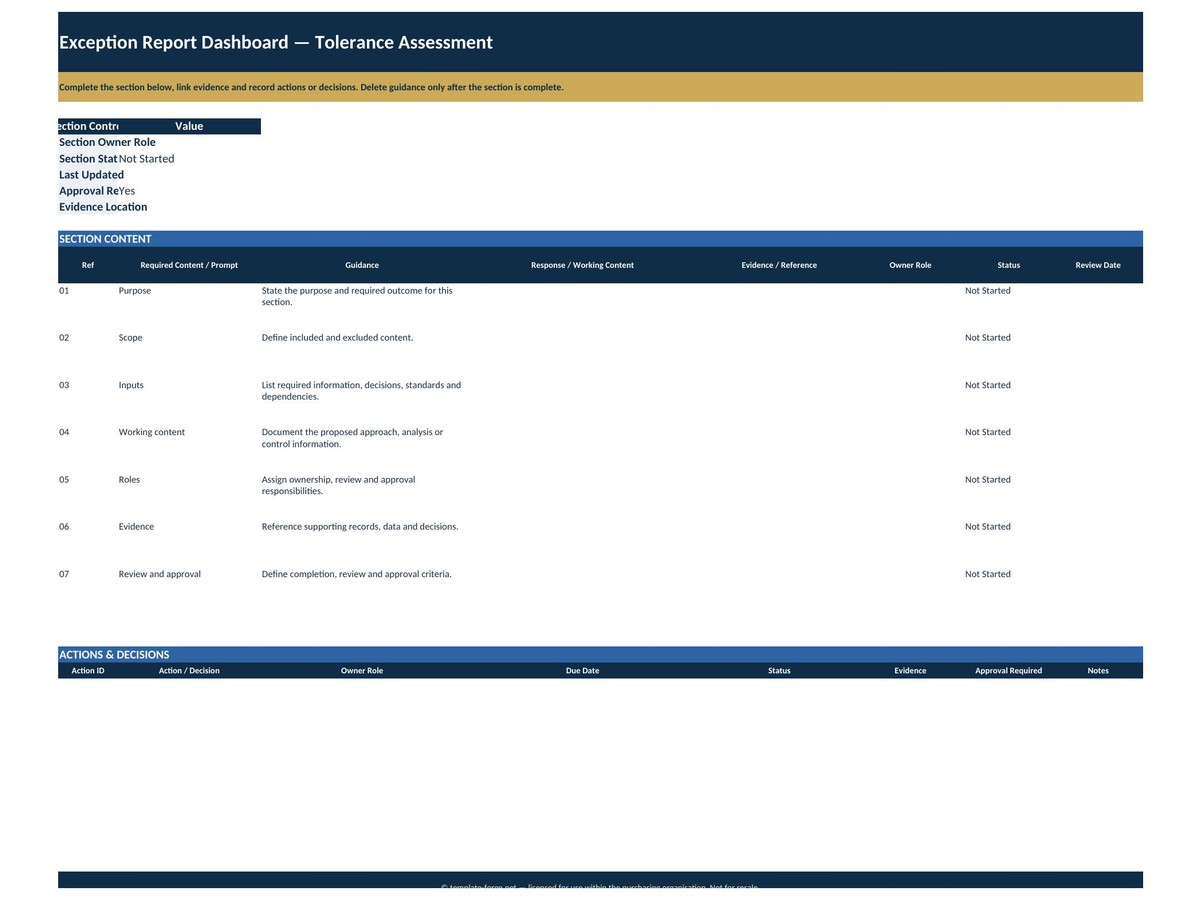
- Cause and impact — what caused it, and what it does to cost, schedule, scope or quality
- Options and their cost — usually three: absorb it, change the baseline, or reduce scope, each with its own consequence
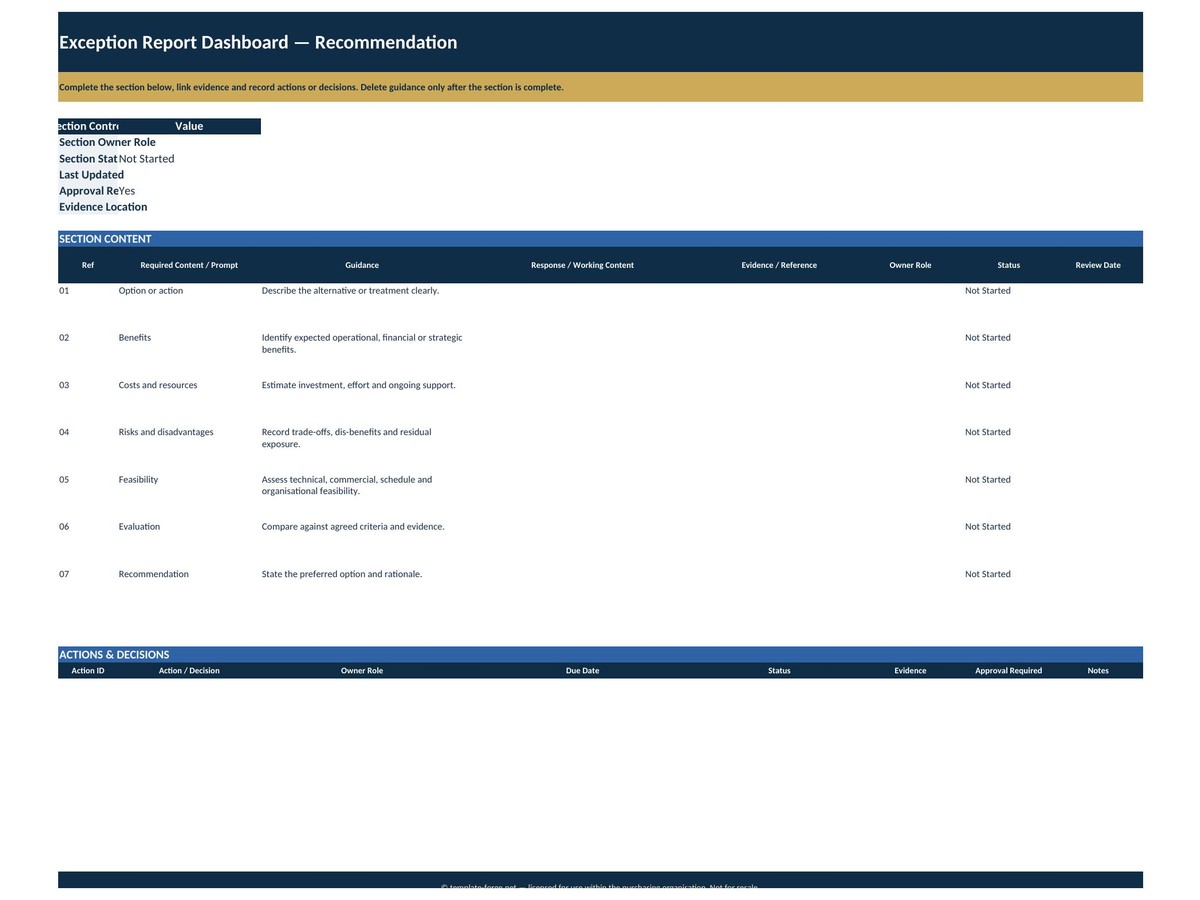
- Recommendation — yours, stated plainly
- Decision tracking — what was decided, by whom, and when
- Status and escalation — where each exception sits and who it went to
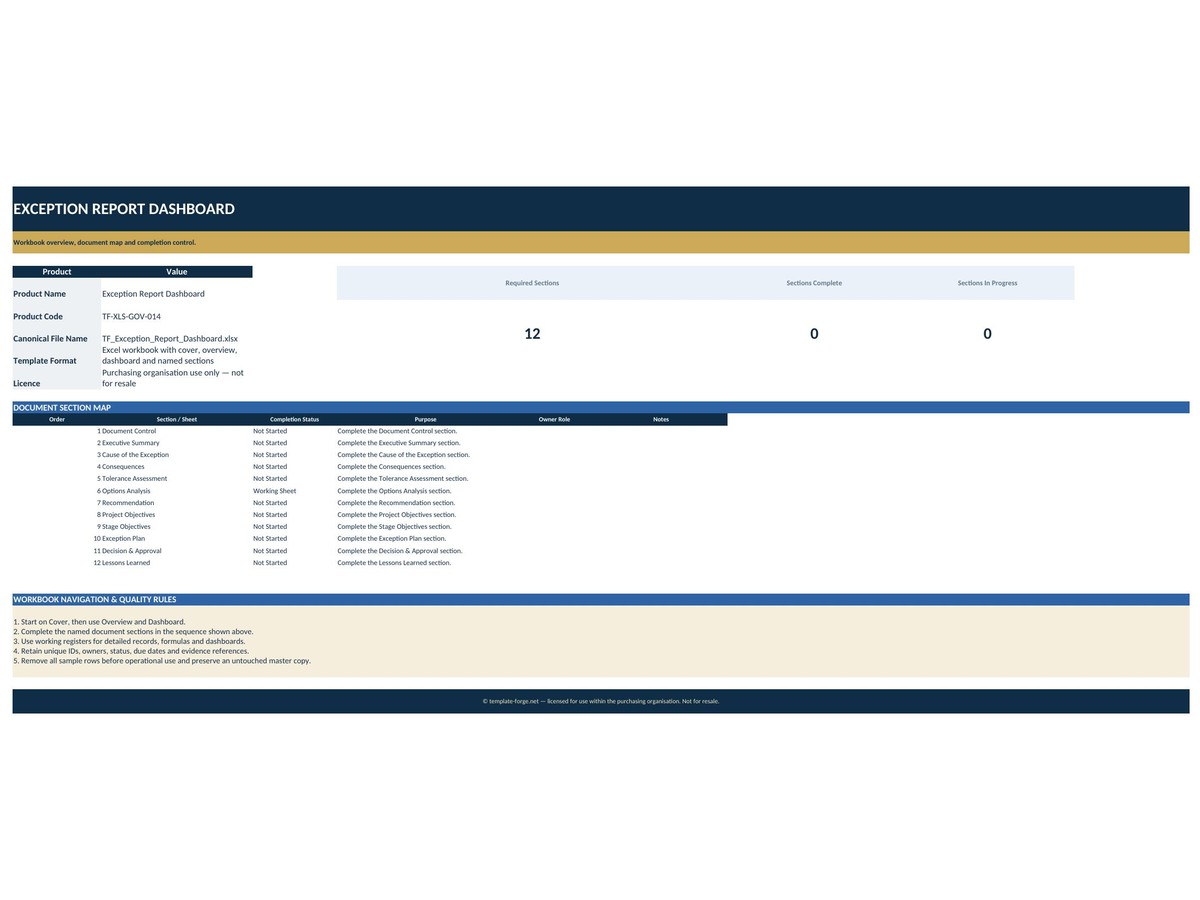
- Dashboard — open exceptions, decisions outstanding, and their combined impact
Why it matters
A project that never raises an exception is either genuinely under control or quietly absorbing breaches until they become a crisis. This makes the breaches visible while they are still small enough to decide about.
Who it's for
Project and programme managers reporting into a board or steering committee, and PMOs that need exceptions handled consistently rather than by whoever happens to raise one.
How it works
Set your tolerances on the setup sheet. Record each breach as it happens. Status, impact and the dashboard calculate themselves. No macros, no add-ins, no subscription — a normal Excel file that opens in any version of Excel and keeps working forever.
Pairs with the Executive Highlight & Board Report, which carries the exception into the board pack.
Built in Australia from more than twenty years of program delivery experience. Instant download, yours to keep.