
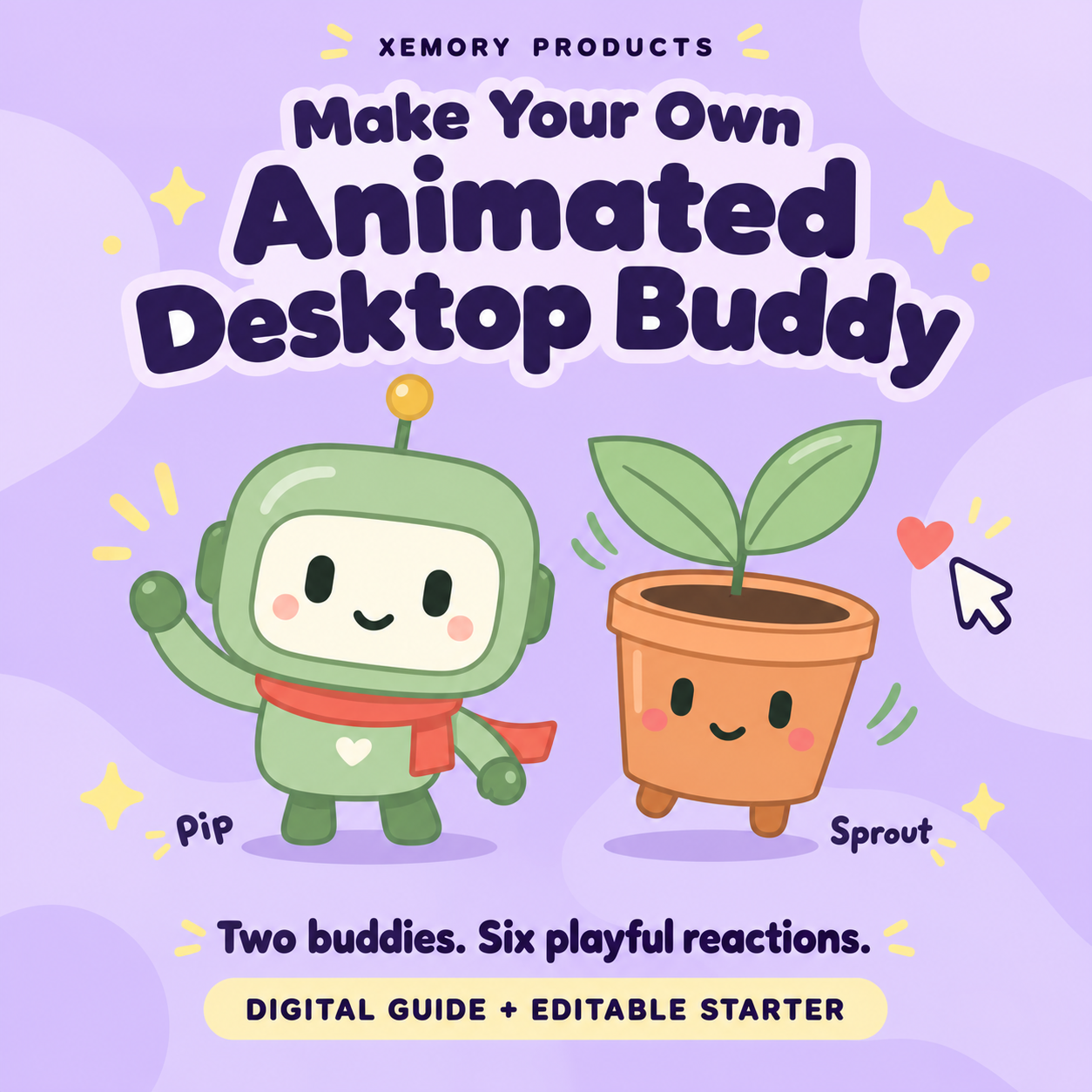
Make Your Own Animated Desktop Buddy — Beginner Kit
Make a desktop buddy. Learn how to make it yours.
Ever wished you could make something for your computer yourself? This is a place to start—even if you have never written a line of code.
You get two working animated companions and a beginner guide that helps you explore how they work, change them, and start creating a character of your own. The goal is to help you move from “Where can I buy that?” toward “How could I build that myself?”
Start with something that already works
Meet Pip the robot and Sprout the plant. Open the included app, choose a buddy, and try its six reactions: wave, stretch, hop, dance, look around, and cheer. These six reactions are just starting examples. You can use the editable project files to create and add unique reactions of your own—what your buddy does next is up to you. Click for a little pat, change the available colors and expression, or let your buddy move while you work.
When you are ready, use the guide to start making changes. You have a working example to learn from, so you do not have to face an empty page and figure everything out alone.
What you will practice
• Changing a character’s appearance and personality.
• Seeing how the files control what appears on screen and how it moves.
• Planning a new buddy and following the included instructions to add it.
• Checking your changes and building confidence one small step at a time.
These are skills you can keep practicing on your next idea. Start with a buddy; use what you learn to explore other small projects of your own.
What is in the download?
• A 12-page illustrated guide you can read on screen or print.
• The working buddy app with Pip and Sprout, animated reactions, gentle idle movement, and click-to-pat.
• The editable project files—the instructions and artwork behind the app, so you can change how it looks and behaves.
• Ten ready-to-copy requests for Codex, OpenAI’s AI coding helper. These optional lessons show how to ask for changes in ordinary language.
• A character-planning worksheet, instructions for adding a buddy, and a checklist to help you review your work.
• A focus timer, smaller viewing mode, a Still mode to pause movement, and a way to save and restore your settings.
• A four-character inspiration sheet. Pip and Sprout are the two working buddies included; Pixel Pal and Orbit are design ideas.
How to get started
1. Download the guide and the ZIP file. A ZIP is a folder packed into one download.
2. Unpack the whole ZIP using your computer’s “Extract” or “Extract All” option.
3. Open the buddy folder, then open index.html in an up-to-date desktop web browser. That file starts your buddy app.
You can use the included buddies without an AI subscription or extra software packages. The optional Codex editing lessons require internet access and your own Codex access; any account costs and usage limits are separate.
A few useful details
This is a digital learning kit: a guide and an editable starter app. Nothing physical is shipped. Your buddy uses pre-made animations and stays inside its browser window; it is not a talking AI assistant or a character that floats over every app.
The focus timer finishes with an on-screen message, without sound or a computer notification. Use it in one tab. Browser settings can affect saved preferences, so a settings backup option is included.
For personal use and customization. No resale rights; see the included license. Independent Xemory Products guide. Not affiliated with or endorsed by OpenAI.