
Teacher Weekly Lesson Planner Spreadsheet (Excel, LibreOffice, Google Sheets)
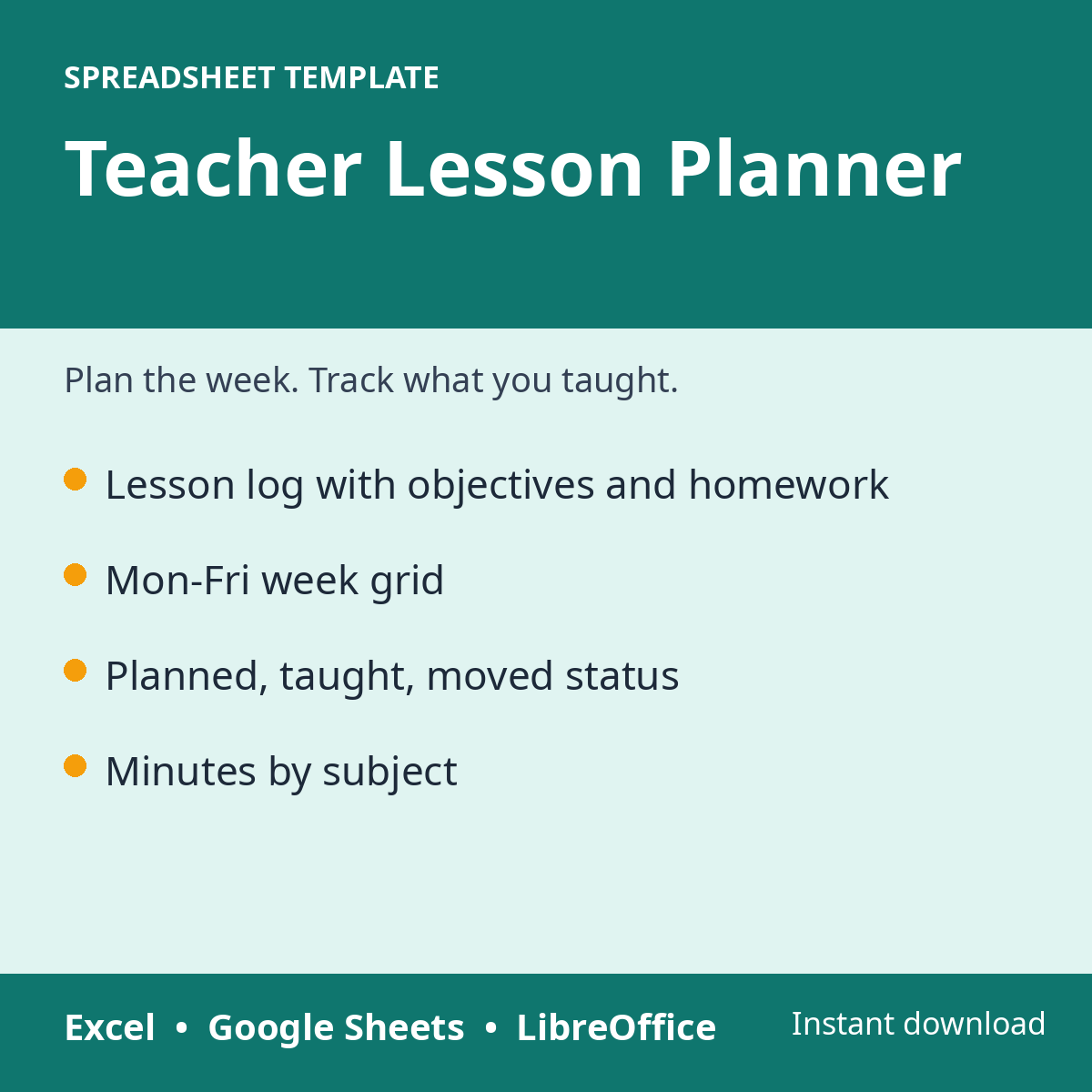
For teachers who plan by the week. Enter lessons once in a log and see them in a Monday to Friday grid by period. Works for any grade or subject.
WHAT YOU GET (one .xlsx file, 5 tabs)
- Start Here: short instructions
- Lesson Log: 300 rows with date, period (1 to 8), subject (drop-down), topic, objective or standard, materials, homework, minutes and status (Planned, Taught, Moved, Skipped, color coded)
- Week View: a Monday to Friday grid with 8 period rows. Pick the week on Settings and your lessons fill in by day and period
- Stats: lessons logged, taught, still planned and moved, percent taught, minutes taught, lessons in the displayed week, and lessons and minutes per subject with a chart
- Settings: class name, the Monday of the week to display, and a list of up to 12 subjects
GOOD TO KNOW
- Tested in LibreOffice; should open in Excel and Google Sheets. No macros.
- Formulas were recalculated and checked in LibreOffice against hand-worked totals. The Excel and Google Sheets versions are not separately tested by me.
- Week View shows the first lesson if two share the same date and period.
- Sample lessons are included so you can see how it works. Clear them to start your own plan.
Digital download. You receive the .xlsx file right after purchase. No physical item is shipped.