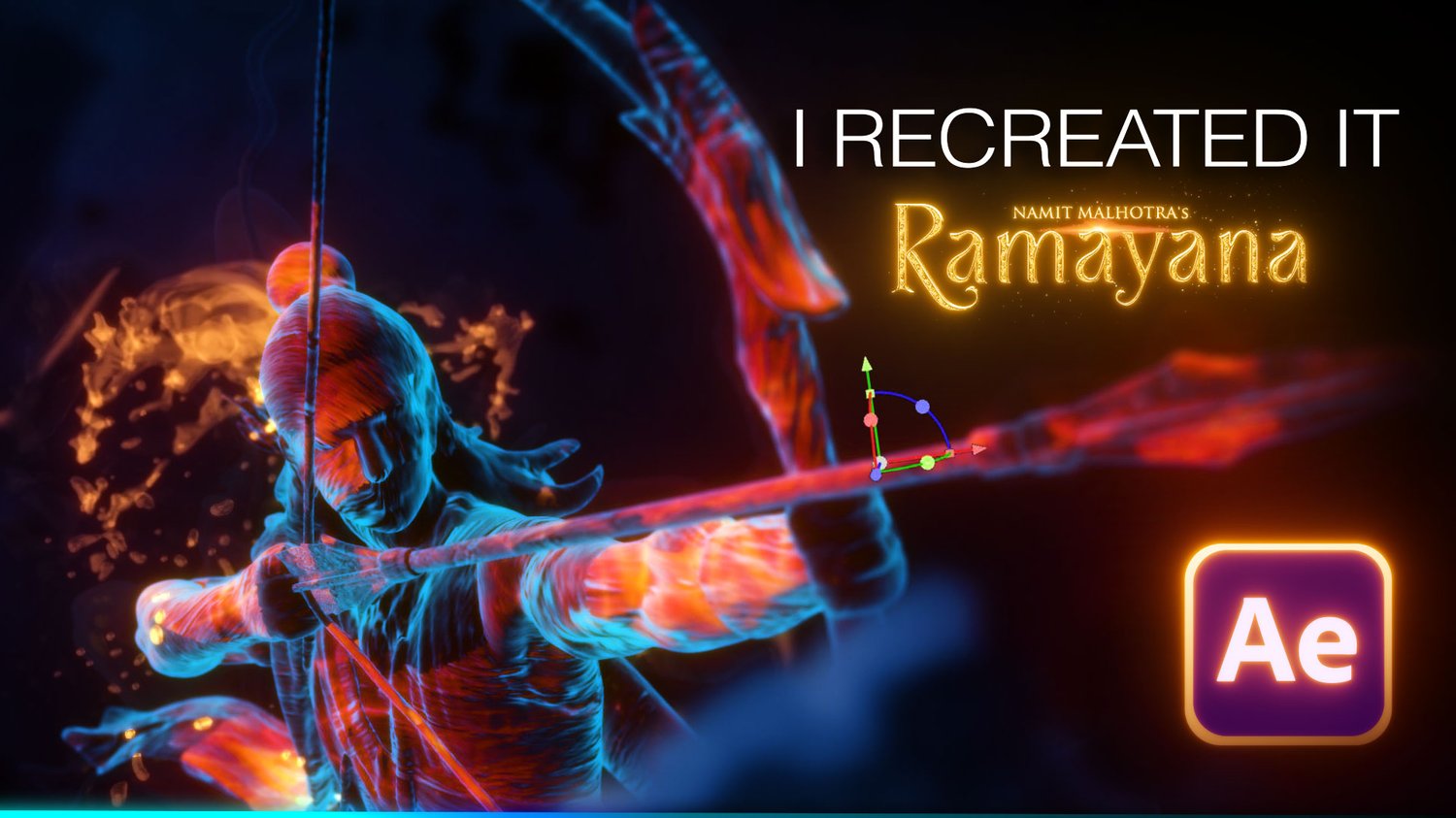
Ramayana VFX — After Effects Template (Element 3D)
On Sale
$9.00
$9.00
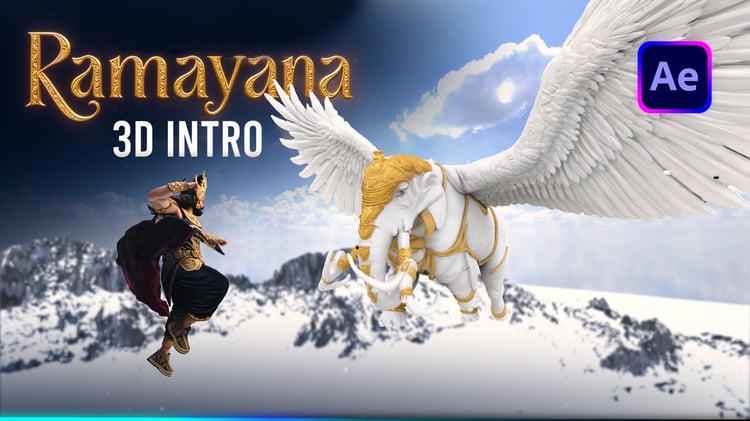
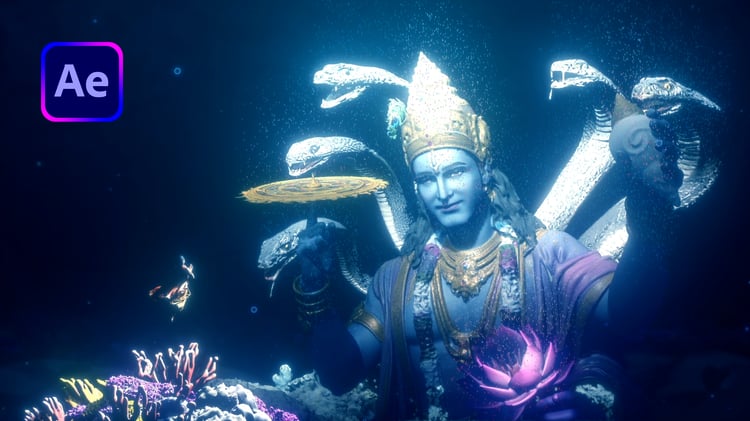
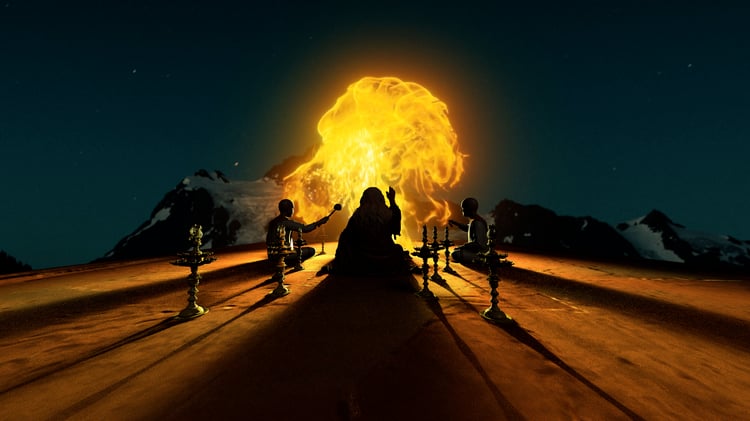
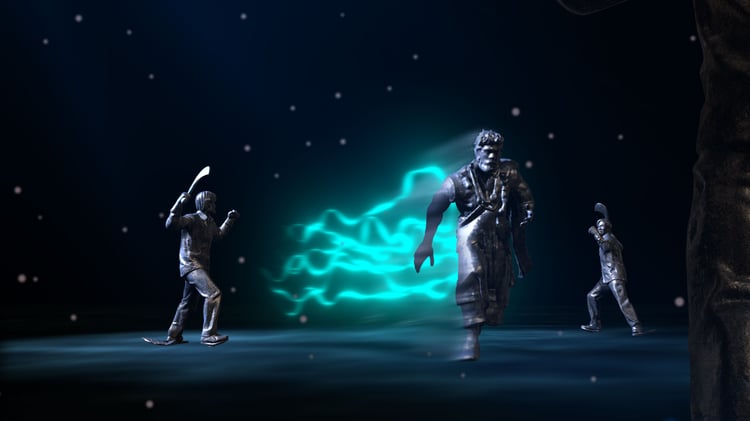
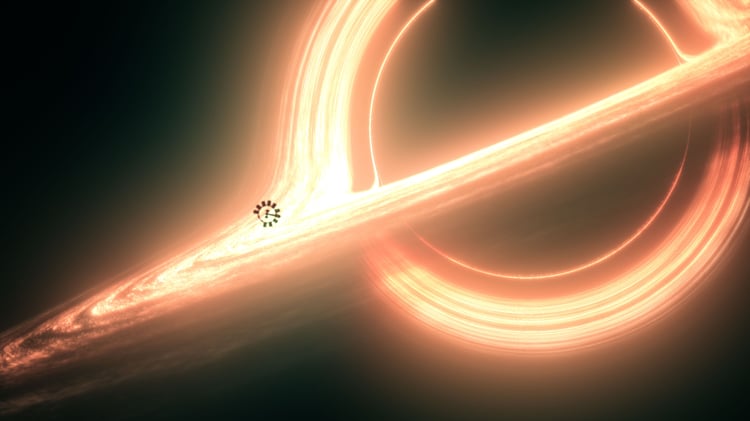
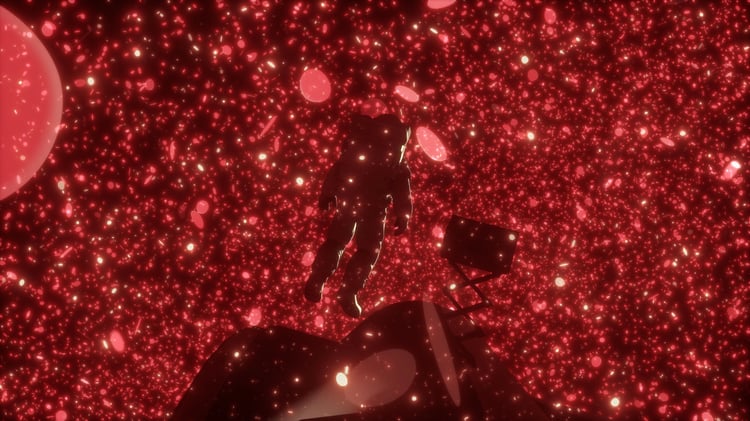
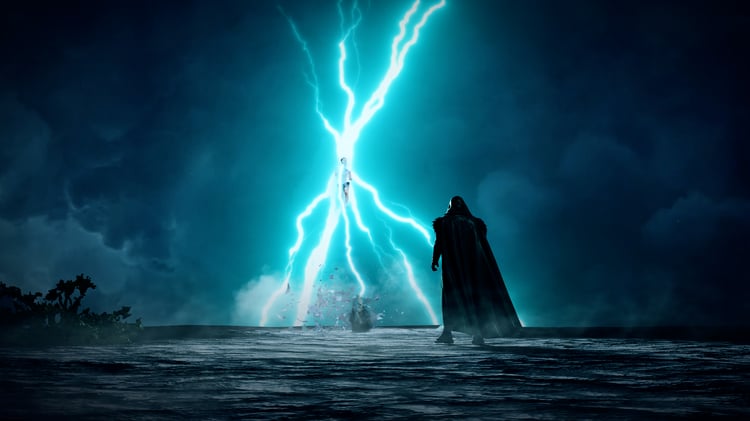
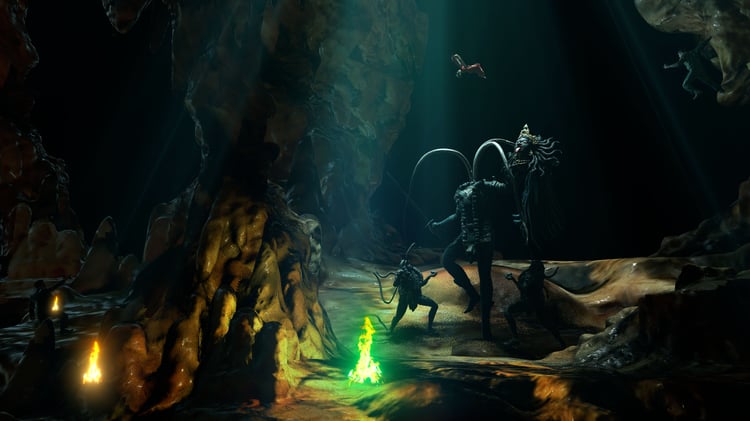
Recreate the epic visual style of Ramayana's most iconic scene — right inside After Effects. This template uses Element 3D with custom OBJ models to achieve a stunning glowing anatomical warrior effect with cinematic fire and light.
What's Included
- After Effects project file (.aep)
- 3D OBJ model with MTL and textures
- Optical Flares setup (optional — can be disabled)
- Assets folder — fully organized and ready to relink
- Step-by-step setup instructions (README)
Requirements
- Adobe After Effects 2026 or higher
- Element 3D by Video Copilot
- Deep Glow
- Optical Flares by Video Copilot (optional)
Fully Customizable
- Swap colors, lighting, and materials
- Replace the 3D model with your own OBJ
- Works as a base for any epic cinematic VFX project
Easy Setup Open the project, relink the Assets folder once, and you're ready to render. Full instructions included.
Perfect for motion designers, VFX artists, and YouTube creators.