
FREE: Turn on MFA for Your Business in 15 Minutes (Microsoft 365 Guide)
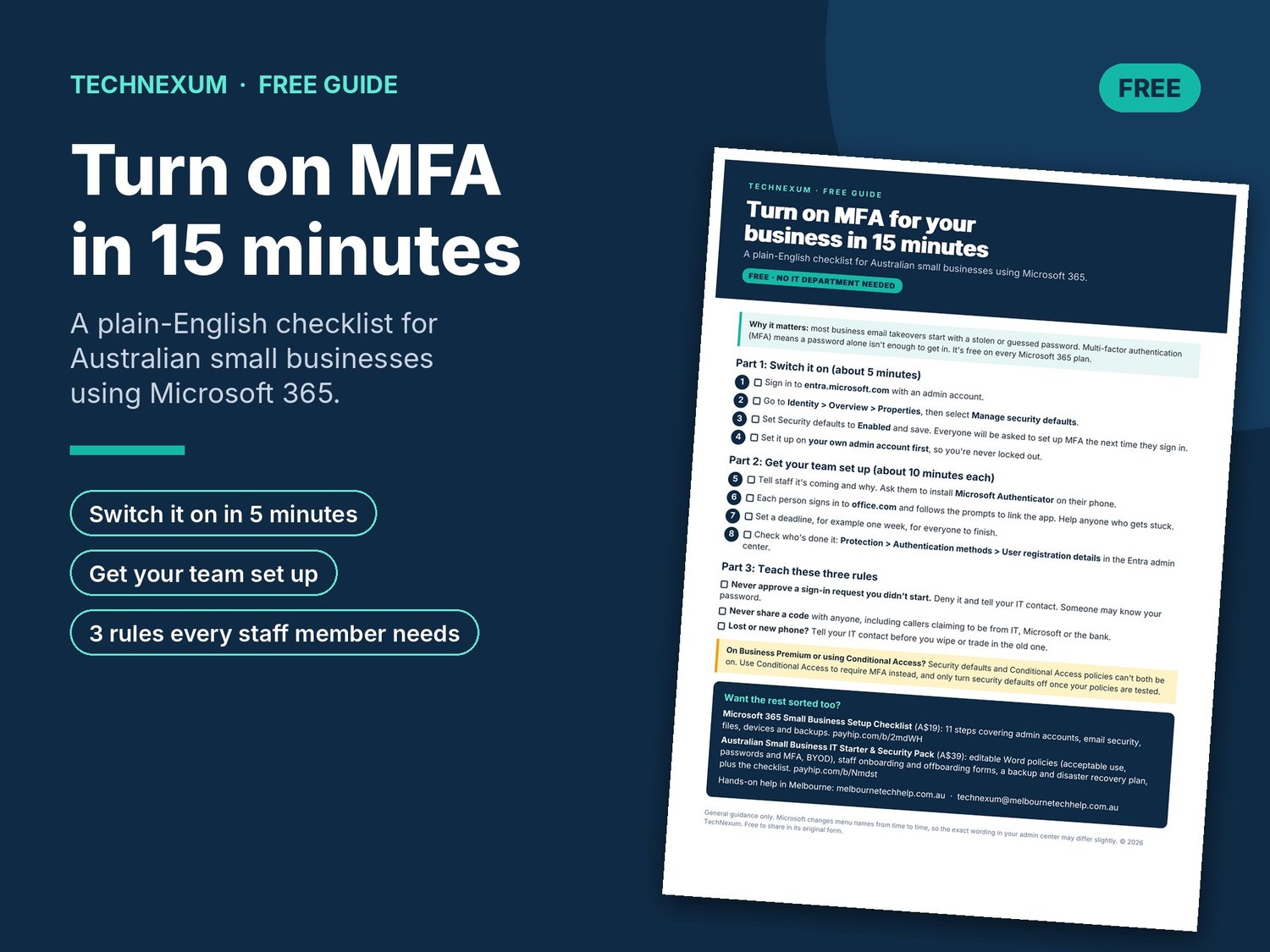
A free one-page checklist to protect your business email with multi-factor authentication (MFA). Written in plain English for Australian small businesses using Microsoft 365.
Most business email takeovers start with a stolen or guessed password. MFA means a password alone isn't enough to get in, and it's free on every Microsoft 365 plan.
What's inside:
• Part 1: switch MFA on in about 5 minutes (step by step, with exact menu paths)
• Part 2: get your team set up, with a deadline and a way to check who's done it
• Part 3: three simple rules every staff member needs to know
• A note for Business Premium and Conditional Access users
Format: 1-page PDF, instant download.
Want the rest of your IT sorted? The Microsoft 365 Small Business Setup Checklist and the IT Starter & Security Pack are also in the TechNexum store.
General guidance only. Microsoft changes menu names from time to time.
Questions: technexum@melbournetechhelp.com.au