





Free Botanical Dream World Sample Brushes For Procreate
🍃 The Free Sample Pack: "Botanical Dream World (Mini Tester)" For Procreate & Procreate Dreams ( These Brushes also work in Procreate Pocket, but please be aware that the brushes do rely on the Apple Pencil for full control) 🎨 ✍🏼
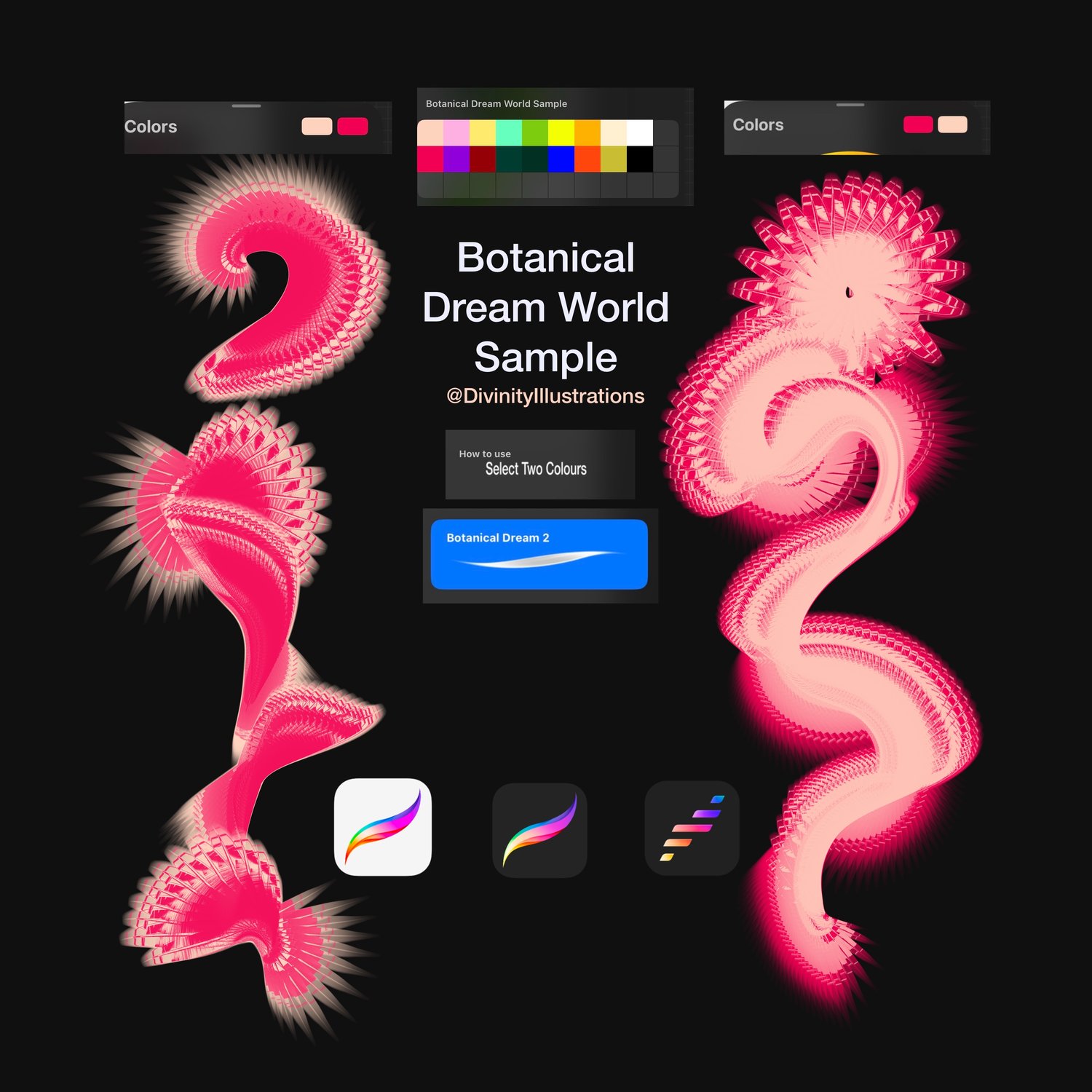
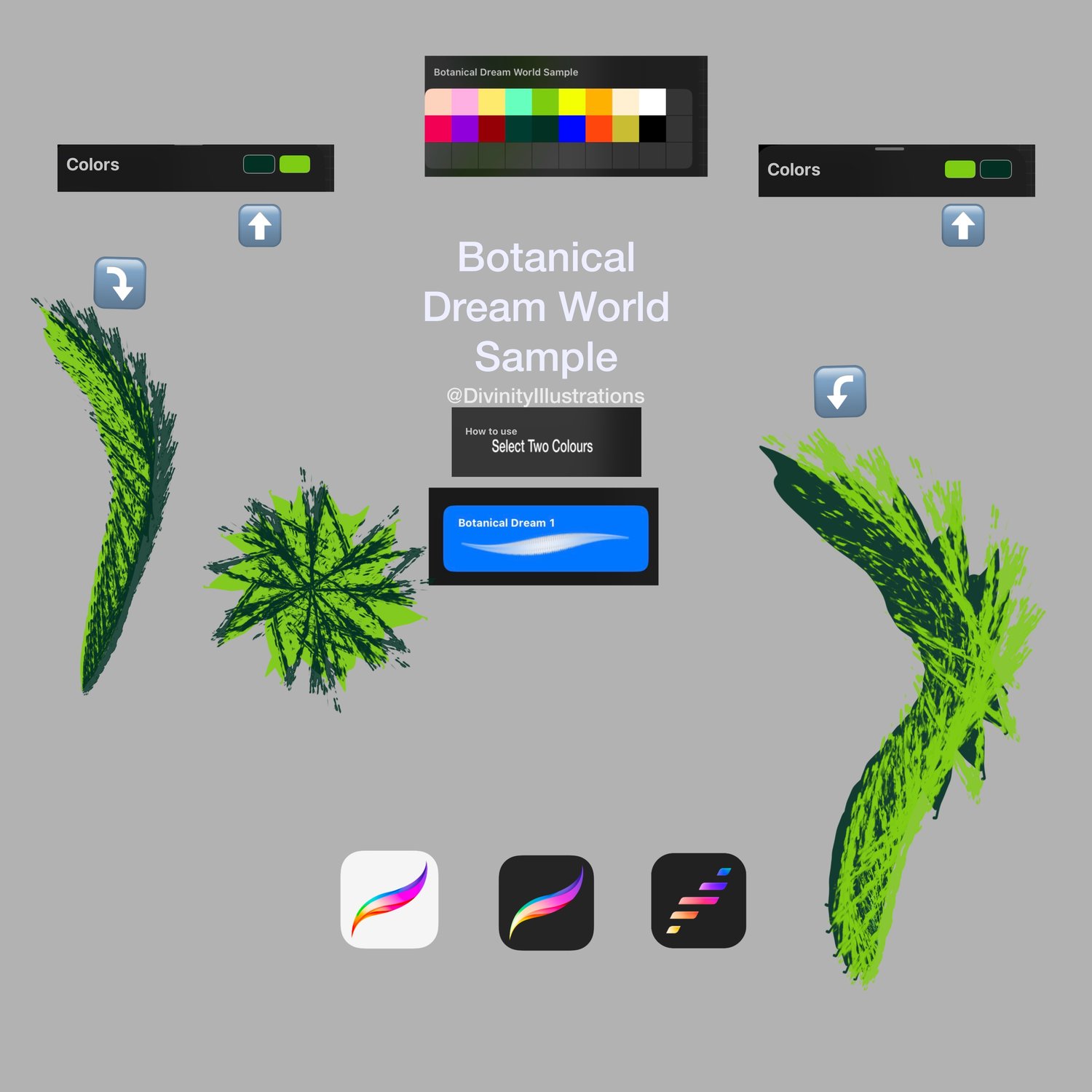
These brushes are dual coloured and was created to give artists a feel for the full collection before purchasing the complete brush pack. Whether you create fine art, digital paintings, mandalas, or expressive textures
Perfect for:
- Botanical art
- Abstract art
- Mixed media styles
- Textured backgrounds
- Bold unique botanical effects
- Layered paint details
- Symmetry Mandalas
- Illustrations
- Experience the Magic for Free: Test drive the texture, flow, and pressure sensitivity of the Botanical Dream World collection before committing to the full pack.
- 100% Free & Risk-Free: No credit card required. Download instantly and start painting right away. To download the brush for free enter 0 for the price.
- What’s Included
- 2 Fully Functional Procreate Brushes: Handpicked directly from the main collection so you can experience the exact quality of the full 15-brush set.
- 1 Textured Canvas
- 1 Colour Palette Sample
- Instant Digital Download: Start creating your dream world in seconds.
- Quick Guide: Choosing & Alternating Your Two Colours
- Open the Color Panel: Tap the colour circle in the top right corner of Procreate.
- Set Color 1 (Primary): Tap the left rectangle at the top of your panel and select your first colour.
- Set Color 2 (Secondary): Tap the right rectangle right next to it and select your second colour.
If it downloaded as a .zip file, simply tap the file in your iPad's | iPhone Files App once to extract the folder.
📲 Step 2: Import into Procreate
Once your .brushset file is downloaded onto your iPad | iPhone, importing it takes only seconds:
Method A (The Automatic Way)
- Open the iPad | iPhone Files App (the blue folder icon).
- Locate your downloaded file (usually inside the Downloads folder).
- Simply tap once on the file named [Botanical Dream World Sample].brushset.
- Your iPad will automatically open Procreate and import the brushes.
- If downloading to Procreate Pocket I have attached a screen recording in the file for your reference!
Method B (Inside Procreate)
- Open Procreate and open any canvas.
- Tap the Brush Icon at the top right to open your Brush Library.
- Scroll to the very top of your brush sets list and tap the + (Plus) icon.
- Tap Import in the top right corner of the menu.
- Select your [Botanical Dream Sample .brushset file from your Files app.
⚠️ Product Disclaimers
Copyright & Usage Terms
- Personal & Commercial Use: You are welcome to use these brushes to create your own artwork, including commercial projects.
- No Reselling: You cannot resell, share, or redistribute the digital brush files.
- No Ownership Claims: You cannot claim these brushes or their designs as your own creation, even if you modify them. All rights remain with this shop.
Please note: The Procreate app, iPad, and Apple Pencil are required to use this product and must be purchased separately, ⚠️
- Compatibility: Designed exclusively for the Procreate App on iPad. These will not work in Photoshop or Clip Studio Paint.
- Hardware: Requires an iPad, iPhone and Apple Pencil (not included).
- Policy: Due to the digital nature of this product, all sales are final. Procreate software, iPad, and stylus are not included.
- Love these two samples? Unlock the full Botanical Dream World Experience! Upgrade to the complete Botanical Dream World Pack to get The full set ( 15 Brushes in the full botanical dream pack, 2 of them are bonus!) It's time to take your art to the next level.
https://divinityillu.gumroad.com/l/botanicaldreamworld