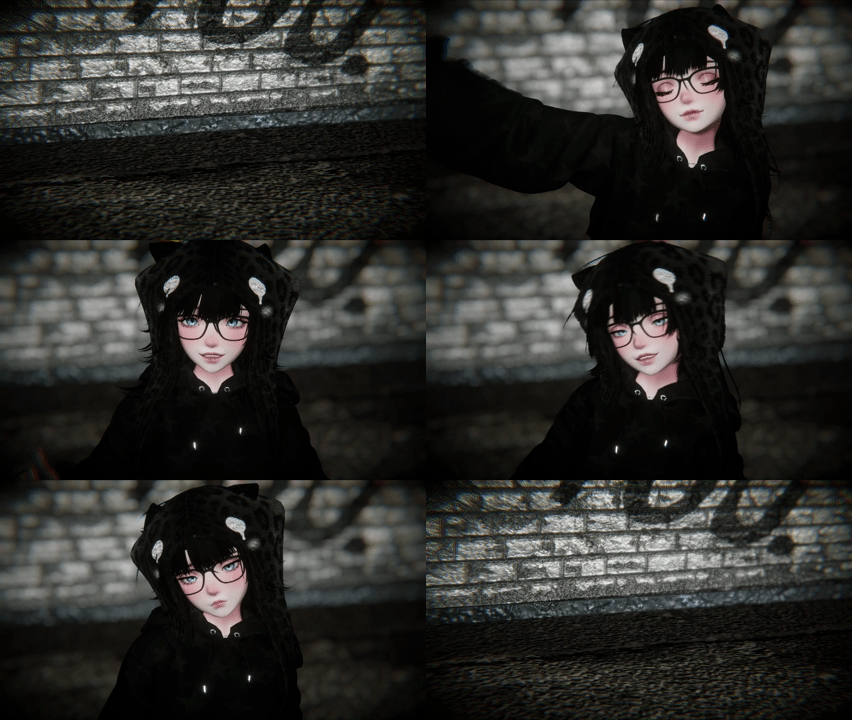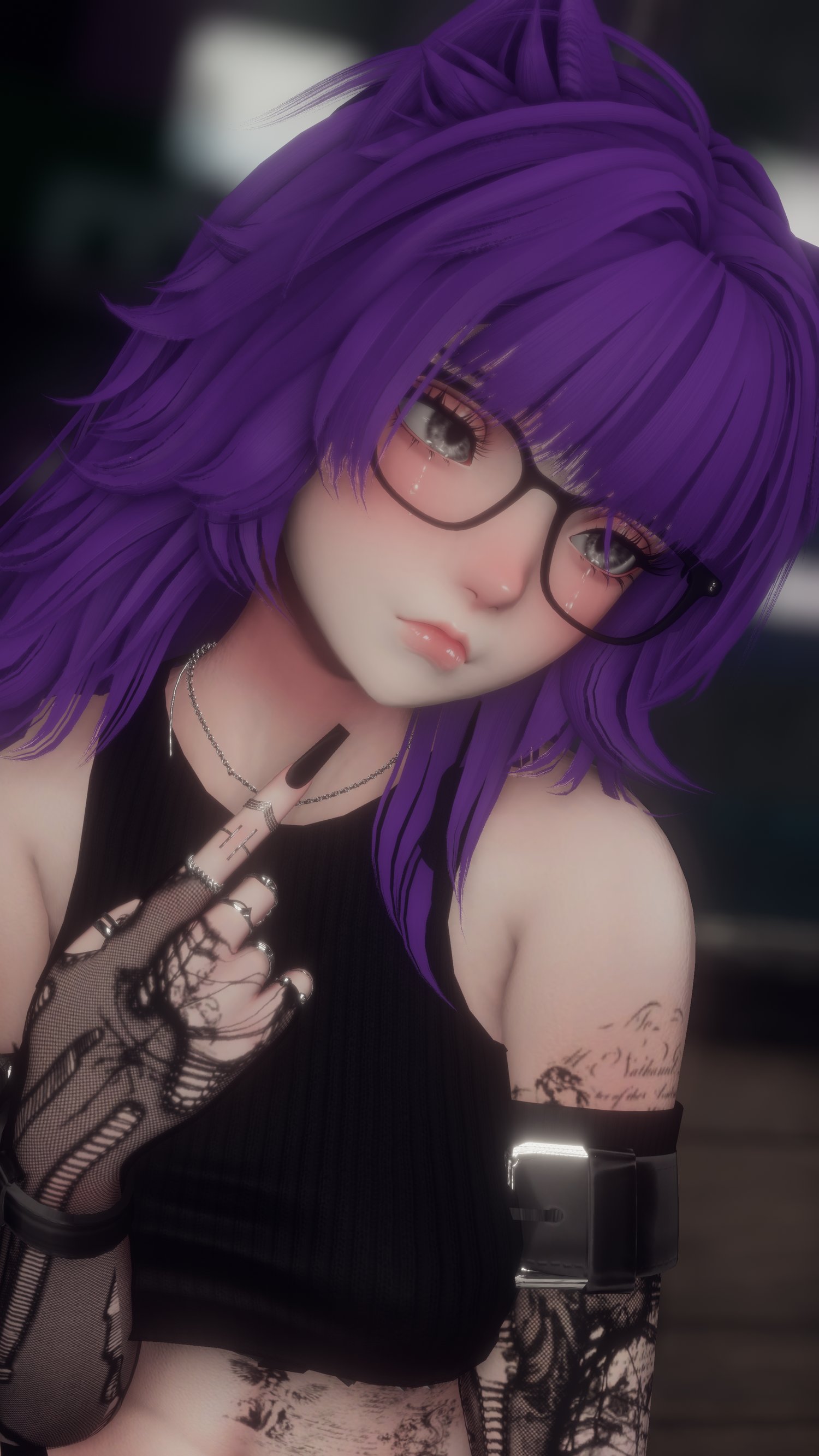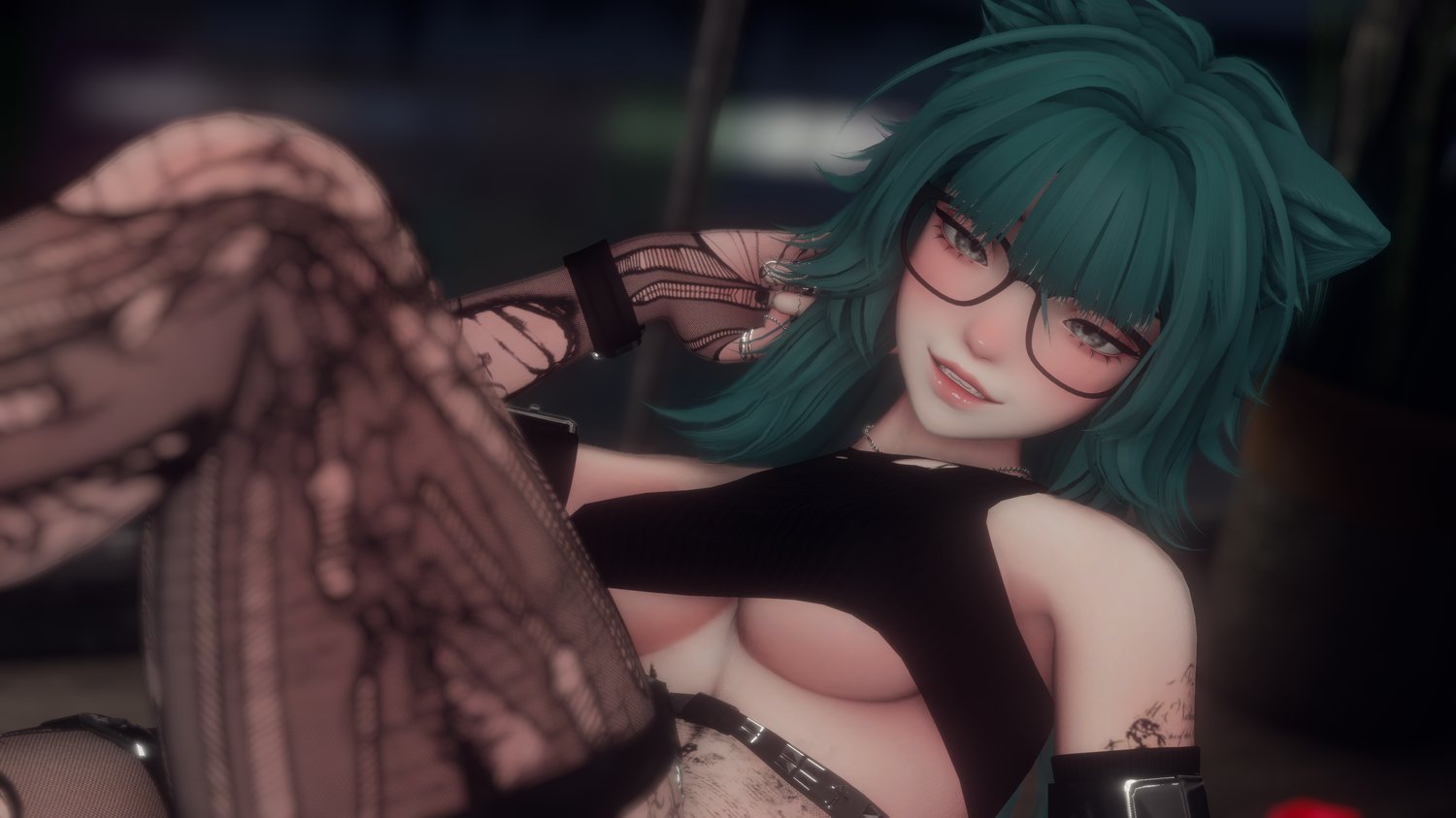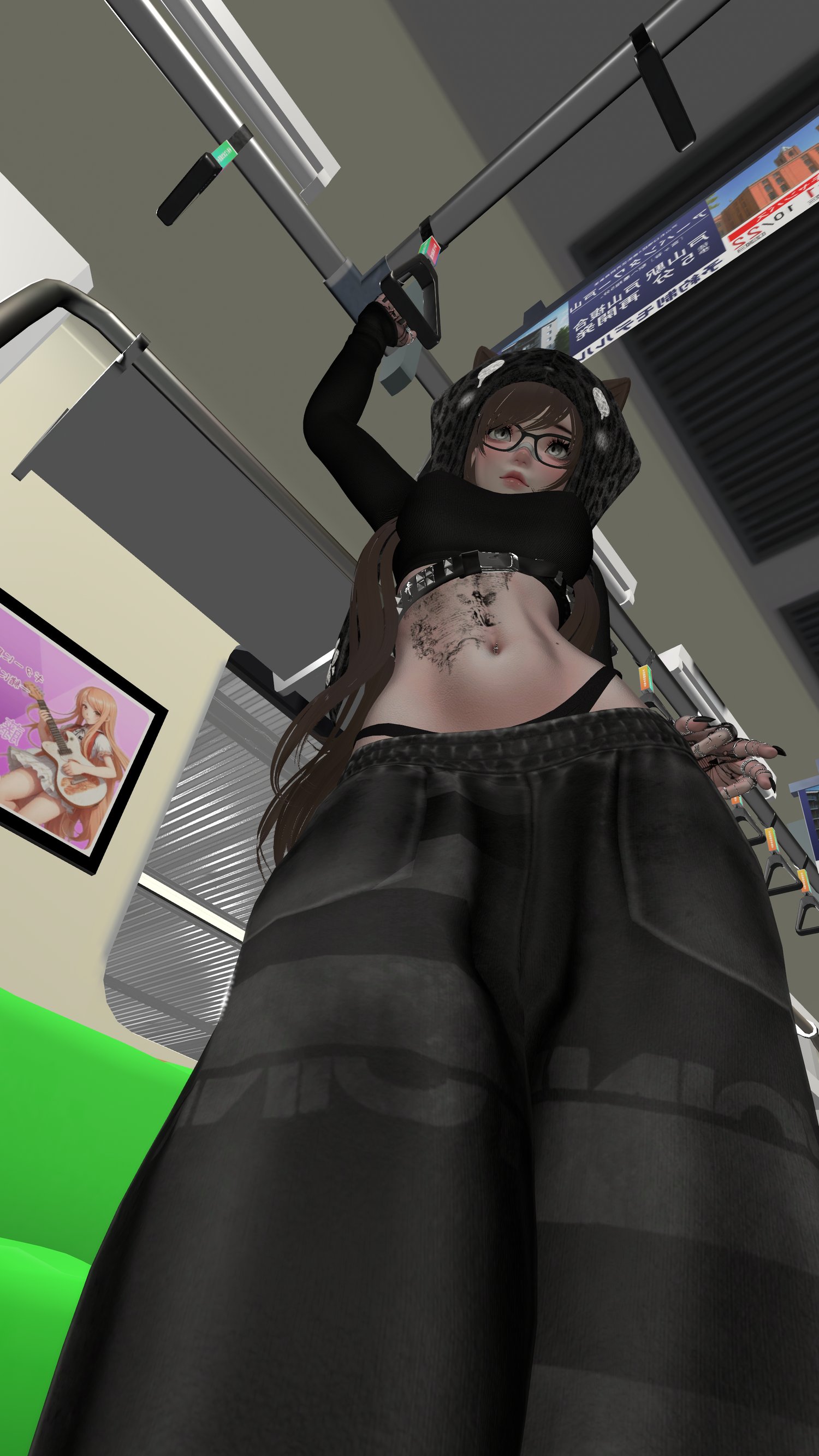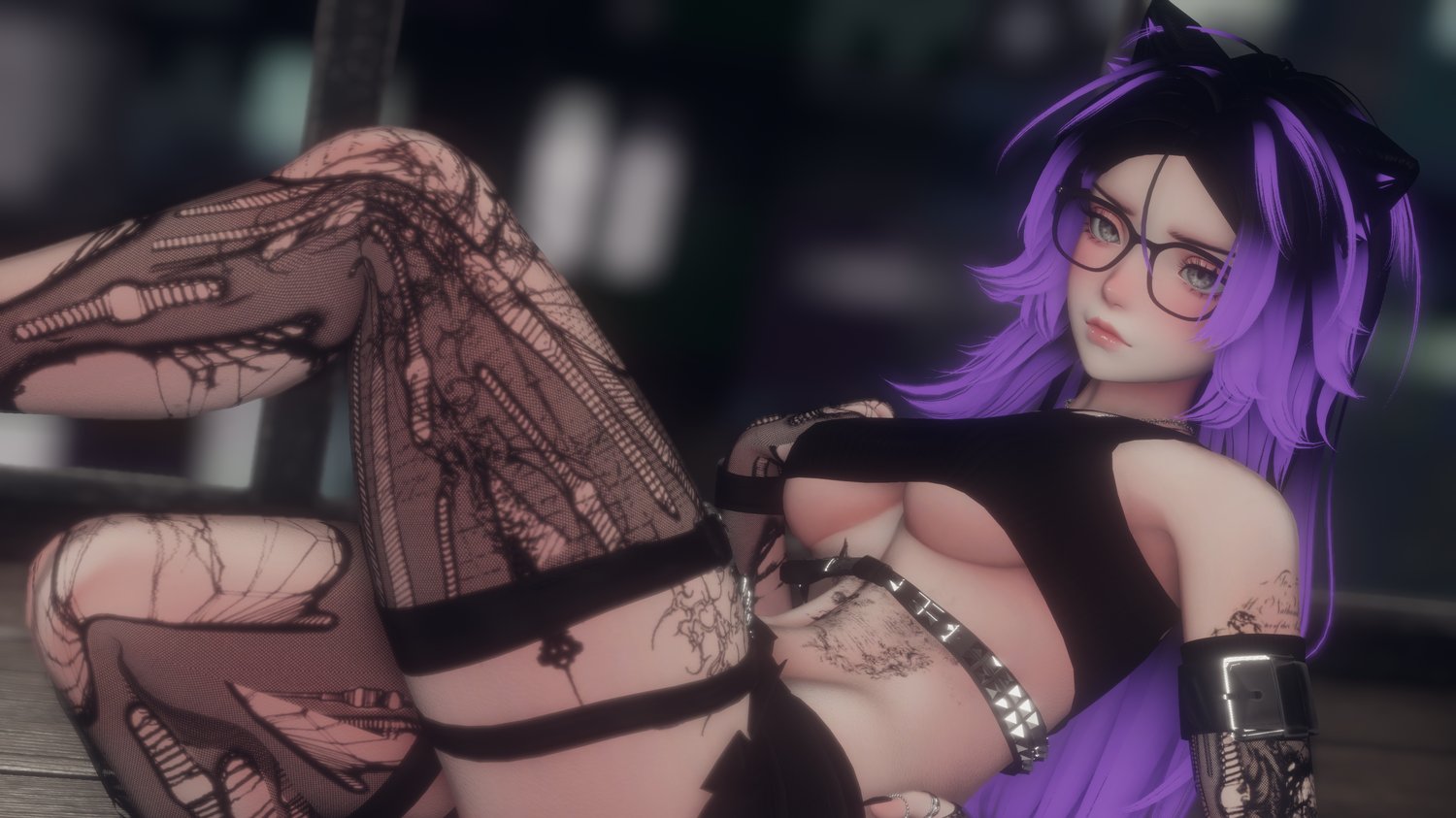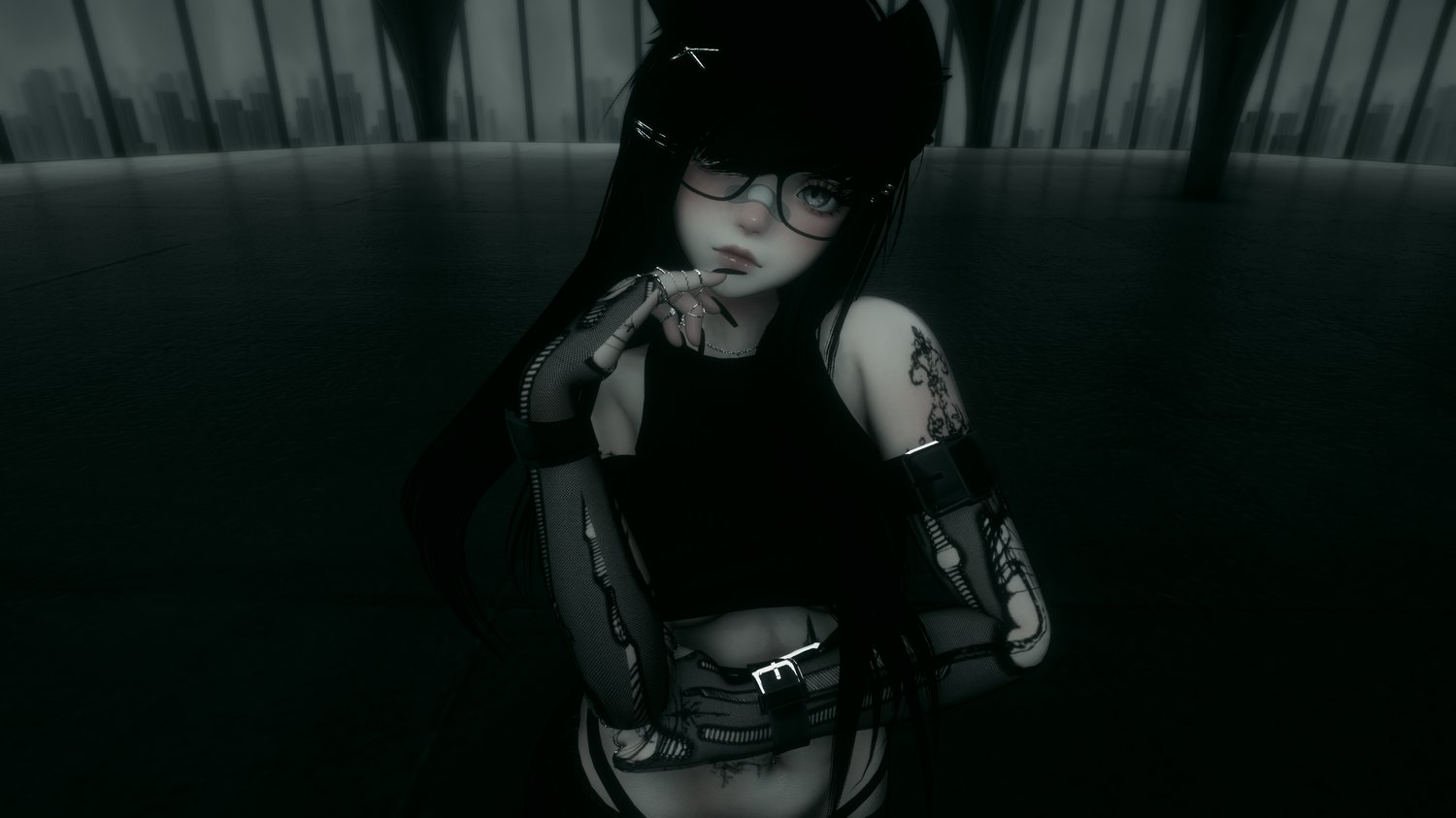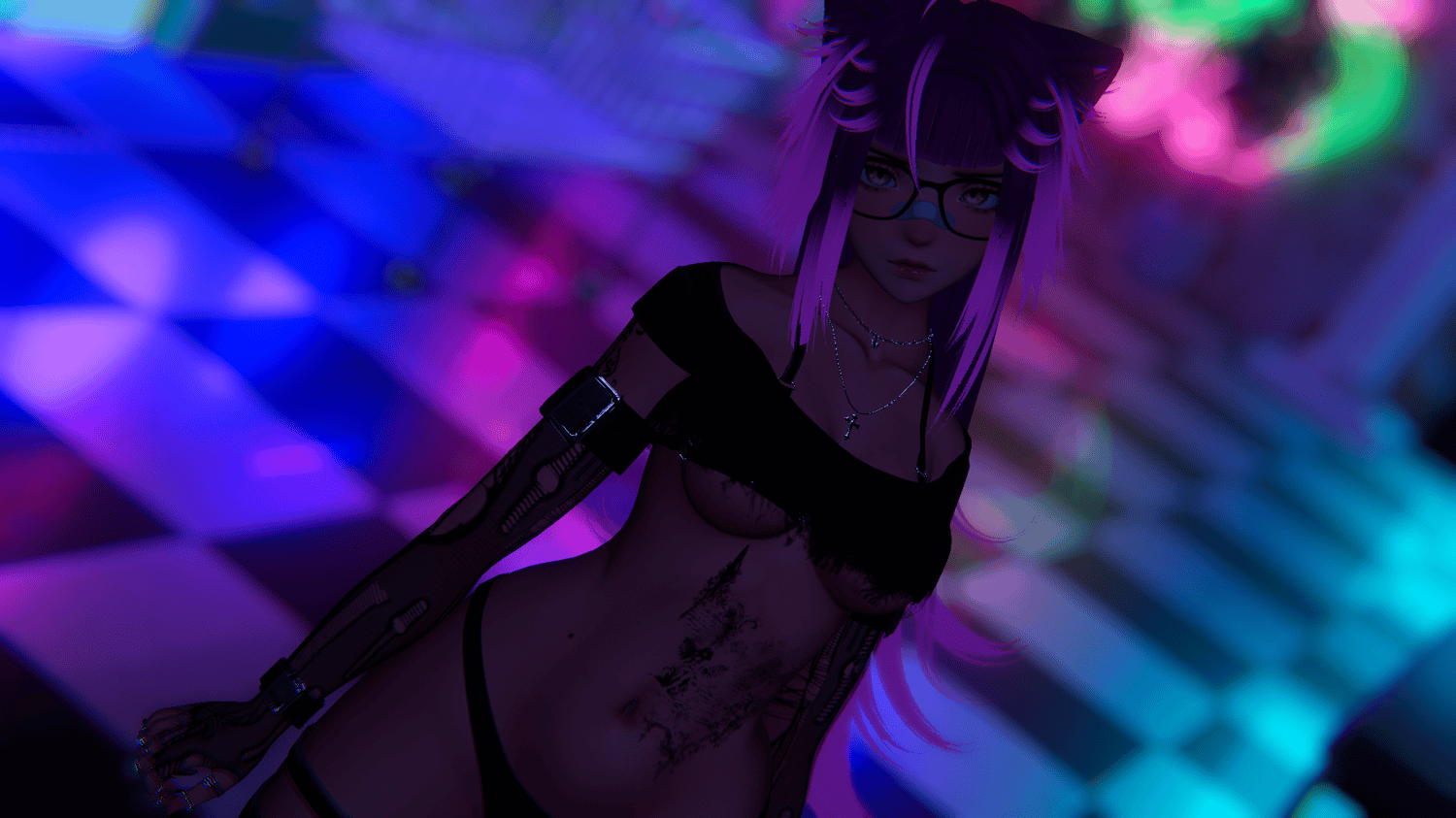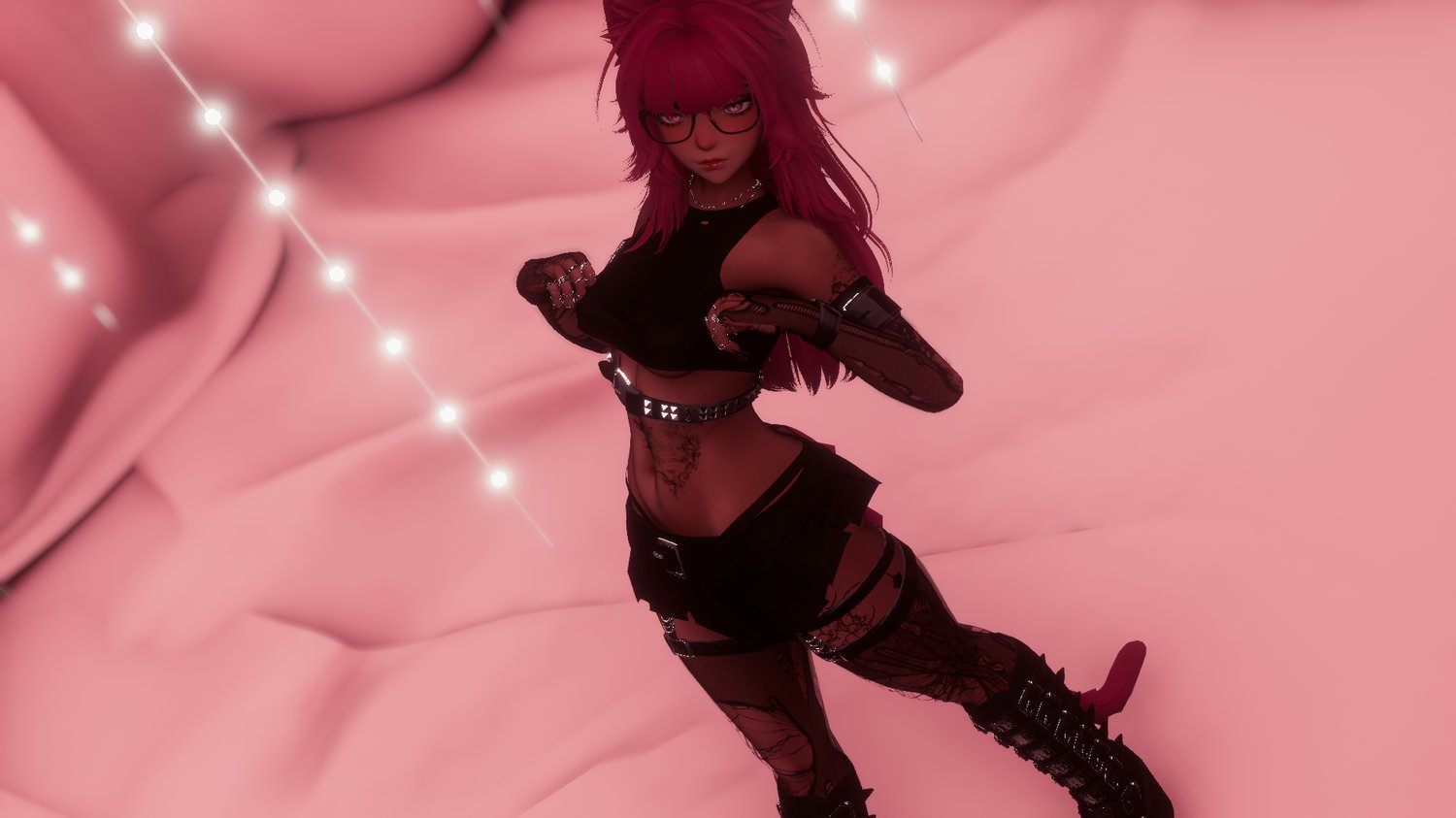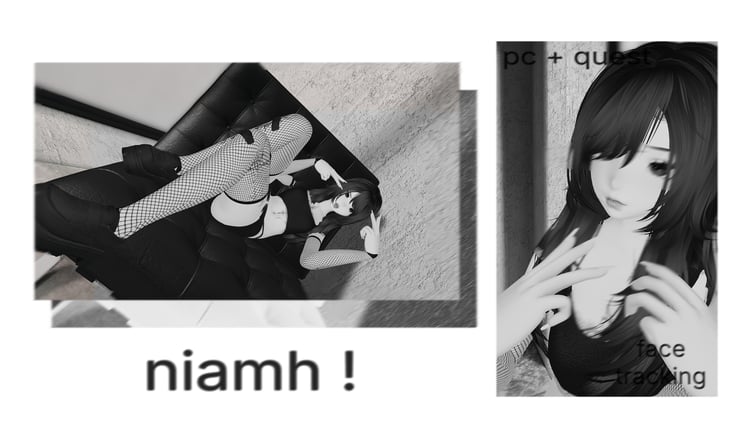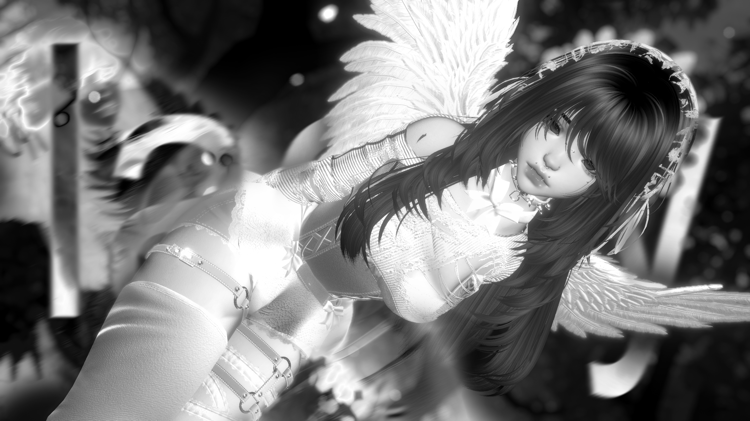

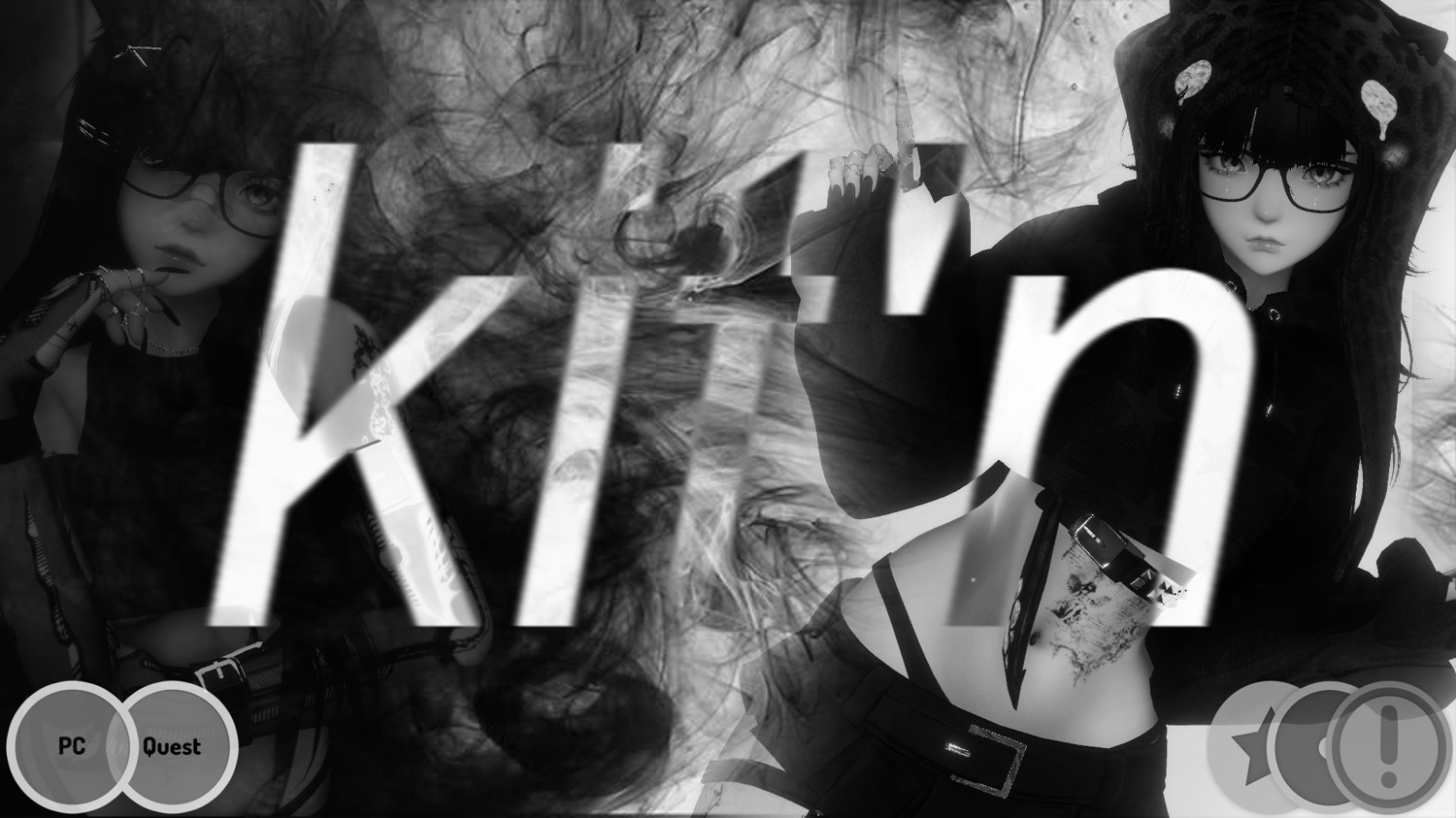
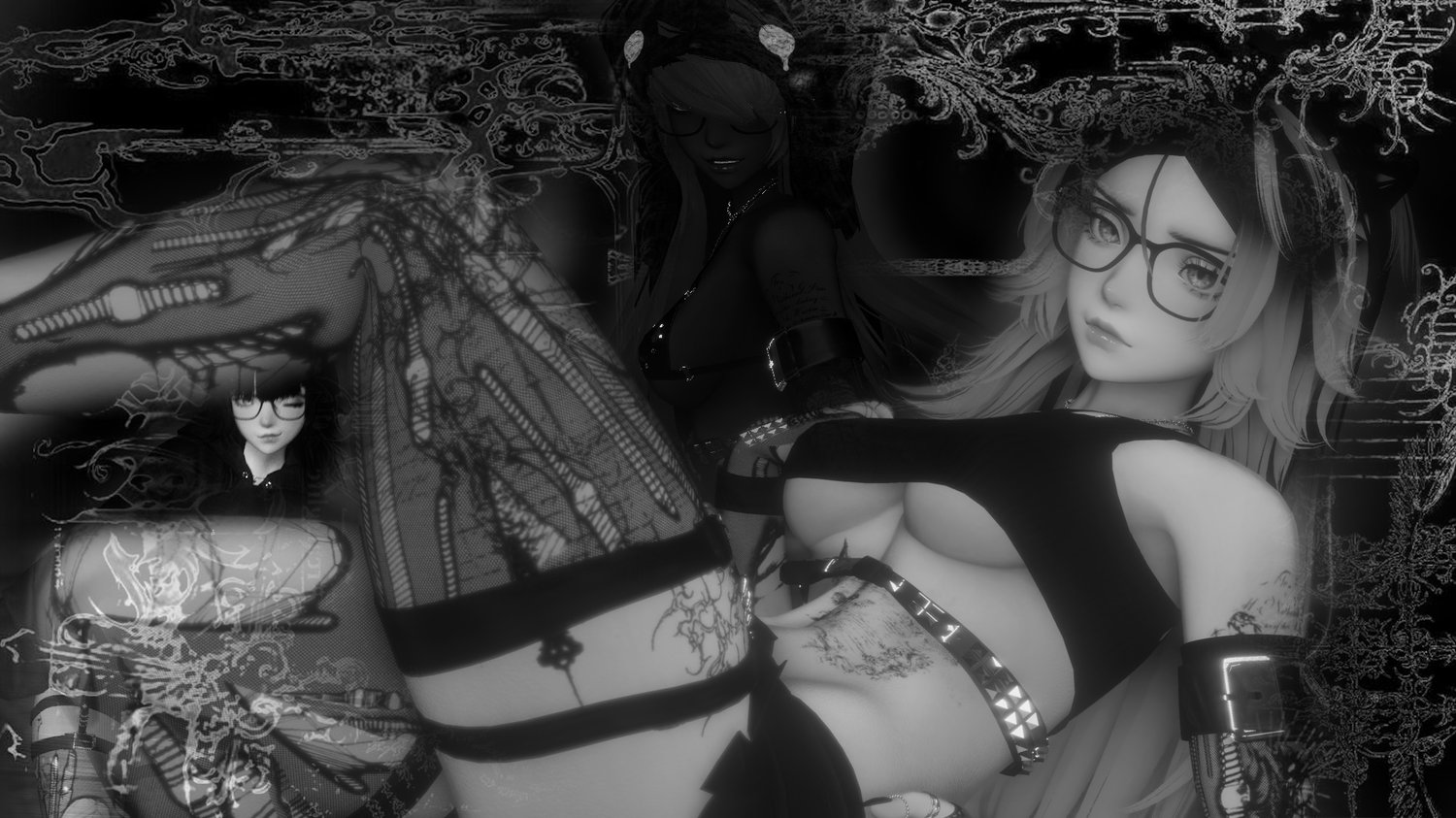


.kit'n - pc, quest, vrft + optis
by purchasing this product you agree to following my tos, chargebacks or going against tos may lead to store ban, sever ban, and blacklist. i do not do refunds, this is a digital product, but if you are unhappy with the product please feel free to dm me on discord @aestrenz.
notes / disclaimers
how does the opti work??
an opti (good rating) is mainly used for clubs or worlds where youd prefer wearing a lower end avatar; or if your just running vrc on a lower end pc/laptop
a fallback is basically a quest version which you can see on pc without turning someones avatar on.
how would you properly upload it??
pc version + fallback (uploaded on android build settings)
or
pc opti + fallback (uploaded on android build settings)
please keep in mind this is my first time making an avatar with an opti/fallback alongside it, i lowkey have no idea what im doing apart from previous trial an error.
versions:
pc:
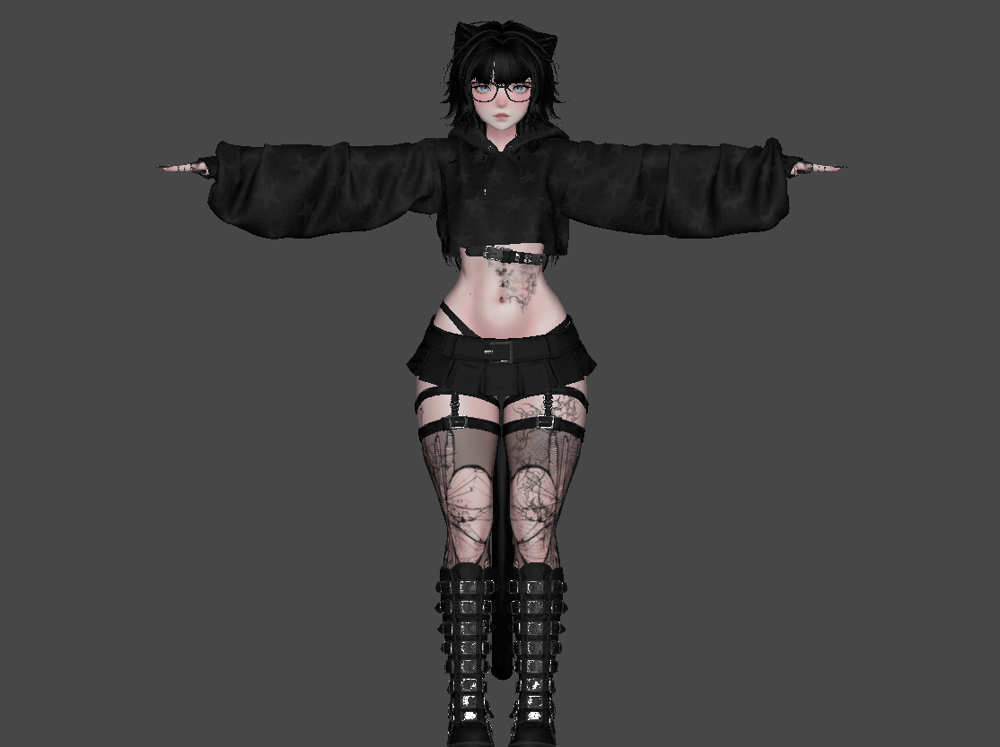
stats:
.in game size - 99.03mbs
quest:
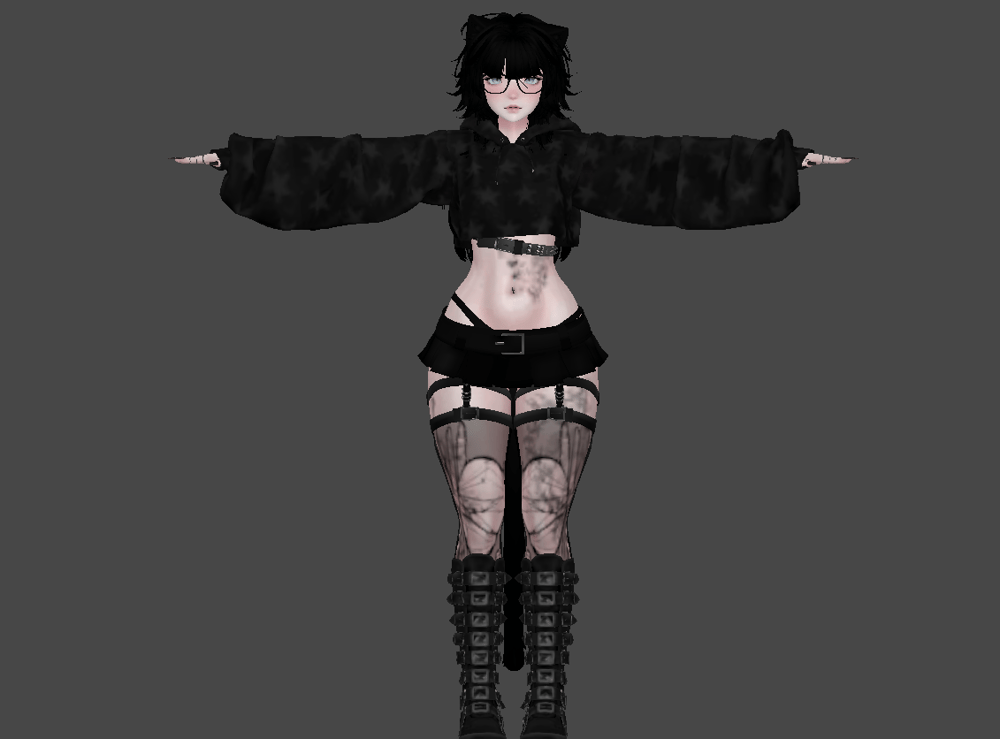
differences/stats:
.in game size ~9mbs
.no hair sat, skin sat
.decimated hair, hoodies, boots (lower quality looking)
.lower texture resolution
opti/good rating:
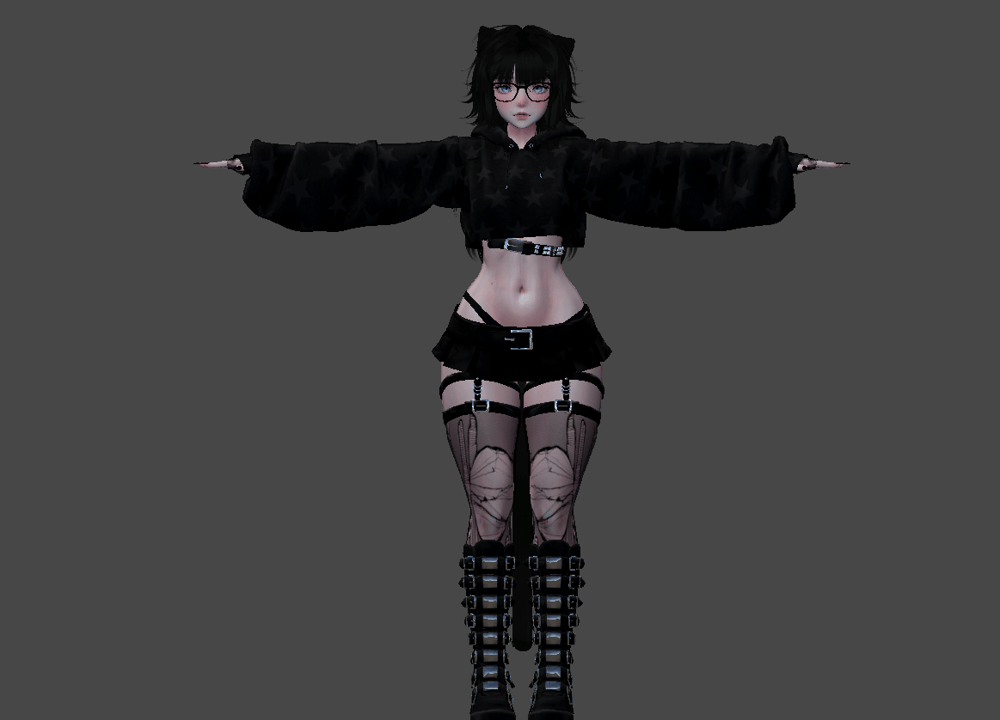
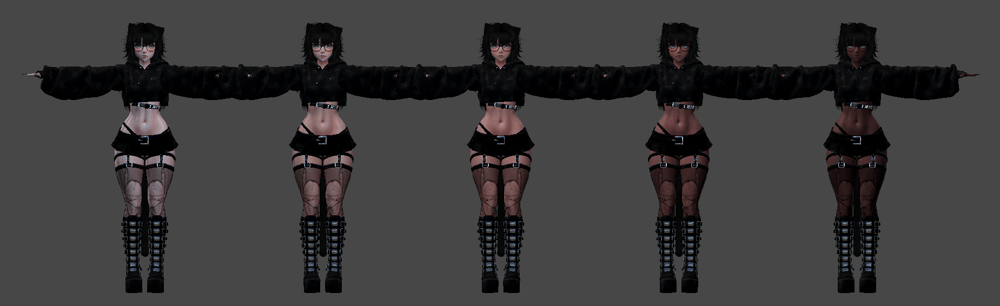
differences/stats:
.in game size - 11.91mbs
.no toggles
.tris ~69k
fallback/excellent rating:
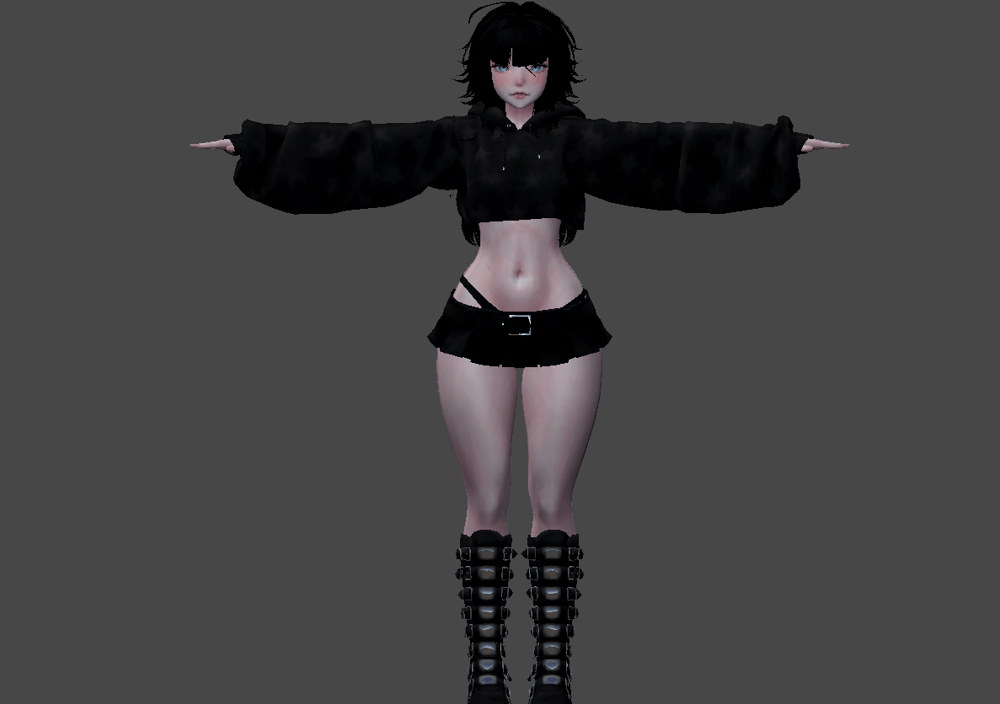
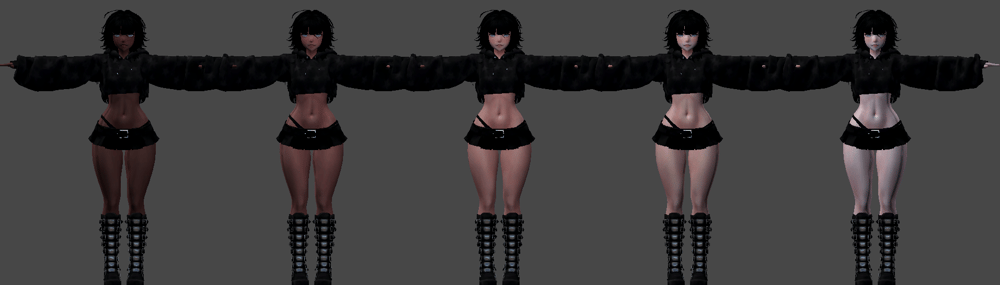
differences/stats:
.in game size - 7.56mbs
.no toggles
.tris ~28k
toggles:
clothes
tops :
1 : crop hoodie
2 : hoodie
3 : long sleeve crop
4 : crop vest
5 : tiny tee
6 : bra(s)
+ bra swap
bottoms :
1 : skirt
2 : shorts
3 : jeans
4 : joggers
5 : undies
shoes :
1 : boots
2 : uggs + socks
3 : uggs
4 : socks
5 : none
+ ripped stockings
custom :
hair : slider
1 : jellea's + bangs
2 : jellea's
3 : alexis
4 : riko
5 : rin's + charms
6 : rin's
7 : bald
hair colours(slider)
hair saturation (slider)
hair emissions (saturation, hue, toggle sliders)
accessories
head accs :
.glasses
.hat
.bandaid
body accs :
.necklaces
.ripped sleeves
.rings
.belt
.necklaces
.nails length
.belly ring
hues:
.skin
.skin sat
.eye hue
.eye sat
.hair / kitty colours
kitty toggles:
.tail
.ears
.sharp nails
.fangs & cat pupils
face tracking!
/
go-loco
how to upload :
pc:
make a project on vcc with both vrcfury poiyomi and vrcft template imported
import the .unitypackage
activate which version you want (vrcft/goloco/opti/fallback)
upload
quest:
android/quest : make a project on vcc with vrcfury and vrcft template imported via the vcc
import the .unitypackage
select which version you want (vrcft/goloco)
upload with same build id as pc
PS: you must use the vcc version of all imports. if not it may not work!
~ credits ~
please make sure you follow and read my terms of services