
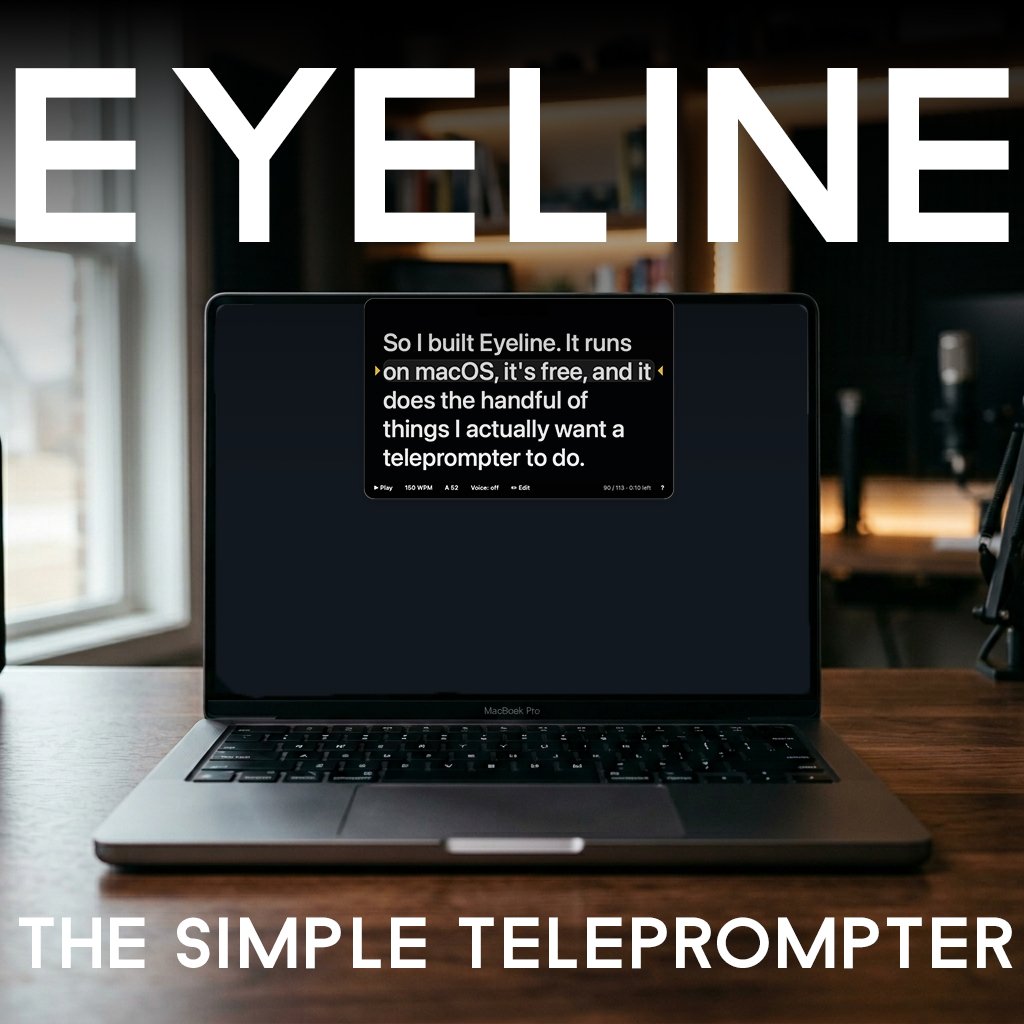
Eyeline — a free voice-following teleprompter for Mac
Paste a script, start talking, and the scroll keeps pace with your voice.
Free, tiny, and built to wrap around the notch on a MacBook Pro.
Most teleprompter setups are either too much or not enough. The not-enough ones are notepad apps with auto-scroll glued on. The too-much ones live on iPads clipped to camera rigs with beam splitters and remotes and a setup time longer than the take. For a quick FaceTime to a client, a short video for the podcast, or a piece to camera I'm working out before a real shoot, neither one fits. I just want to read at a comfortable pace while looking close to the lens.
So I built Eyeline. It runs on macOS, it's free, and it does the handful of things I actually want a teleprompter to do.
Here's what it does:
It follows your voice. Turn on voice mode and the scroll tracks what you're actually saying using Apple's on-device speech recognition. Pause and it pauses. Speed up and it speeds up. No fixed words-per-minute metronome to fight.
It hugs the notch. The window is a translucent dark panel that sits at the top of your screen, so the notch on a MacBook Pro disappears into it and your text sits as close to the camera as the hardware allows. The closer the words are to the lens, the less you look like you're reading.
You paste a script and go. Drop in text, or drag a file, and start. No projects, no importing, no menus to dig through.
It works with a real rig too. Mirror mode flips the text for a beam-splitter teleprompter, there's a countdown before play, an adjustable reading line, time-remaining readout, and presenter-remote support. It remembers your script, speed, size, and window between launches.
This is not a replacement for a professional teleprompter. If you do this with a crew and a budget, you already have what you need. Eyeline is for the times you don't, and you'd rather have something simple than nothing at all.
A couple of honest heads-ups:
It's a beta. I built it in a couple of days as a learning project, with Claude Code open in one window and a lot of obvious questions. It does what I need it to do and I've tested it on my own machine, but you'll find rough edges. If something breaks, email me and I'll get to it when I can.
It's an unsigned app, which means the first time you open it macOS will say it can't verify the developer, because I haven't paid Apple's $99 developer fee for a free utility yet. The fix is one right-click. Full instructions come with the download, and they take about ten seconds.
What "pay what you want" means here: Eyeline is free. The price slider goes to zero and you can leave it there with a clear conscience. If you want to throw a few dollars at it because it saved you a headache, that goes straight toward the Apple developer fee that would make the install warning disappear for everyone. Totally optional.
Drop your email at checkout and you'll get the download, the install steps, and a note from me whenever there's an update worth your time.
Requirements: macOS 13 or newer, Apple Silicon or Intel. Voice mode needs Dictation turned on (one-time, in System Settings). About 1 MB.