





ChatExport Studio + Creator Toolkit (Bundle)
On Sale
$49.00
$49.00
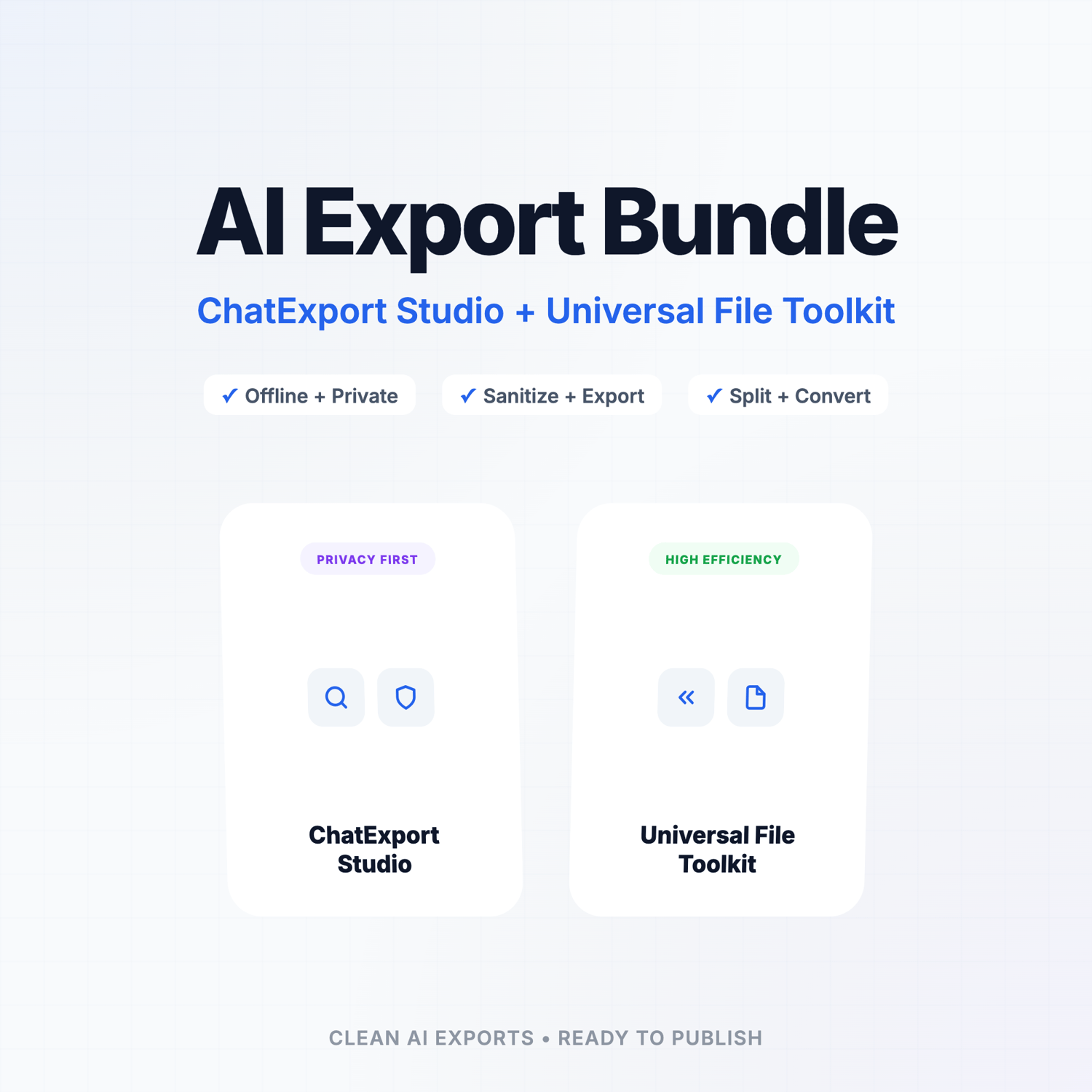
ChatExport Studio + Universal File Toolkit Bundle
Turn raw AI history into polished, ready-to-publish deliverables — fast.
The ChatExport Studio + Universal File Toolkit Bundle gives you everything you need to extract, sanitize, organize, and export your AI work into clean, shareable files.
1. ChatExport Studio (Sanitize + Export Engine)
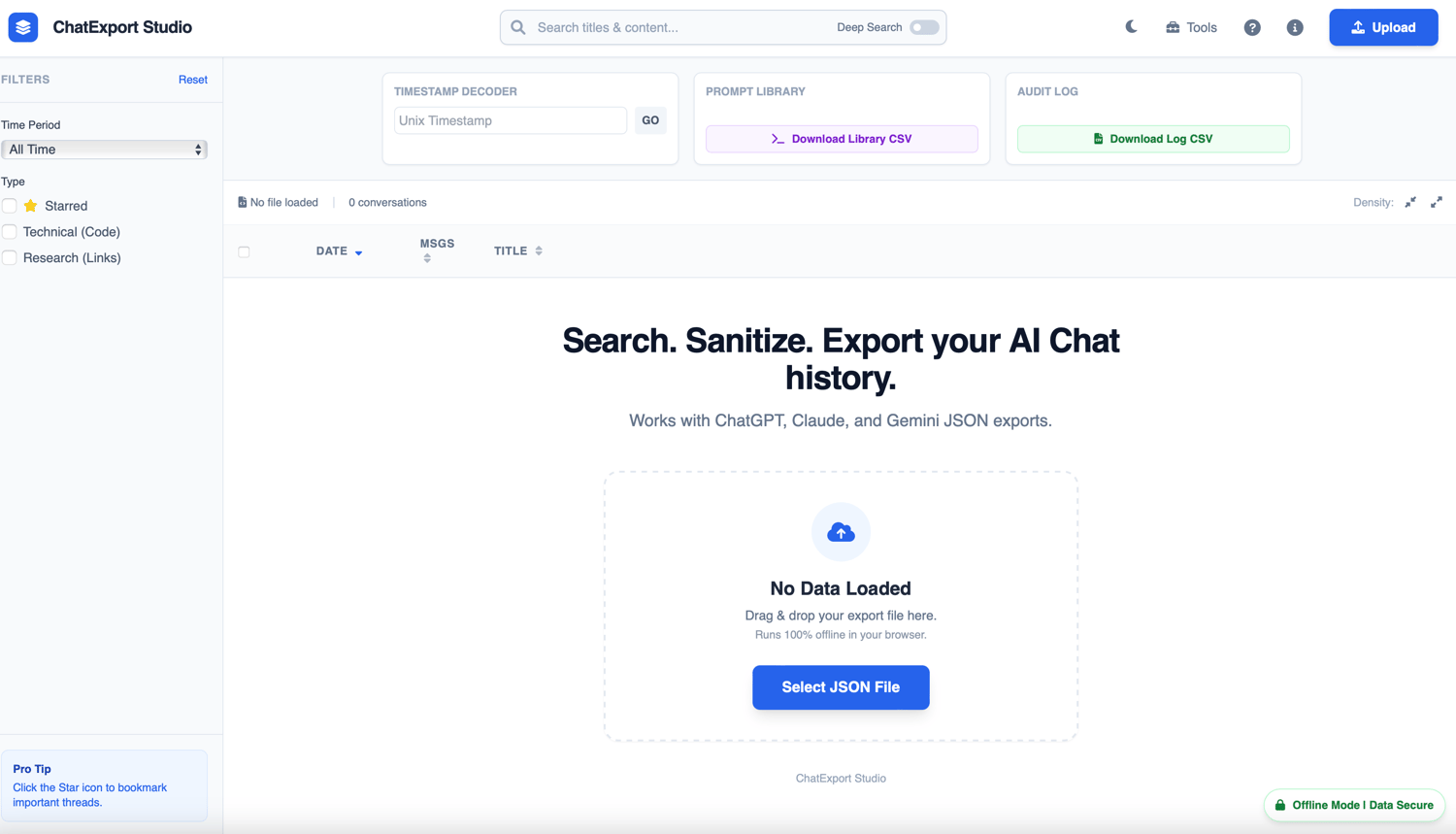
A local-first, offline tool that turns your ChatGPT / Claude / Gemini exports into client-safe deliverables you can actually use.
Features
- Universal Import: Works with ChatGPT / Claude / Gemini exports.
- Browse & Select: View your full chat history and export individual conversations.
- Sanitization Engine: Auto-detect + redact:
- Emails
- Phone numbers
- IP addresses
- API key patterns
- Smart Aliasing: Replace specific terms automatically (e.g., Real Name = Alias or Project Phoenix → Client Alpha).
- Fast Search: Search across all conversations (Titles + Deep Content Search).
- Export Formats:
- Markdown (.md)
- Text (.txt)
- HTML (.html)
- CSV (.csv)
- JSON (.json)
- 100% Privacy: Runs entirely offline in your browser. No uploads, no servers.
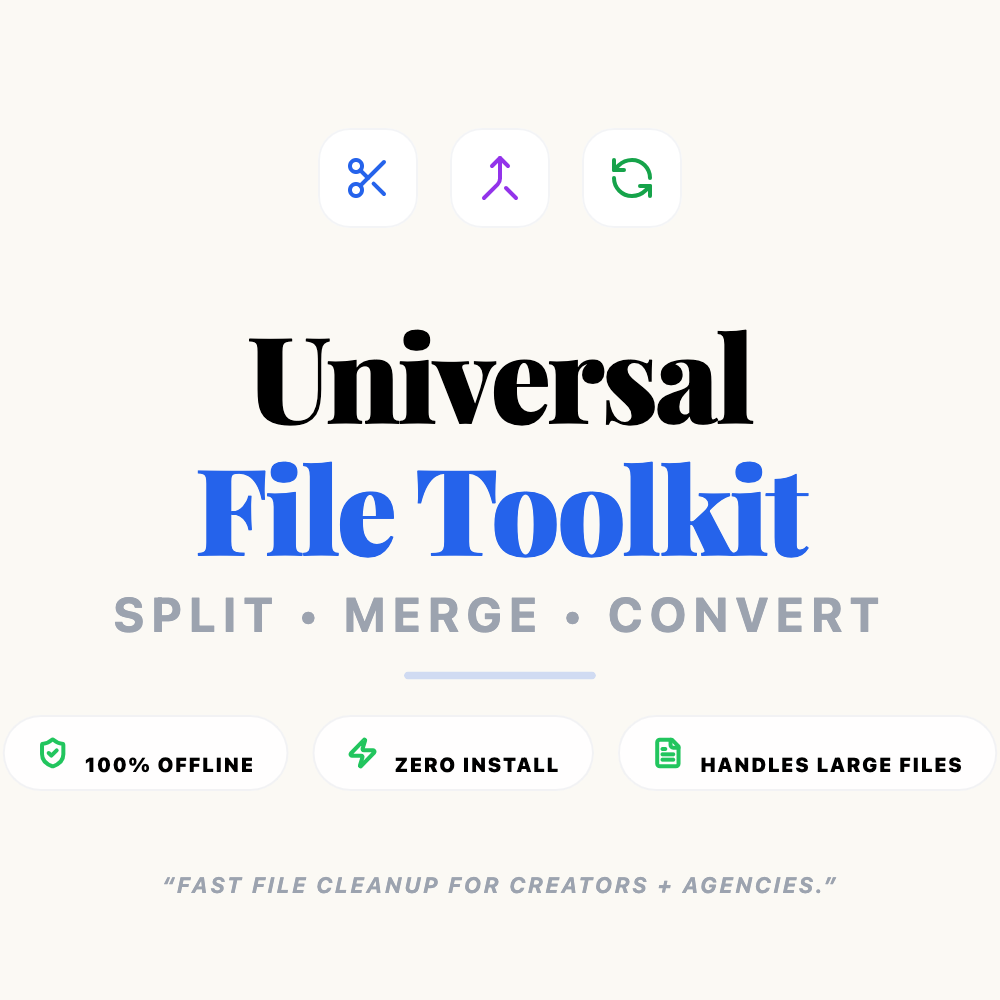
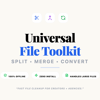
2. Universal File Toolkit (Split + Merge + Convert)
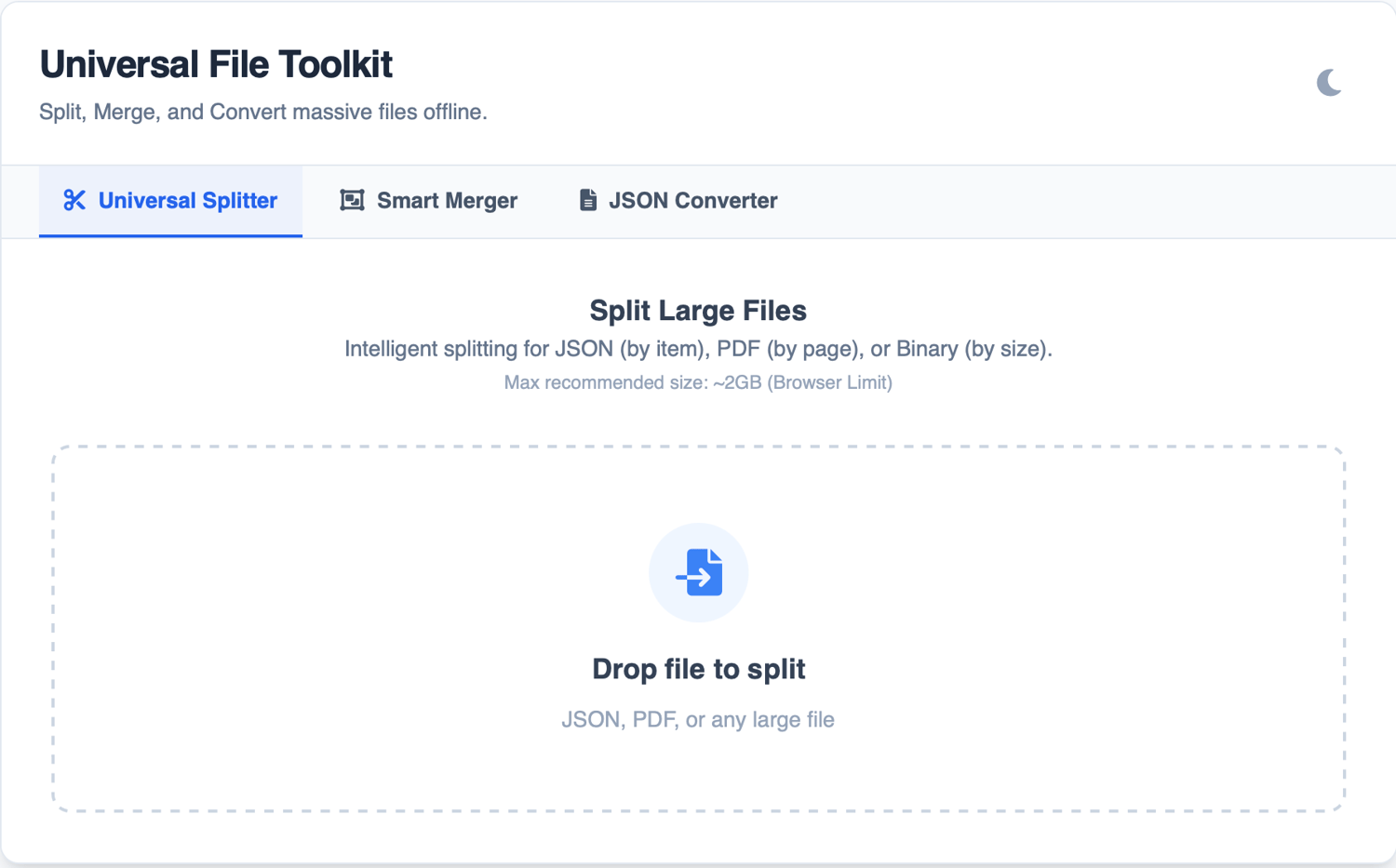
Your utility suite for handling oversized files + messy exports in minutes.
Features
- Universal Splitter: Break large files into manageable chunks (JSON items, PDF pages, or Binary size).
- Smart Merger: Stitch split parts back into one master file.
- Bulk Converter: Turn raw JSON dumps into readable formats (Markdown, HTML, Text).
Who is this for?
- Creators: Turning AI brainstorming sessions into real content, blogs, and posts.
- Consultants: Delivering clean, sanitized proof-of-work to clients without leaking sensitive PII.
- Builders: Organizing prompt libraries, research logs, and code archives.
- Anyone: Who is tired of slow copy/paste workflows and massive file crashes.
The Simple Outcome
- Studio = Clean, sanitize, and export your chats.
- Toolkit = Split, merge, convert, and repair your files.