






Digital Product Launch Planner
Type in your launch date and get the whole 6-week plan with dates set, emails mapped and the math done. Your first launch runs like your fifth.
You made the thing. Now you have to sell it, and the plan lives in your head, three notebooks and a sticky note. This planner gives you one way to launch something of your own: what to do each week for 6 weeks, which email goes out on which cart day, what to post, and how you're tracking against your goal while the cart is open. Type one date and every due date fills in. It's not a blank grid. Every task, hook and email slot is already written, and there's a full example launch so you can see what "done" looks like.
What's inside
- START HERE: type your launch date once, a color key (blush = you type, cream = calculated) and my 5 launch rules
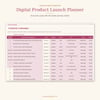
- Launch Setup: price, cart length (3, 5 or 7 days), list size and goal sales. You get your revenue goal, expected sales at 1%, 2% and 3% of your list, and your gap to goal
- Your 7 launch emails mapped to cart days for a 3, 5 or 7-day cart, plus what each email does
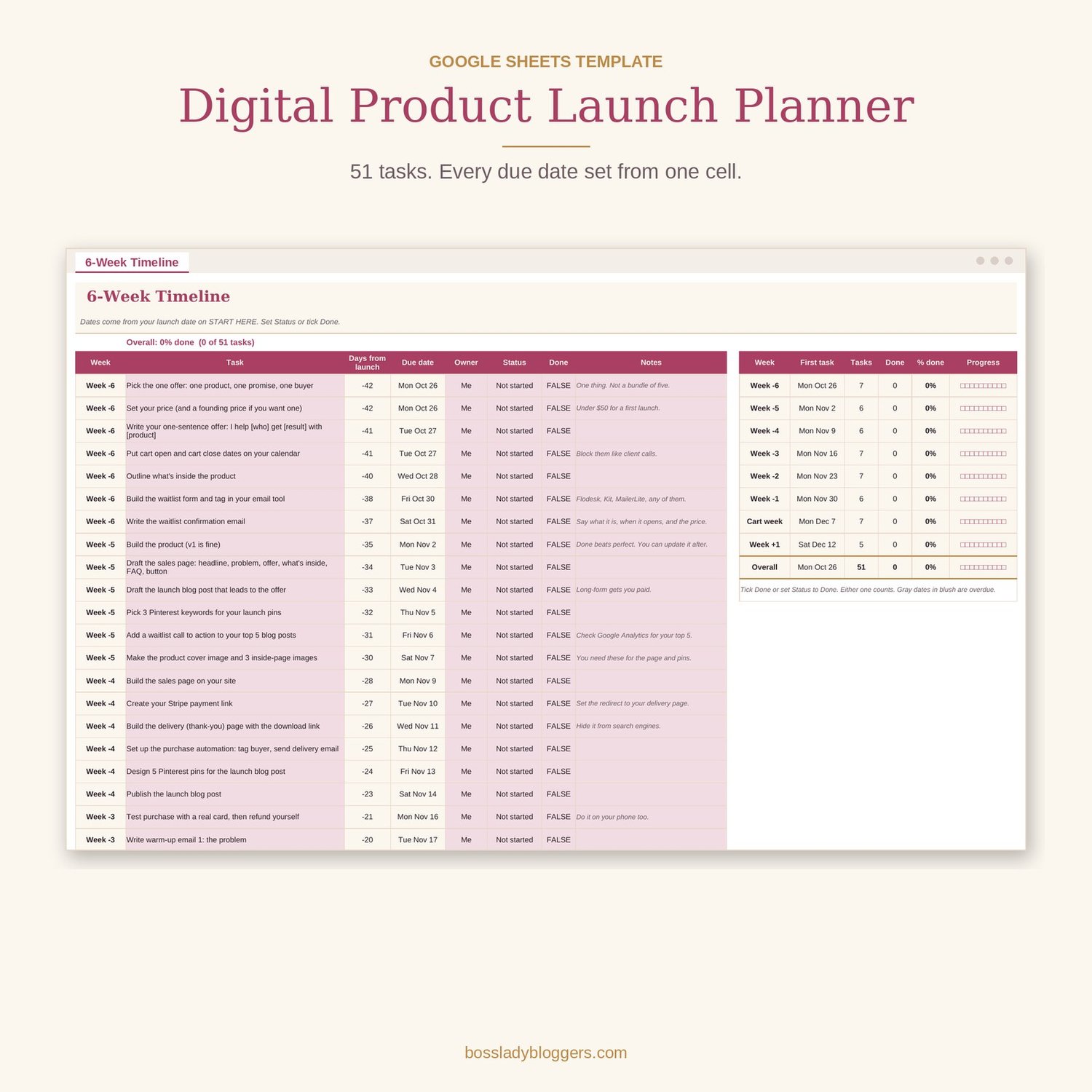
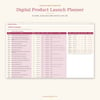
- 6-Week Timeline: 51 real tasks from week -6 to week +1 (offer and price, sales page, Stripe link, delivery page, test purchase, waitlist, warm-up emails, 7 launch emails, social, Pinterest, blog post, podcast or YouTube mention, live Q&A, cart close, post-launch review). Due dates set from your launch date. Status dropdown, Done checkbox, % complete per week and overall
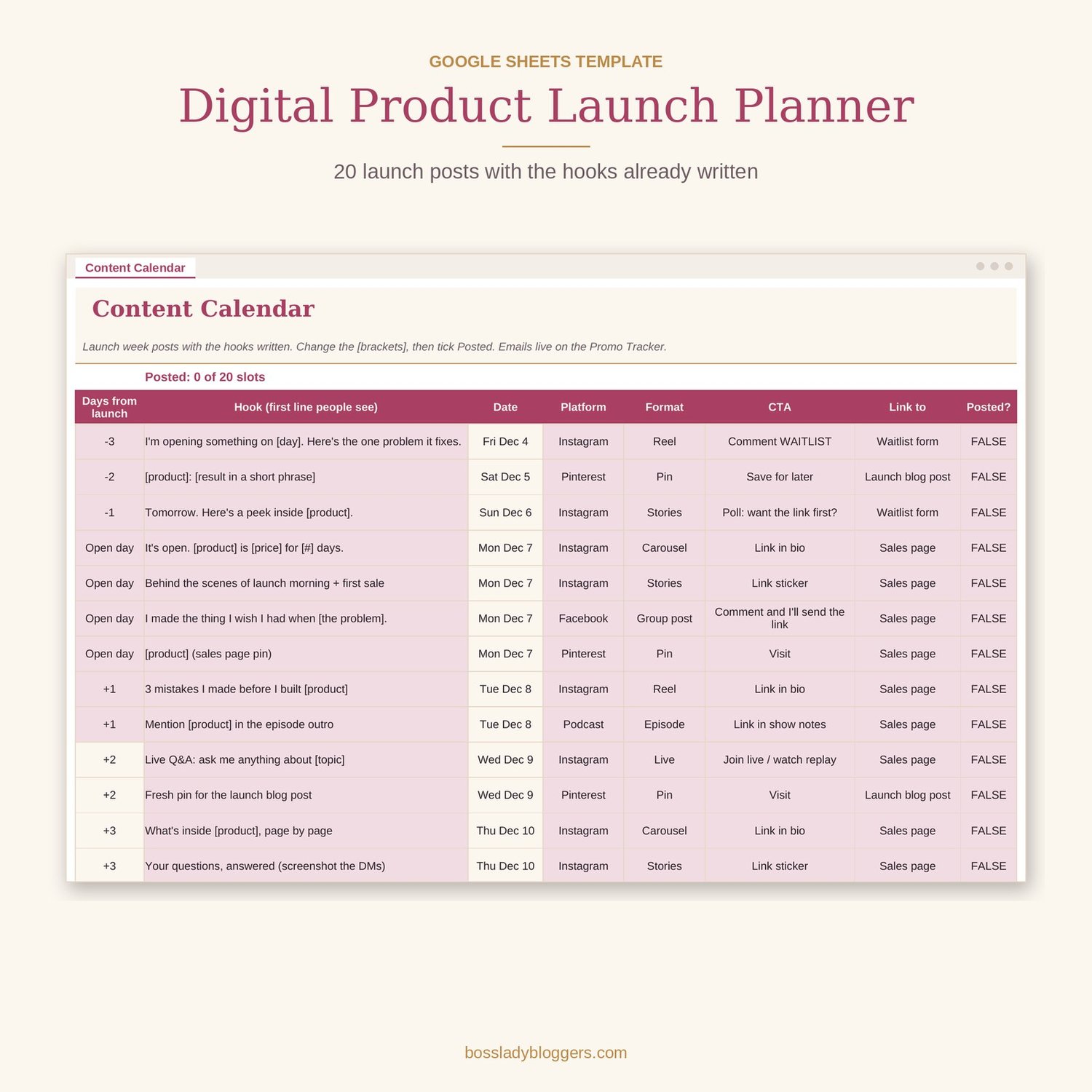
- Content Calendar: 20 launch posts with the hook, CTA and link already written
- Promo Tracker: one row per cart day. Email sent, opens, clicks, posts, sales. Revenue, running total, pace and % of goal fill in for you, with color flags when you're behind
- Numbers Review: sales page conversion, list conversion, refunds, payment fees, net revenue, plus "what worked / what didn't / next time" boxes
- Example: Maya's $27 Meal Plan Template, a 5-day launch filled in from start to finish (plus a printable PDF of it)
Who it's for
Bloggers, coaches and course creators launching a digital product, template, mini course or workshop to their email list. Great for a first launch. Also great if you've launched before and every launch felt like making it up from scratch. If your list is 200 or 20,000, the math works the same.
How to use it
- Make your copy, type your launch date on START HERE and fill in the blush cells on Launch Setup.
- Work the timeline one week at a time and schedule your posts from the Content Calendar.
- Fill in one Promo Tracker row a night while the cart is open, then do the Numbers Review and set your next launch date.
FAQ
Do I need Excel?
No. It's a Google Sheets template and a free Google account is enough. The XLSX file is included if you'd rather use Excel.
What if I have less than 6 weeks?
Type your real date anyway. Start at the week you're in and do that week's tasks first. Overdue dates turn plum so you can see what to catch up on.
Does it work for a 3 or 7-day cart?
Yes. Pick 3, 5 or 7 on Launch Setup. The cart dates, email plan, closing tasks and Promo Tracker all change to match.
Does it write my emails for me?
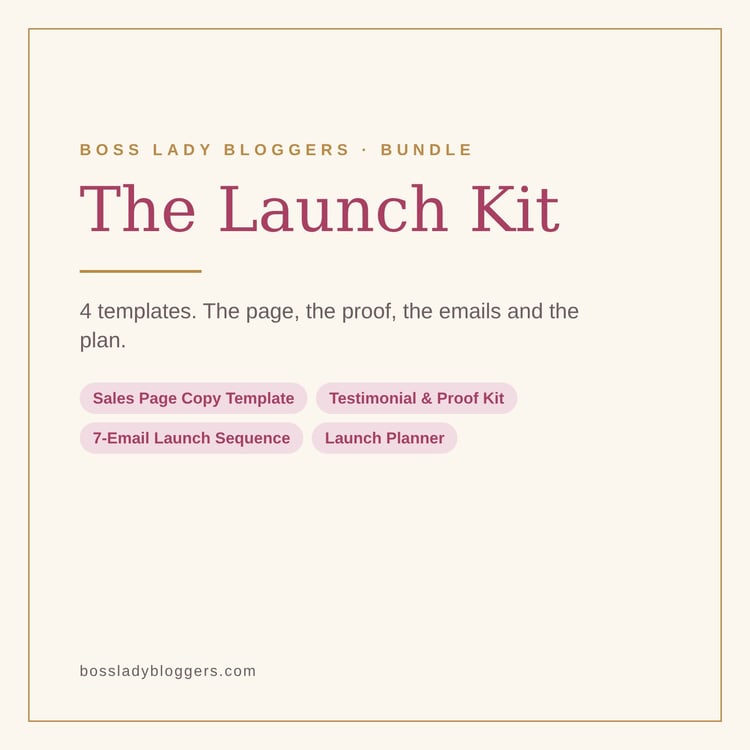
No. It tells you which 7 emails to write, what each one does and which day each goes out. If you want them written, pair it with the 7-Email Launch Sequence Swipe File, or get the Launch Kit, which has both.