
Batch Image Converter & Compressor — HEIC to JPG, WebP, Shrink Photos (Chrome)
Convert and shrink many photos at once, right in Chrome.
Turn iPhone HEIC photos into JPG. Make photos smaller for blogs, web shops and email. Download everything as one ZIP.
Your photos are never uploaded. Everything runs on your own computer.
WHY YOU'LL LIKE IT
- iPhone HEIC photos won't open on your PC? Turn them all into JPG in one go.
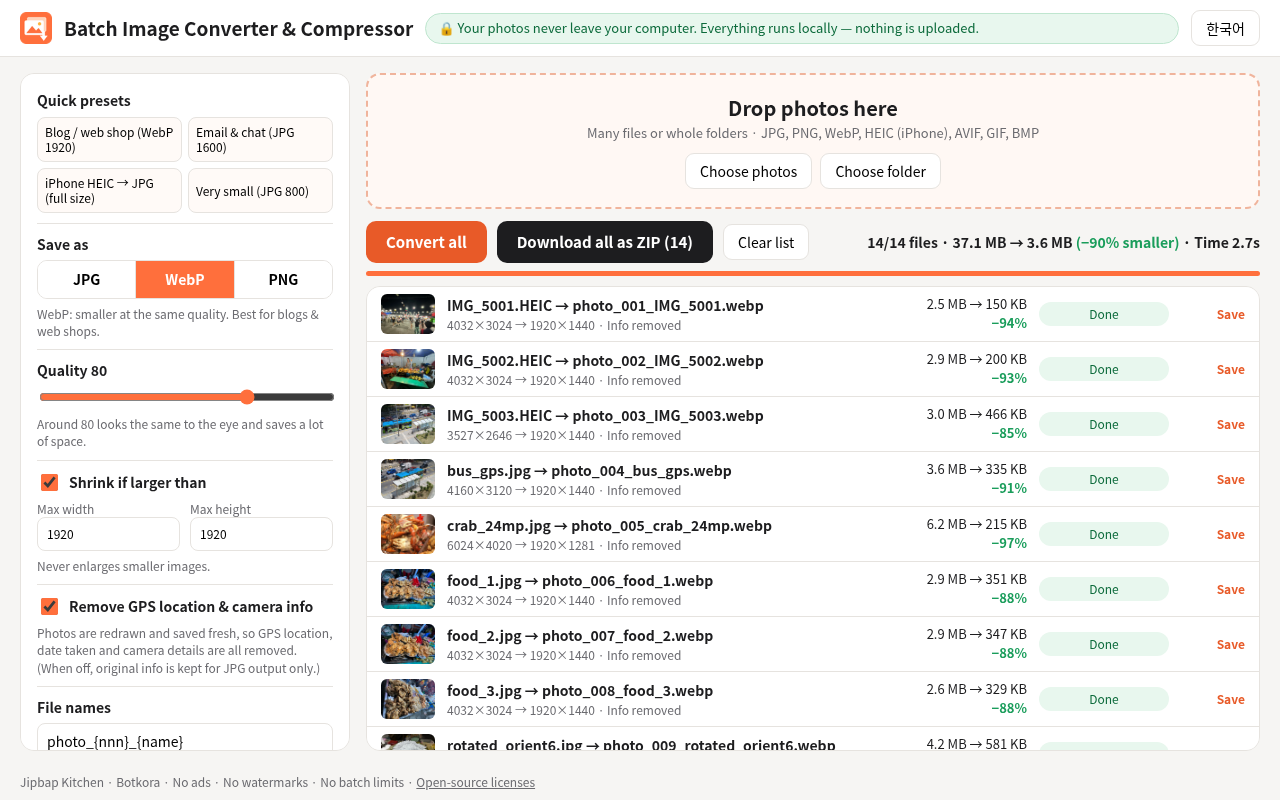
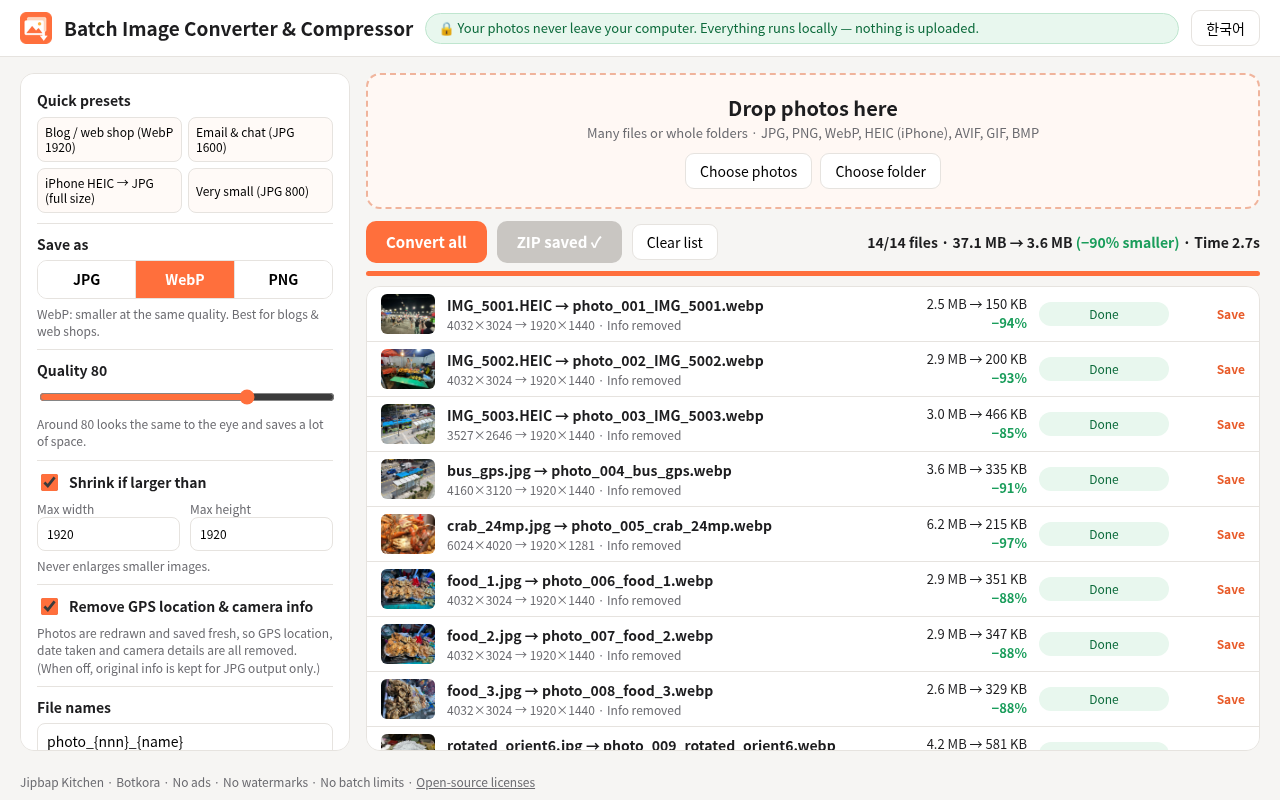
- Much smaller files. In our test, 14 photos went from 37 MB to 3.6 MB (90% smaller).
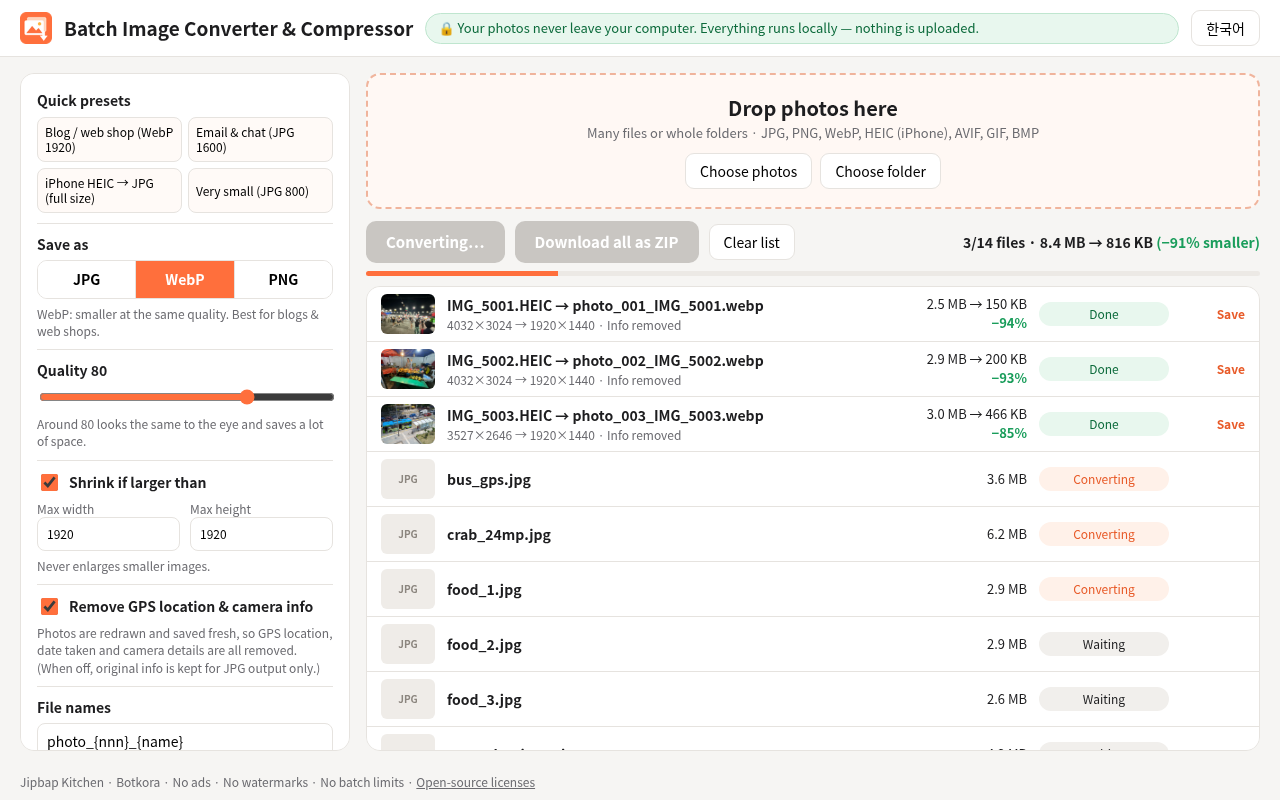
- Fast. 71 photos took about 7 seconds.
- Removes GPS location and camera info from your photos.
- One ZIP with tidy file names (photo_001, photo_002 ...).
- No ads, no watermark, no batch limit, no account. Pay once.
WHAT'S INSIDE
- Chrome extension (Chrome, Edge and other Chromium browsers)
- Korean and English screen
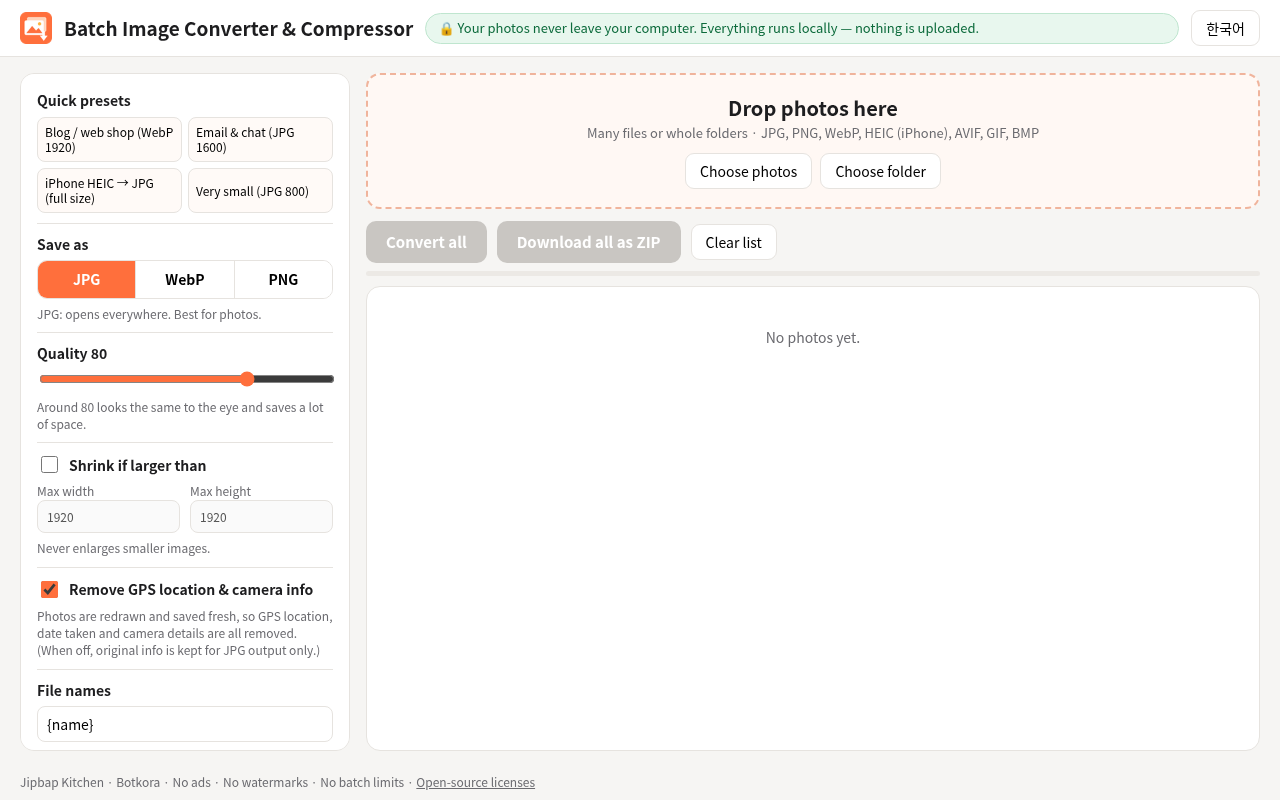
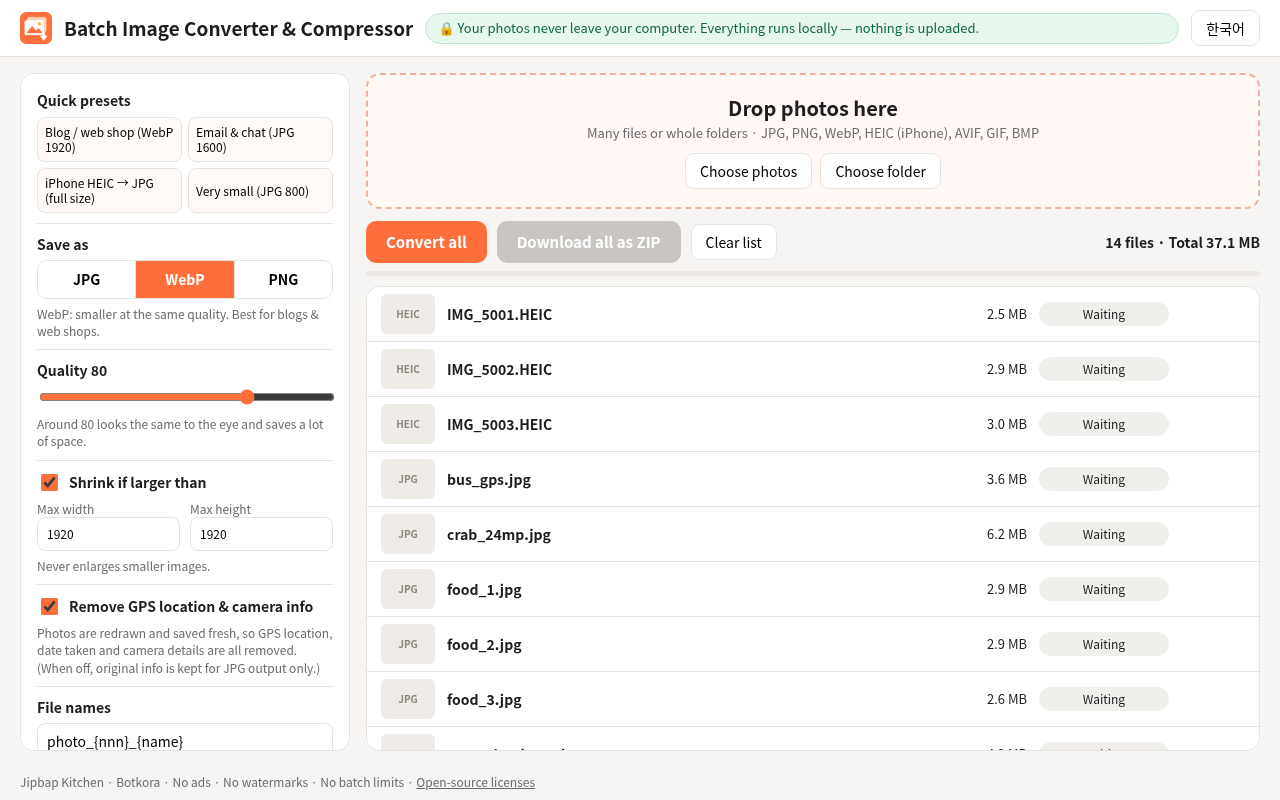
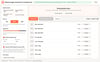
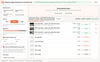
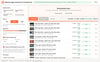
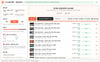
- 4 quick presets: Blog/web shop, Email/chat, iPhone HEIC to JPG, Very small
- Formats: open JPG, PNG, WebP, HEIC, AVIF, GIF, BMP. Save as JPG, WebP or PNG.
- Install guide (2 minutes) and license notices
REAL TEST RESULTS (Chrome, 14 photos)
- WebP, quality 80, max 1920 px: 14 of 14 OK, 2.7 seconds, 90% smaller
- JPG, quality 80, full size: 14 of 14 OK, 2.2 seconds, 45% smaller
- All outputs opened. No GPS info left. Zero internet requests.
- 1 broken file in a batch of 71: it showed an error, the other 70 finished.
HONEST LIMITS
- PNG makes photos bigger. For photos, choose JPG or WebP.
- Live Photos and bursts: main image only. Animated GIF: first frame only.
- Very vivid colors (P3) become normal colors and may look slightly less vivid.
- "Keep photo info" works only when saving as JPG.
- Installed with Chrome Developer mode, not from the Chrome Web Store.
Instant download. No shipping.
----------
사진 일괄 변환·용량 줄이기 (HEIC, JPG, PNG, WebP)
크롬에서 사진 여러 장을 한 번에 바꾸고 용량을 줄여 줍니다.
아이폰 HEIC 사진을 JPG로 바꿉니다. 블로그·쇼핑몰·메일용으로 사진을 작게 만듭니다. 다 끝나면 ZIP 하나로 받습니다.
사진은 인터넷으로 보내지 않습니다. 모두 내 PC 안에서 처리됩니다.
사면 좋은 점
- 아이폰 HEIC 사진이 PC에서 안 열리면, 한 번에 JPG로 바꿉니다.
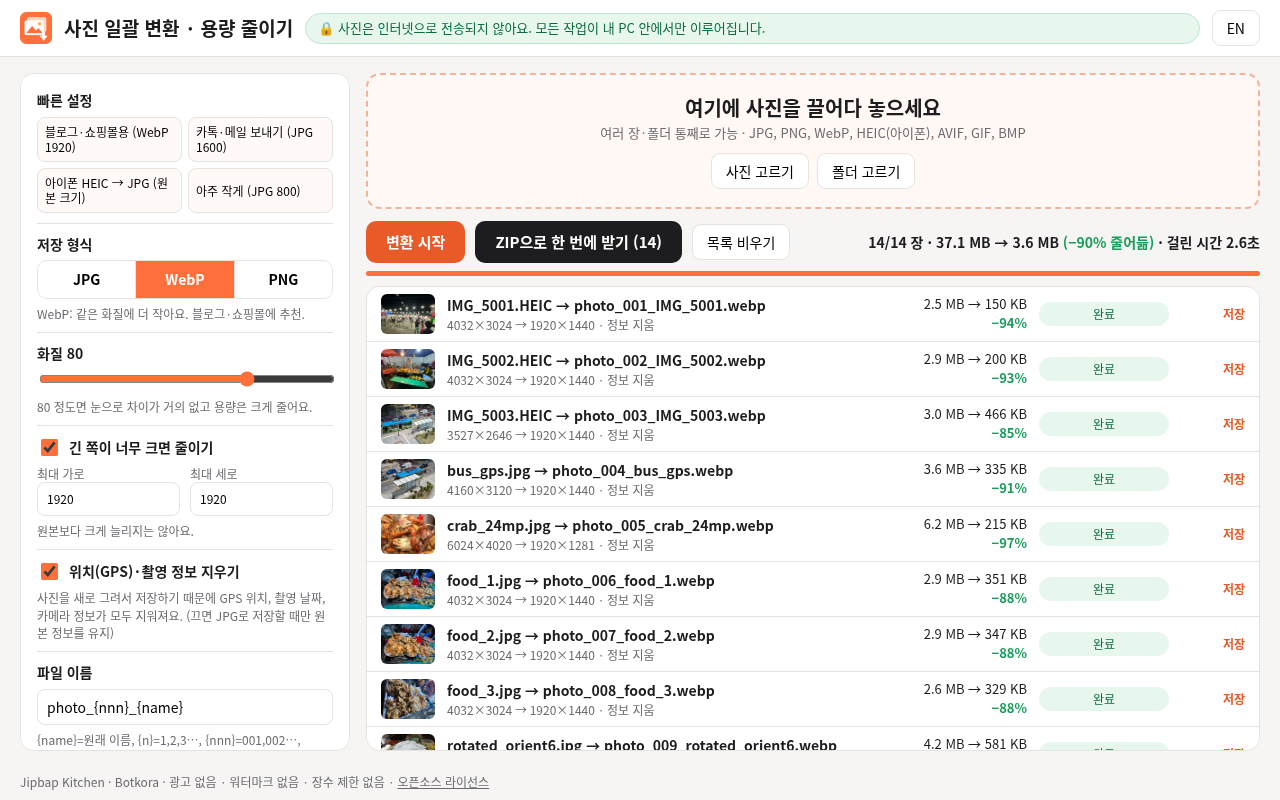
- 용량이 크게 줄어듭니다. 시험에서 사진 14장이 37MB에서 3.6MB가 됐습니다. (90% 줄어듦)
- 빠릅니다. 사진 71장이 약 7초 걸렸습니다.
- 사진 속 GPS 위치와 촬영 정보를 지웁니다.
- 파일 이름을 정리해서 ZIP 하나로 받습니다. (photo_001, photo_002 ...)
- 광고, 워터마크, 장수 제한, 가입 없음. 한 번 사면 계속 씁니다.
안에 든 것
- 크롬 확장 프로그램 (크롬, 엣지, 웨일)
- 한국어·영어 화면
- 빠른 설정 4가지: 블로그·쇼핑몰용, 카톡·메일용, 아이폰 HEIC를 JPG로, 아주 작게
- 열 수 있는 사진: JPG, PNG, WebP, HEIC, AVIF, GIF, BMP / 저장: JPG, WebP, PNG
- 설치 설명서 (2분), 라이선스 안내
실제 시험 결과 (크롬, 사진 14장)
- WebP, 화질 80, 긴 쪽 1920: 14장 모두 성공, 2.7초, 90% 줄어듦
- JPG, 화질 80, 원본 크기: 14장 모두 성공, 2.2초, 45% 줄어듦
- 결과 사진 모두 열림. GPS 정보 남지 않음. 인터넷 연결 0번.
- 71장 중 고장 난 파일 1장: 오류 표시 후 나머지 70장은 끝까지 완료.
솔직한 한계
- 사진을 PNG로 바꾸면 오히려 커집니다. 사진은 JPG나 WebP를 고르세요.
- 라이브 포토·연속 사진은 대표 사진만, 움직이는 GIF는 첫 장면만 바뀝니다.
- 아주 진한 색(P3)은 일반 색으로 바뀌어 조금 덜 진해 보일 수 있습니다.
- "정보 유지"는 JPG로 저장할 때만 됩니다.
- 크롬 웹스토어가 아니라 개발자 모드로 설치합니다.
주문 즉시 다운로드, 배송비 없음.