




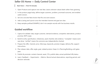
Digital Product Seller OS — Notion Product Planner, Launch Dashboard & Creator Business Workflow
Ready to bring more structure to your next digital-product launch? Get Digital Product Seller OS and turn scattered ideas into a repeatable process—from validation and building to listing, launch, and learning.
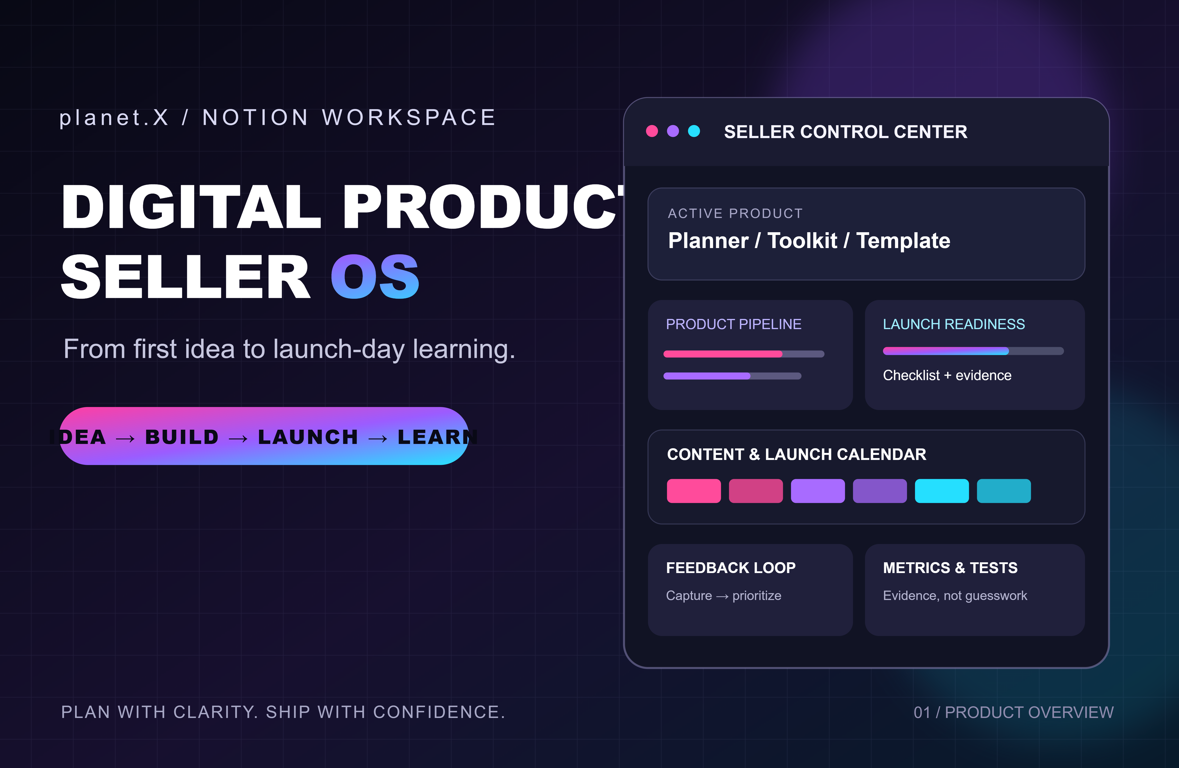
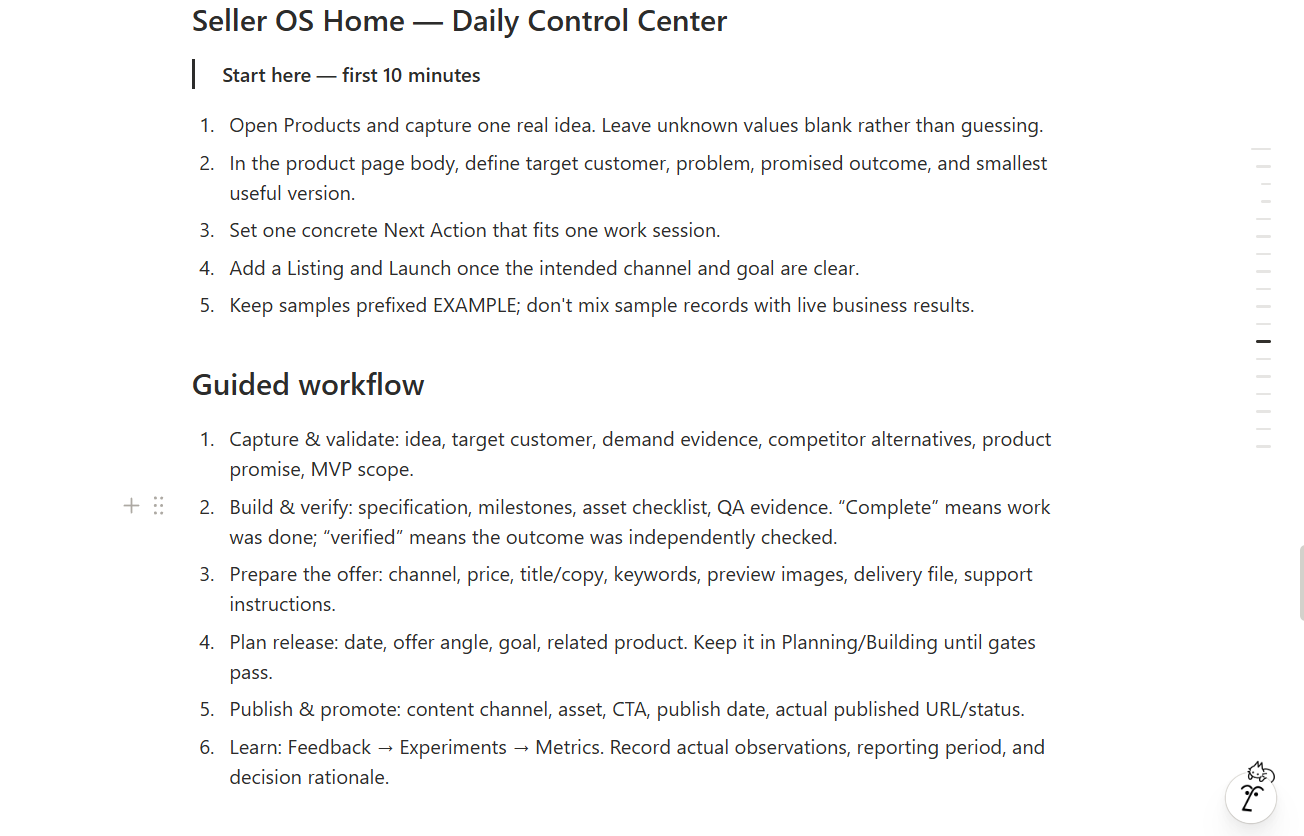
Digital Product Seller OS is a practical Notion workspace for independent creators and digital-product sellers. It brings product planning, listing readiness, launch tasks, content, feedback, experiments, and performance reviews into one connected operating workflow.
What you get
- A central Seller OS home page and daily control center.
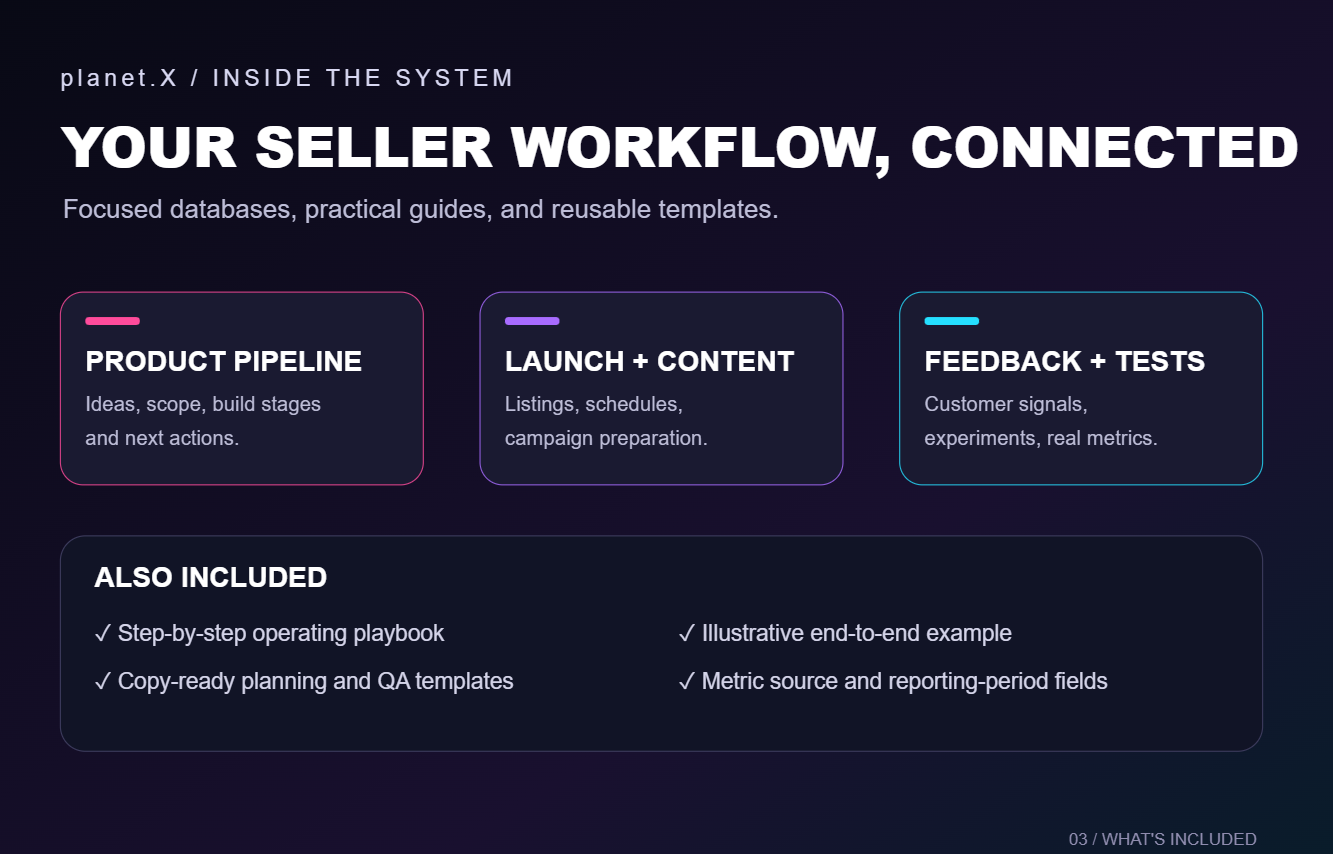
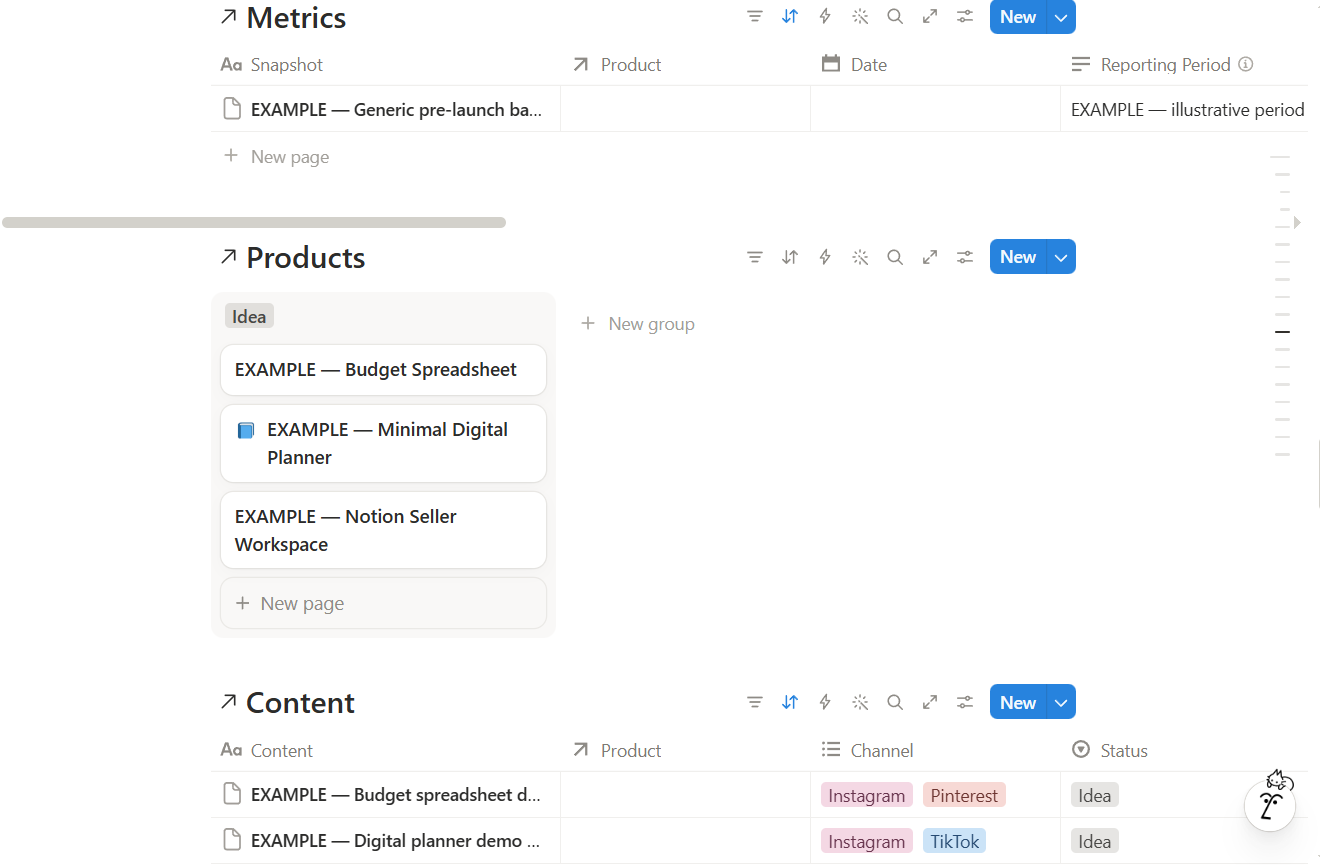
- Product pipeline and product-linked planning.
- Listing readiness and launch planning views.
- Content queue and launch calendar views.
- Feedback triage and experiment tracking.
- Performance snapshots with reporting-period, source/platform, and data-type fields.
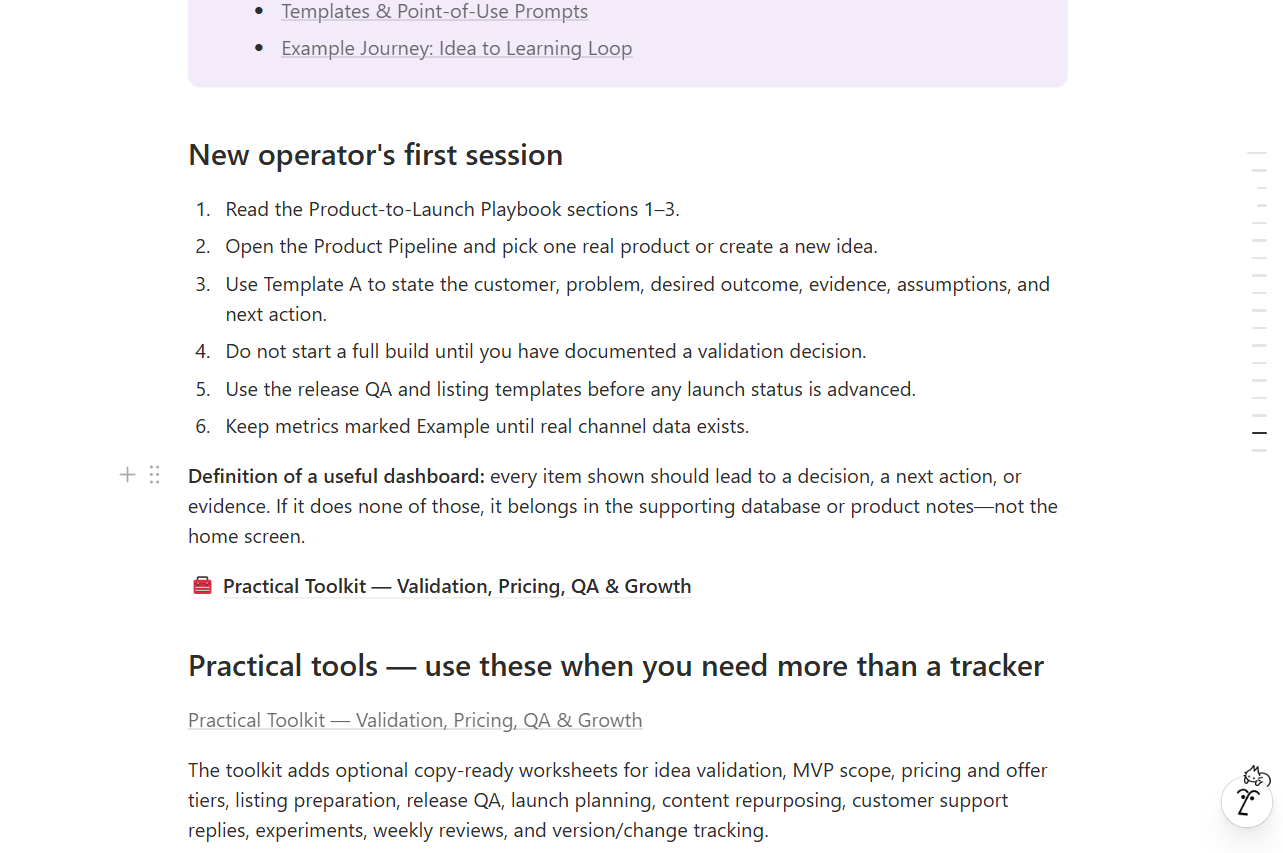
- A product-to-launch operating playbook.
- Reusable, copy-ready templates for idea capture, product scope, competitor research, build milestones, release QA, listing briefs, launch briefs, feedback review, experiments, and weekly reviews.
- An illustrative end-to-end example showing how an idea can move through validation, build, launch, and learning.
- Setup guidance and troubleshooting notes to help you get started.
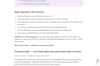
How to use it
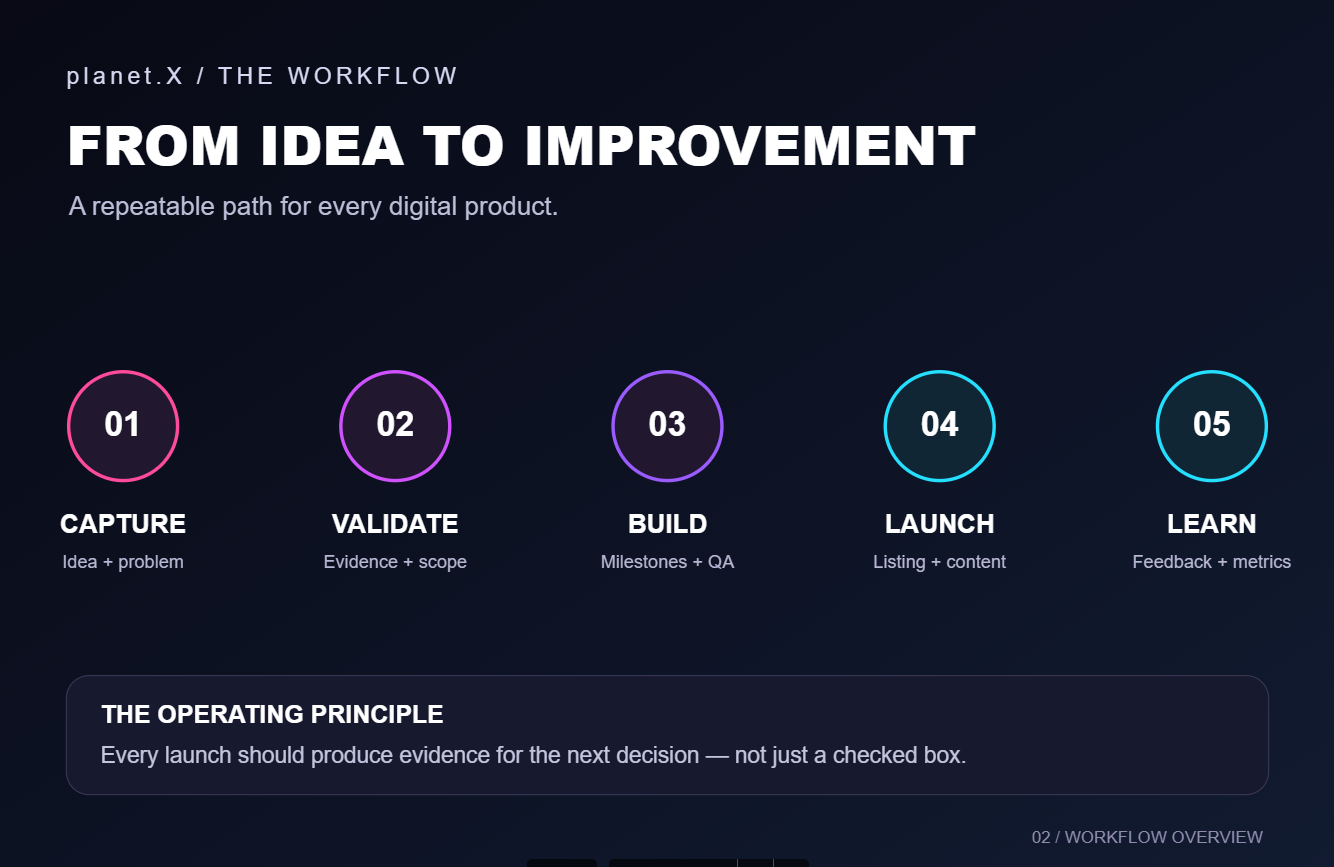
- Capture a product idea and define the problem it should solve.
- Record demand assumptions and validation evidence before committing to a full build.
- Set a focused scope, milestones, and release checks.
- Prepare the listing and coordinate launch tasks and supporting content.
- Track feedback, experiments, and performance using real data and clear reporting periods.
- Review what happened and decide what to improve next.
Why this workflow helps
- Keeps decisions, tasks, and learning connected to the product they support.
- Encourages evidence-based decisions instead of treating guesses as facts.
- Separates plans, targets, estimates, examples, and actual results.
- Labels sample information as illustrative rather than real business performance.
Getting access
After purchase, open the included Notion workspace link and use Notion’s Duplicate option to copy the workspace into your own account. Follow the included setup guide to orient yourself, review the example data, and begin with your first product. The final delivery page must contain the working access link and buyer instructions before this listing is published.
Please note
- A Notion account is required to use the workspace. Notion features and limits may depend on your plan and account settings.
- This is a planning and operations workspace, not an automated sales platform. It does not guarantee sales, revenue, rankings, or other business outcomes.
- Integrations, automated analytics connections, and third-party marketplace approval are not included unless explicitly stated here.
- Any prefilled example records are illustrative and should be replaced with your own information.
Start with one product, follow the workflow, and use what you learn to make the next launch clearer.