
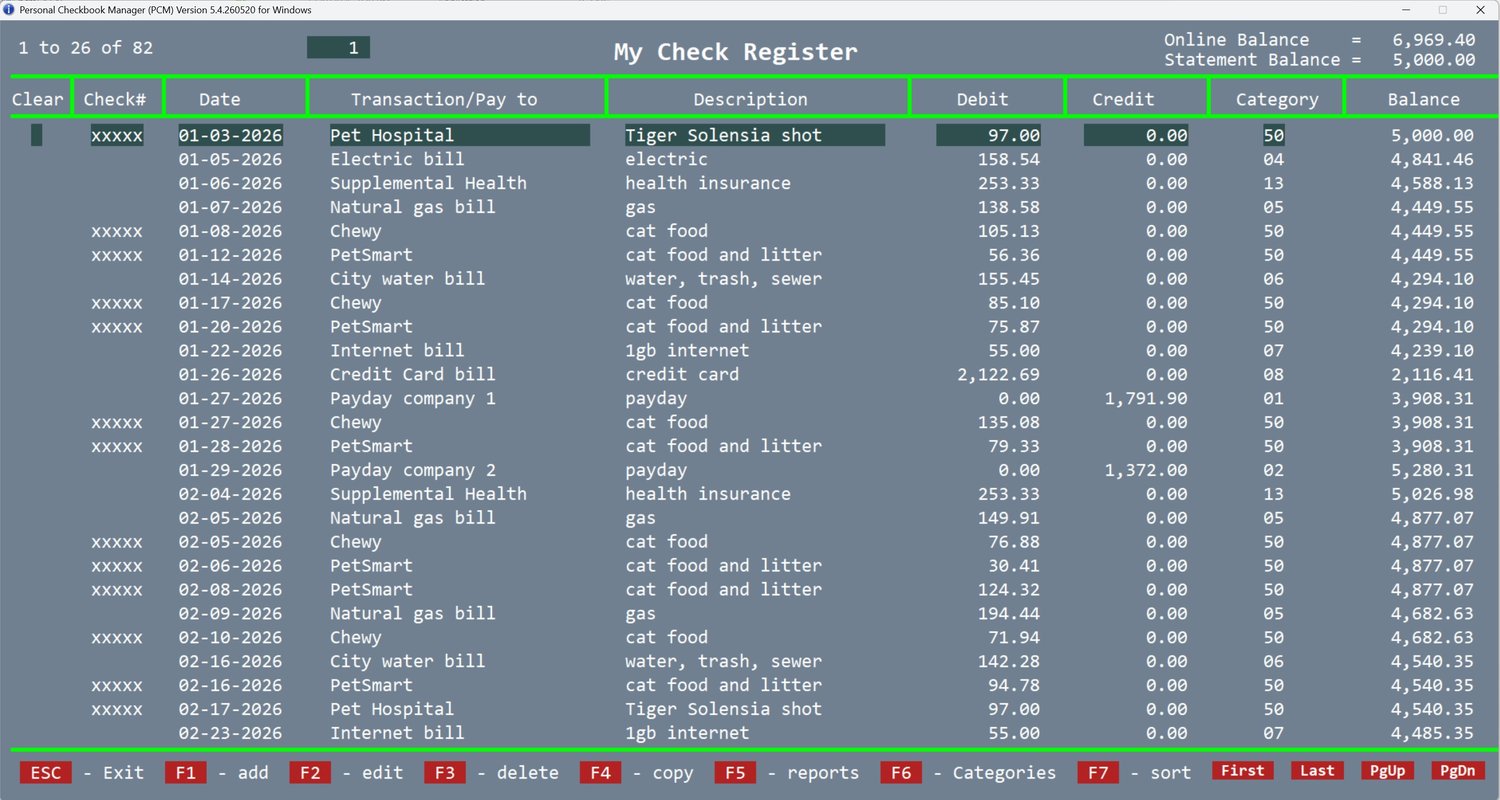
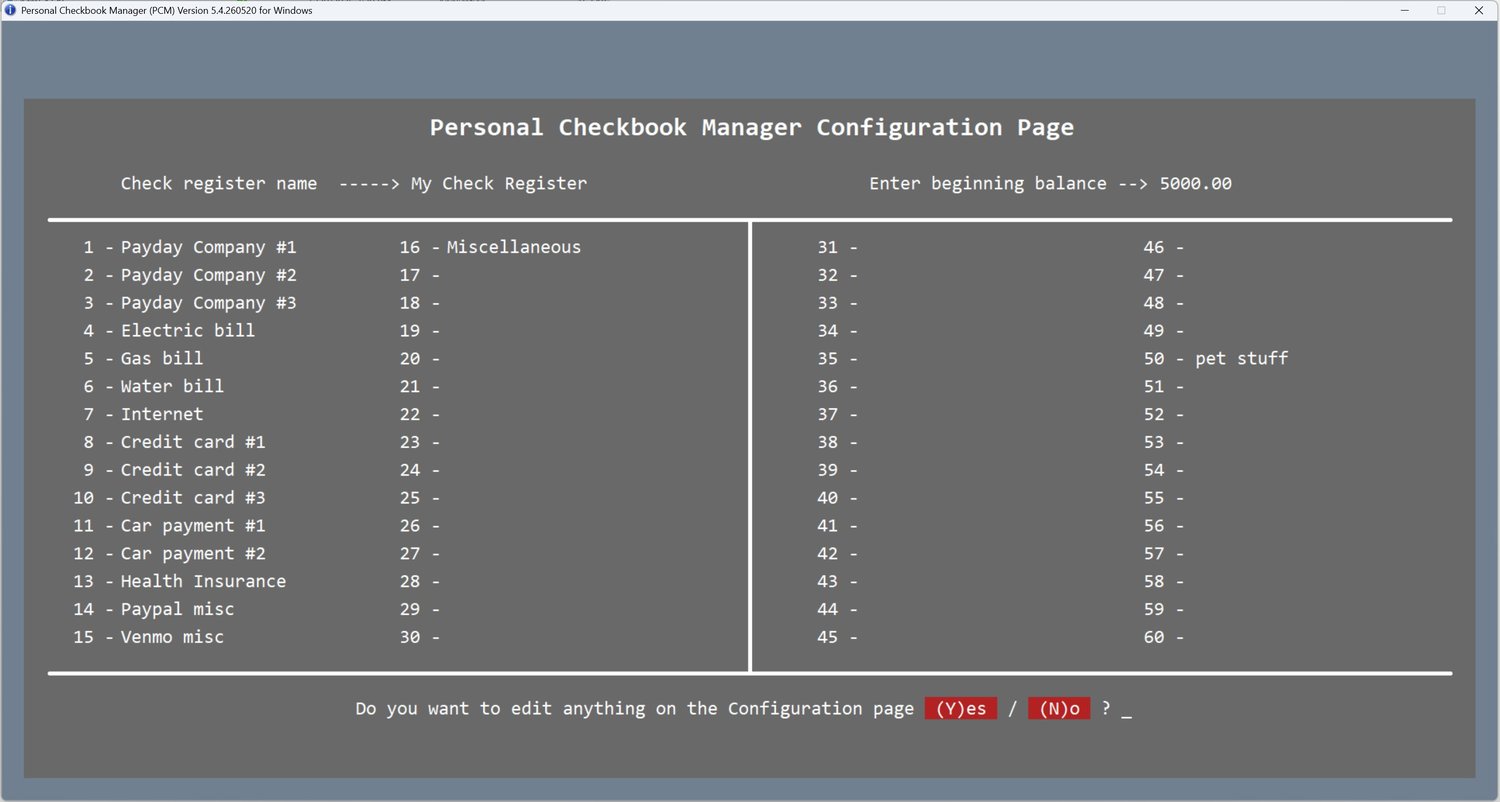
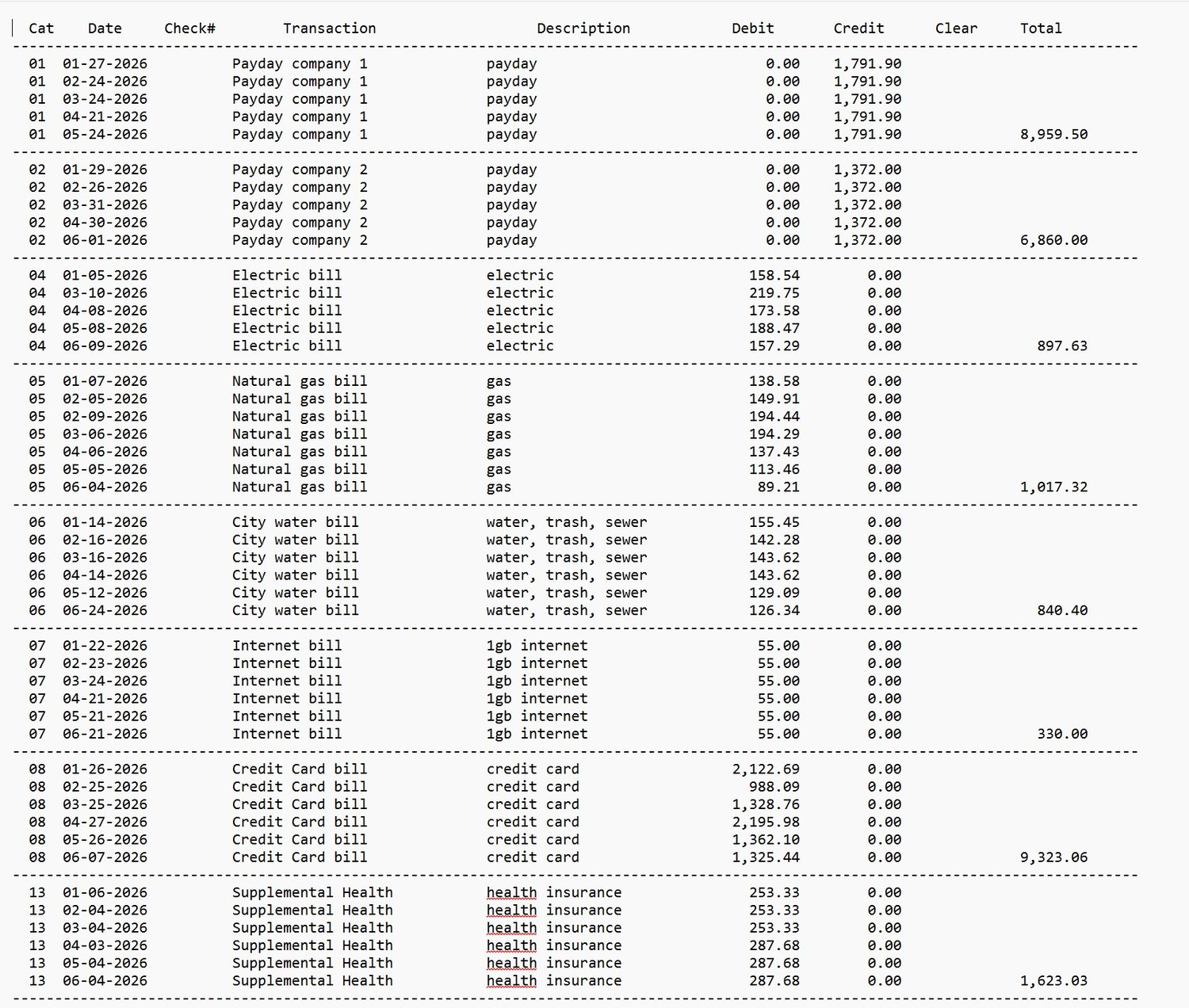
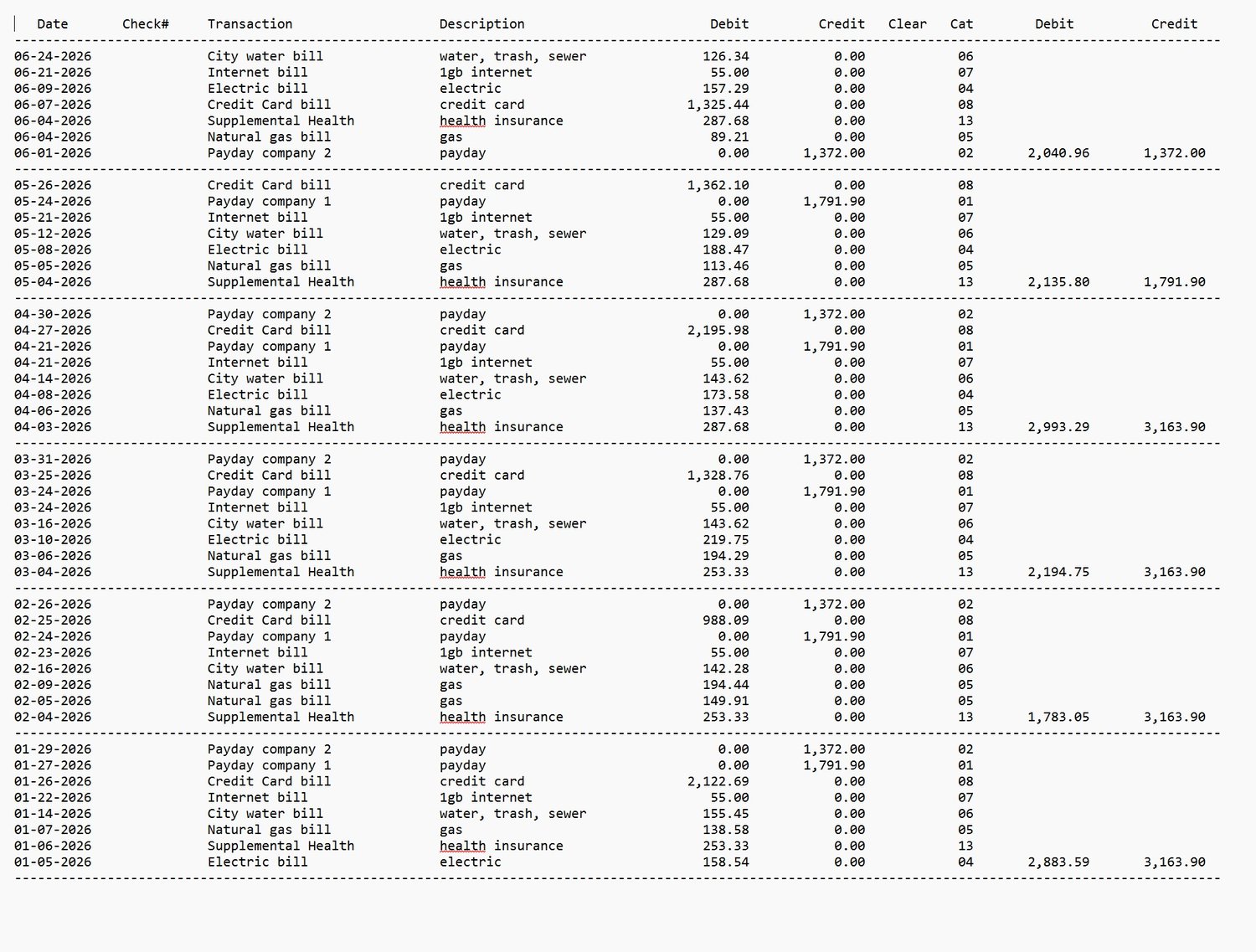
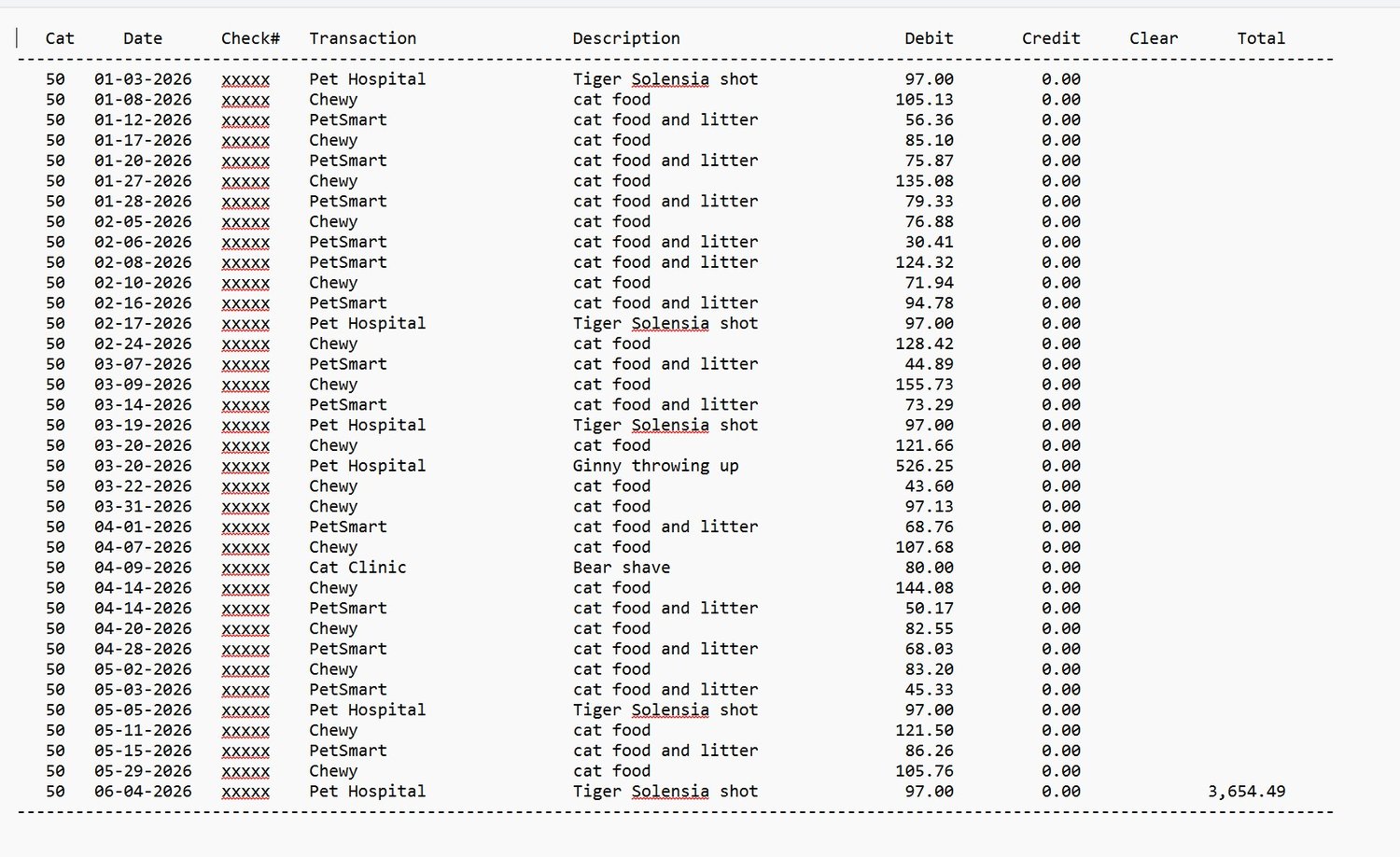
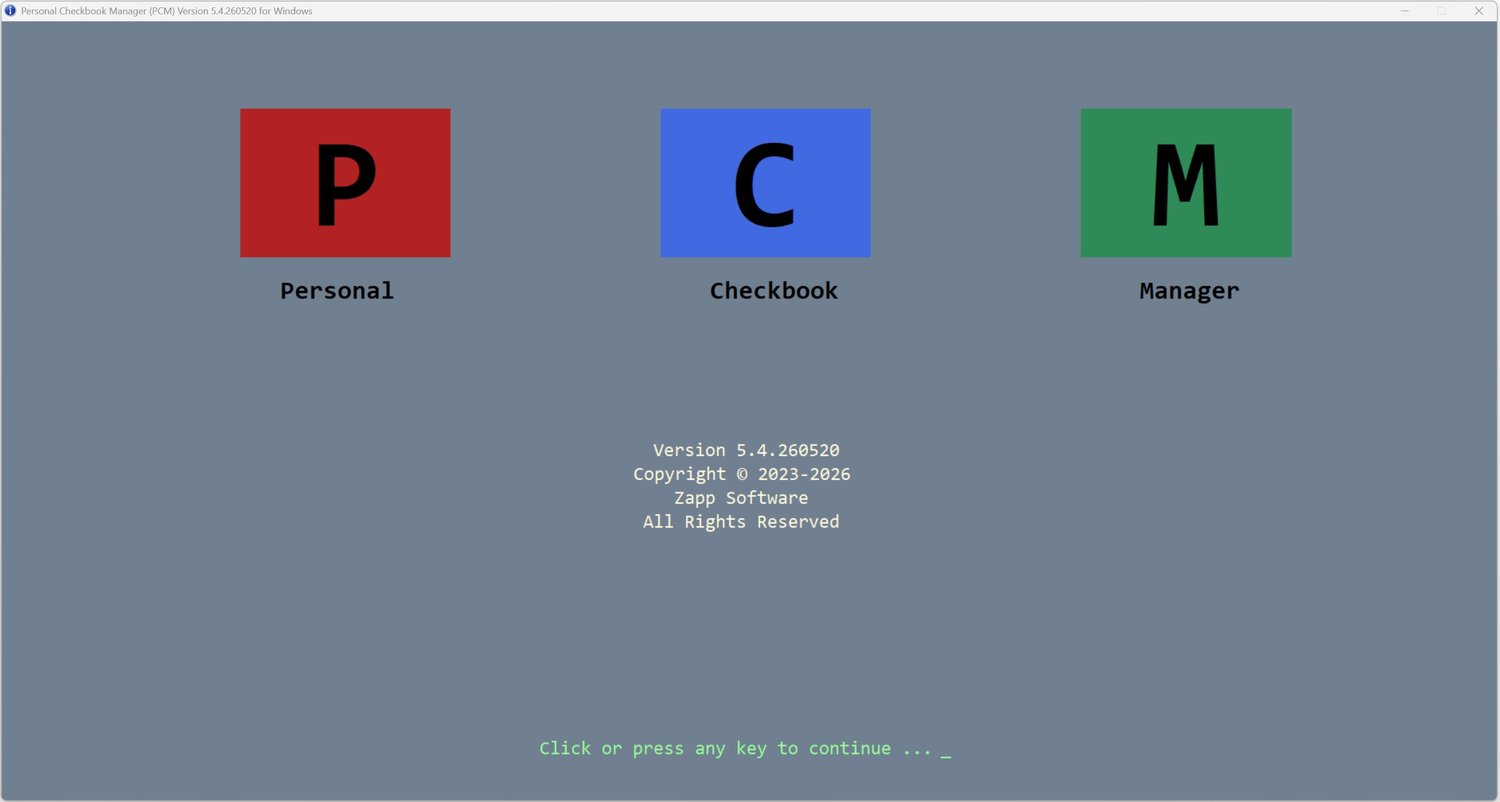


PCM (Personal Checkbook Manager) Tutorial and Demo
★ WATCH THE TUTORIAL BEFORE YOU BUY ★
See exactly how it looks and works! Copy and paste this link into your browser:
👉 [https://www.youtube.com/watch?v=dVLKxRCrVaw&t=172s]
Tired of complicated monthly subscriptions and bloated personal finance software that changes every time Windows updates?
This standalone Windows Check Register is designed for speed, simplicity, and absolute privacy. Pay once ($25), own it forever.
FEATURING A FREE DEMO MODE
Want to test it first? Download the file right now. Without a license key, the program runs in full Demo Mode, allowing you to test up to 100 transactions to see if it fits your needs.
WHY CHOOSE THIS CHECK REGISTER?
• 100% PRIVATE & ENCRYPTED: Your financial data never touches the cloud. It creates a single, highly secure, encrypted .dat file stored locally on your own computer.
• IMMUNE TO WINDOWS UPDATES: Built as a lightweight, standalone executable (.exe). Windows updates will never alter, break, or bloat your software.
• SOFTWARE TIMEOUT LOCK: If you walk away from your PC and forget to exit the program, it will automatically close after 5 minutes of inactivity to protect unauthorized users from accessing your personal data.
• LIGHTNING FAST: No loading screens, no lag, and no heavy system requirements. It opens instantly and works perfectly every time.
• PERMANENT LICENSE: A one-time payment of $25. No recurring fees, no hidden costs, and no forced upgrades.
WHAT YOU RECEIVE DETAILED:
Upon purchase, you will instantly download a .ZIP file containing:
1. PCM54.Exe (The standalone application)
2. PCM-TUTORIAL (Simple, easy-to-follow video of setup and using PCM54)
3. Support Contact Information
SYSTEM REQUIREMENTS:
• Operating System: Windows 11/10, 1920x1080 minimum resolution
• Installation: Standalone executable (No complex installation wizard required)