
TechFlow Dashboard Planner
🔗 Access your app after purchase:
Use the Link and License Key sent to your email to log in.
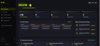
🚀 Elevate Your Productivity with TechFlow Dashboard Planner for Notion
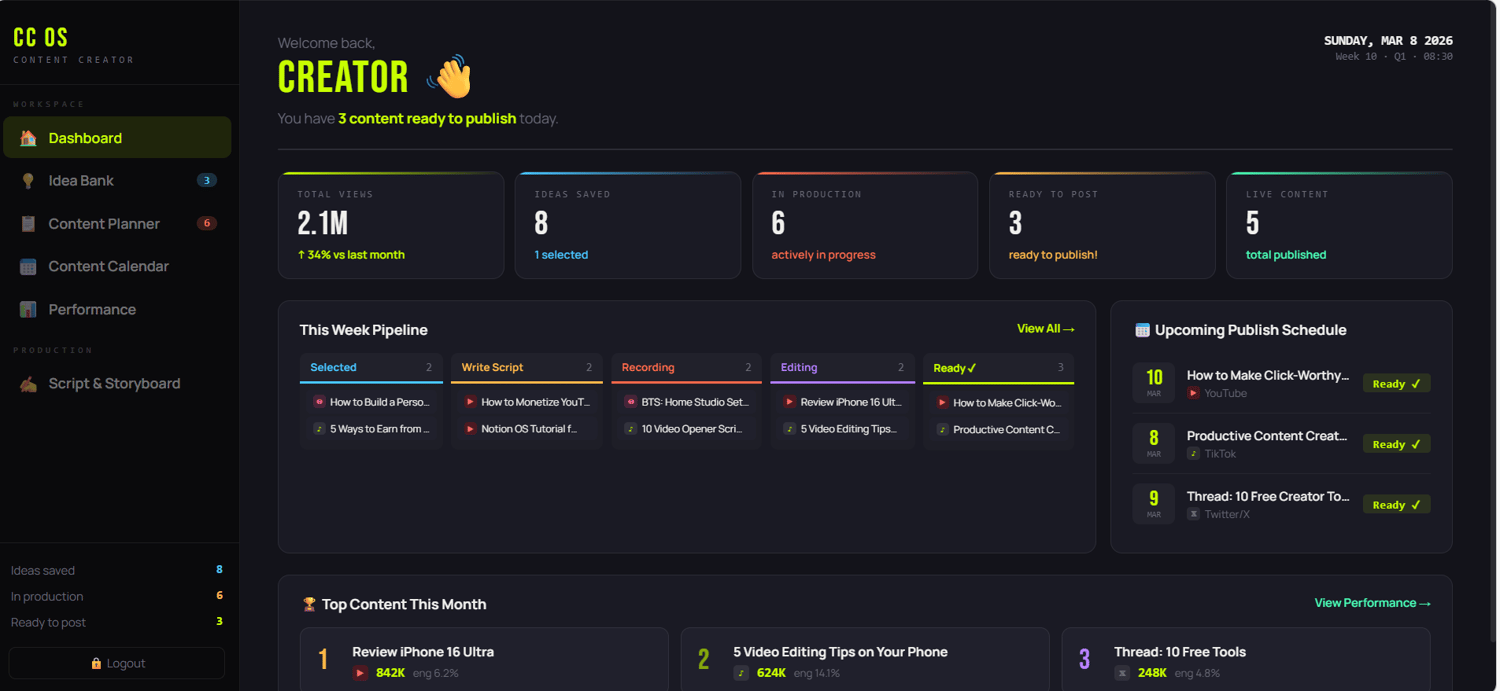
Transform the way you work, learn, and create. The TechFlow Dashboard is a premium, all-in-one Notion workspace designed for tech enthusiasts, professionals, and digital minimalists who want to master their workflow with style.
Forget messy notes and scattered apps. TechFlow brings everything into one high-performance command center.
✨ Why TechFlow?
- Minimalist Aesthetic: A clean, futuristic dark/light mode interface that reduces mental clutter.
- Seamless Navigation: Quick-access buttons to jump between your projects, tasks, and goals.
- Fully Customizable: Tailor every block to fit your specific niche, whether you're a coder, creator, or entrepreneur.
🛠️ What’s Inside?
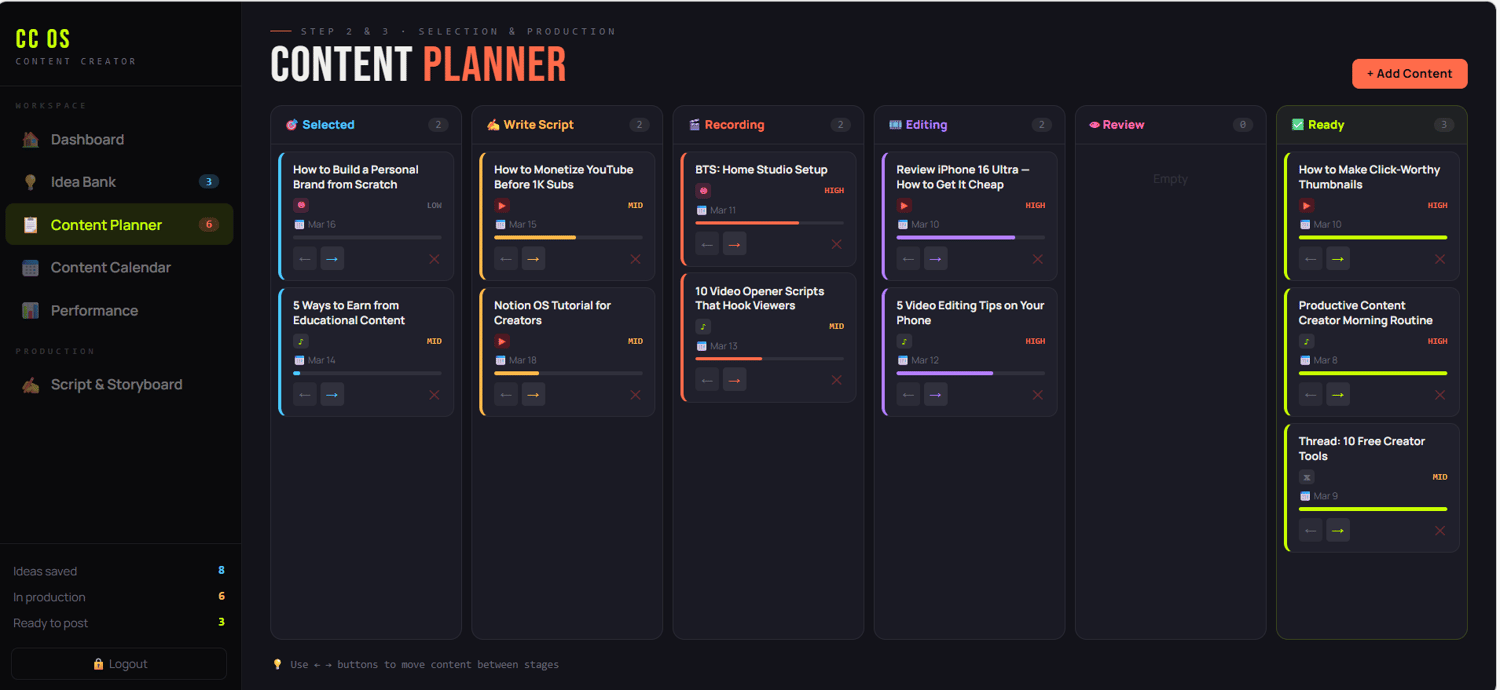
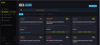
- Project Command Center: Track progress, deadlines, and milestones for multiple projects at once.
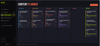
- Smart Task Manager: Categorize tasks by priority and status using the "Brain Dump" to Action flow.
- Daily Focus Hub: A dedicated space for your daily habits, morning routines, and top priorities.
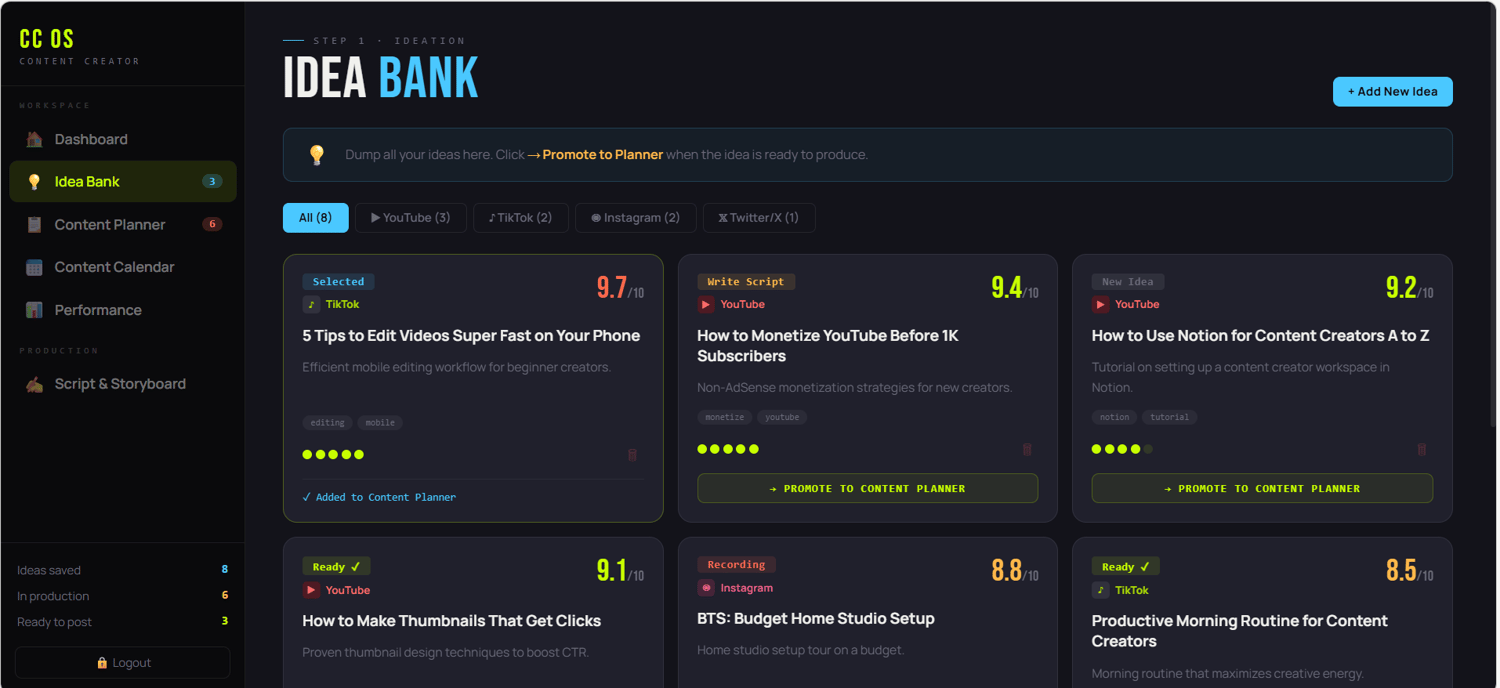
- Resource Library: Save your favorite articles, tech stacks, and inspiration in an organized database.
- Finance & Subscription Tracker: Keep tabs on your digital tools and monthly expenses effortlessly.
🎁 What You Get:
- A professional Notion Template (Instant Access).
- Easy-to-follow setup guide.
- Lifetime updates to the TechFlow ecosystem.
Stop scrolling, start building. Get the TechFlow Dashboard today and turn your Notion into a productivity powerhouse!
How to Use:
- Purchase and download the PDF.
- Click the template link provided.
- Click "Duplicate" in the top right corner.
- Welcome to your new digital headquarters.
Note:
After purchasing this product, you will receive a PDF file containing detailed instructions.