
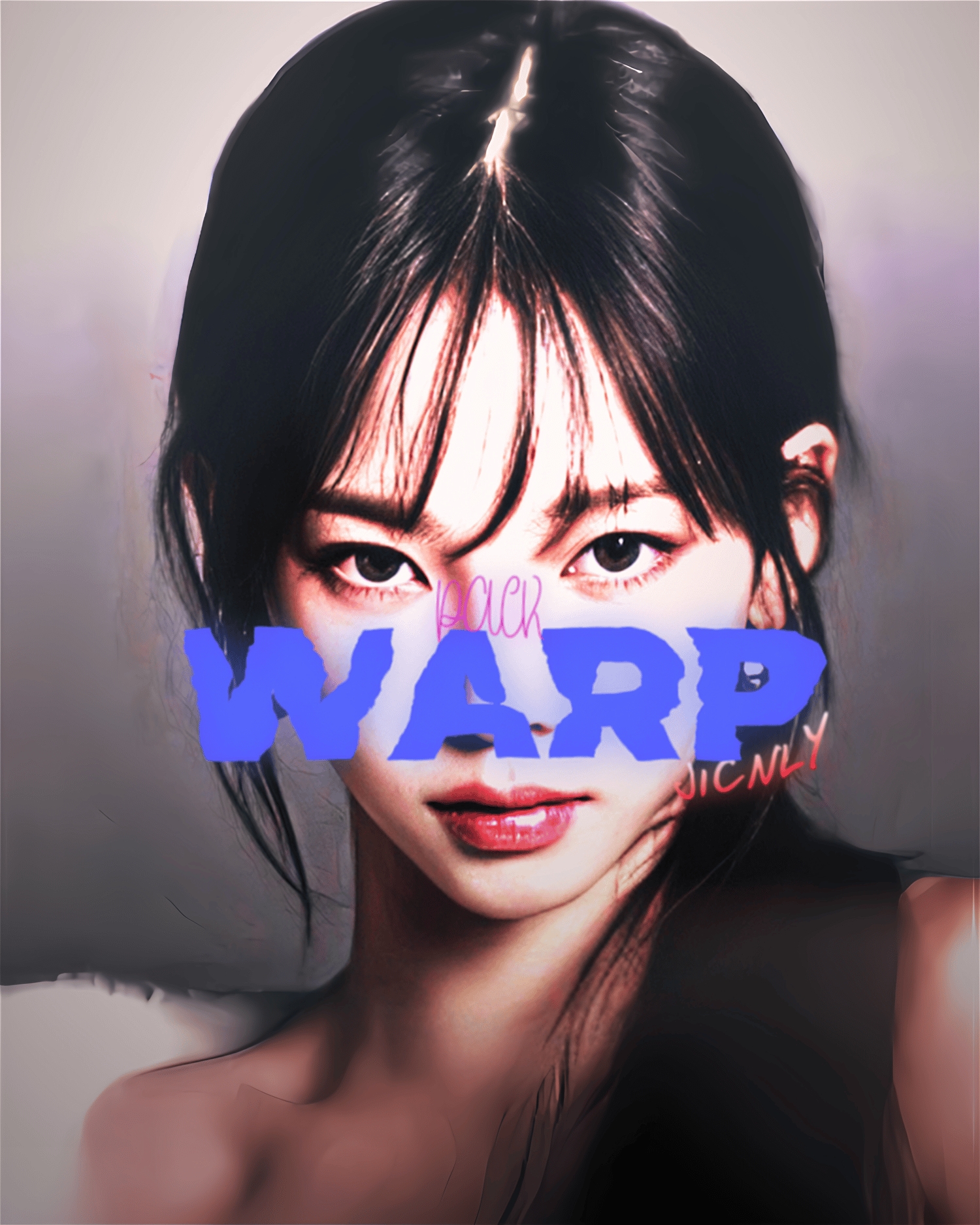

Ultimate 6 Warp Transitions Pack (After Effects)
On Sale
$5.99
$5.99
Create mind-bending, seamless transitions with this Pro Warp Effect Preset! 🌀✨
Tired of stiff and basic transitions? This custom warp preset is designed to give your edits that buttery-smooth, liquid flow that everyone on your timeline is obsessed with. Perfect for K-Pop fancams, AMVs, velocity edits, and high-energy social media content.
What you will get:
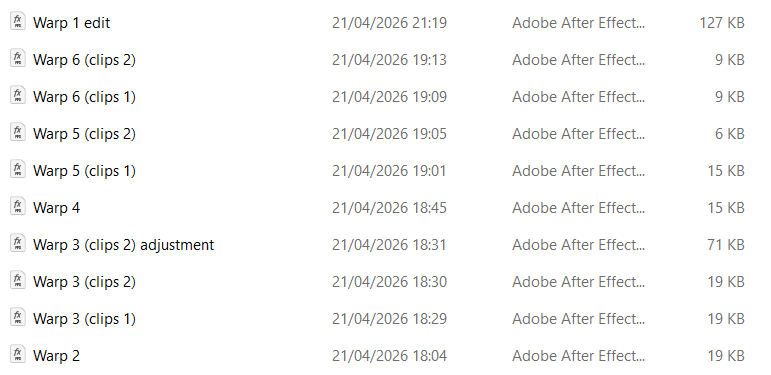
- 6 Premium Warp Transition Preset (.ffx file) and Preview Warp.
- Smooth, pre-configured graph curves for the perfect ease-in and ease-out motion.
- Instant access to elevate your video flow immediately.
Compatibility:
- Software: Adobe After Effects (Requires 2025+).
How to Use:
- IMPORTANT: Before applying the preset, add the Motion Tile effect to your video clips. Increase the Output Width/Height and check the "Mirror Edges" box to avoid black borders.
- Find the presets in your Effects & Presets panel.
- Standard Presets: Drag and drop the .ffx file directly onto your video clip. (Make sure the preset is placed below the Motion Tile effect in your Effect Controls).
- Adjustment Presets: If the preset file name includes the word "Adjustment", you must apply it to a new Adjustment Layer placed above your clips.
- Align the keyframes with the cut/beat of your audio, and you're good to go!
Note: Since this is a digital product, all sales are final and non-refundable. Thank you for supporting Jicnly.