






Free Invoice Tracker (Lite)
Know who owes you what, without paying a monthly app to tell you.
A one-file invoice tracker that flags overdue payments the day they go bad, and adds up what every invoice is doing. This is the lite version, the same engine as our paid Freelancer Invoice Tracker, in a smaller box. It's free.
One Excel file (works in free Google Sheets too). No subscriptions, no accounts, no logins; everything runs on your own computer, on your own file. At checkout, enter your email so the file can be delivered to you; that's the only "catch." No card. No trial timer. Nothing to cancel.
WHAT YOU GET (1 file, 3 tabs):
1. Invoice Log, one row per invoice: number, client, amount, due date. The Status column computes itself: OPEN, PAID, or OVERDUE, and counts the days overdue automatically. The lite log holds 30 invoices; never type over a formula, just add rows.
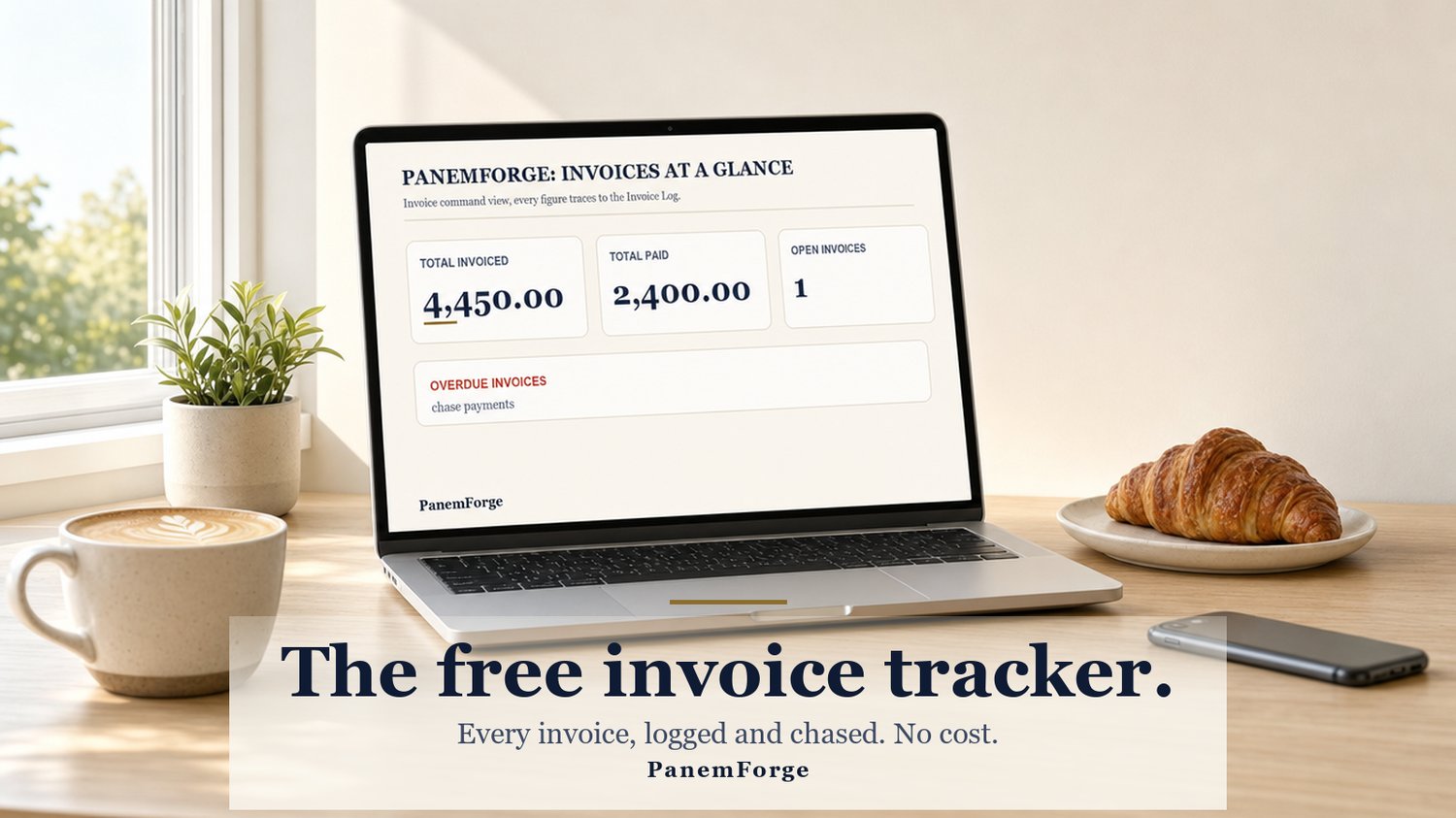
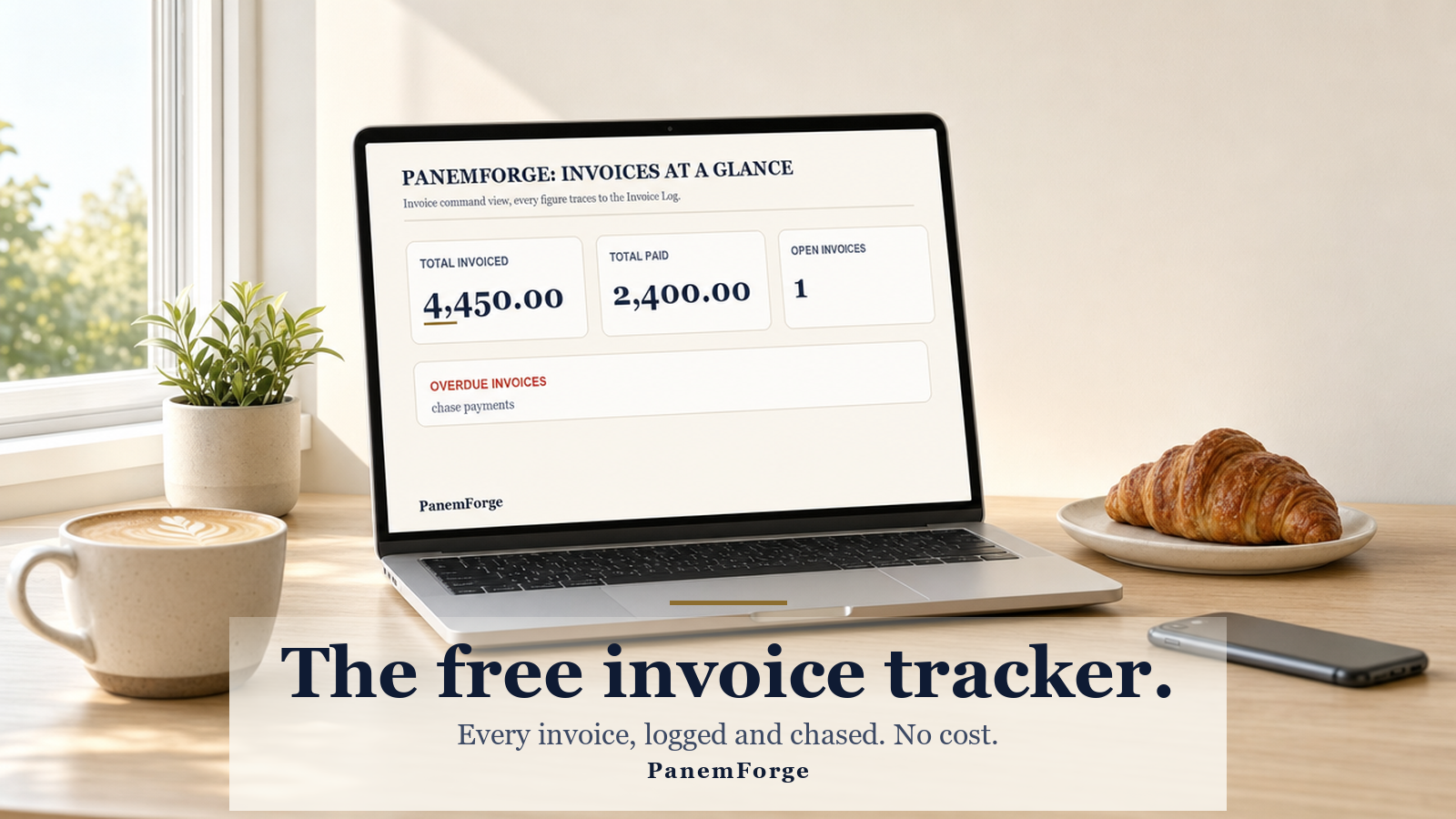
2. Dashboard, Invoices at a Glance, total invoiced, total paid, outstanding, overdue amount, open/overdue/paid counts, and a flag that tells you when to chase payments.
3. README: the three-step quick start, written in plain words.
HOW IT WORKS (3 steps):
Log each invoice when you send it to put the date in Date Paid when the money lands to check the Dashboard when you want to know where your money is. That's the whole system.
WHY IT'S DIFFERENT:
Invoicing apps want a monthly subscription to tell you what a spreadsheet already knows. This file has no fees, no accounts, and no vendor looking at your client list, and the OVERDUE flag works the same on day one and day one thousand.
WHEN YOU OUTGROW IT:
The paid Freelancer Invoice Tracker ($15 once) holds 60 invoices and adds a Client Directory (what each client owes you), a Monthly Summary (invoiced vs. paid by month), and a second dark dashboard. Or get all three finance tools together- the bookkeeping starter kit, the quarterly tax planner, and the full invoice tracker- in one box: the Finance Bundle, $49 once: payhip.com/b/pEdGU
WHO IT'S FOR:
Freelancers, contractors, and solo service providers who send invoices and want payment status at a glance. Not for: companies needing formal AR departments, or anyone who wants their invoices auto-emailed by software (this file tracks; it doesn't send).
REQUIREMENTS:
Excel (2016 or later) or free Google Sheets. Macro-free .xlsx, safe to open, and formulas and formatting carry over to Google Sheets.
It's a record-keeping tool, not tax advice; for tax decisions, ask your accountant. If a file doesn't work, tell us, and we'll replace it for free.
FAQ

Q: Is it really free? What's the catch?
A: It's really free, $0, no card, no trial timer. Your email at checkout is how the file reaches you. We'd rather you try our work than take our word for it.
Q: What's the difference between the lite and the paid Freelancer Invoice Tracker?
A: Same engine, smaller box. The lite holds 30 invoices and gives you the log plus the dashboard. The paid version ($15 once) holds 60 invoices and adds a Client Directory (what each client owes you), a Monthly Summary (invoiced vs. paid by month), and a second dark dashboard.
Q: Does it send invoices for me?
A: No, and that's deliberate. Sending stays in your email where you control it. This file tracks what you've sent, what's been paid, and what needs a follow-up.
Q: Excel or Google Sheets?
A: Both work. The file is a macro-free .xlsx; formulas and formatting carry over to Google Sheets.
Q: What happens when I fill all 30 rows?
A: Two honest options: start a fresh copy for the new year (keep the old one as your record, archiving over deleting is the house rule), or step up to the full version, it holds 60 invoices and adds the client directory and monthly summary.
Q: What if the file doesn't work?
A: It's free, but if a file won't open or is damaged, reply to your download email, and we'll send a fixed or replacement file free, no forms.
See the tools in action: short commercials on YouTube (youtube.com/@PanemForge) and daily pins on Pinterest (pinterest.com/panemforge).