







Rate and Material Price Book: Labor Rates Both Ways, Dated Material Costs, Freshness Flags (Excel, Google Sheets, LibreOffice) - $19
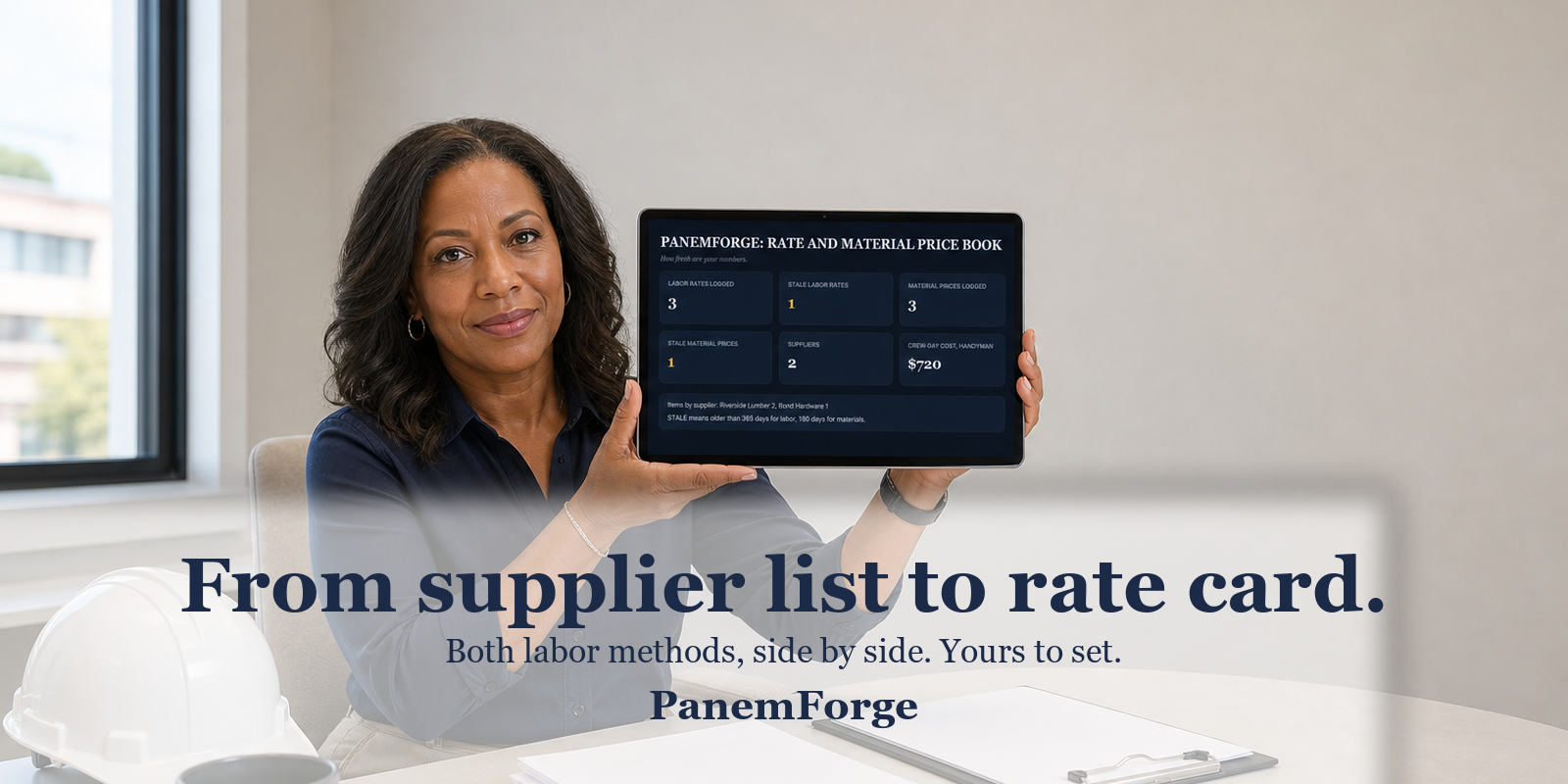 Keep your labor rates and material costs in one place. The workbook flags labor rates after 365 days and material prices after 180 days. $19, one-time.
Price labor both ways, side by side on every row:
- By the unit, such as per hour, per m2, or per fixture
- By crew-hours, meaning your rate per crew-hour, crew size, hours per day, and a crew-day column for the 4 guys times 10 hours math
Date your material prices when you confirm them. Track what you pay, the best alternate cost you know, and the delta, meaning the difference between the two costs.
Freshness flags work all year. A labor rate goes Stale 365 days after its effective date. A material price goes Stale 180 days after its last update.
Use the Refresh Log for the yearly update. Once a year, update your rates, confirm your supplier prices again, and record the refresh date. The Dashboard counts what has gone stale since then and shows when the next refresh is due.
The AI Help Prompts sheet has sixteen prompts for paperwork related to your numbers, including rate increase notes, supplier questions, cost drift analysis, and lost bid diagnosis. The AI drafts. You decide.
Estimators usually price in one of two ways: by the unit or by crew-hours. Most software makes you choose one. This spreadsheet does both, side by side, on every row of the Labor Rates tab. Use one method or both.
Date material prices the day you confirm them. Lumber, copper, and steel can swing twenty percent in a quarter, so a quote from last month may already be out of date. Each line includes your best-known alternate cost and the difference between the two costs. The Dashboard shows your cost drift at a glance.
The main upkeep is a yearly update: recalculate your rates, confirm your supplier prices again, record the refresh date on the Refresh Log, and you are done. The Dashboard uses that date to show when the next update is due.
Amounts are plain numbers in whatever currency you use. Units are free text, such as each, hr, m, ft, m2, lb, or kg, so the file can be used anywhere.
Pay-once estimating tools run $97 to $2,000. This book is $19, once, under a fifth of the cheapest of them. No per-user fees, no subscription, nothing to cancel, and no card on file. A subscription charges the same in December as in June, while this file asks for nothing after the first day.
SALES POLICY: All sales are final. Digital files can't be returned. If a file won't open or is damaged, reply to your purchase email, and we'll send a fixed or replacement file, free.
 Q: What exactly do I get?
A: One macro-free .xlsx workbook with 7 sheets: README, Dashboard, Labor Rates, Material Prices, Suppliers, Refresh Log, and AI Help Prompts. "Macro-free" means the workbook does not use spreadsheet macros, or built-in automated code. Sample rows are labeled Sample. Delete or overwrite them, and the counts update themselves.
Q: Will it open on my computer?
A: Yes. It opens in Excel, LibreOffice Calc, and Google Sheets. No macros, no accounts, no logins, and it works offline.
Q: Does it tell me what to charge?
A: No, and that is on purpose. There are no market rates or industry averages anywhere in this file. Your rates are yours. This book keeps them dated, flags them when they go stale, and does the arithmetic when you update them.
Q: Do I pay per user?
A: No. No per-user fees ever. One payment of $19, the whole shop shares one file, and there is no subscription, no renewal, and nothing to cancel.
Q: What is the AI Help Prompts sheet?
A: It has Sixteen copy-paste prompts for paperwork related to your numbers, including rate increase notes, supplier price questions, drift analysis, and lost bid diagnosis. They work with any AI chat. The AI drafts, you decide, and the workbook works fine if you never open that sheet.
Q: What if the file doesn't work for me?
A: Digital files can't be returned, so all sales are final. If a file won't open, or is damaged, reply to your purchase email, and we'll send a fixed or replacement file. Free, no forms.
Watch the walkthrough on YouTube at youtube.com/@PanemForge.
For more ideas and free guides, visit Pinterest at pinterest.com/panemforge.