

FULLY FUNCTIONAL PIANO ASSET{PC ONLY}
On Sale
$15.00
$15.00
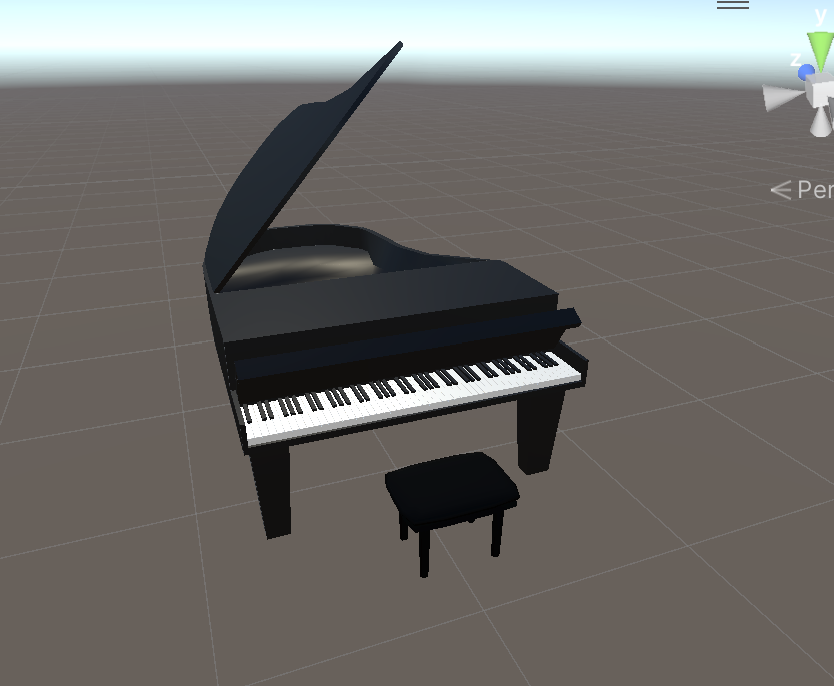
There's not a whole lot to say, honestly! It's a piano, and it works! You press any of the 88 keys, it goes down, and plays the corresponding sound. You can place it in a world, others can play it if they want to.
A couple of disclaimers, or really just one, this piano ONLY works on PC. That being said, it can still be seen by quest players, but they can't hear it or see the keys moving.
Instructions for upload:
This is thankfully really easy, and only takes a few minutes.
- Before you even open the creator companion, make sure you have the newest version of vrcfury and the VRChat sdk.
- Open a file, get whatever avatar you want the piano on set up as usual.
- Drag the file you downloaded from here into unity to import it into the unity file.
- Open the folder that reads "Prefab - drag this into the hierarchy"
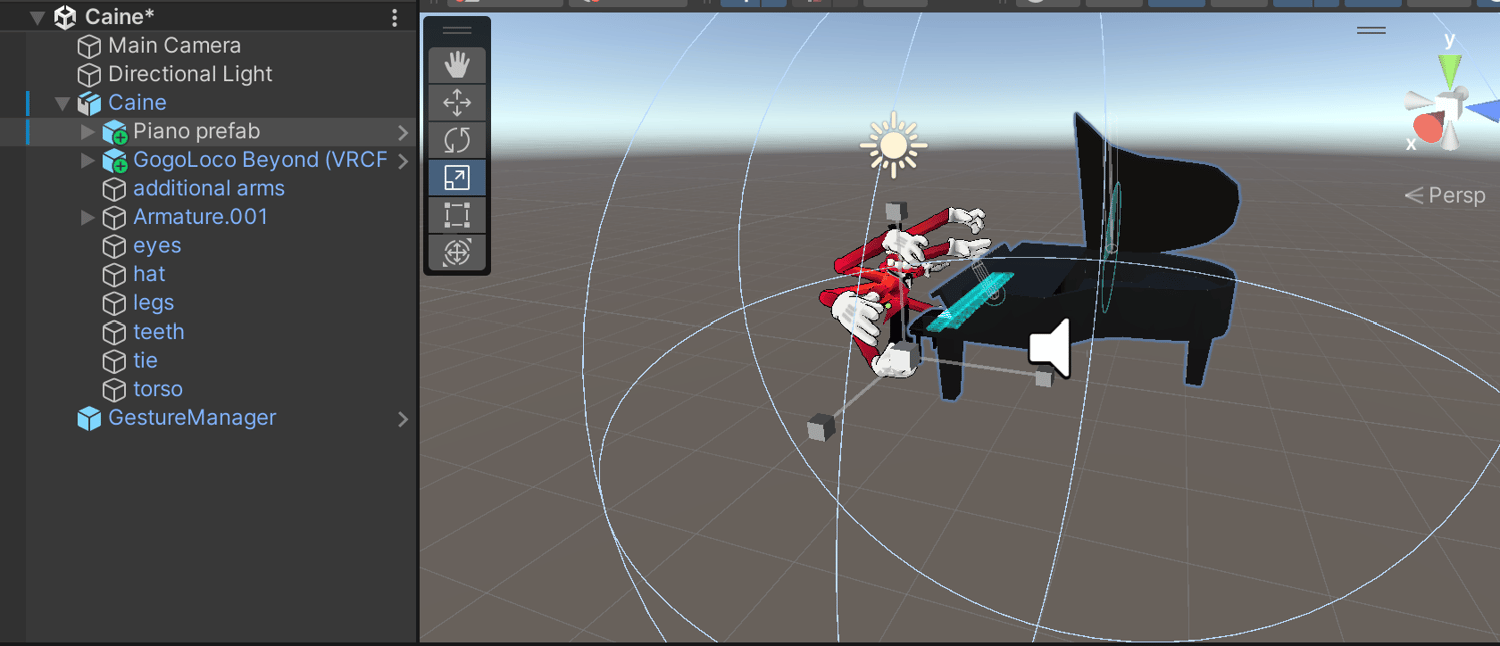
- Do as it says, drag the prefab in the prefab into the scene hierarchy, make sure to position it somewhere uder your avatar, technically making it a part of the prefab.
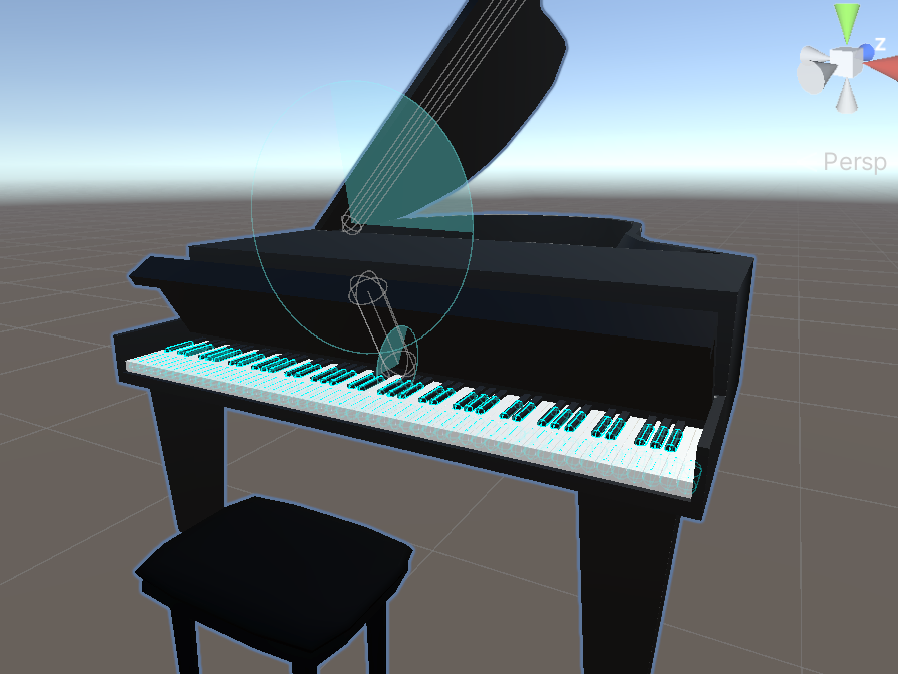
- Scale it up to the proper size. Here's an image showing where it should be in the hierarchy, and what should be selected when you're scaling it.
- Click to autofix these issues specifically. I don't know why they appear at all, I thought I fixed them myself, but it only takes a second to do. You may not have to, if not, great!

- Upload as usual! It can also be uploaded on quest, but it may mess up any contact receivers you have set up on the quest end.